Template details
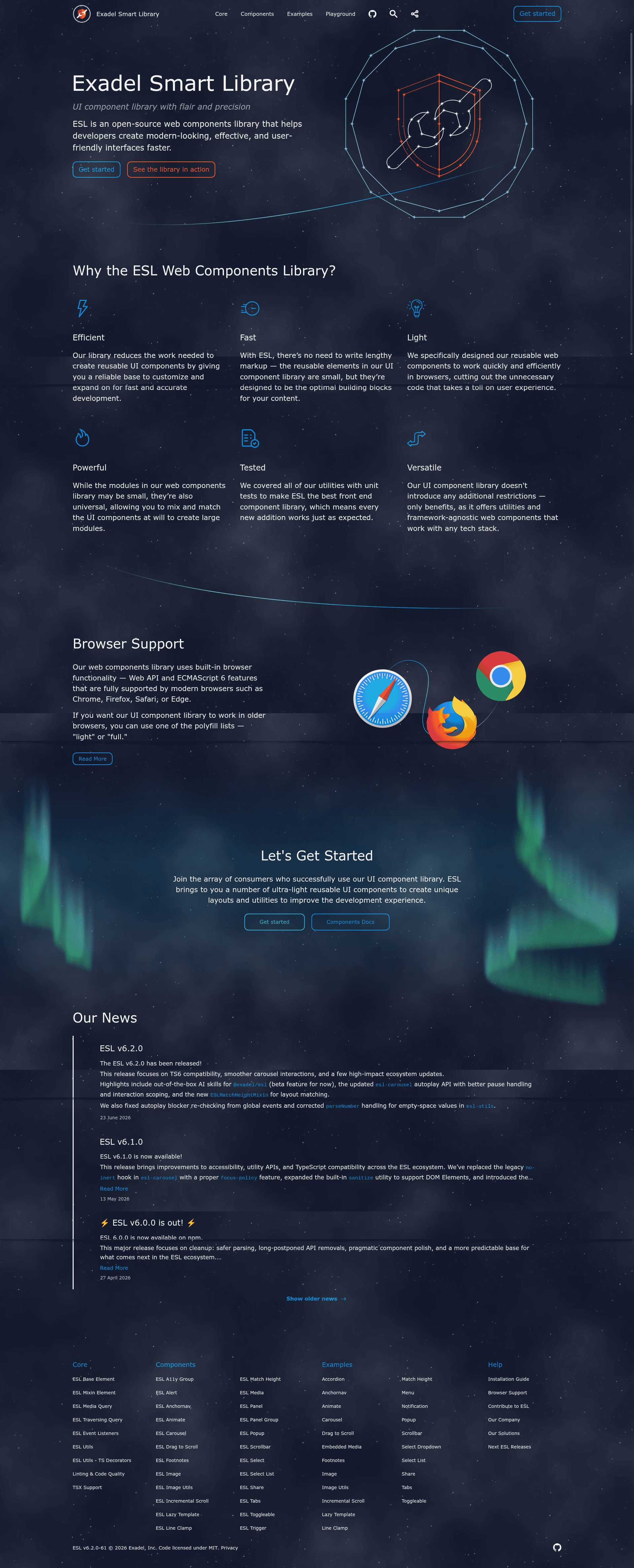
Exadel Smart Library
Open-source, lightweight UI component library built on web components that works with any framework.
About this template
Exadel Smart Library (ESL) is an open-source, lightweight and flexible UI component library built on web components technology, created to help teams build common UX modules that work with any JavaScript framework.
What is Exadel Smart Library?
Exadel Smart Library (ESL) is a collection of reusable custom elements, utilities, and tools maintained by Exadel, Inc. It runs entirely in the browser and relies on the web components standard, so the same components work with React, Angular, Vue, or plain HTML without framework-specific wrappers. The project is distributed under the MIT license and is organized as a mono-repository containing the core ESL library, a UI Playground for live editing, an ESLint plugin, an ESLint shared config, and a Stylelint shared config. A public showcase site at esl-ui.com provides examples of the included components.
Key Features
- Framework-agnostic components — Built on web components and custom elements, so components integrate directly with any modern framework or vanilla JavaScript projects.
- Lightweight and flexible — The library is designed for performance-sensitive sites, letting teams include only the specific components and utilities they need.
- ESL Library package — The core package contains all components and utilities, covering UI patterns such as accordion, tabs, scrollbar, animated elements, and embedded video.
- UI Playground — A dedicated sub-package provides an interactive interface for editing code and previewing real-time changes, ideal for prototyping and component documentation.
- ESLint plugin and shared config — The mono-repo includes an ESLint plugin with ESL-specific rules and a shared config that codifies the team's code style and quality agreements.
- Stylelint shared config — A separate Stylelint configuration enforces consistent CSS/LESS formatting standards across projects.
- Extension through contribution — The repository offers a contribution guide, development guide, and contributor license agreement, making it straightforward for outside developers to add components.
Who is it for?
- Frontend developers — Build common interface modules like accordions, tabs, and scrollable sections without writing and maintaining custom JavaScript for each one.
- Development teams — Standardize code style and quality across multiple projects by adopting the bundled ESLint and Stylelint configuration packages.
- Product architects — Choose a framework-agnostic component layer that avoids vendor lock-in and works across mixed-technology stacks.
- Performance-focused organizations — Use lightweight web components to keep page weight low on content-heavy or high-traffic sites.
Use cases
- Product teams: assemble responsive accordion, tab, and scrollbar modules that behave consistently across different frameworks within the same application, cutting down on duplicate UI code.
- Prototyping: with the UI Playground, developers can edit component markup and preview the result live before integrating the code into a larger codebase.
- Design system maintainers: reuse ESL components as the groundwork for an internal component library, while the ESLint and Stylelint configs help keep contributions from different developers in sync.
- Open-source contributors: extend the library by following the contribution guide and developer documentation, then submit pull requests to the mono-repository.