Template details
Express + AI SDK
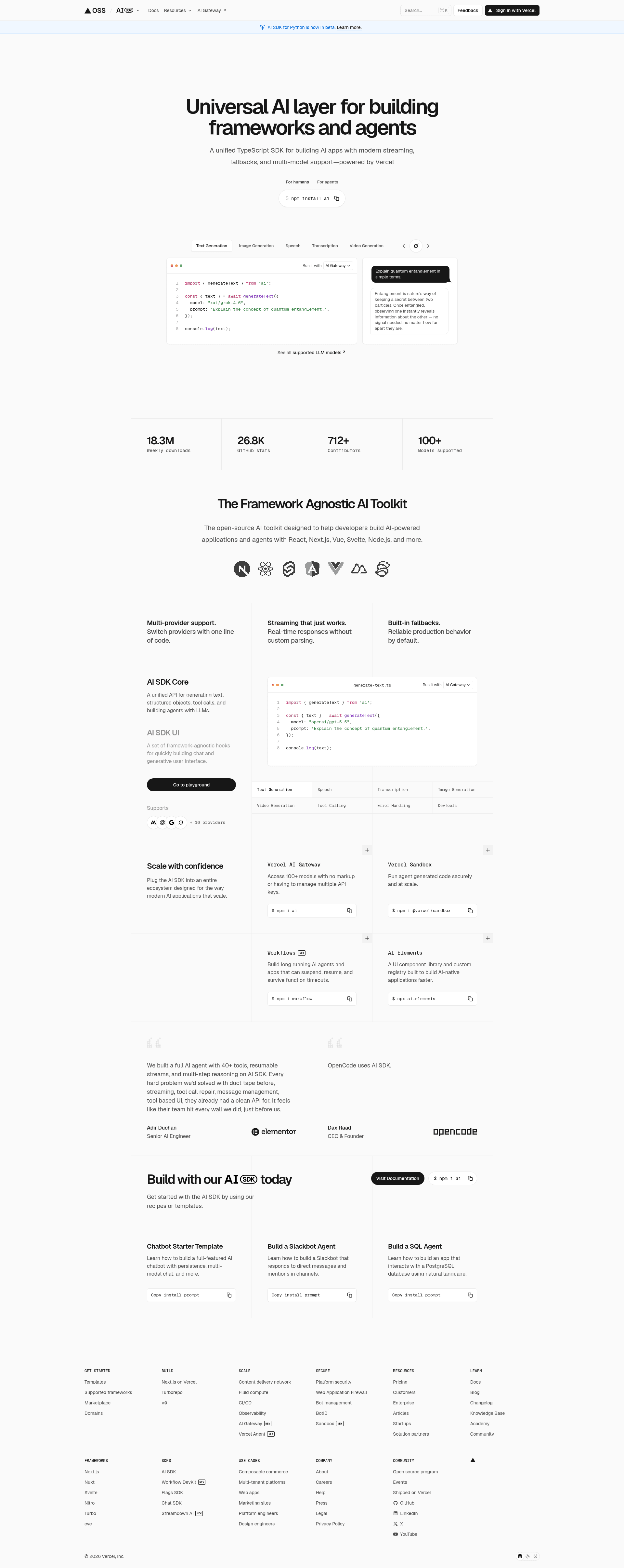
An example Express.js server in the AI SDK repo that generates and streams AI text and objects over HTTP endpoints.
About this template
Express + AI SDK is an example server inside the AI SDK monorepo that demonstrates calling AI SDK text and object generation from an Express.js application and streaming the results back over HTTP. It is a runnable reference implementation rather than a published npm package.
What is Express + AI SDK?
Express + AI SDK is an example project in the AI SDK repository that shows how to use the TypeScript AI SDK inside an Express.js server to generate and stream text and objects. The server takes HTTP requests — including a POST to /chat whose JSON body carries a messages array, where each message has a role, an id, and a parts array containing text parts — and returns generated AI output, including streamed chat responses. It runs locally on Node.js at port 8080 and is maintained by Vercel, the team behind Next.js, as part of the free open-source AI SDK for TypeScript.
Key Features
- Express.js HTTP server — provides REST endpoints that wrap AI SDK calls, so AI generation is reachable from any HTTP client, not only a React front end.
- Streaming chat endpoint —
POST /chataccepts a JSON body with amessagesarray and streams the model response back; the curl example uses-ito inspect response headers. - Simple text generation endpoint — a
POSTto the root pathhttp://localhost:8080triggers plain text generation. - Custom data parts endpoint —
POST /custom-data-partsdemonstrates returning structured custom data alongside generated content. - OpenAI provider by default — an
.envfile suppliesOPENAI_API_KEY; the page notes the configuration changes depending on which providers you use. - pnpm-based workflow — run
pnpm install,pnpm build, andpnpm devfrom the root directory of the AI SDK repo. - Local test with curl — all three endpoints are reachable at
http://localhost:8080and documented with copy-paste curl commands.
Who is it for?
- Node.js backend developers who want to add AI generation to an existing Express API instead of building a separate Next.js app.
- Developers evaluating the AI SDK without React, who want a minimal TypeScript server to read and modify.
- Teams prototyping chat endpoints that need to inspect raw request and response payloads over HTTP.
How does the example run?
- Create a
.envfile containingOPENAI_API_KEYand any additional provider settings. - From the root of the AI SDK repo, run
pnpm installand thenpnpm build. - Start the example with
pnpm dev, then hit the endpoints with the provided curl commands.
FAQ
What endpoints does the Express + AI SDK example expose?
It exposes three: a root POST at http://localhost:8080 for text generation, POST /custom-data-parts for structured data parts, and POST /chat, which takes a JSON body with a messages array and streams a chat response.
Which port does the example run on?
The example listens on port 8080 on your local machine, so every curl command in the README targets http://localhost:8080. You can change the port in the server code if 8080 is already in use.
What do I need before running it?
You need the AI SDK repository cloned locally, pnpm installed, and an API key in a .env file — the README shows OPENAI_API_KEY, and notes that more settings are required depending on which providers you use.
Is the AI SDK free?
The AI SDK is described as a free open-source library for building AI-powered applications and agents in TypeScript. Costs come from the model provider whose API key you supply, not from the SDK itself.