Template details
Next.js with MongoDB
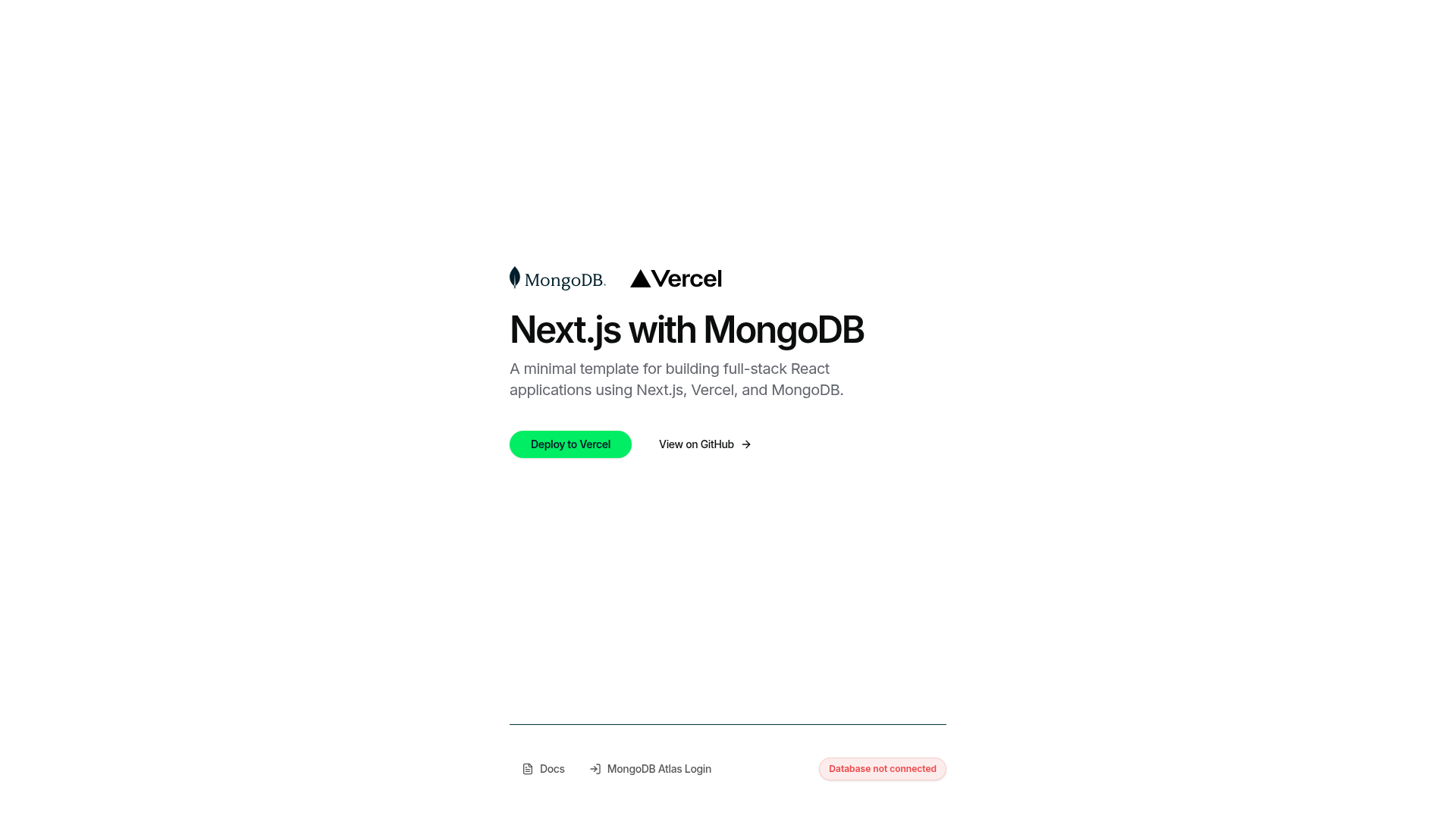
Minimal full-stack starter pairing the Next.js 16 App Router with MongoDB Atlas, TypeScript, Tailwind CSS, shadcn/ui and one-click Vercel deploy.
About this template
Next.js with MongoDB is an open-source starter template for full-stack React applications that wires the Next.js 16 App Router to a MongoDB Atlas database through the official MongoDB Node.js driver, with TypeScript, Tailwind CSS and shadcn/ui already configured.
What is Next.js with MongoDB?
Next.js with MongoDB is a minimal, production-ready full-stack starter published on GitHub as mongodb-developer/nextjs-template-mongodb. It ships a Next.js 16 App Router project whose home page is a React 19 server component that runs a server-side ping against MongoDB and renders the result as a connection-status badge. You supply a single environment variable, MONGODB_URI, and get a running app on Node.js 20 or later that can be deployed to Vercel with one click, backed by a MongoDB Atlas database provisioned through Vercel's Atlas integration.
Key Features
- Next.js 16 App Router with React 19 — server components by default; the editable home page lives in
app/page.tsxand hot-reloads during development. - Official MongoDB Node.js driver (v7) — no ORM layer;
lib/mongodb.tsexports a sharedMongoClientsingleton that also sets theappNameconnection metadata. - Live connection status badge —
db/connection-status.tsexposesdbConnectionStatus(), which pings the cluster on render and feeds a badge on the home page. - TypeScript 5 with strict mode enabled across the project.
- Tailwind CSS 3 + shadcn/ui — reusable primitives in
components/ui/, plus lucide-react icons. - One-click Vercel deploy — the deploy button clones the repo, creates the Vercel project and provisions a new MongoDB Atlas database.
- Playwright end-to-end tests in
tests/e2e/, run against a real MongoDB instance and asserting the badge reads "Database connected". - GitHub Actions CI —
.github/workflows/ci.ymlbuilds the app and runs the e2e suite against amongoservice container on every push and pull request.
Who should use this template?
- Full-stack React developers starting a MongoDB-backed product who want App Router, TypeScript and shadcn/ui already wired instead of assembling them by hand.
- Teams deploying through Vercel who want the Atlas database provisioned by the same one-click flow that creates the project.
- Developers who prefer driver-level access over an ORM, using the official
mongodbdriver and a connection singleton directly. - Engineers adding end-to-end coverage who need a working Playwright plus CI setup that targets a real database rather than mocks.
What can you do with this template?
- App prototyping: clone it, set
MONGODB_URI, and extendapp/page.tsxinto a real UI while the driver and health check are already in place. - Atlas connectivity debugging: the status badge distinguishes a missing environment variable from a failed connection, so you can check the connection string, Atlas Network Access IP allowlist and credentials in order.
- CI baselines: reuse the GitHub Actions workflow to run Playwright against a
mongoservice container, or point it at Atlas by setting the same variable. - Teaching or reference: read the render path from server component to
dbConnectionStatus()to theMongoClientsingleton as a compact example of server-side MongoDB access in Next.js.
How does it work?
Run npm install, copy .env.example to .env and set MONGODB_URI from the Cluster tab of the MongoDB Atlas dashboard, then run npm run dev and open localhost:3000. At request time the browser hits app/page.tsx, which calls dbConnectionStatus(), which uses the shared client to send a ping to Atlas and return a status the page renders.
FAQ
Is Next.js with MongoDB free to use?
Yes. It is a public GitHub repository that you clone and deploy yourself, so there is no template licence fee. You provide your own MongoDB connection string and Vercel account, and any limits that apply come from those services rather than from the template.
Which versions does it use?
It targets Next.js 16 with the App Router and React 19, TypeScript 5, the MongoDB Node.js driver v7, Tailwind CSS 3 with shadcn/ui, and Playwright for end-to-end tests. Local development requires Node.js 20 or later.
Do I need MongoDB Atlas, or can I use a local MongoDB?
Either works, because the app only needs a valid connection string in MONGODB_URI. The Atlas route is documented for a hosted cluster; the testing instructions use a local connection string such as one pointing at localhost on port 27017.
What does the status badge show when something is wrong?
If MONGODB_URI is missing, the badge reports that no MONGODB_URI environment variable was found. If the variable is set but the cluster is unreachable, it shows "Database not connected" — usually a wrong connection string, an IP not allow-listed in Atlas, or bad credentials.
How do I run the end-to-end tests?
Install the Playwright Chromium browser with npx playwright install --with-deps chromium, export MONGODB_URI, then run npm run test:e2e. The suite starts the app automatically and asserts the home page badge reads "Database connected"; if the server fails to start, check that port 3000 is free.
Alternatives
- create-next-app — the official Next.js scaffolding tool, which sets up the framework without any database layer or Atlas integration.
- create-t3-app — generates a typed Next.js stack that pairs the framework with Prisma ORM rather than a raw MongoDB driver client.