Template details
fairfield-programming.github.io
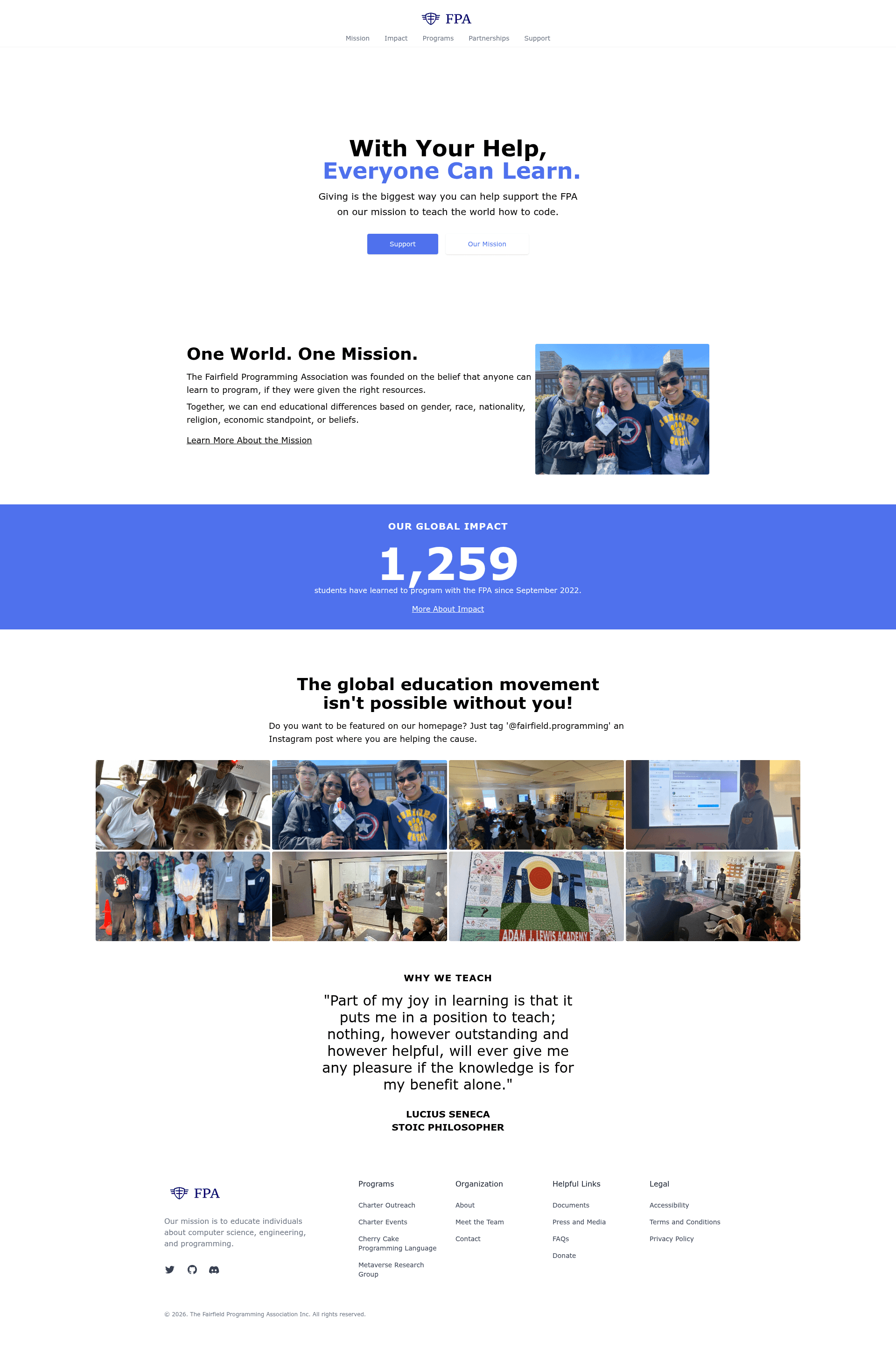
🌐 The website for the Fairfield Programming Association.
About this template
Fairfield Programming Association Frontend is a Gatsby and Tailwind CSS website template for non-profit organizations, using JSON data files to generate team member profiles and project pages.
What is fairfield-programming.github.io?
This is the official website source for the Fairfield Programming Association (FPA), built with Gatsby and styled with Tailwind CSS. The site uses Deferred Static Generation (DSG) so most page content is pulled from structured data files rather than hard-coded components. It takes JSON files for team members and programs as input and produces a static website with individual profile pages for each volunteer and listing pages for all FPA projects.
Key Features
- Team Member System — Every FPA volunteer has a dedicated page that works like a miniature resume; new members are added by editing
data/team.json, with email addresses auto-formatted as[last name][first initial]@fairfieldprogramming.org. - Project Listings — Projects are defined in
data/programs.jsonwith slug, title, description, and start date, plus optional sub-pages that accept banner, markdown, or code content blocks. - Deferred Static Generation — All pages are DSG, which keeps server costs down because most of the site is generated at build time while still being editable via JSON.
- Tailwind CSS — The design system is built entirely on Tailwind utility classes, giving a consistent look across team and project pages.
- Gatsby Framework — Built on Gatsby, the site benefits from React-based component architecture, fast static rendering, and hot reloading during development.
- JSON-Driven Content — The
data/folder containsteam.jsonandprograms.json, allowing non-developers to update site content by editing simple JSON.
Who should use it?
- Nonprofit or volunteer organizations — Launch an official website with team bios and project showcases while keeping content updates in plain JSON.
- Gatsby developers — Use this codebase as a reference for implementing Deferred Static Generation with data-driven page creation.
- Open source community managers — Maintain a public roster of contributors and a living list of projects without writing new pages for each one.
What can you do with it?
- Add a team member — Duplicate an existing entry in
data/team.json, update the fields, place it at the bottom of the file, and submit a pull request to create a new profile page. - Add a project — Append an object with slug, title, description, and since fields to the bottom of
data/programs.json; the site automatically generates a project listing page. - Build complex project sub-pages — In each project's
pagesarray, define content blocks withtypeset to banner, markdown, or code to mix long-form text and embedded code examples.
How does it work?
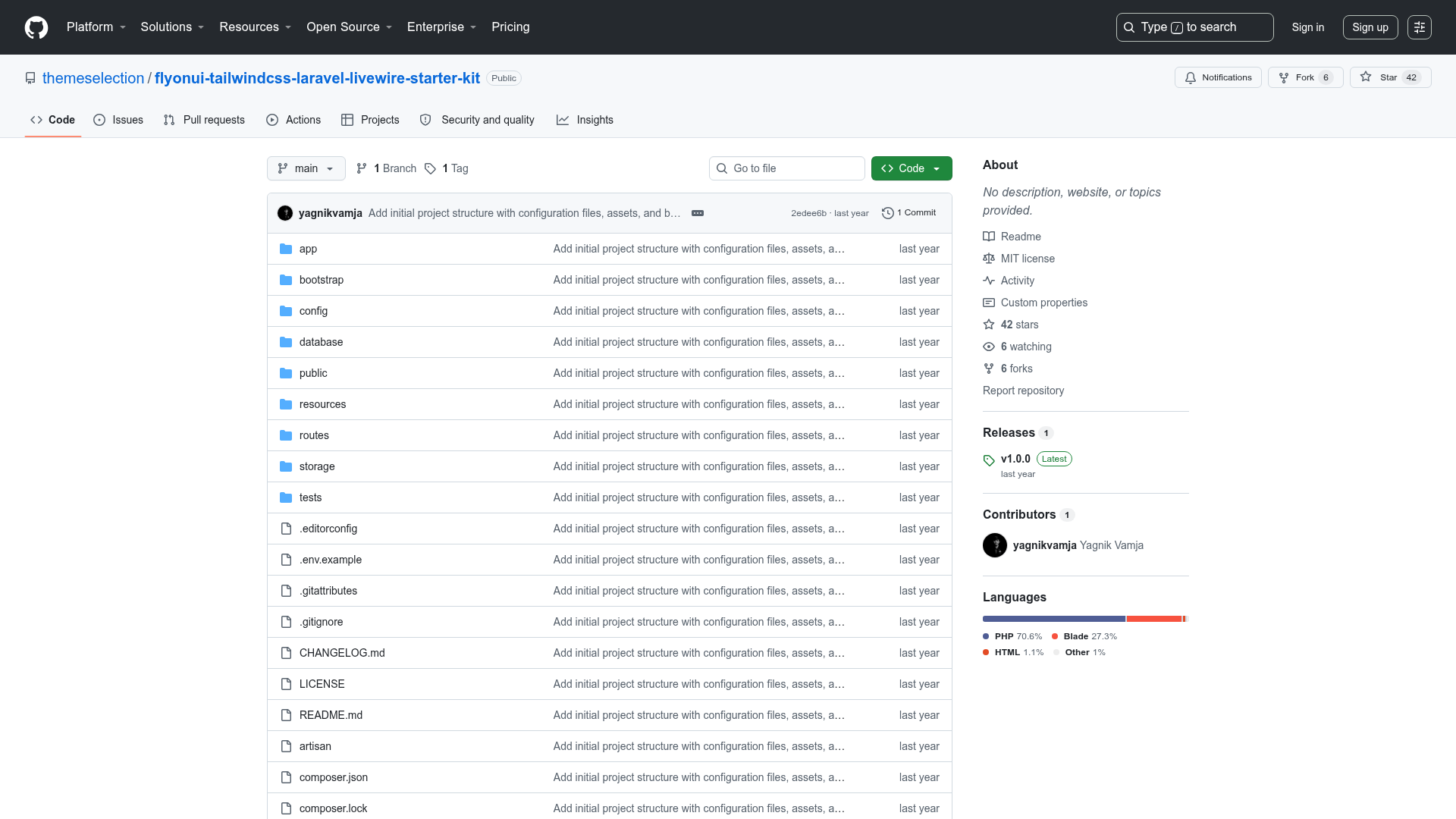
After cloning the repository, you need Node, NPM, and Gatsby installed. Run npm install to install dependencies, then gatsby develop to start a local development server with hot reloading. The site pulls team data from data/team.json and program data from data/programs.json, so content changes are submitted as pull requests rather than edited directly in components.