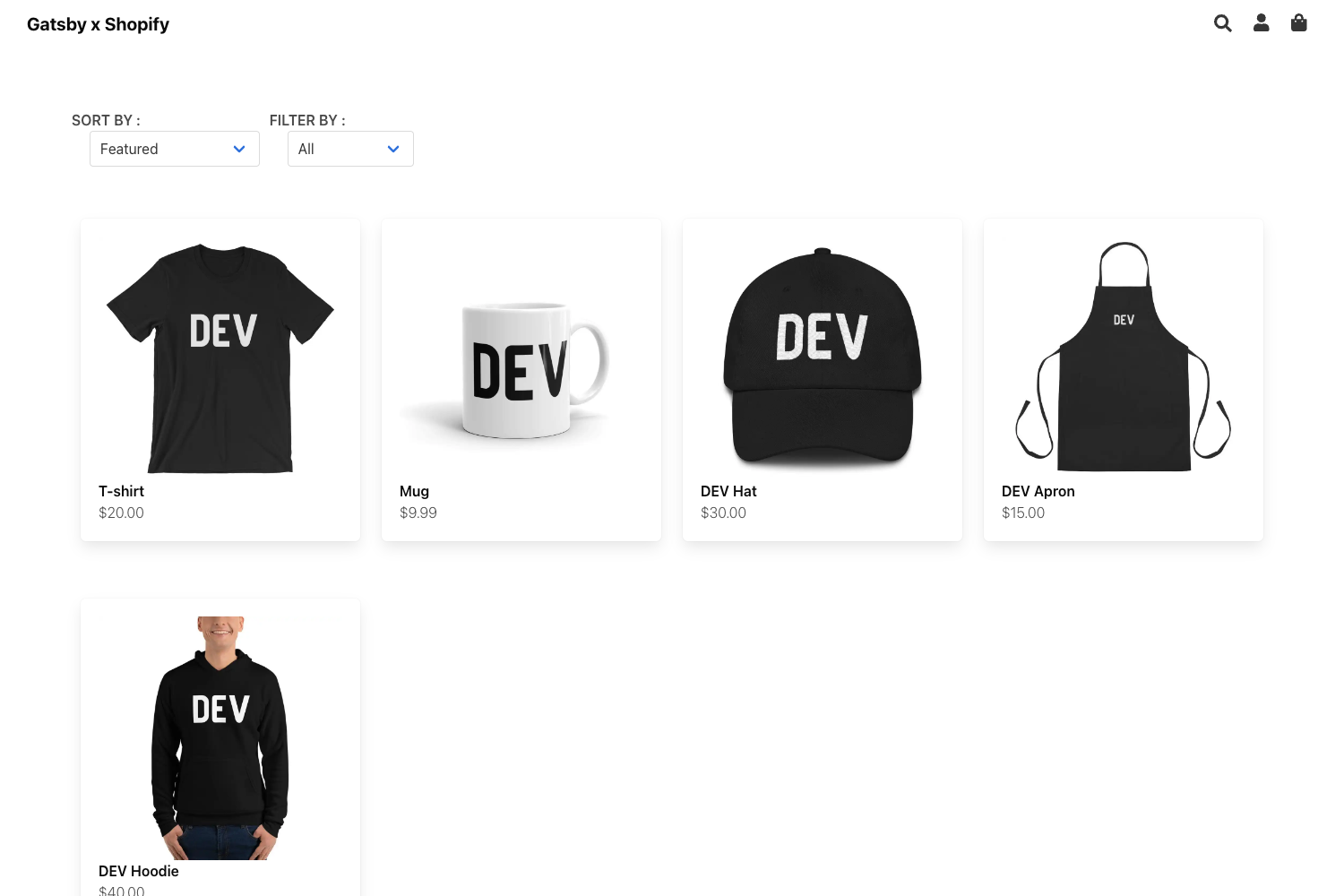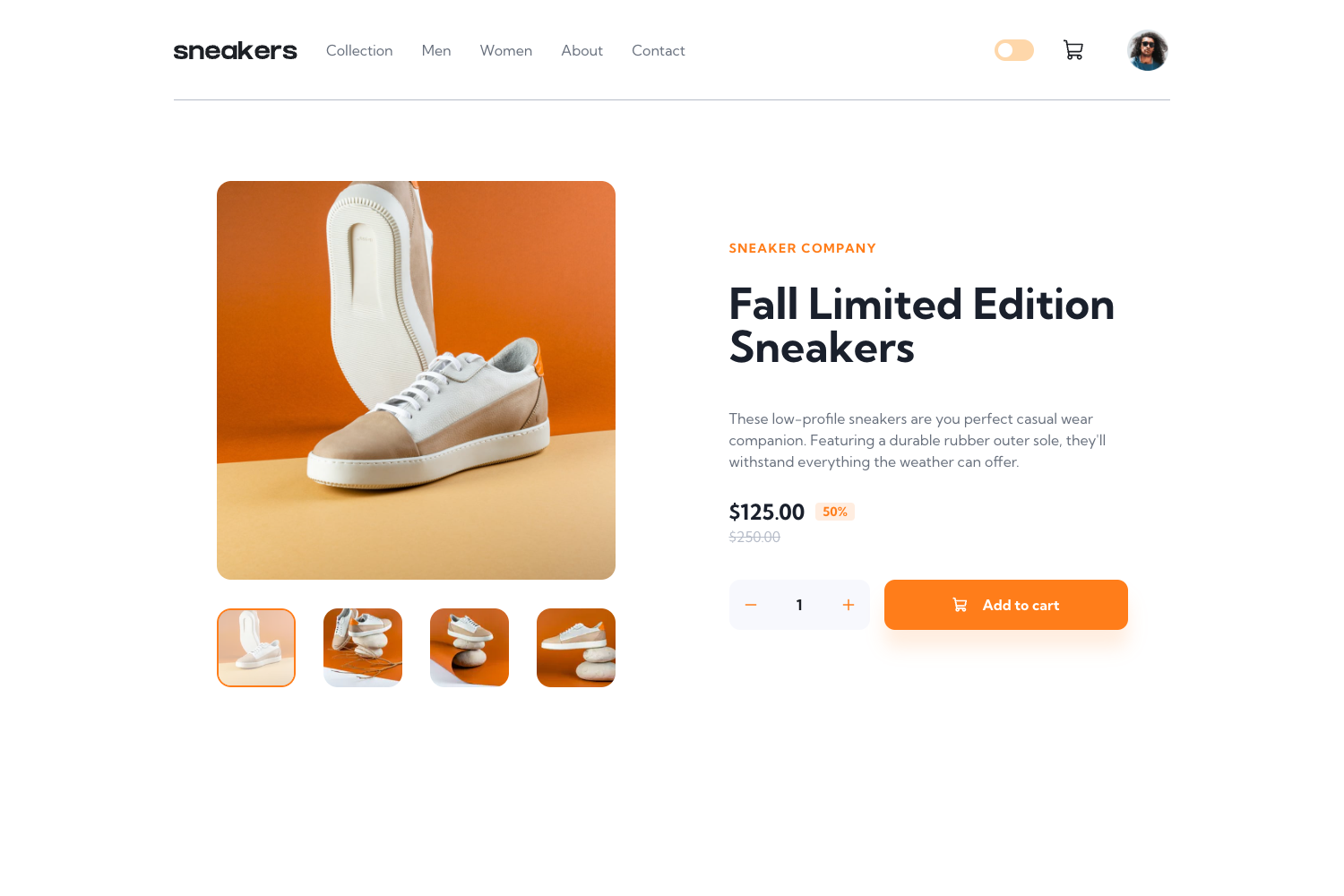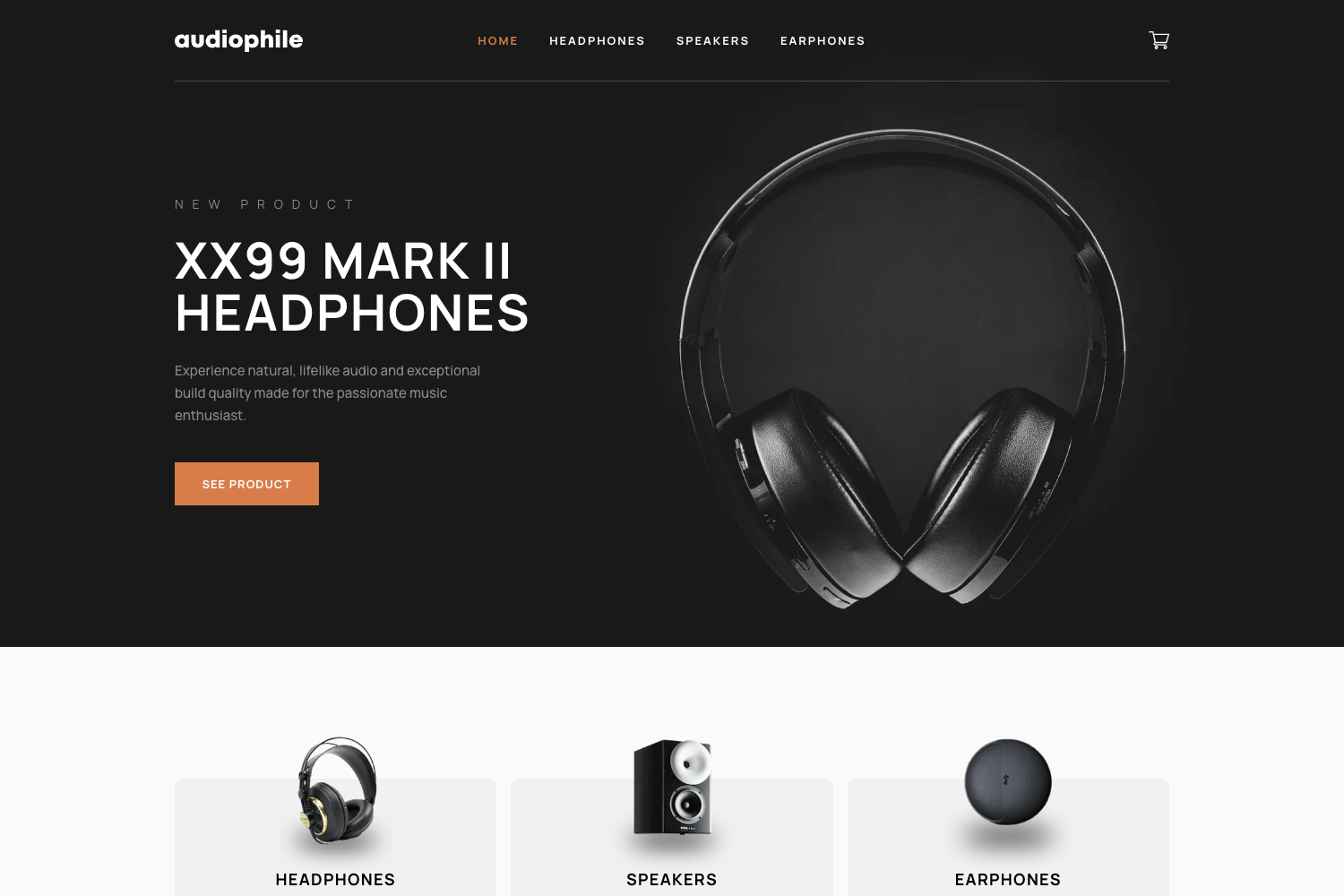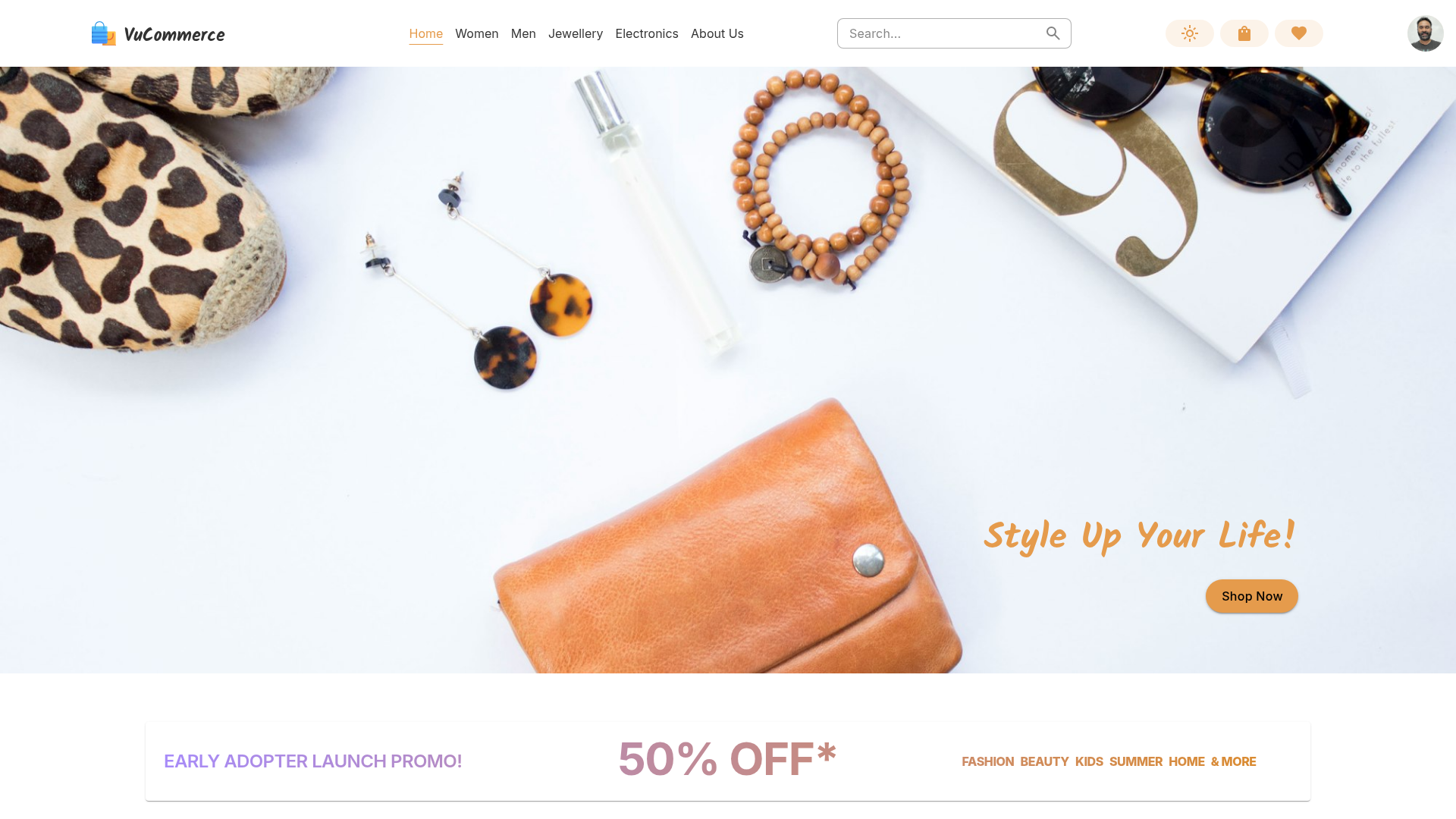
Template details
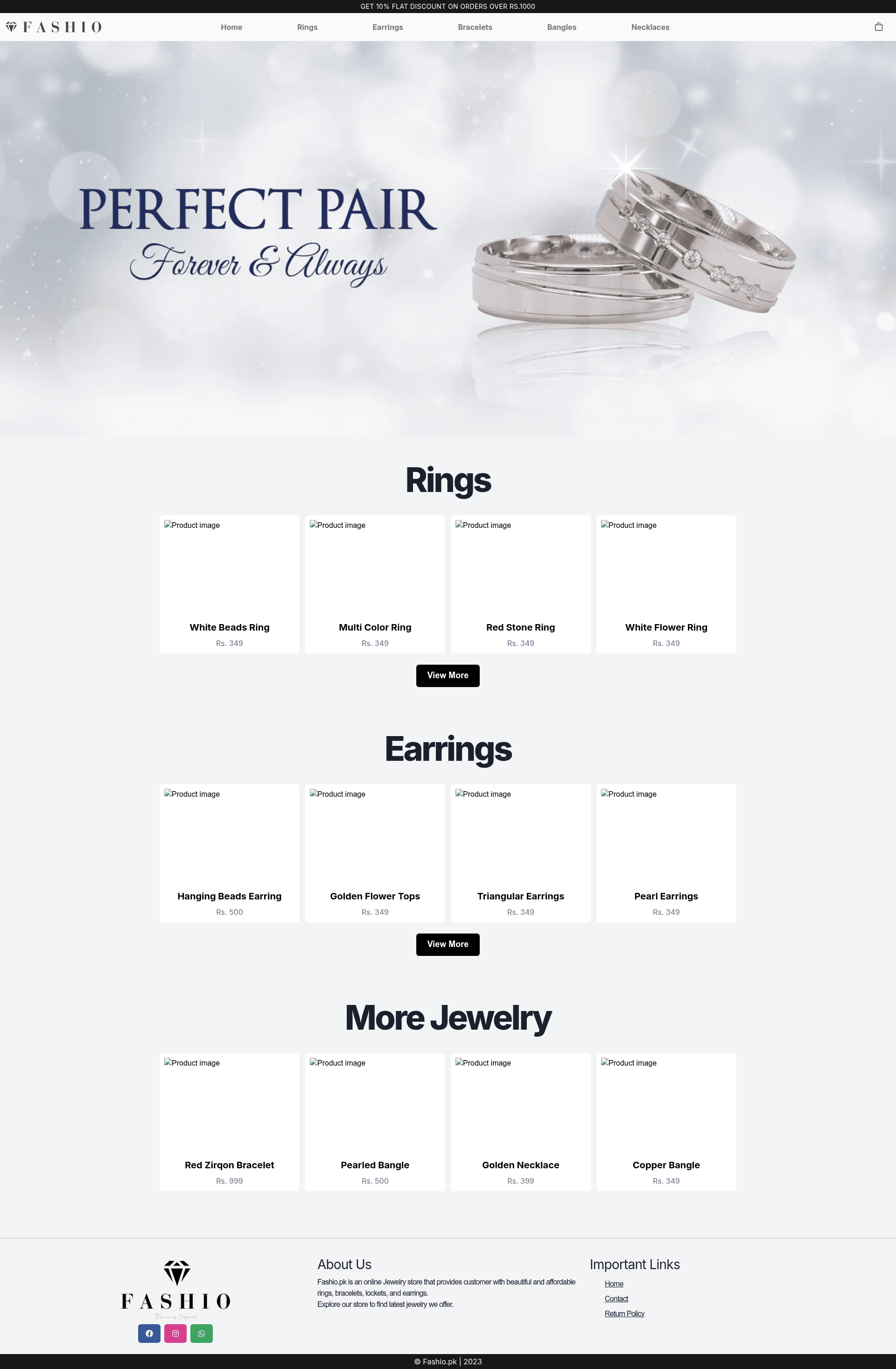
Fashio Ecommerce Store NextJS
Fully Functional E-commerce web application using NextJS, NextAuth, Redux, Firebase and TailwindCSS.
About this template
Fashio Ecommerce Store NextJS is a fully functional e-commerce web application template built on Next.js, combining NextAuth, Redux, Firebase, and TailwindCSS to give developers a working storefront foundation. This starter project is bootstrapped with create-next-app, so it follows the standard Next.js structure: a pages directory for routes, an api directory for backend endpoints, and next/font for optimized font loading. The repository metadata confirms the stack includes TypeScript, Chakra UI, and the MERN-style architecture (though the backend is Firebase rather than a classic Node/Express server). The template is designed to be deployed easily on Vercel, the platform from the creators of Next.js.
What is Fashio Ecommerce Store NextJS?
Fashio Ecommerce Store NextJS is an e-commerce starter template that runs on the Next.js React framework and produces a production-ready storefront application. It takes the standard create-next-app project and extends it with authentication via NextAuth, global state management via Redux, and a Firebase backend for data persistence and user management. The project is written in TypeScript, as indicated in its repository topics, and uses TailwindCSS for utility-first styling. This template is intended to save developers time by providing a fully functional e-commerce application out of the box, rather than a minimal boilerplate.
Key Features
- Next.js framework — Built with create-next-app, using the pages directory for routing and the api directory for serverless functions.
- TailwindCSS styling — TailwindCSS is in the project stack, providing utility-first CSS classes for rapid UI development.
- NextAuth authentication — The project lists NextAuth among its dependencies, adding authentication and session management to the storefront.
- Redux state management — Redux is included in the stack, giving the app a centralized store for managing global state.
- Firebase backend — Firebase is part of the project topics, providing a backend service for data storage or authentication.
- TypeScript support — The repository topics include TypeScript, so the codebase is type-checked at build time.
- Chakra UI components — Chakra UI is listed in the topics, offering a set of accessible React components for the interface.
- Vercel deployment — The README includes the standard Next.js deployment instructions for the Vercel platform.
Who is it for?
- E-commerce developers who want a head start on a full storefront with auth, state management, and a backend already wired together.
- Full-stack learners who want to study how Next.js, NextAuth, Redux, and Firebase interact in a real project.
- Freelance agencies that need to deliver online stores quickly and can customize this template to match client branding.
Use cases
- Starting a new online store: Deploy the template, replace placeholder product data, and connect Firebase to begin managing real inventory and users.
- Building a membership or user-account system: Use NextAuth to handle registration, login, and role-based access for customers and administrators.
- Iterating on a storefront UI: Since TailwindCSS is set up, you can restyle the entire storefront by editing utility classes and Chakra theme tokens.
How does it work?
To start using the template locally, run the development server with npm run dev, yarn dev, or pnpm dev, then open http://localhost:3000 in your browser. Edit pages/index.tsx to change the homepage and the page auto-updates as you save. API routes are stored in pages/api and are accessible at /api/hello by default; edit pages/api/hello.ts to customize your endpoints. When ready, deploy to Vercel directly from the GitHub repository using the standard Next.js deployment flow.
FAQ
What is Fashio Ecommerce Store NextJS?
It is an e-commerce web application template that combines Next.js, NextAuth, Redux, Firebase, and TailwindCSS into a fully functional storefront starter. The repository metadata describes it as a "Fully Functional E-commerce web application" built with those technologies.
How do I run the project locally?
First, install dependencies if you haven't already (the README assumes create-next-app already set them up). Then run npm run dev, yarn dev, or pnpm dev in the project root. Open http://localhost:3000 to see your app, and edit pages/index.tsx to watch live updates.
Does this template use TypeScript?
Yes. The GitHub topics for the repository include "typescript," so the project is set up with TypeScript for type-safe development.
Can I deploy this on Vercel?
Yes, the README includes a "Deploy on Vercel" section. The easiest way is to connect your repository to the Vercel Platform, which automatically detects Next.js and configures the build.