Template details
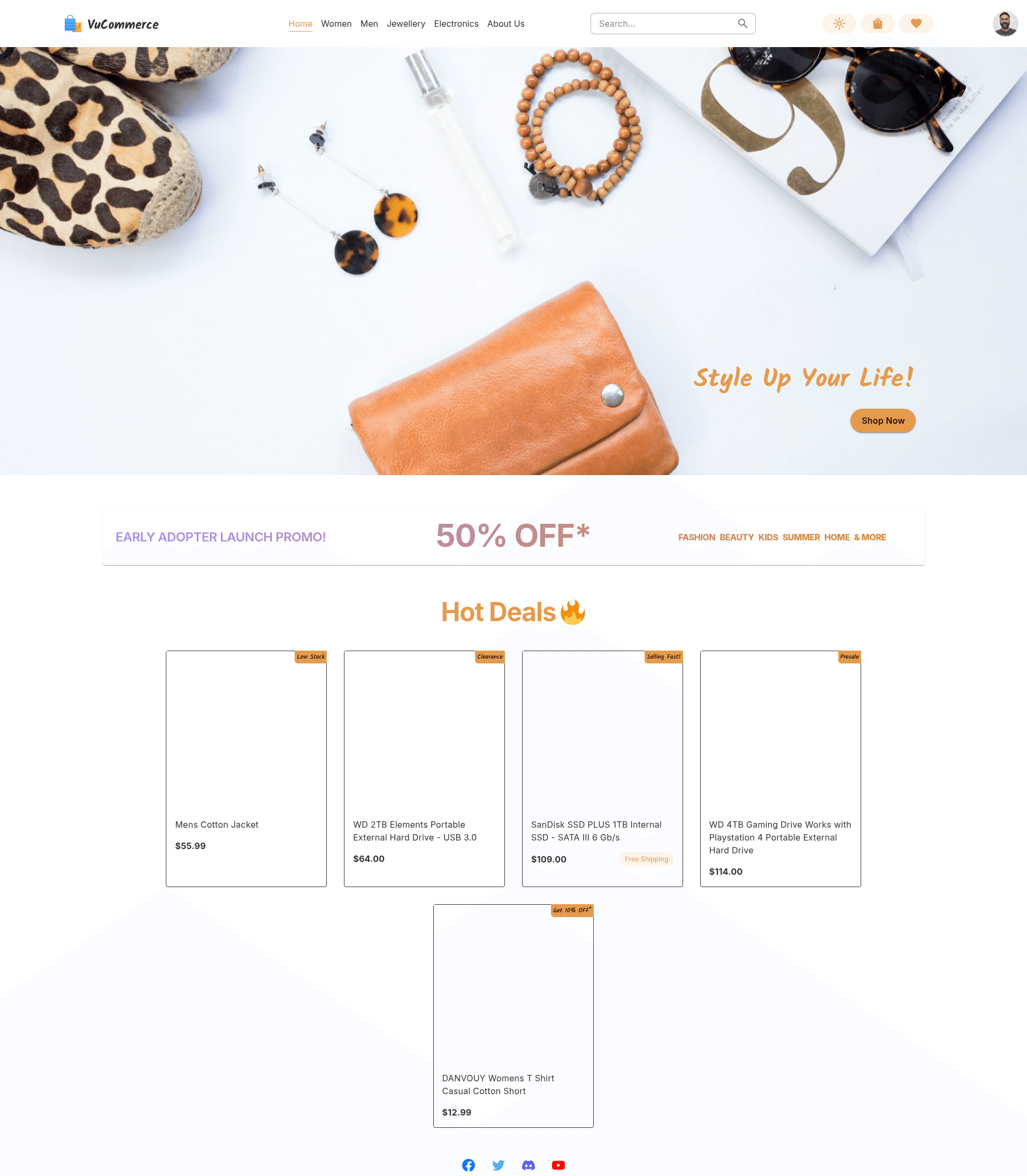
VuCommerce Store
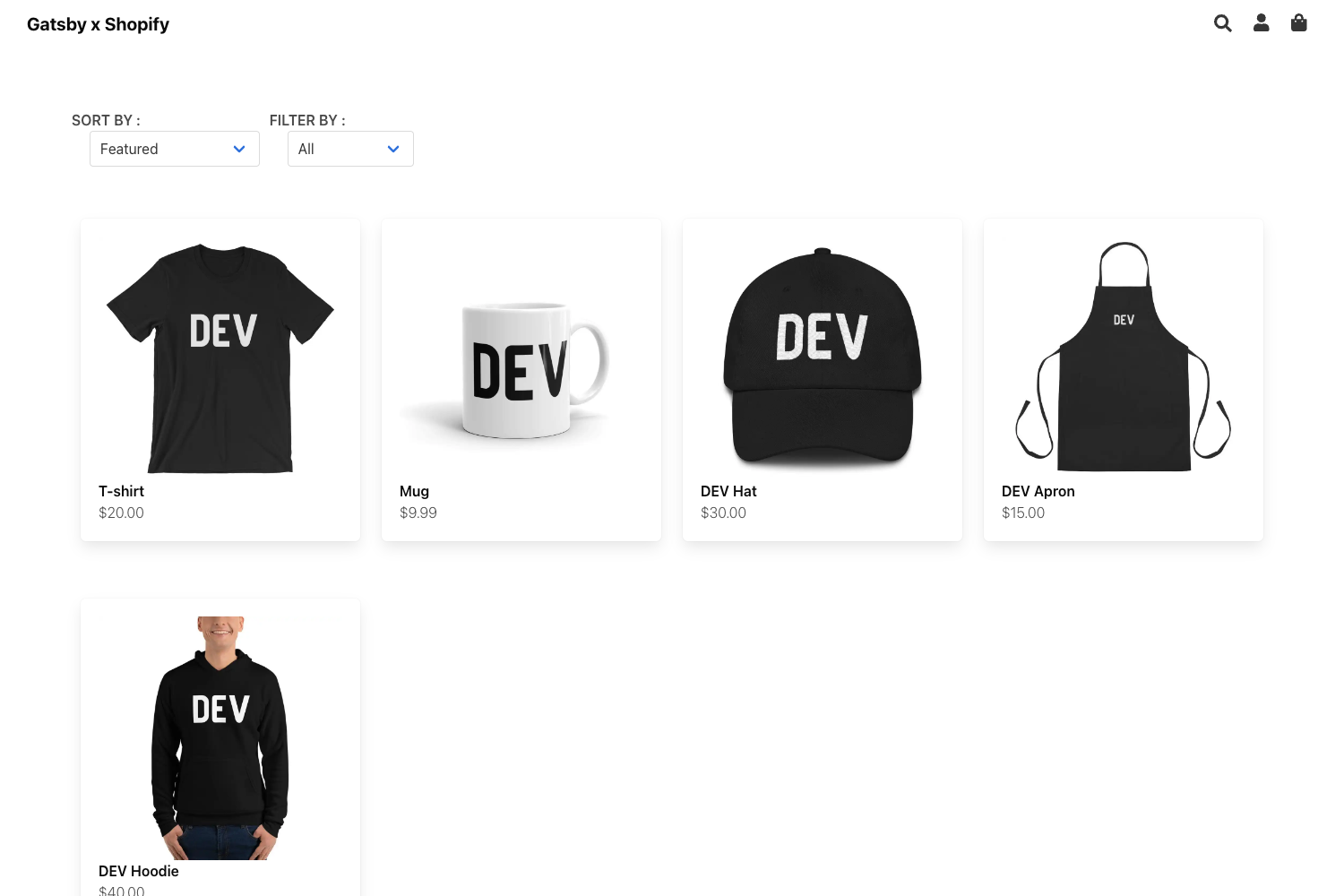
Nuxt 3 eCommerce store template with Vuetify components, Tailwind CSS, Nitro server routes, pre-configured for Vue Designer.
About this template
VuCommerce Store is a Nuxt 3 full-stack eCommerce starter template that pairs Vuetify components with Tailwind CSS styling and is pre-configured for visual editing in Vue Designer.
What is VuCommerce Store?
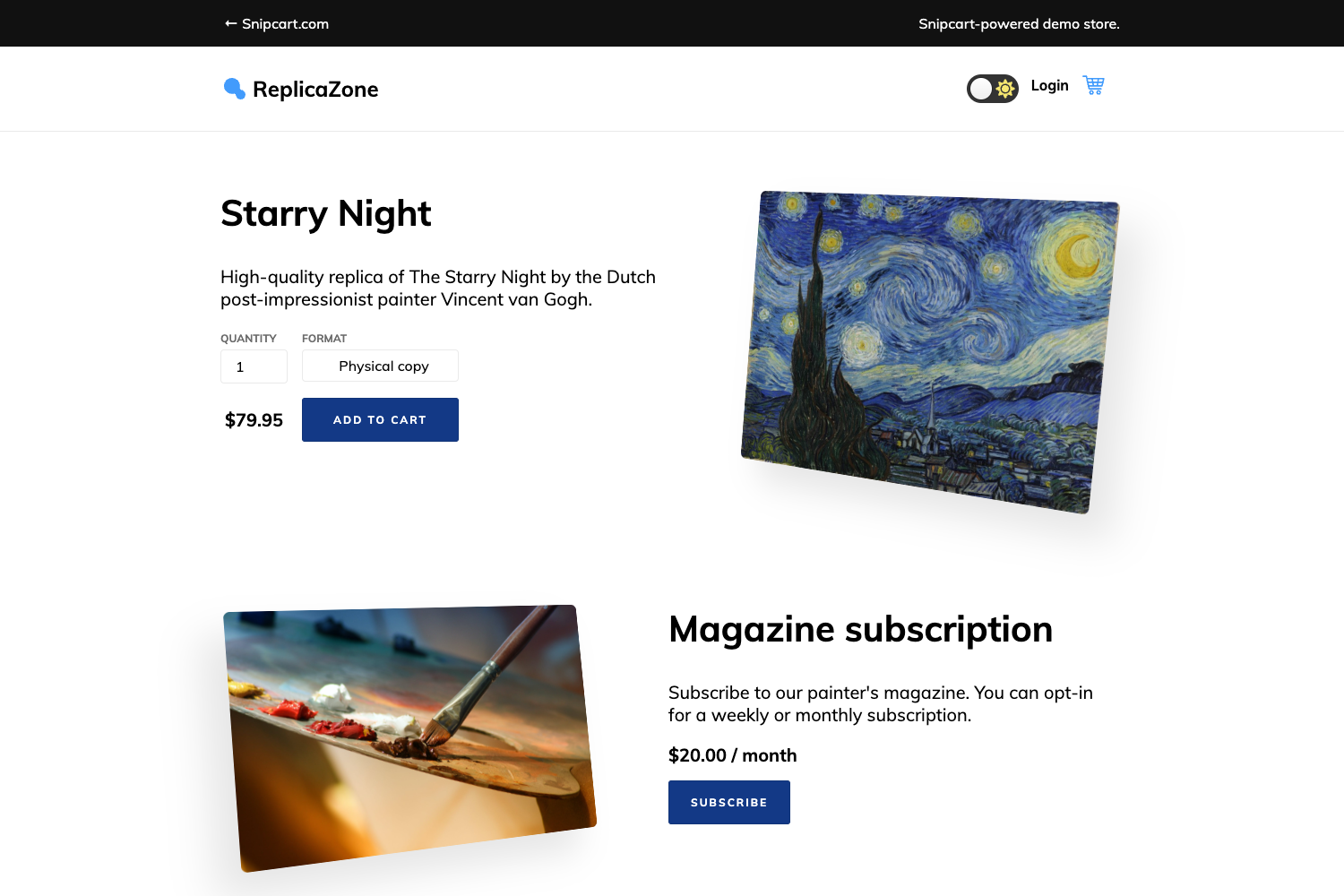
VuCommerce Store is a Nuxt 3 full-stack eCommerce starter template from Pinegrow that combines the Vuetify component library with Tailwind CSS for utility styling. It includes a live storefront example where product data is fetched through Nitro-powered server routes, and it ships with the Pinegrow Nuxt Module and Vuetify Plugin so you can visually design Vue single-file components in Vue Designer. The template supports both SPA with SSR (npm run build) and fully static SSG (npm run generate) output modes, with a live demo hosted at pg-nuxt-vuetify-tailwindcss.netlify.app.
What makes it stand out?
- Vuetify plus Tailwind CSS — Vuetify supplies hundreds of accessible components, while Tailwind handles utility styling; Vuetify utilities are turned off to prevent class conflicts.
- Nuxt 3 with Nitro server routes — The store fetches product data via server-side APIs, enabling full-stack functionality without a separate backend.
- Zero-config Nuxt Vuetify Module — Provides automatic tree-shaking, UnoCSS preset icon support, and compatibility with Nuxt layers and hooks.
- Nuxt Content Markdown CMS — Write pages and content as Markdown files managed by Nuxt Content; the template's own documentation page is a Markdown file.
- Pinia and VeeValidate pre-wired — Global state via Pinia and form handling/validation via VeeValidate are already configured.
- Nuxt SEO module bundle — Includes nuxt-site-config, nuxt-simple-robots, nuxt-simple-sitemap, nuxt-og-image, nuxt-link-checker, nuxt-seo-utils, and nuxt-schema-org, with OG images viewable at the
__og-image__URL pattern. - One-command Lighthouse audits —
npm run unlighthouseuses unlighthouse.dev to run Lighthouse across the entire site. - Vue Designer visual editing — The Pinegrow modules and plugins enable theme customization and visual controls for both Vuetify and Tailwind through the Design Panel.
Who is it for?
- Vue developers using Vue Designer — They can visually assemble storefront components and theme them without hand-writing Vuetify or Tailwind markup.
- Teams starting an eCommerce project — The template gives them a working store with server-fetched product data, Pinia state, and form validation to extend.
- Developers evaluating SSG vs SSR — The same codebase builds to a static Netlify site with
npm run generateor to an SSR app by changing the Nitro preset. - Content-driven Nuxt sites — Markdown-based pages via Nuxt Content make it easy to add a blog or documentation alongside the store.
What can you do with it?
- Build an eCommerce storefront: Use Vuetify components styled with Tailwind utilities for the store UI, with products pulled from Nitro server routes.
- Switch deployment modes: Generate a fully static site with no client-side API calls for Netlify, or update the Nitro preset to an SSR app for server-rendered pages.
- Prototype with Vue Designer: Design Vue single-file components live in the desktop editor, then continue development in VS Code with Volar, ESLint, and Prettier configured.
- Add SEO and content: Leverage the bundled Nuxt SEO modules and Nuxt Content to add product pages, blog posts, and proper metadata without extra config.
How does it work?
Start by cloning the GitHub template or running npx giget to scaffold either the full store example or a minimal single-page version. After npm install, open the project in Vue Designer and follow the Config Panel instructions, then run npm run dev for development. For production, npm run generate builds a fully static site, while npm run build creates an SSR version.
FAQ
Is VuCommerce Store free to use?
The template code is open-source and free to clone from GitHub. However, the Pinegrow Vuetify Plugin is a separately licensed addon for Pinegrow apps like Vue Designer, so visual theme customization in the Design Panel requires that commercial product.
Does the template require Vue Designer?
No. The generated Nuxt app runs with standard npm commands like npm run dev and can be edited in any code editor. Vue Designer is only needed for the visual design features of the Pinegrow modules and plugins.
How do I deploy VuCommerce Store?
The project is set up for Netlify deployment as a fully static site via npm run generate, with no client-side API calls. To deploy as an SSR app, update the Nitro preset in nuxt.config.ts and build with npm run build.
What is the minimal template?
The minimal template is a single empty home page, while the full template includes the eCommerce store example with Vuetify components, Nitro server routes, and all the pre-packaged modules.