Template details
Supply
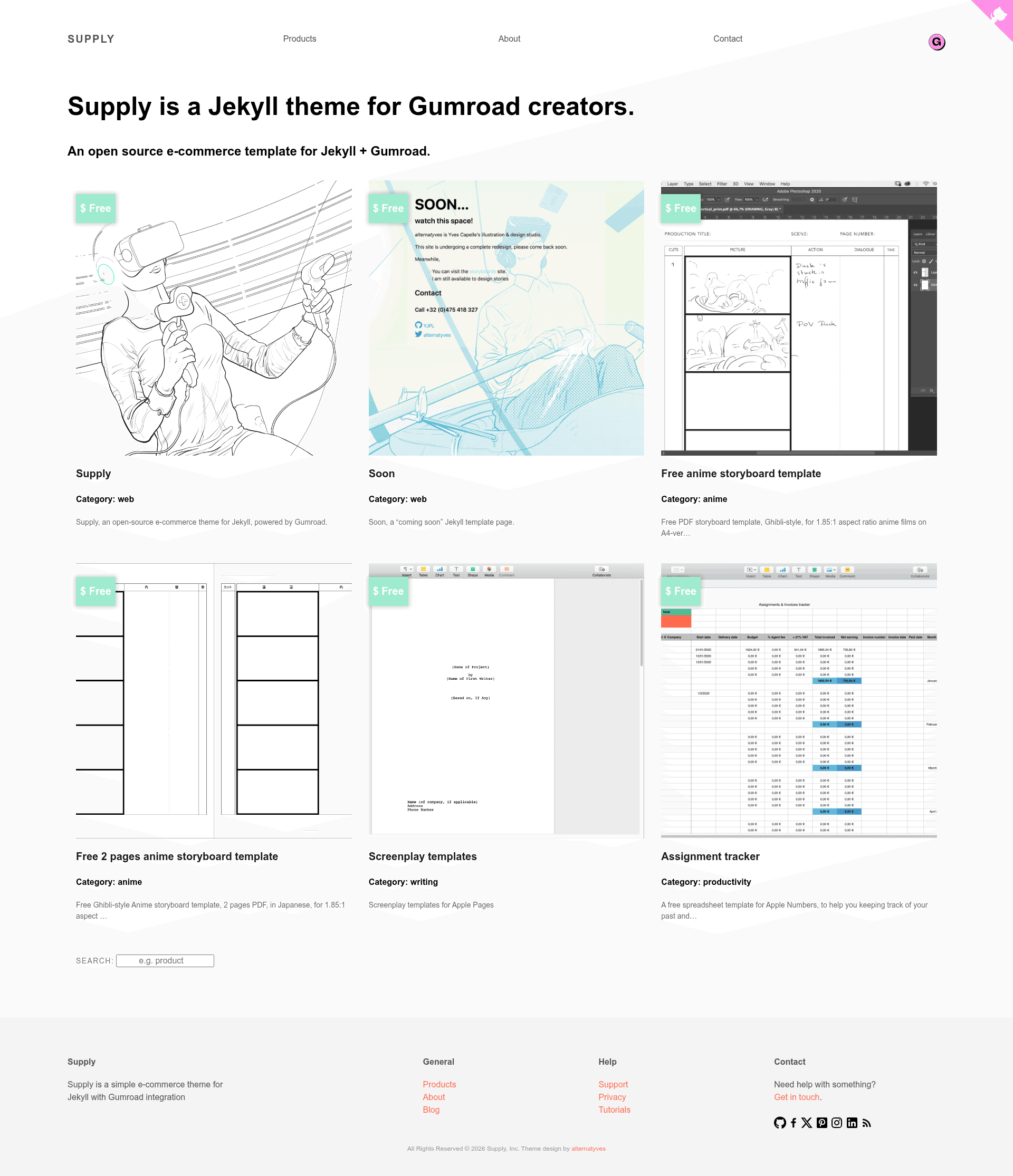
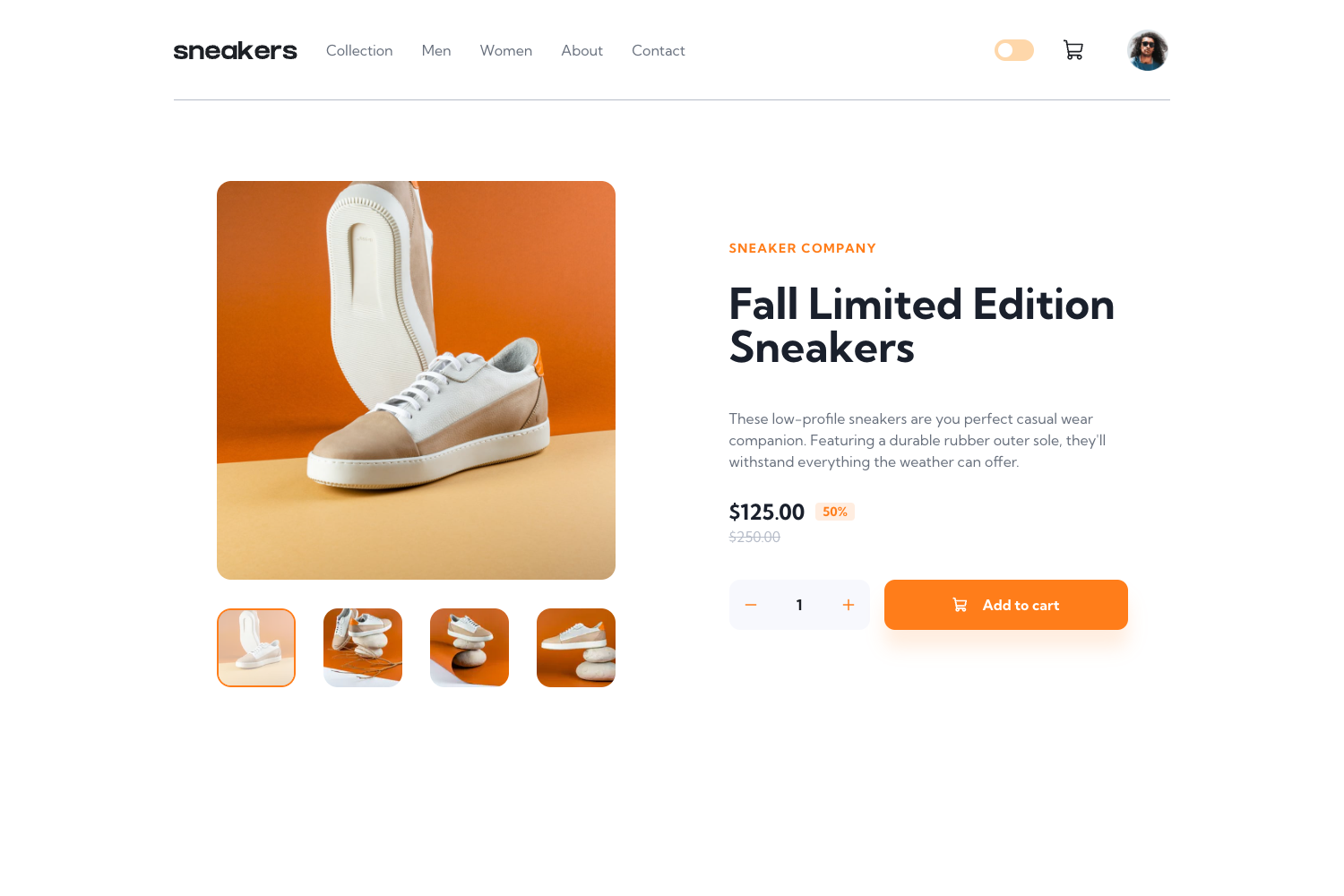
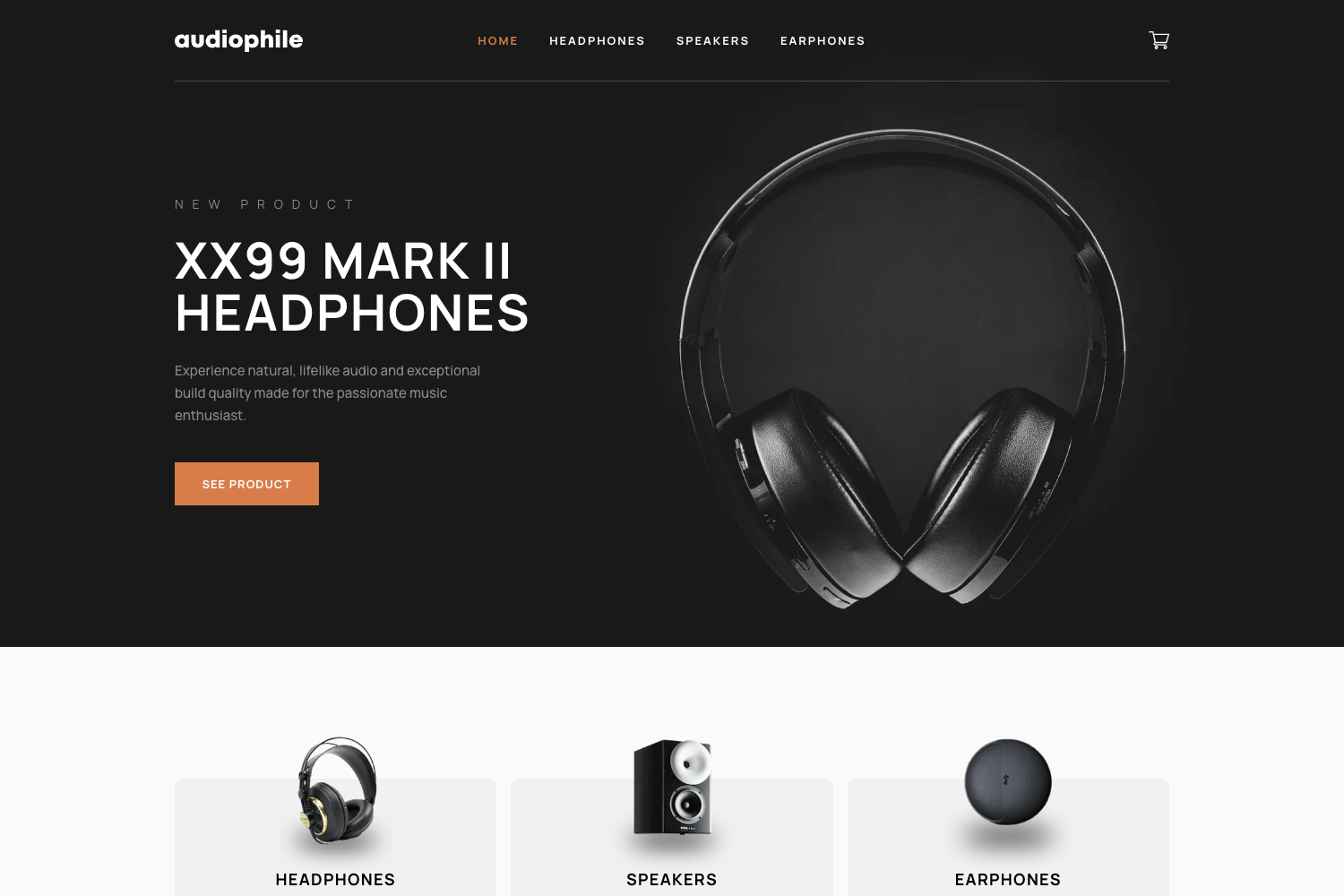
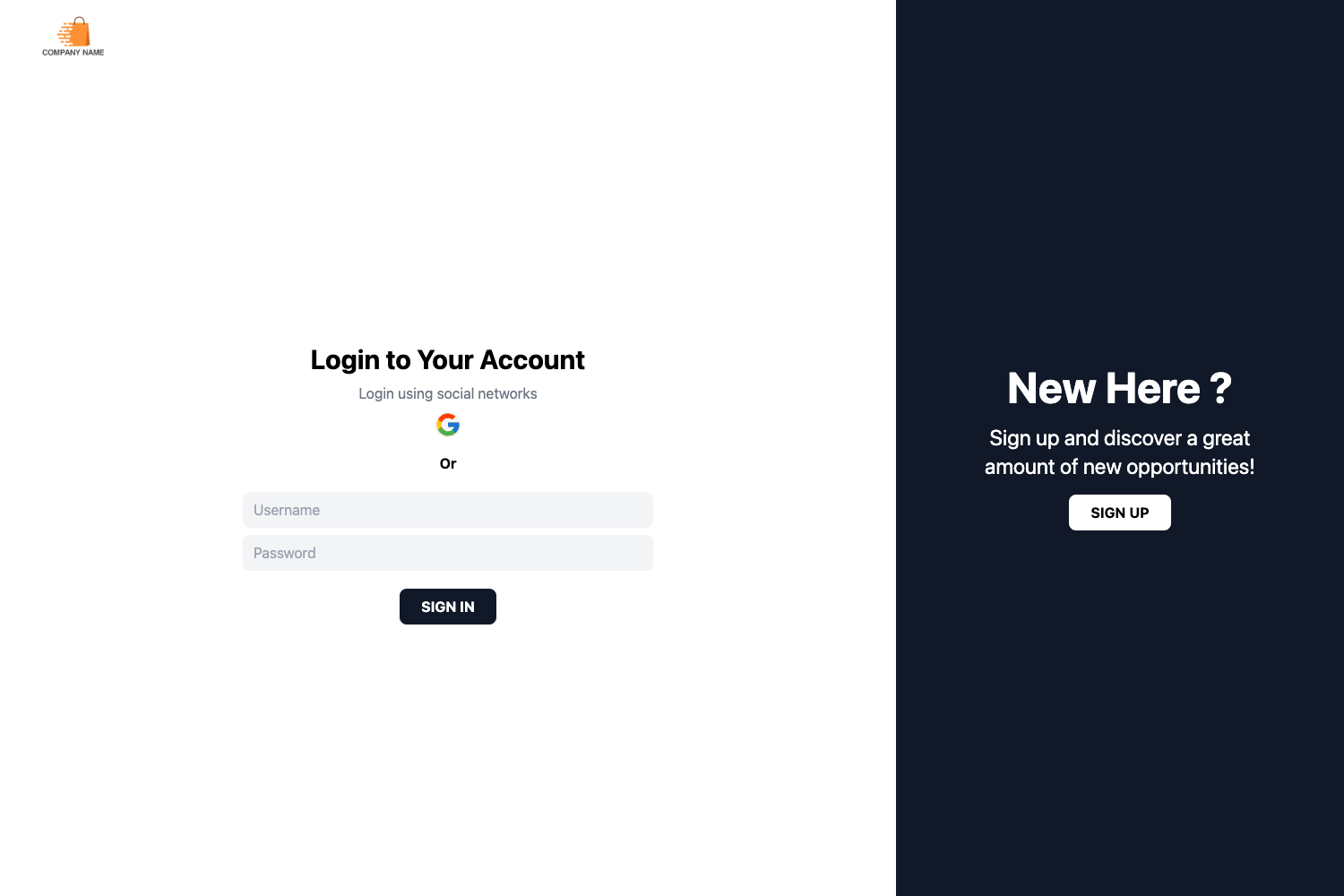
Supply is a free, open-source e-commerce Jekyll theme with Gumroad integration, built with Tachyons CSS.
About this template
Supply is a free, open-source e-commerce Jekyll theme that integrates Gumroad for selling products, built with Tachyons CSS and maintained by alternatyves.
What is Supply?
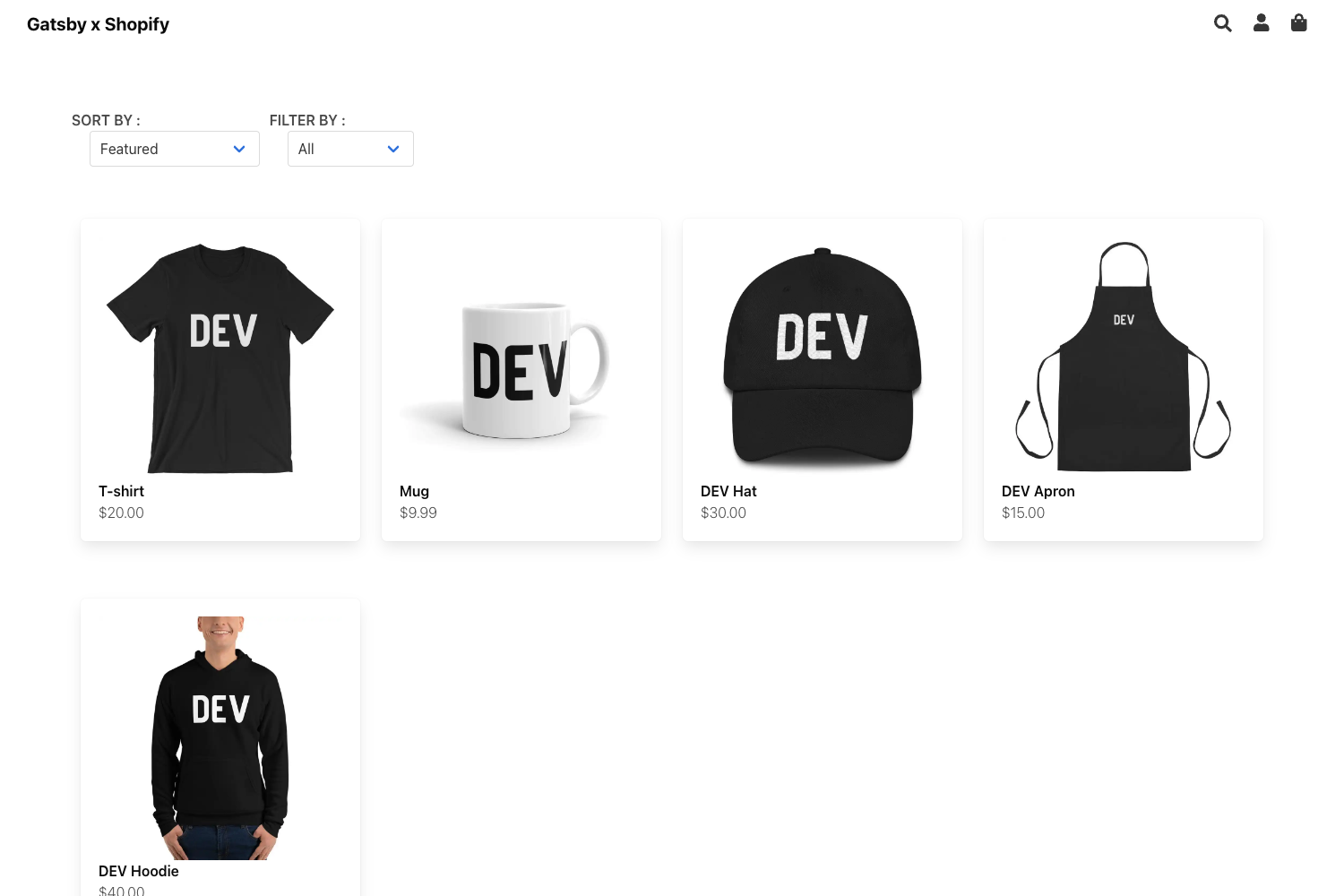
Supply is an e-commerce template for Jekyll that integrates Gumroad for taking payments, so you can display and sell products on a Jekyll site or blog. It takes product content from a Jekyll collection called product, plus site configuration in _config.yml, and produces a static website with product listing pages, contact forms, maps, and built-in search. The theme was built with Jekyll 4.0.0, should support newer versions, and is released under the MIT license.
Key Features
- Gumroad integration — Sell digital products with Gumroad payment links using three include snippets:
gumroad-overlay.html,gumroad-embed, andgumroad-hyperlink. - Product collections — Display products on the home page (
index.html) from aproductcollection; sample products are included in the_productsfolder. - Contact form via formcarry — Add your formcarry endpoint URL in
_config.ymlto enable a working contact form. - Leaflet maps — Add map coordinates in the config to show interactive maps via the
jekyll-leafletplugin. - Category and tag pages — Uses
jekyll-archivesto automatically generate and sort category and tag pages. - Built-in site search — Search functionality is included out of the box.
- SEO and feeds — Includes RSS/Atom feed, SEO tags, and microdata markup.
- Tachyons CSS styling — Customize styles in the
sup-themefile undersrc, then rebuild CSS with npm scripts (build:css,minify-css, orstart). - Development workflow — Jekyll
livereloadplus npm scripts for fast local development on port 4000.
Who is it for?
- Gumroad creators — Set up a branded Jekyll site that lists and sells products without building a custom storefront.
- Jekyll users — Use a ready-made e-commerce theme that fits the Jekyll static site workflow with collections and data files.
- Indie developers and designers — Customize a Tachyons-based theme using npm build tools and host the static output on platforms like Netlify (the repository lists Netlify as a topic).
What can you do with Supply?
- Gumroad creators: Display products on a Jekyll blog or site and take payments via Gumroad overlays, embeds, or hyperlinks.
- Freelancers: Deliver a simple online store for clients with custom navigation (configured in
navigation.yml) and a footer edited infooter.html. - Developers: Speed up development with Jekyll's
livereloadand npm scripts that build and minify CSS in one command.
How does Supply work?
- Install Jekyll and add your site and author details in
_config.yml. - Add products as entries in the
_productscollection or use the Gumroad include snippets inside posts. - Install Ruby dependencies with
bundle installand Node dependencies withnpm install. - Run
bundle exec jekyll serveornpm startto build the site locally with live reload.
Pricing and license
Supply is free and open source under the MIT license, designed by alternatyves. No pricing tiers exist for the theme itself.
FAQ
Is Supply free?
Yes. Supply is released under the MIT license, so you can use, modify, and contribute to it freely. The theme's GitHub repository also accepts contributions.
Does Supply require Gumroad?
Supply is built specifically around Gumroad for taking payments, using overlay, embed, and hyperlink include snippets. Without Gumroad, product payment links would not work, but the Jekyll structure can still display products.
How do I add products to Supply?
You can add product pages in the _products collection, and by design all products display on the home page index.html. You can also insert Gumroad product displays in regular posts using the provided include snippets.
How do I customize the styling of Supply?
Styling uses Tachyons CSS. Edit the sup-theme file in the src folder, then run npm run build:css to concatenate the CSS into assets/css/sup-tachyons.css, or npm run minify-css for a minified output.
Can I use Supply with Netlify?
Yes, the repository lists Netlify as a topic, and because Supply outputs a static Jekyll site, it can be deployed to any static host that supports Jekyll builds.