Template details
Fast_template
A template for really easy blogging with GitHub Pages, using Jekyll.
About this template
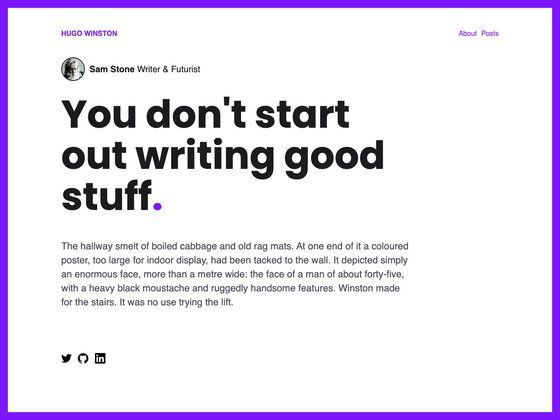
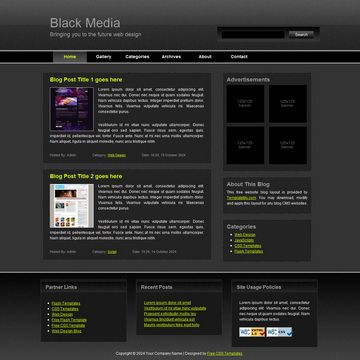
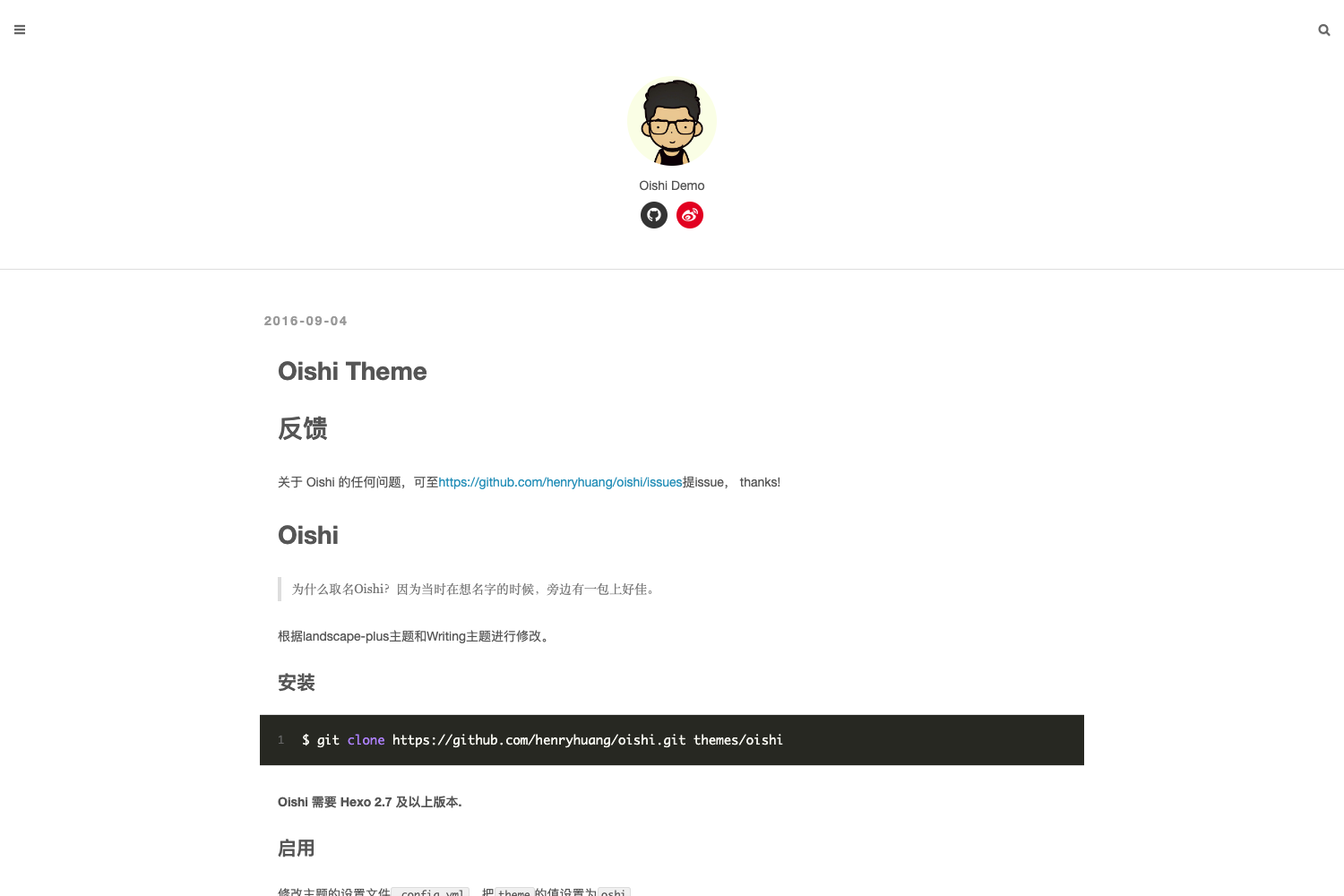
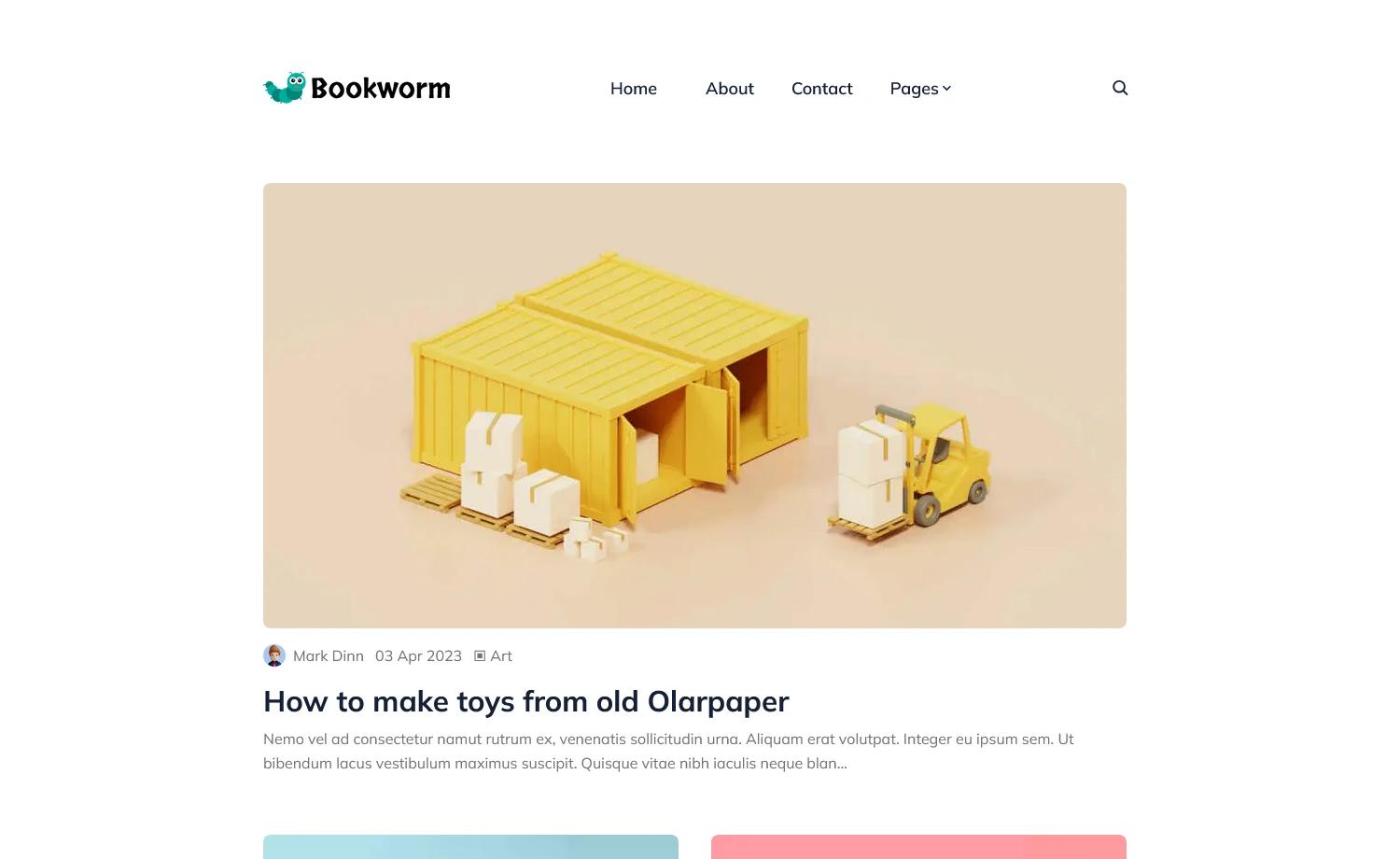
Fast_template is a Jekyll-based blog template for GitHub Pages that lets you launch a personal blog by editing two files: _config.yml for settings and index.md for content. It is built specifically for the free GitHub Pages hosting service and uses the Jekyll static site generator to turn Markdown into a published website.
What is Fast_template?
Fast_template is a minimal blog template that runs on GitHub Pages, a free static hosting service. Its core function is to provide a starting point for a personal blog: you fill in the site title and other details in _config.yml, then write your home page content in index.md, and GitHub Pages builds and serves the result. The template is written for Jekyll, the static site generator that GitHub Pages supports natively.
Key Features
- GitHub Pages ready — The template is designed to be published directly on GitHub Pages without any additional build configuration.
- Jekyll powered — Uses the Jekyll static site generator, which is the engine behind GitHub Pages, so the template is compatible with all standard Jekyll posts and pages.
- Simple setup — Getting started requires clicking _config.yml to set the blog title and description, then editing index.md to add a home page.
- Markdown content — Content is written in Markdown, which is converted to HTML by Jekyll, making posts easy to author.
- Free hosting — Because it runs on GitHub Pages, the blog is hosted for free, and you can associate a custom domain through GitHub's settings.
- Minimal file structure — The repository contains only the essential files for a blog, so there is no clutter to navigate.
Who is it for?
Fast_template is for individual writers and developers who want a no-frills personal blog hosted on GitHub Pages. It is well suited to someone who already has a GitHub account and wants to publish content without buying hosting or configuring a complex CMS. The template is also a useful learning tool for people new to Jekyll who want to see how a minimal blog is structured.
What can you do with Fast_template?
- Aspiring bloggers: Launch a personal blog on GitHub Pages in under five minutes by editing _config.yml and index.md and pushing to GitHub.
- Jekyll beginners: Study a minimal example of a Jekyll site and then extend it by adding new posts in the _posts directory.
- Developers: Use the template as a starting point for a project blog or documentation site, keeping everything versioned in Git.
How does Fast_template work?
To get started, click the _config.yml file in the repository to edit the site settings, then click index.md to replace the placeholder text with your home page content. After you commit and push those changes to a GitHub repository, GitHub Pages automatically runs Jekyll to build the site and makes it available at your GitHub Pages URL.
Pros and cons
- Pros: Free hosting, zero configuration beyond two files, and full control over the source code.
- Cons: The template includes only the home page by default, so you need to create additional Jekyll layouts and posts yourself; it lacks the built-in themes and plugins that come with more advanced Jekyll templates.
FAQ
Is Fast_template free?
Yes, the template is open source and free to use. The blog it produces is hosted on GitHub Pages, which offers free hosting for public repositories.
What files do I need to edit?
The main files are _config.yml for global site settings and index.md for the home page. To add blog posts, you create Markdown files in the _posts folder following Jekyll's naming convention.
Does Fast_template support custom domains?
Because it runs on GitHub Pages, you can add a custom domain through the GitHub repository settings, and the template itself does not restrict this.
What is the difference between Fast_template and a regular Jekyll theme?
Fast_template is a minimal starting point rather than a full theme. It contains only a home page and configuration, so you have to build out layouts and styles if you want a more elaborate design.