Template details
Oishi
A Hexo blog theme derived from landscape-plus and Writing, with Travis CI integration and easy git-based updates.
About this template
Oishi is a Hexo blog theme that adapts the landscape-plus and Writing themes, turning Markdown content into a styled static site with a simple git-based install. It is maintained by henryhuang on GitHub and requires Hexo 2.7 or above.
What is Oishi?
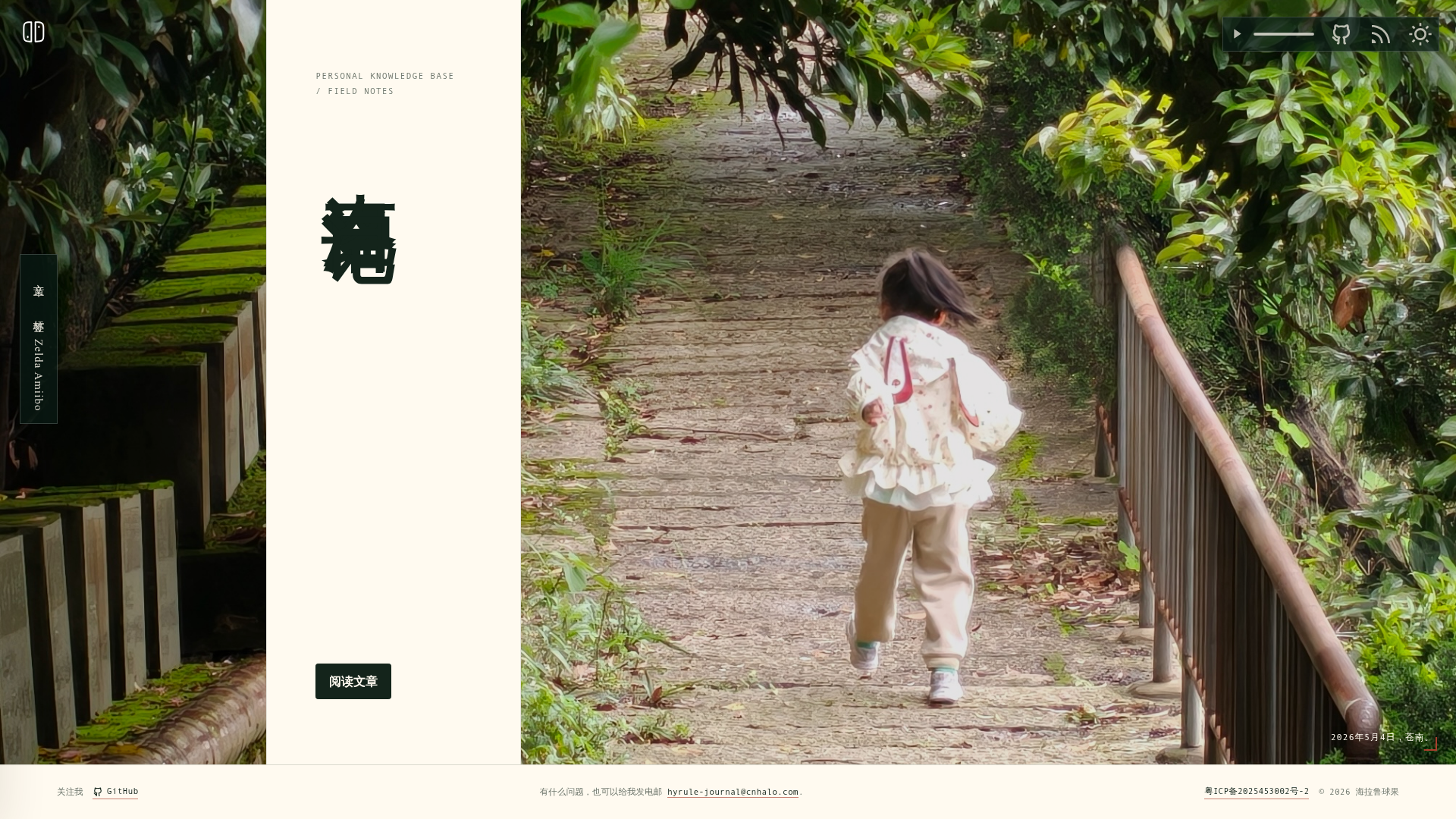
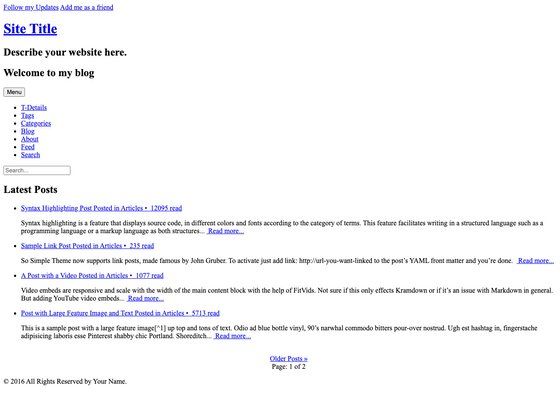
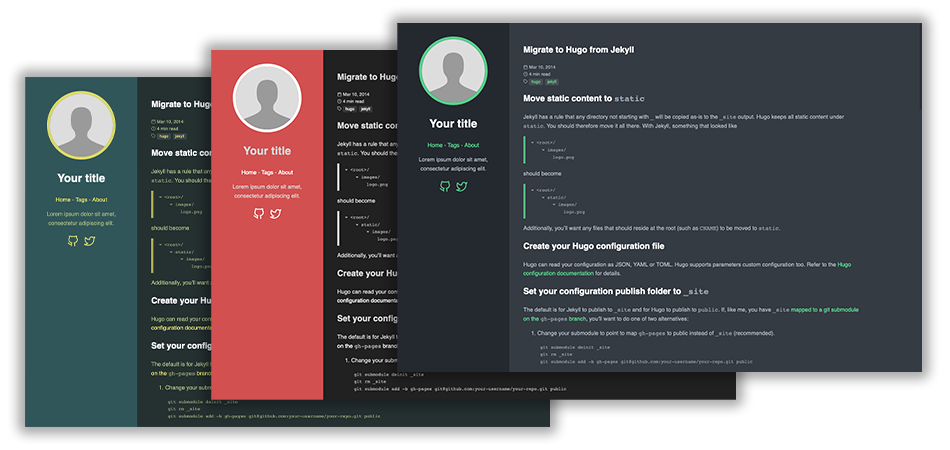
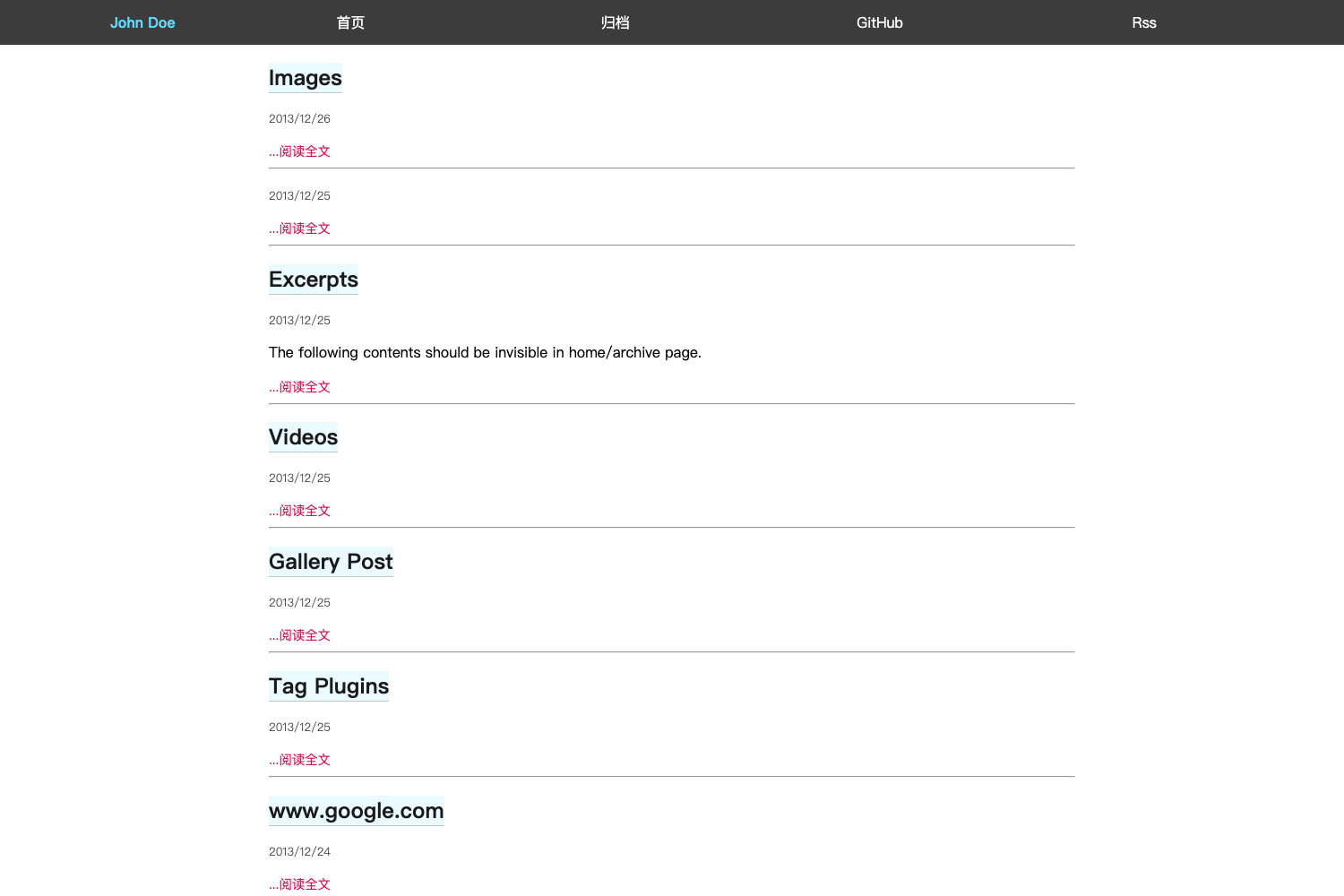
Oishi is a Hexo theme built from modifications to the landscape-plus and Writing themes, designed for static blog generation with the Hexo framework. It takes Markdown posts and produces a complete website layout, with a live demo at http://henryhuang.github.io/oishi/. The project is hosted on GitHub under the repository henryhuang/oishi, and its README displays Travis CI build, tag, and release badges, confirming an automated CI workflow.
Key Features
- Based on established themes — Oishi builds on landscape-plus and Writing, giving it a proven structural foundation and design heritage.
- Simple installation — Install by running
git clone https://github.com/henryhuang/oishi.git themes/oishiinside your Hexo project. - Clear version requirement — The theme requires Hexo 2.7 or above, as stated explicitly in the README.
- Easy activation — Enable Oishi by changing the
themevalue tooishiin your Hexo configuration file (_config.yml). - Git-based updates — Update the theme by
cding intothemes/oishiand runninggit pull. - Travis CI badges — The repository shows Travis CI build and release badges, indicating automated testing and release checks.
- Changelog included — A
CHANGELOG.mdfile is referenced in the README, letting users track version history. - Live demo — A working demo is available at http://henryhuang.github.io/oishi/, so you can preview the theme before installing.
Who is it for?
Oishi is for Hexo bloggers who want a prebuilt theme with a personal flavor and a straightforward setup. It suits people who prefer editing _config.yml over writing templates, and who like using Git for theme updates. The theme's lineage from landscape-plus and Writing also makes it a convenient starting point for developers who want to customize an existing theme rather than start from scratch.
What can you do with Oishi?
- Personal bloggers — Publish Markdown posts through Hexo and get a ready-made, styled blog layout without designing a theme yourself.
- Theme enthusiasts — Fork the repository and use it as a base for your own Hexo theme, since it is a thin modification of two existing themes.
- Static site hosters — Deploy the generated Hexo output to any static hosting service, as the theme only produces static files.
How does Oishi work?
Oishi works like any standard Hexo theme: you write content in Markdown, generate the site with Hexo commands, and the theme controls the layout and styling. Installation has three documented steps: clone the repository into your themes folder, set theme: oishi in Hexo's main configuration, and then run Hexo normally. Updates are done with git pull inside the theme directory.
FAQ
Is Oishi free to use?
The repository is publicly accessible on GitHub without any mention of a license or fee in the README. You can clone and use it freely, but for redistribution or modification details you should check the repository's license information separately.
What Hexo version does Oishi require?
Oishi requires Hexo 2.7 or above. The README states this requirement explicitly, so users on older Hexo versions must upgrade before installing.
How do I install Oishi?
Run git clone https://github.com/henryhuang/oishi.git themes/oishi from your Hexo project root. Then edit the main _config.yml and set theme: oishi. No further steps are outlined in the README.
What themes is Oishi based on?
Oishi is a modification of the landscape-plus theme and the Writing theme. This is directly stated in the README, so those familiar with either theme will recognize similar layout patterns and design choices.
How do I update Oishi?
Navigate to themes/oishi and run git pull. This is the documented update method. If you have made local changes that conflict with upstream updates, you may need to resolve merge conflicts manually.