Template details
Fastpages Blog Template
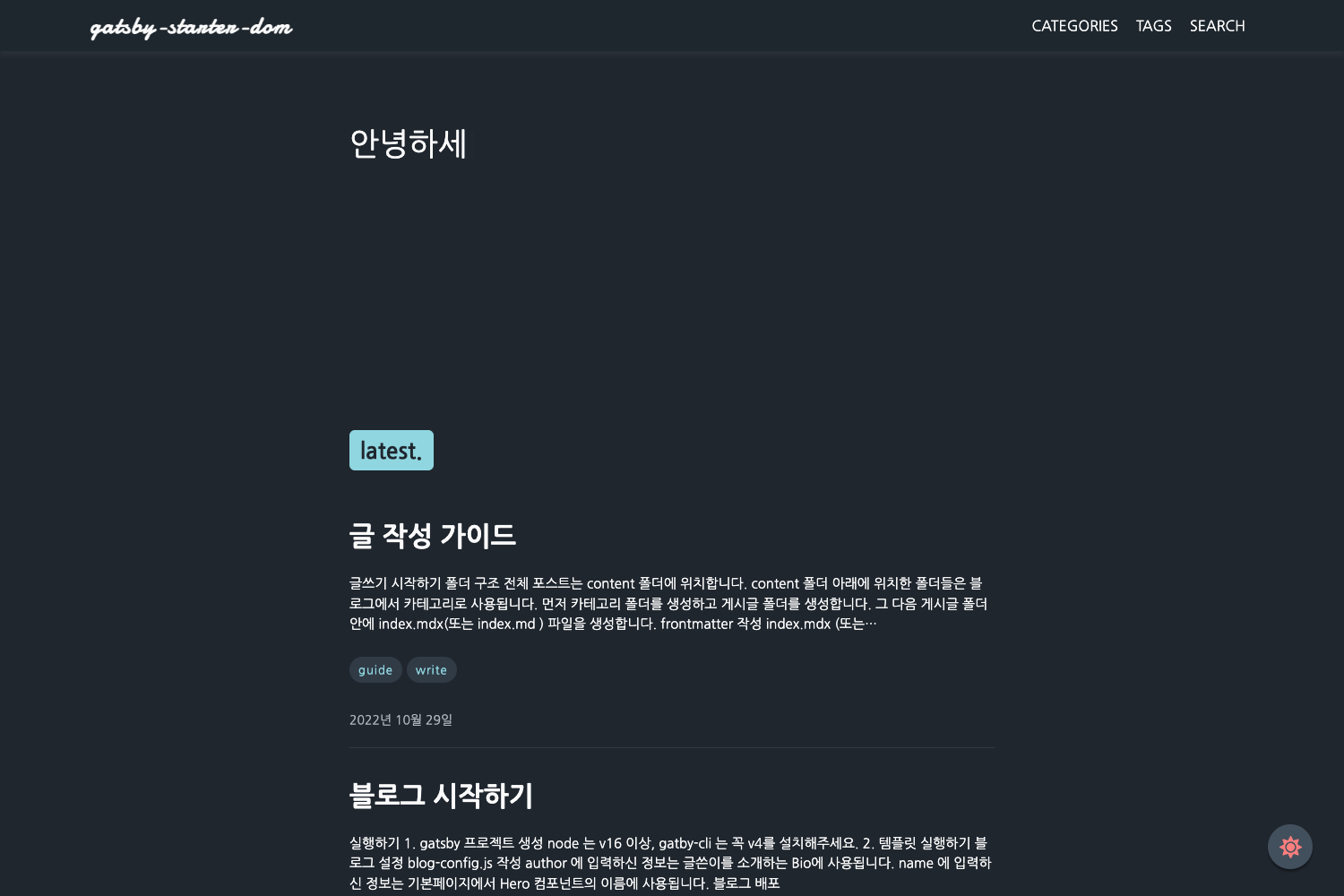
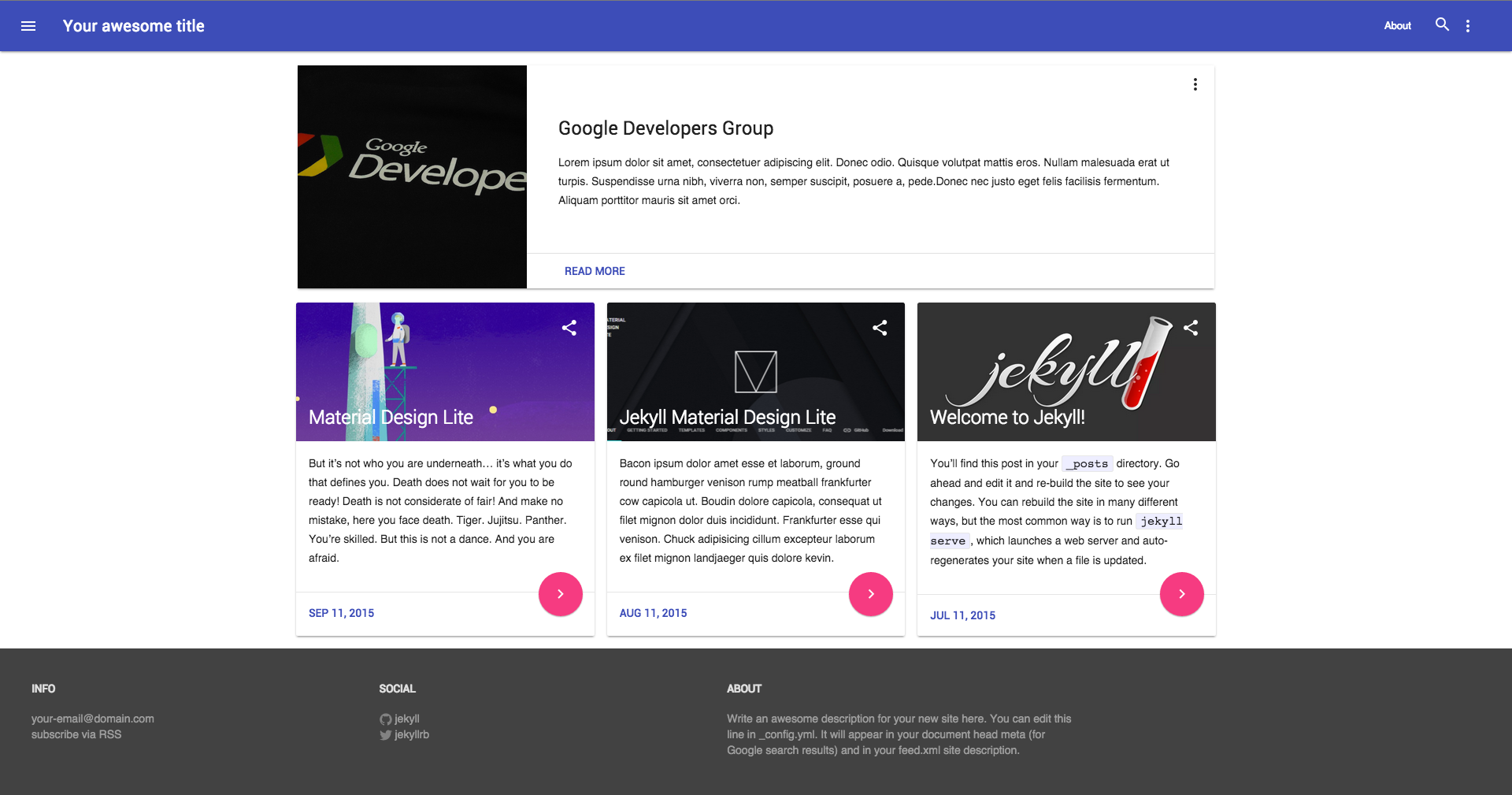
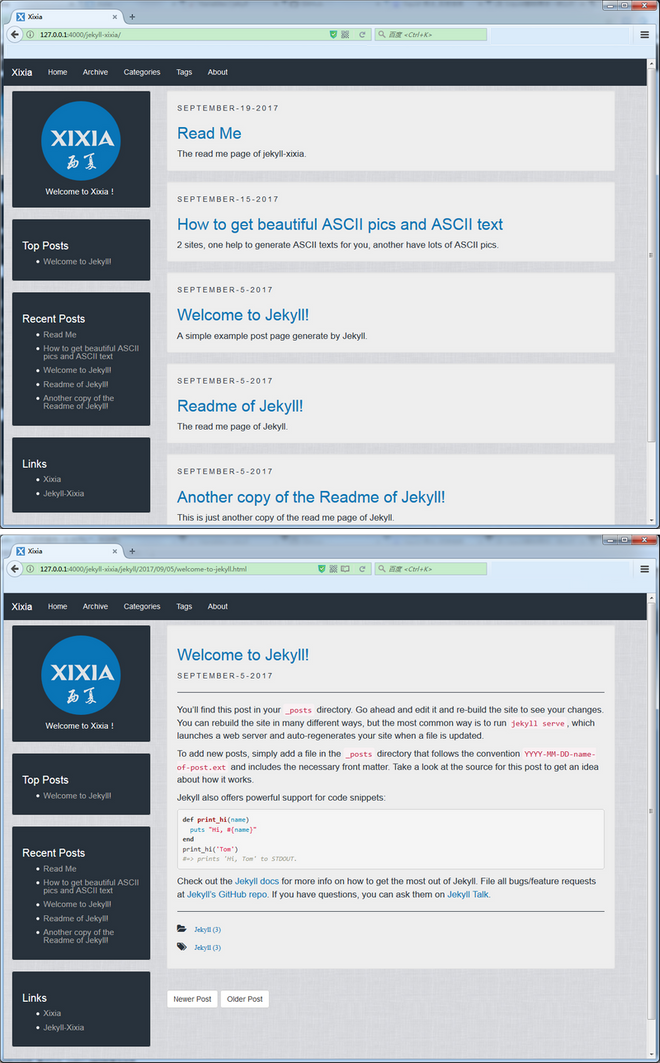
Jekyll blog template powered by fastpages, allowing posts via Jupyter notebooks, Markdown, and Microsoft Word.
About this template
Fastpages Blog Template is a Jekyll-based blog starter that turns a GitHub repository into a static blog, with posts authored as Jupyter notebooks, Markdown files, or Microsoft Word documents. It is generated from the fastpages template by fast.ai and deploys automatically to GitHub Pages, as indicated by the CI and GH-Pages status badges in the README.
What is Fastpages Blog Template?
Fastpages is a blogging solution from fast.ai that combines Jekyll static site generation with the ability to write posts in three formats: Jupyter notebooks (.ipynb), Markdown (.md), and Word (.docx). It runs on GitHub Pages, so you host your blog directly from a GitHub repository; the repo's GitHub Actions workflow builds the site and publishes it. The template's README is designed to be replaced when a new repo is created, and it directs users to write content in the _posts, _notebooks, or _word folders. It also provides a local preview option documented in the development guide.
Key Features
- Three authoring formats — Write blog posts as Jupyter notebooks, Markdown files, or Microsoft Word documents, giving data scientists and technical writers a choice of workflow.
- Automatic deployment via GitHub Actions — The README shows CI and GH-Pages status badges, meaning every push triggers a build and publishes the site to GitHub Pages without manual steps.
- Built on Jekyll — The template uses the Jekyll static site generator, which is one of GitHub Pages' natively supported frameworks.
- Example content folders — The repo ships with
_posts,_notebooks, and_wordfolders pre-populated with example posts that you can remove while keeping the folders themselves. - Community support channel — Questions and feature requests are directed to the fastai nbdev & blogging forum, which is the official support venue for fastpages users.
Who is it for?
- Data scientists and ML researchers — Publish Jupyter notebooks as blog posts with code, outputs, and markdown in one place, ideal for sharing experiments and analyses.
- Technical bloggers — Write posts in Markdown with a simple static-site setup and get automatic deployment to GitHub Pages.
- Teams or academics using Word — Generate blog posts from .docx documents, useful for non-technical contributors who prefer a word processor.
- Robotics enthusiasts — The specific example repo is described as "Blogs Related to Robotics," demonstrating the template can be used for niche technical blogs.
What can you do with Fastpages Blog Template?
- Share reproducible research: Embed live Jupyter notebook code and output directly into posts, letting readers see the exact analysis steps.
- Publish a personal blog: Set up a free static blog hosted on GitHub Pages using the fastpages template, without needing a separate CMS.
- Preview locally before publishing: Use the development guide included in the repo to preview your blog on your own machine before pushing to GitHub.
- Collaborate with non-technical writers: Allow them to submit posts as Word documents, which the template converts into published blog entries.
Note: The actual blog URL for this specific repo is https://tayalmanan28.github.io/my_blogs/. The template itself is free and open source via fastai.