Template details
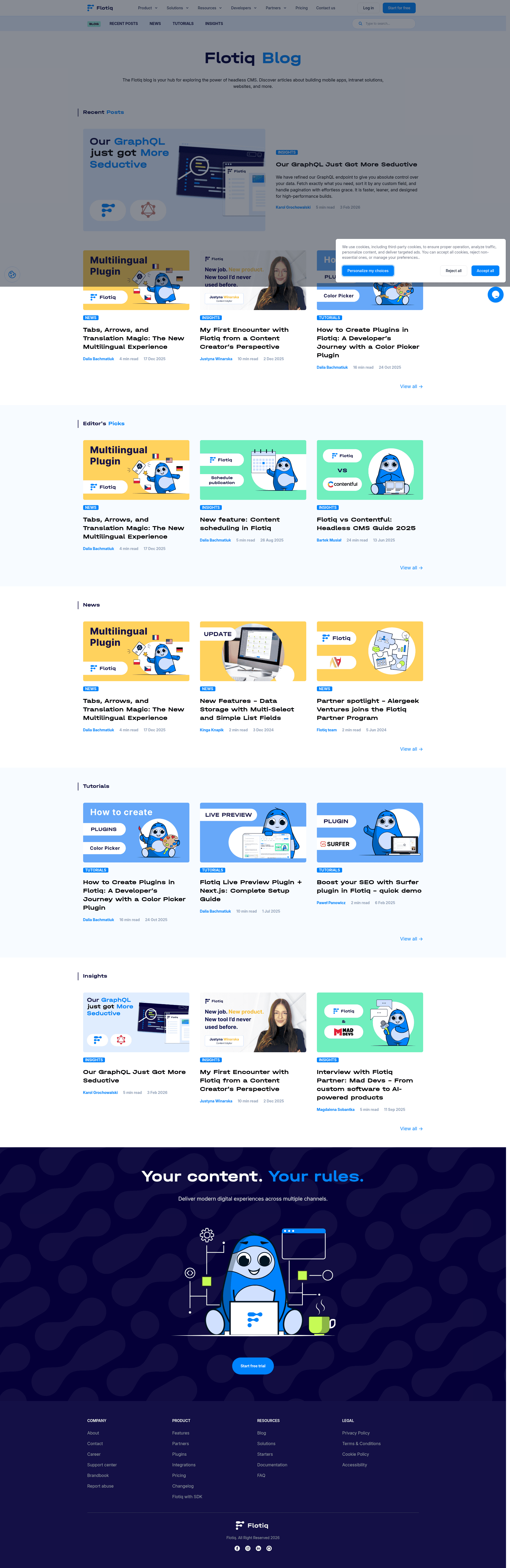
Flotiq Blog
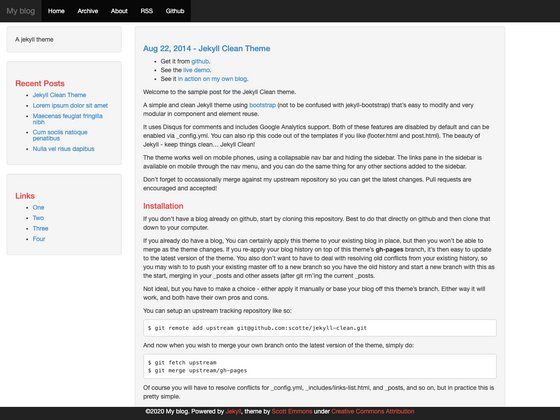
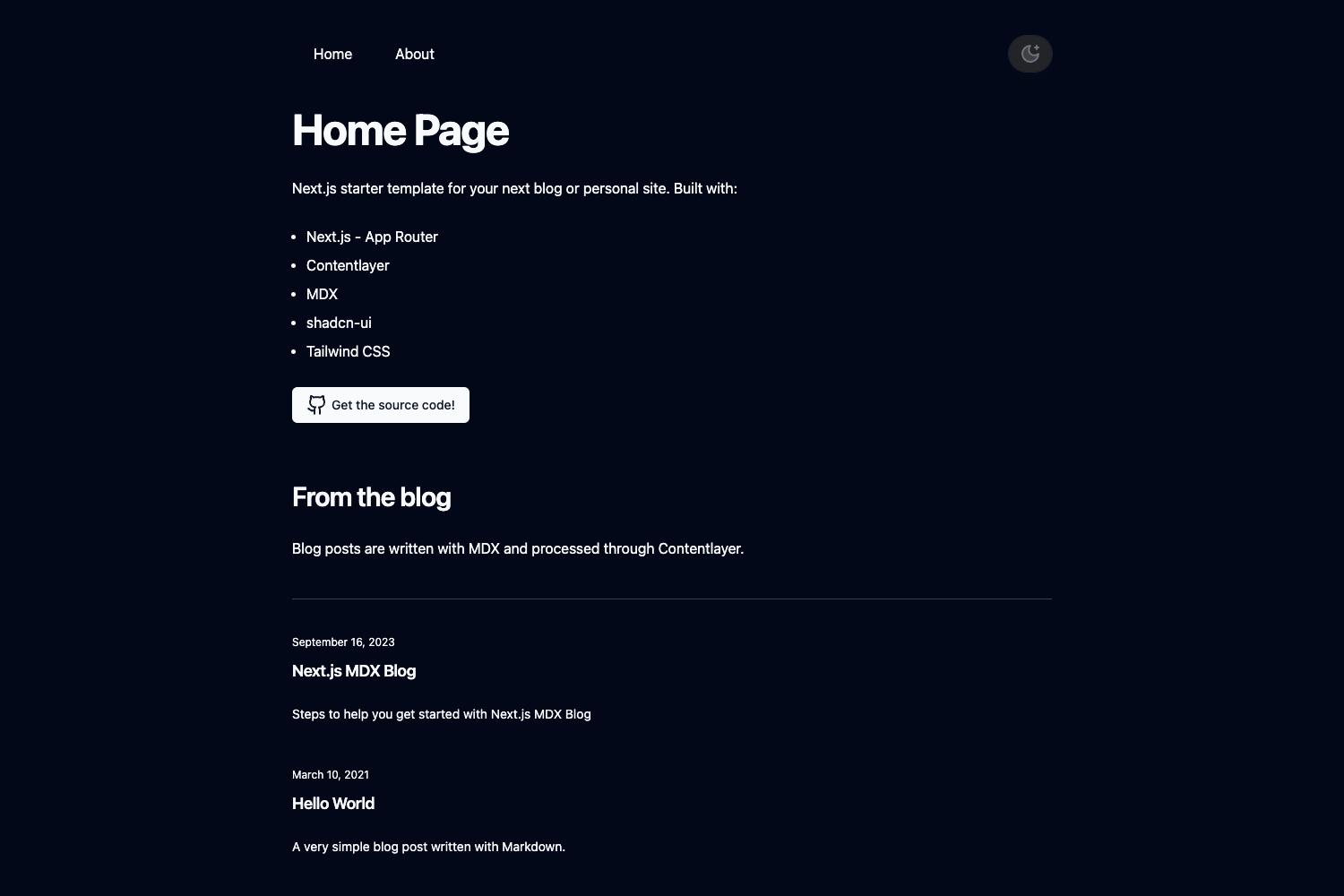
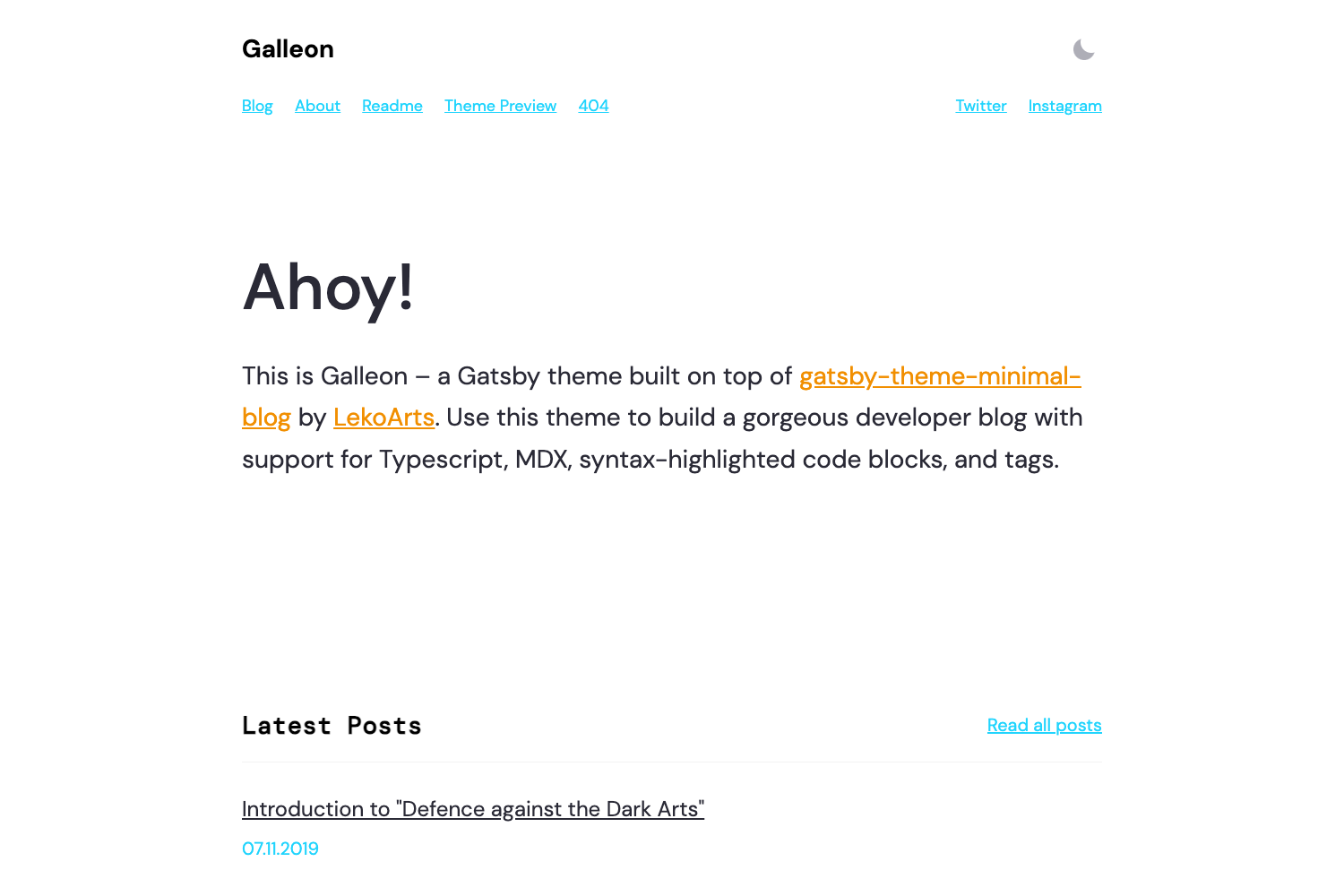
Gatsby starter for a blog with tags and authors, pulling content from Flotiq CMS.
About this template
Flotiq Blog is a Gatsby starter template for building a tag- and author-enabled blog website that pulls content from the Flotiq headless CMS and is configured for one-click deployment to Heroku or Netlify.
What is Flotiq Blog?
Flotiq Blog is an open-source Gatsby starter project created by the Flotiq team. It takes content stored in Flotiq—specifically three content types: flotiq_blog_tag, flotiq_blog_author, and flotiq_blog_post—and generates a static blog site with tag and author pages. The template runs on Gatsby, which means it is built with React and uses GraphQL for data queries; during development, a GraphiQL explorer is available at localhost:8000/___graphql. The repo includes the project description "Gatsby starter for the Flotiq Blog" and is published on GitHub.
What makes Flotiq Blog stand out?
- Headless CMS integration — Content is defined as Flotiq content types for tags, authors, and posts, so editors manage everything in the Flotiq editor.
- Flotiq CLI workflow — You can scaffold a new project with
flotiq startand import sample content withflotiq import, which adds 4 images, 1 tag, 1 author, and 3 posts. - Static Gatsby output — The site is pre-rendered at build time, providing fast page loads and requiring only static hosting.
- One-click deploys — Deploy buttons for Heroku and Netlify are included in the documentation and repository.
- Google Analytics 4 ready — A GA_MEASUREMENT_ID environment variable wires in GA4 tracking.
- Customizable post statuses — The POST_STATUSES environment variable controls which statuses (e.g., draft or public) are shown in the site.
- Gatsby CLI compatible — You can also generate the project with
gatsby newusing the GitHub URL.
Who should use Flotiq Blog?
- Developers who want a Gatsby blog starter — They can clone or scaffold it via Gatsby CLI or Flotiq CLI and immediately begin customizing the React templates.
- Blogging teams already using Flotiq — Editors can create and manage posts, tags, and authors in the Flotiq editor, while the Gatsby site rebuilds from that content.
- Indie hackers deploying to Heroku or Netlify — The one-click deploy buttons reduce setup time to a few minutes.
What can you do with Flotiq Blog?
- Start a full blog quickly: Scaffold the starter with either Flotiq CLI or Gatsby CLI, configure your API keys, and run
gatsby developfor a local blog with working tag and author pages. - Manage content without code: Use the Flotiq editor at editor.flotiq.com to write posts, assign tags, and credit authors; changes automatically appear in the site after a build.
- Deploy to the cloud: Push the project to Heroku or Netlify using the provided deploy buttons, or connect it to any static hosting of your choice.
How does Flotiq Blog work?
- Install the Flotiq CLI (
npm install -g flotiq-cli) and create a Flotiq account to get a read/write API key. - Run
flotiq start projectNamewith the GitHub repository URL and your API key to generate the project and import sample data. - Create a
.env.developmentfile with your FLOTIQ_API_KEY, SCOPED_FLOTIQ_API_KEY, GA_MEASUREMENT_ID, and POST_STATUSES values. - Run
yarn installandgatsby developto start the site locally. - Edit templates in
src/templates/(e.g., index.js) with hot reloading, then deploy to your chosen host.
FAQ
Do I need a Flotiq account to run this template?
Yes. You need a Flotiq.com account to create the required API keys: a read-only Application key and a scoped user key for posts, media, tags, and authors. The Flotiq CLI also uses a read/write key during setup.
What sample content does the import add?
Running flotiq import .flotiq adds 4 images, 1 tag, 1 author, and 3 posts to your Flotiq account. If you already have records with the IDs flotiqBlogTag-1, flotiqBlogAuthor-1, or flotiqBlogPost-1, -2, -3, they will be overwritten.
Can I use this starter without Flotiq CLI?
Yes. You can use gatsby new with the repository URL, but then you need to manually create the Flotiq content types for tags, authors, and posts, plus import the sample data if desired. The content says this step is optional if you used the Flotiq CLI.
What hosting platforms are supported?
The repository provides one-click deploy buttons for Heroku and Netlify. As a Gatsby site, it can also be hosted on Gatsby Cloud or any static hosting that serves pre-rendered HTML and assets.
How do I set the post statuses shown on the site?
Set the POST_STATUSES environment variable to a comma-separated list of statuses, such as draft,public. The starter then filters content accordingly.