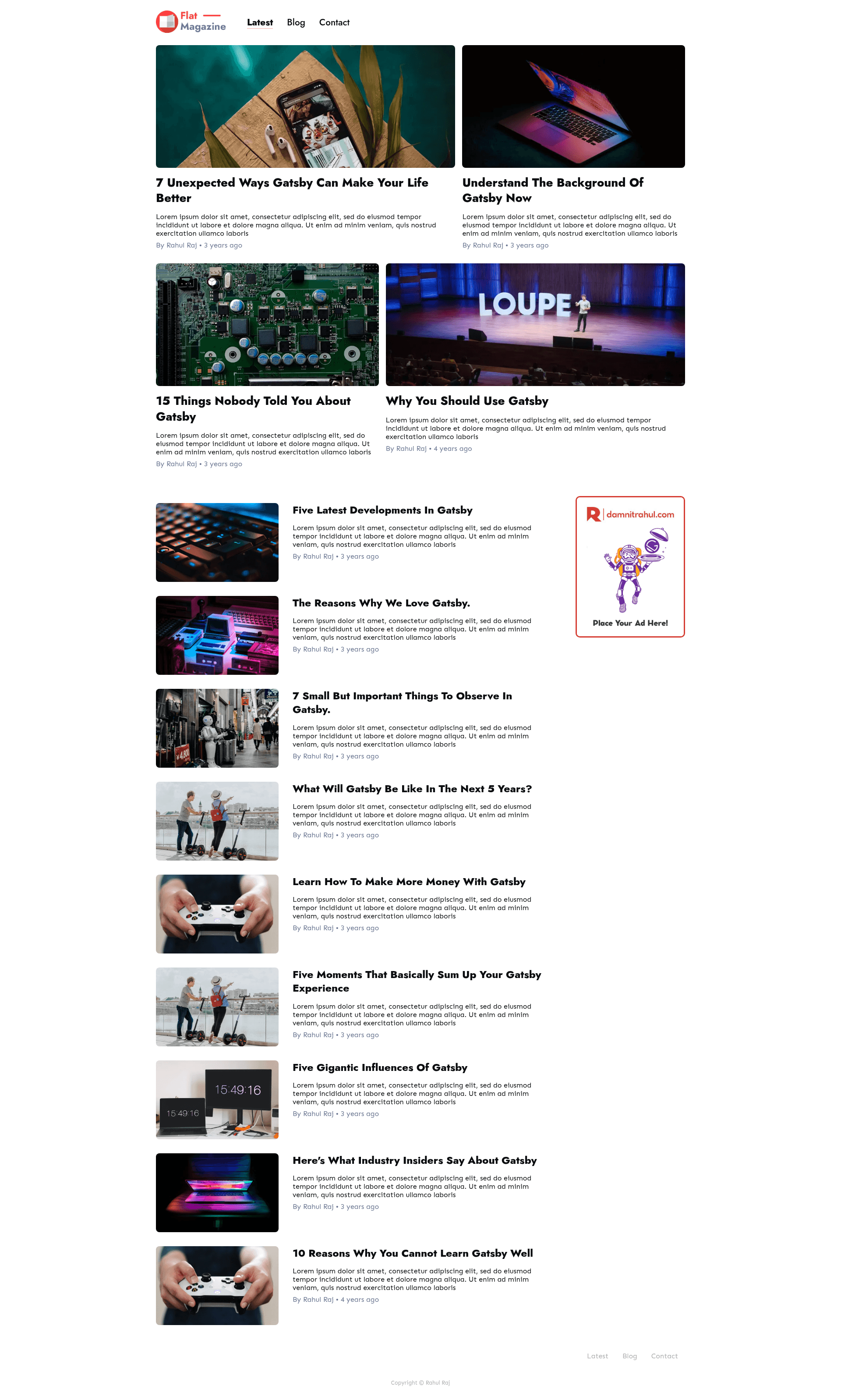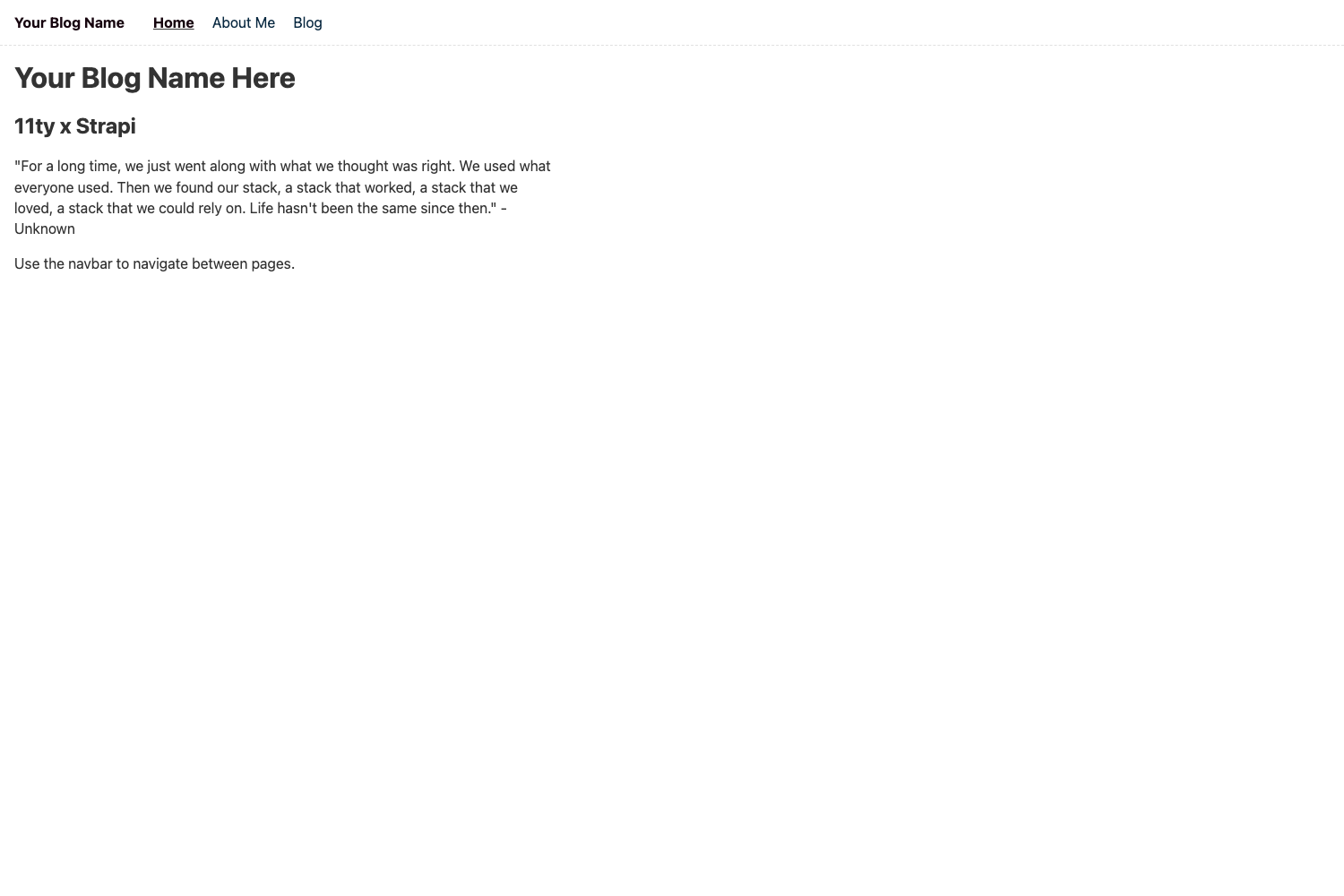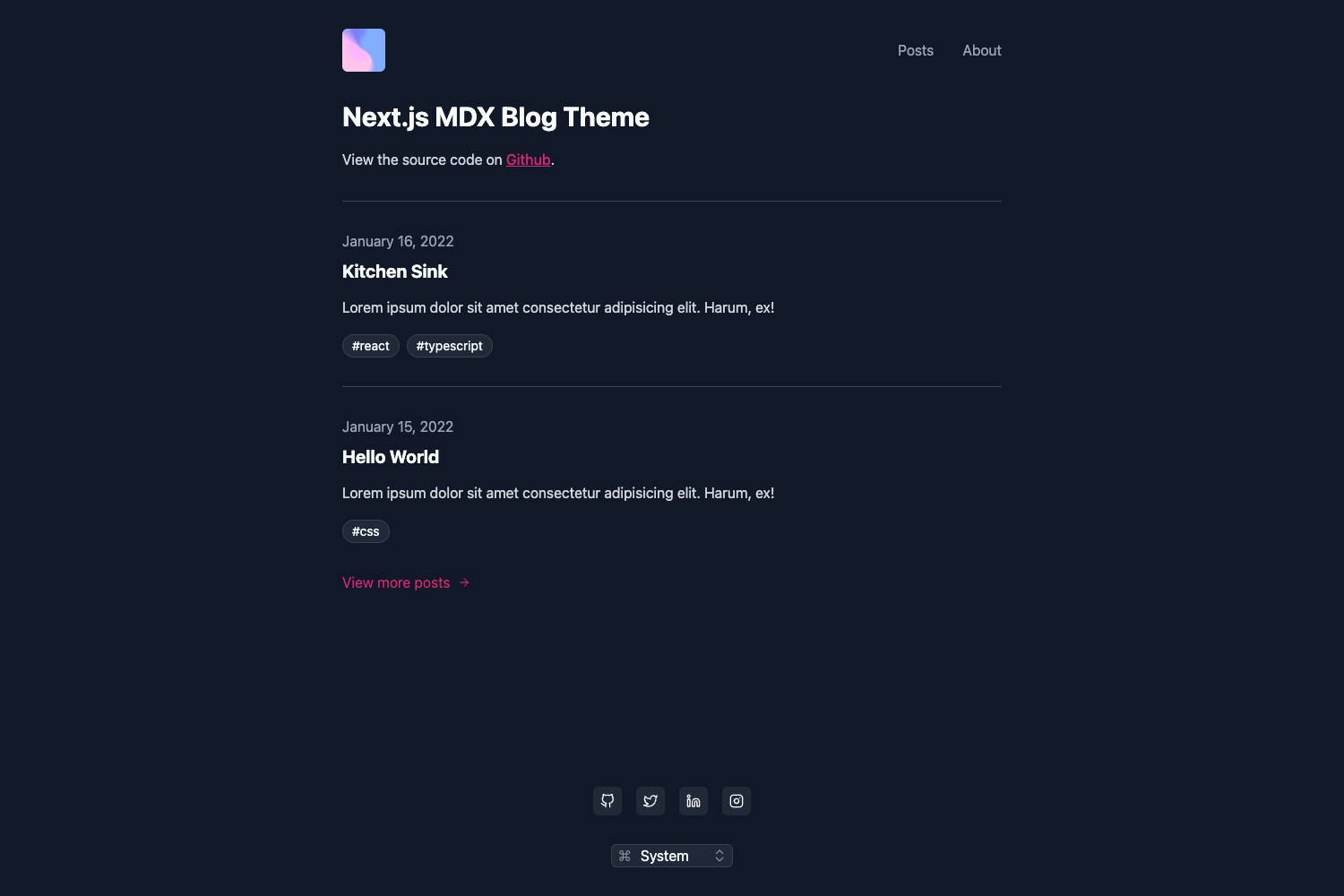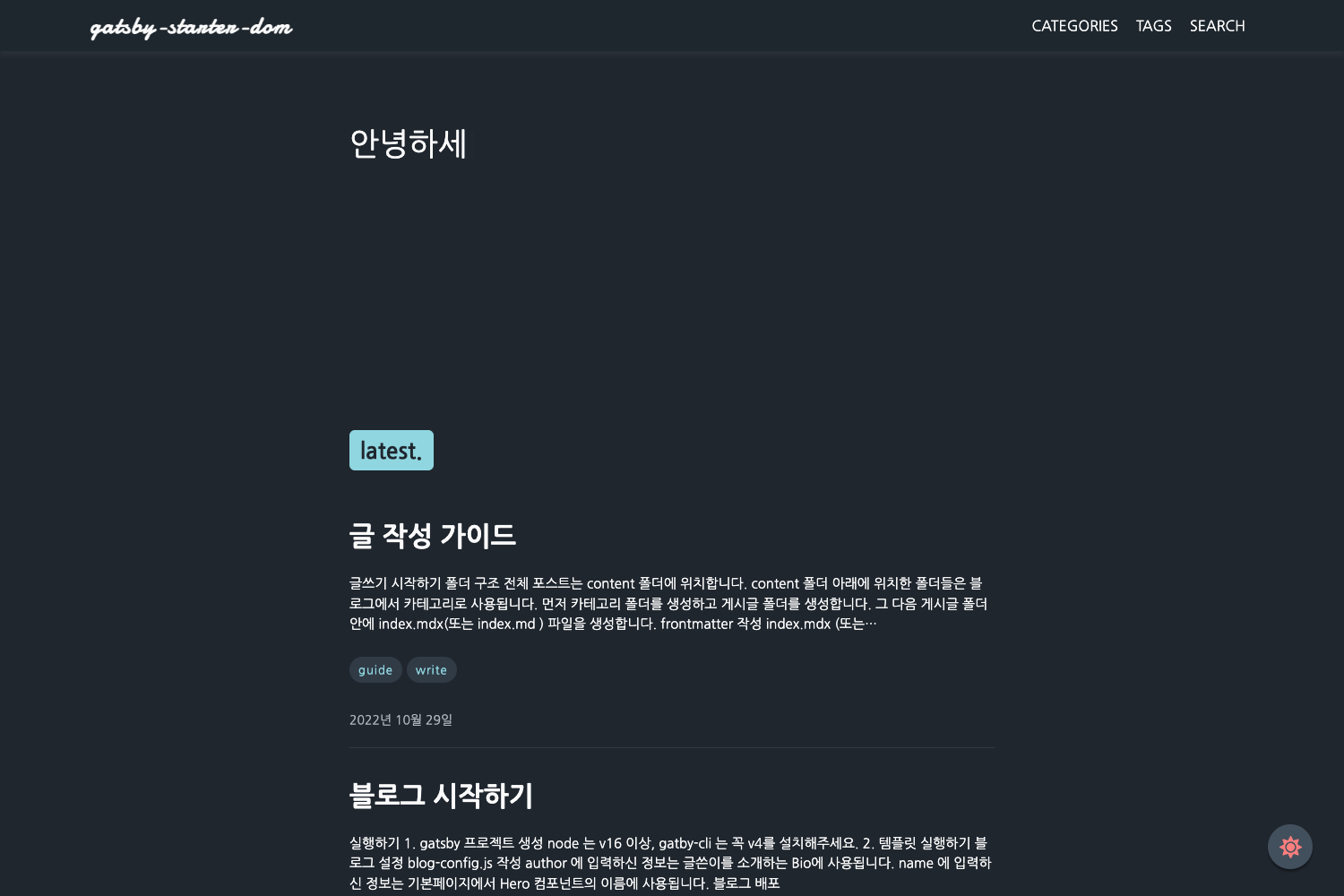
Template details
Gatsby Starter Flat Magazine
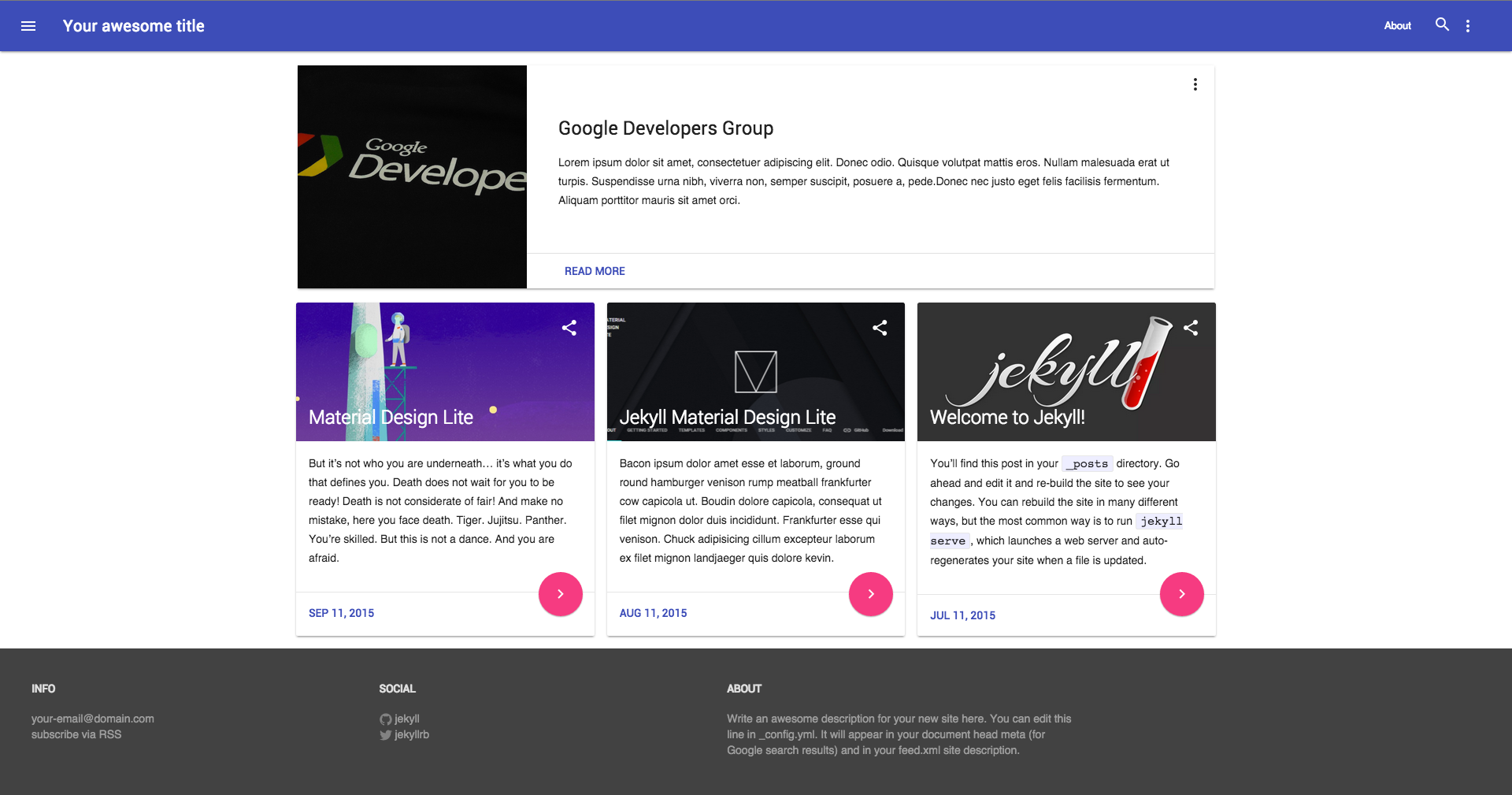
A flat design Gatsby Starter to kick start your Gatsby blog. Powered by SanityCMS and styled using styled-components.
About this template
Gatsby Starter Flat Magazine is a Gatsby blog starter with a flat design aesthetic, built for publishing content through the Sanity headless CMS and styled with styled-components.
What is Gatsby Starter Flat Magazine?
Gatsby Starter Flat Magazine is a starter template for building a blog site using the Gatsby framework. It takes a Sanity project (with a dataset and API token) as its content source and generates a static blog with a home page, blog archive page, and individual blog post pages. The template is maintained by GitHub user damnitrahul, who also offers a separate customised Sanity Studio for managing the blog's content.
Key Features
- Sanity.io integration — Uses the gatsby-source-sanity plugin to pull content from a Sanity project; configuration requires the project ID, dataset name, and token in the gatsby-config.js file.
- styled-components styling — All components are styled with the styled-components library, allowing per-component CSS-in-JS.
- Elasticlunr search — Integrates @gatsby-contrib/gatsby-plugin-elasticlunr-search so visitors can search posts directly on the site.
- Dark mode — A built-in dark mode toggle for the interface.
- Featured posts section — A homepage section designated for displaying selected posts.
- Pagination — Blog archive pages are paginated to handle multiple posts.
- Page templates — Includes home, blog archive, and blog post templates as the core page types.
- SEO automation — Automatically generates an XML sitemap (via gatsby-plugin-sitemap) and robots.txt (via gatsby-plugin-robots-txt).
- Responsive design — The layout adapts to mobile, tablet, and desktop screens.
Who should use Gatsby Starter Flat Magazine?
- Independent bloggers who want a modern, flat-design blog without building the frontend from scratch and prefer to manage content through a headless CMS.
- Gatsby developers looking for a reference starter that demonstrates Sanity integration with gatsby-source-sanity and styled-components patterns.
- Content teams that need a straightforward editorial workflow: they can clone the companion Sanity Studio, deploy its GraphQL API, and publish posts.
What can you do with it?
- Launch a blog quickly — Use the Gatsby CLI to scaffold a new site with the starter, then customize the templates and content.
- Manage posts via Sanity — Connect the blog to a Sanity project and use the provided Sanity Studio to write, edit, and publish posts.
- Deploy to Netlify — One-click deployment is available through the "Deploy to Netlify" button, which creates a GitHub repo and builds the site automatically.
How does it work?
To get started, run gatsby new blog https://github.com/damnitrahul/gatsby-starter-flat-magazine from the Gatsby CLI. Then supply your Sanity credentials (project ID, dataset, and token) in the gatsby-config.js file. Running gatsby develop starts the development server at http://localhost:8000. There is also a deploy button for Netlify that clones the repository into your GitHub account and deploys the site.
Alternatives
- Gatsby Starter Blog — The official Gatsby blog starter, which uses Markdown files instead of a Sanity CMS.
FAQ
Do I need to configure Sanity before using this starter?
Yes. The template requires a Sanity project and dataset. You must add your project ID, dataset name, and an API token to the gatsby-source-sanity options in gatsby-config.js so the site can fetch your content.
Is the Sanity Studio included in the repository?
No. The readme links to a separate repository, sanity-studio-flat-magazine, which you clone and set up with your own credentials. You also need to deploy its GraphQL API before publishing content through it.
Can I deploy this starter to Netlify?
Yes. The starter includes a "Deploy to Netlify" button. Clicking it authenticates with GitHub, creates a copy of the repository in your account, and then builds and deploys the site on Netlify automatically.