Template details
FiveM NUI NextJS Boilerplate
A Next.js 14 boilerplate for FiveM NUI interfaces with TypeScript, Tailwind CSS, Redux Toolkit, and DaisyUI.
About this template
The FiveM NUI NextJS Boilerplate is a GitHub template that scaffolds a Next.js 14 front-end for FiveM NUI (New User Interface) resources, wiring a TypeScript React UI to Lua server/client code through Redux Toolkit and NUI callbacks.
What is the FiveM NUI NextJS Boilerplate?
The FiveM NUI NextJS Boilerplate is a starting point for building in-game interfaces for FiveM servers using a separate Next.js UI deployed independently from the Lua resource. It takes a standard FiveM resource structure (fxmanifest.lua, config.lua, client.lua, server.lua) and a Next.js application in the ui folder, and produces a working NUI menu that opens with a hotkey and exchanges data with the game via NUI messages and callbacks. The template is created by OMikkel and is publicly available as a GitHub template repository, making it easy to generate a new repository with the "Use this template" button.
Key Features
- TypeScript — The entire UI is written in TypeScript for type-safe React development.
- Next.js 14 — Uses the latest Next.js version with the App Router (based on the
app/page.tsxstructure) for server-rendered or static UI. - Tailwind CSS — Utility-first styling is configured out of the box.
- DaisyUI — The template includes DaisyUI as a component library (mentioned in the repository description), speeding up UI development.
- Redux Toolkit — State management is handled with Redux Toolkit; the template shows how to map FiveM messages to slices and reducers.
- next-themes — Dark and light theme switching is integrated via the next-themes package.
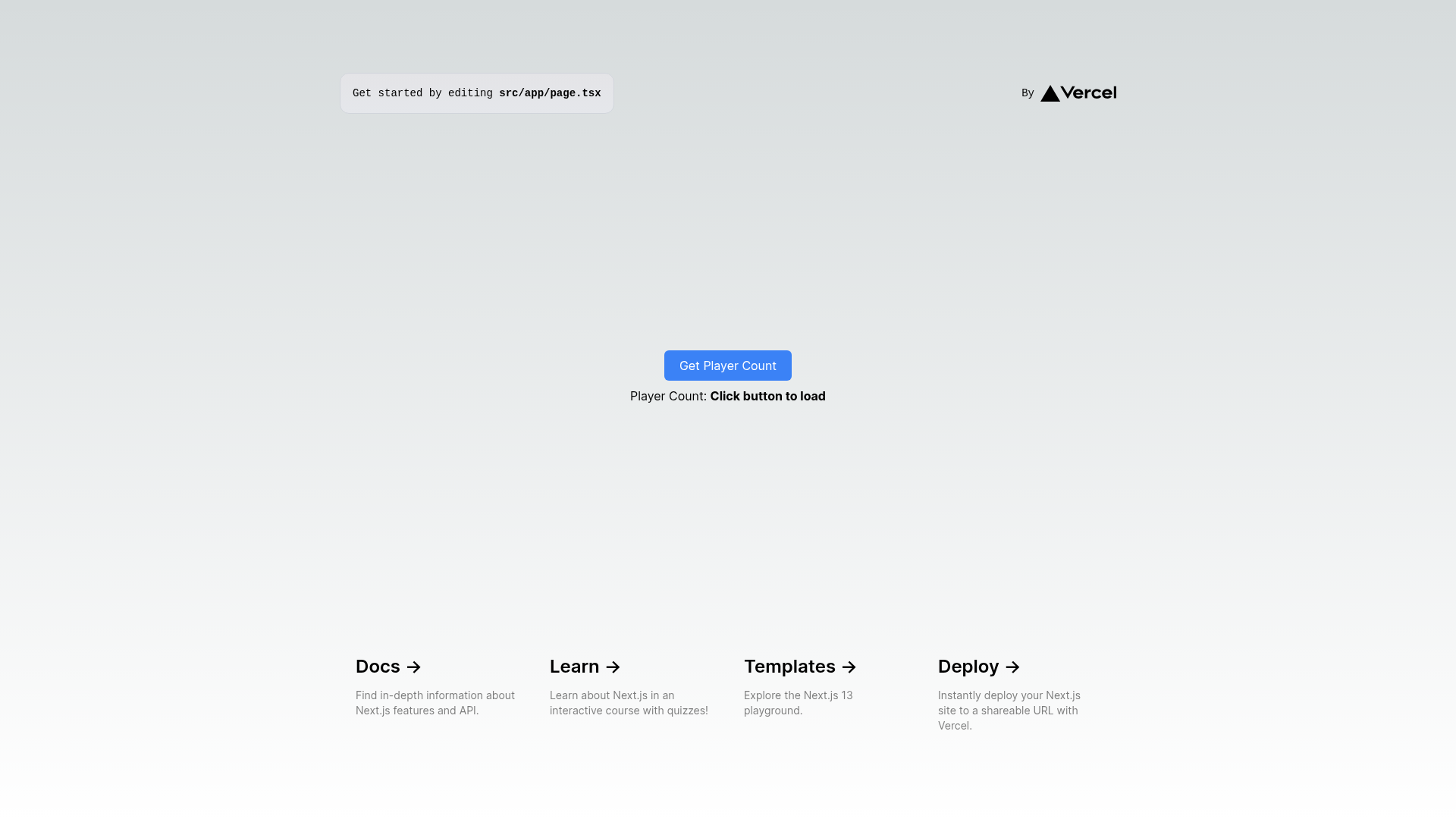
- FiveM Integration — Concrete examples show SendNUIMessage, RegisterNUICallback, server events, and player count retrieval.
- Flexible Deployment — The UI can be deployed via Vercel or manually with npm, yarn, or pnpm, and the
ui_pageURL in fxmanifest.lua points to the deployment.
Who is it for?
- FiveM resource developers who want to build custom interactive menus, HUDs, or dashboards without writing vanilla HTML/CSS/JS.
- Next.js developers who are comfortable with React and want to apply their skills to FiveM modding.
- Server owners who want to host the UI separately on Vercel for easier updates and scaling.
What can you do with it?
- Game menu developers: Build an inventory or settings menu that opens when the player presses H, and update the UI by sending data from the client using SendNUIMessage.
- Server analytics displays: Fetch live player counts or server statistics by wiring a NUI callback that triggers a server event and returns the result to the React state.
- Theme-aware interfaces: Use next-themes to offer dark and light modes in your NUI based on player preferences.
How does it work?
The template establishes a two-way data flow between the Next.js UI and the FiveM Lua resource. From the client, SendNUIMessage sends an object with a type matching a Redux slice/reducer name and a data payload, which the UI reducer applies to its state. In the reverse direction, the UI calls a NUI callback like getPlayerCount, which the client registers via RegisterNUICallback; the client then asks the server for data and returns it through the callback. The README includes copy-paste examples for both client.lua and server.lua.
To get started, clone the repository, add the resource to your server, install the UI dependencies, build and start the project, then update the ui_page URL in fxmanifest.lua. If you rename the fivem-nextjs-example folder, update the NEXT_PUBLIC_RESOURCE_NAME environment variable in the ui/.env file, and add that same variable in the Vercel dashboard when deploying there.
FAQ
How do I rename the resource folder?
If you change the fivem-nextjs-example folder name, update the NEXT_PUBLIC_RESOURCE_NAME variable in the ui/.env file. When deploying on Vercel, set the same environment variable in your Vercel project settings.
What is the default hotkey to open the NUI?
The default hotkey is H. You can press it in-game to open the menu once the resource is ensured on the server.
Does the template work with TypeScript?
Yes, the entire UI is written in TypeScript, and the template includes type-safe examples for Redux reducers and NUI callback handling.
Can I deploy the UI using Vercel?
Yes, the README provides step-by-step instructions for Vercel deployment, including creating a new repository from the template, connecting it to Vercel, adding environment variables, and updating the ui_page URL.