Template details
Flexible Jekyll
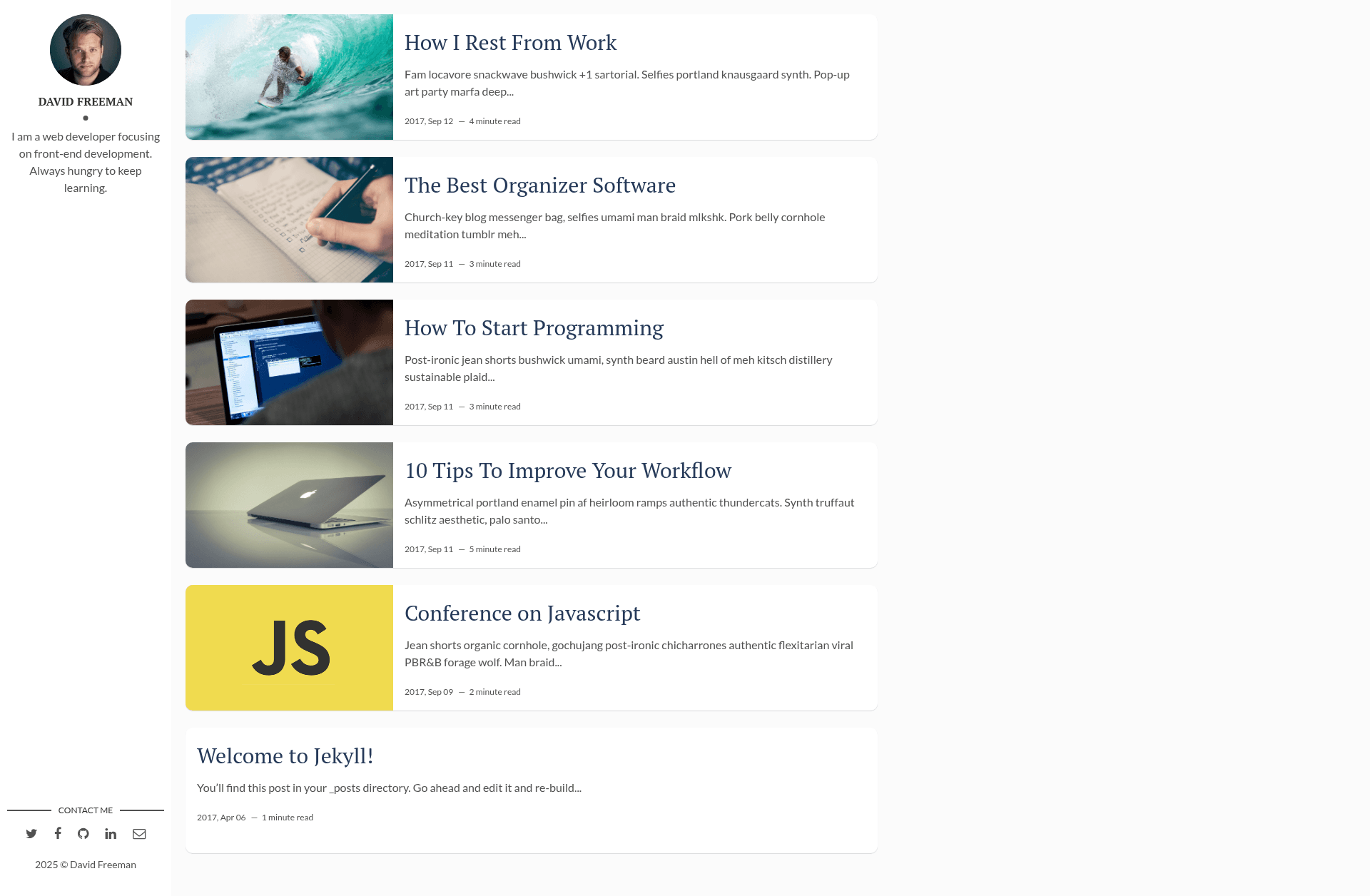
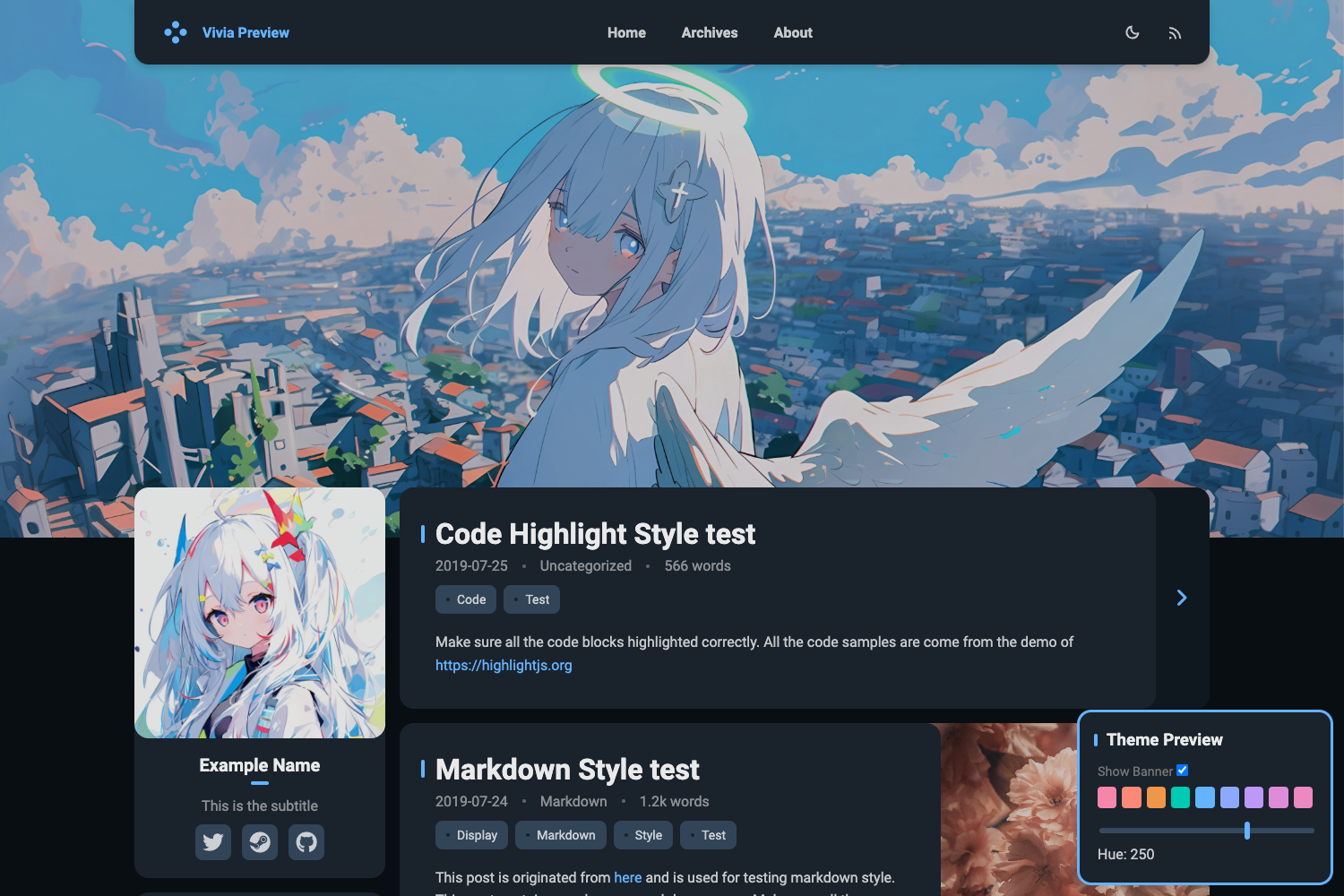
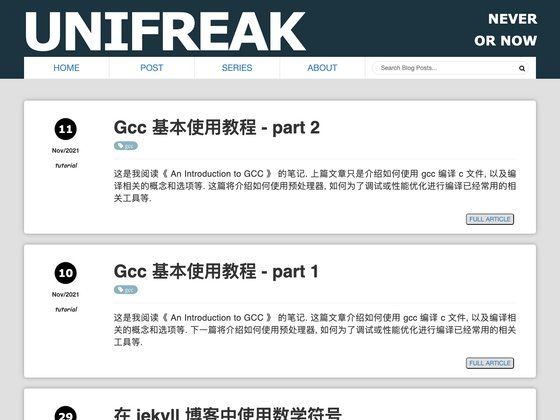
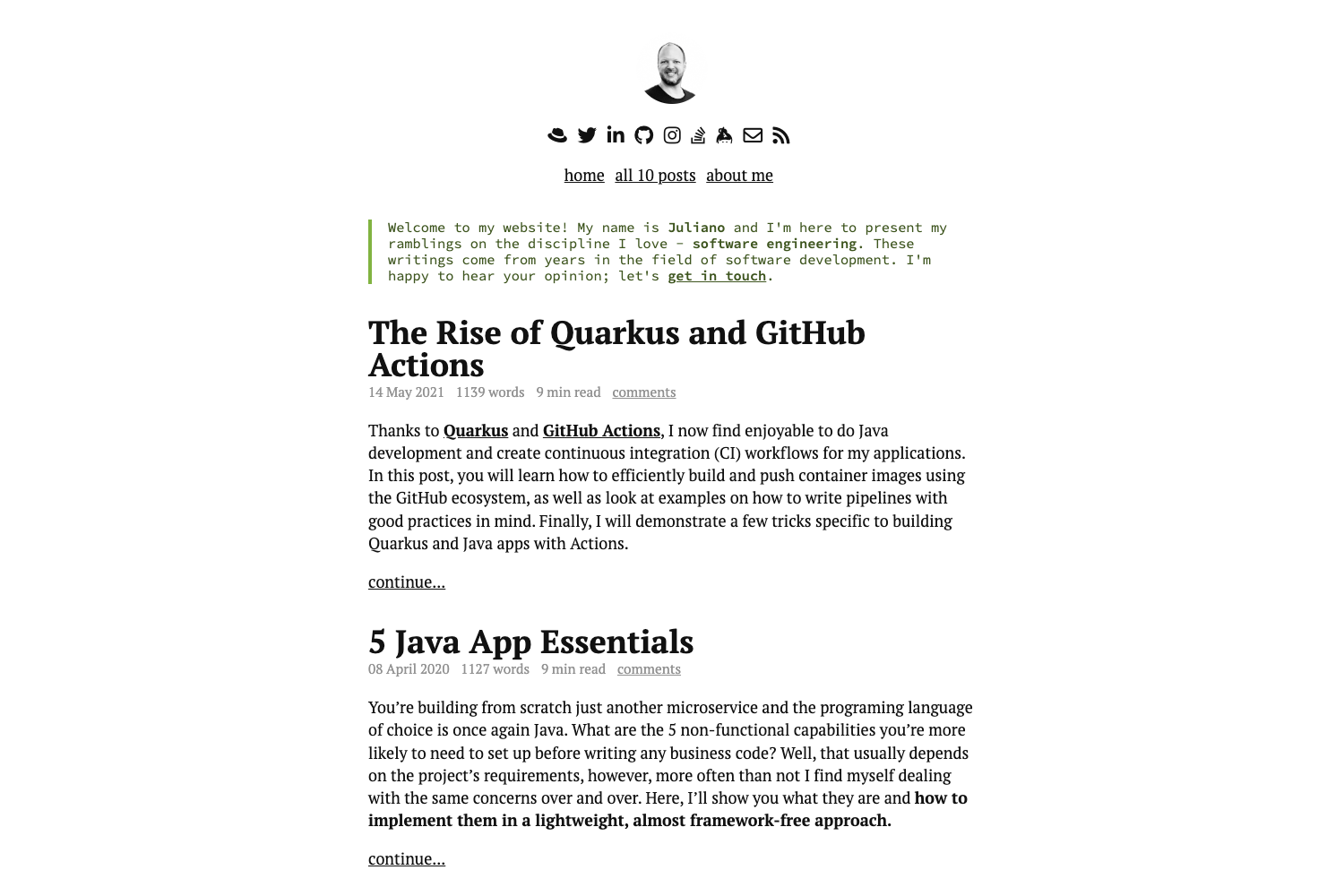
Flexible Jekyll is a free, clean Jekyll theme for blogs and portfolios with Google Fonts, Disqus, Analytics, and emoji support.
About this template
Flexible Jekyll is a free, simple, and clean Jekyll theme by Artem Sheludko for building blogs and portfolio sites that render as static HTML on GitHub Pages. The theme works with Jekyll's standard Markdown-based content workflow and produces a homepage plus individual post pages, with built-in support for Google Fonts, Font Awesome icons, Disqus comments, Google Analytics, and emoji.
What is Flexible Jekyll?
Flexible Jekyll is a free Jekyll theme designed for personal blogs and portfolio websites. It takes Markdown posts and Jekyll configuration as input and outputs a static site with a clean, minimal design. The theme runs on Jekyll and is deployable to GitHub Pages; it was created by Artem Sheludko and is distributed under the GNU General Public License v3.0.
Key Features
- Google Fonts — The theme loads typography from the Google Fonts library, giving the site a polished look without local font files.
- Font Awesome — Includes the Font Awesome icon set, so you can add icons to pages and posts via CSS classes.
- Disqus — Integrates the Disqus comment platform so visitors can comment on blog posts.
- Analytics — Supports Google Analytics, letting you track site traffic by adding your tracking code.
- Emoji — Renders emoji characters in post content and pages, so you can add expressive symbols directly in Markdown.
Who is it for?
- Personal bloggers — Publish articles on a clean, fast static site without managing a server or database.
- Portfolio owners — Showcase projects or work samples using the minimal layout, with links and icons.
- Jekyll newcomers — Get a ready-made theme they can fork and deploy to GitHub Pages by following the official installation docs.
What can you do with Flexible Jekyll?
- Set up a blog on GitHub Pages: Fork the master branch, follow the Jekyll installation guide, and publish posts with Markdown.
- Add social proof: Use Font Awesome icons to link to social profiles or project repositories.
- Engage readers: Enable Disqus comments to let readers leave feedback on each post.
How does Flexible Jekyll work?
The setup is described in the installation documentation: fork the master branch, then follow the Jekyll Installation Documentation to run the site locally or deploy it to GitHub Pages. After forking, you can view a live demo at https://artemsheludko.github.io/flexible-jekyll/ to see the main page and a post page example.
Pricing
Flexible Jekyll is free to use. The theme is licensed under the GNU General Public License v3.0, which allows you to use, modify, and distribute it with attribution.
FAQ
Is Flexible Jekyll free?
Yes, Flexible Jekyll is free and open source. It is released under the GNU General Public License v3.0, so you can use and modify it for personal or commercial projects as long as you comply with the license terms.
How do I install Flexible Jekyll?
Fork the master branch of the repository and follow the Jekyll Installation Documentation from the official Jekyll website. You'll need Ruby and Bundler set up to run the site locally, and you can deploy it to GitHub Pages as part of the workflow.
Does Flexible Jekyll support GitHub Pages?
Yes, because it is a Jekyll theme, it runs on GitHub Pages by default. Fork the repository, enable GitHub Pages in your repository settings, and your site will be served from the Jekyll build.
What comment system does Flexible Jekyll use?
Flexible Jekyll integrates Disqus. You can enable comments by configuring your Disqus shortname in the theme's settings, after which visitors can comment on individual blog posts.
Can I use emoji in my posts?
Yes, Flexible Jekyll supports emoji. You can include emoji characters directly in your Markdown content and they will render on the page without any extra setup.