Template details
Hugo Casper3
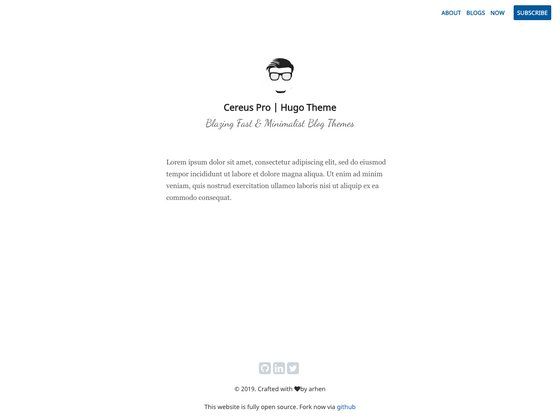
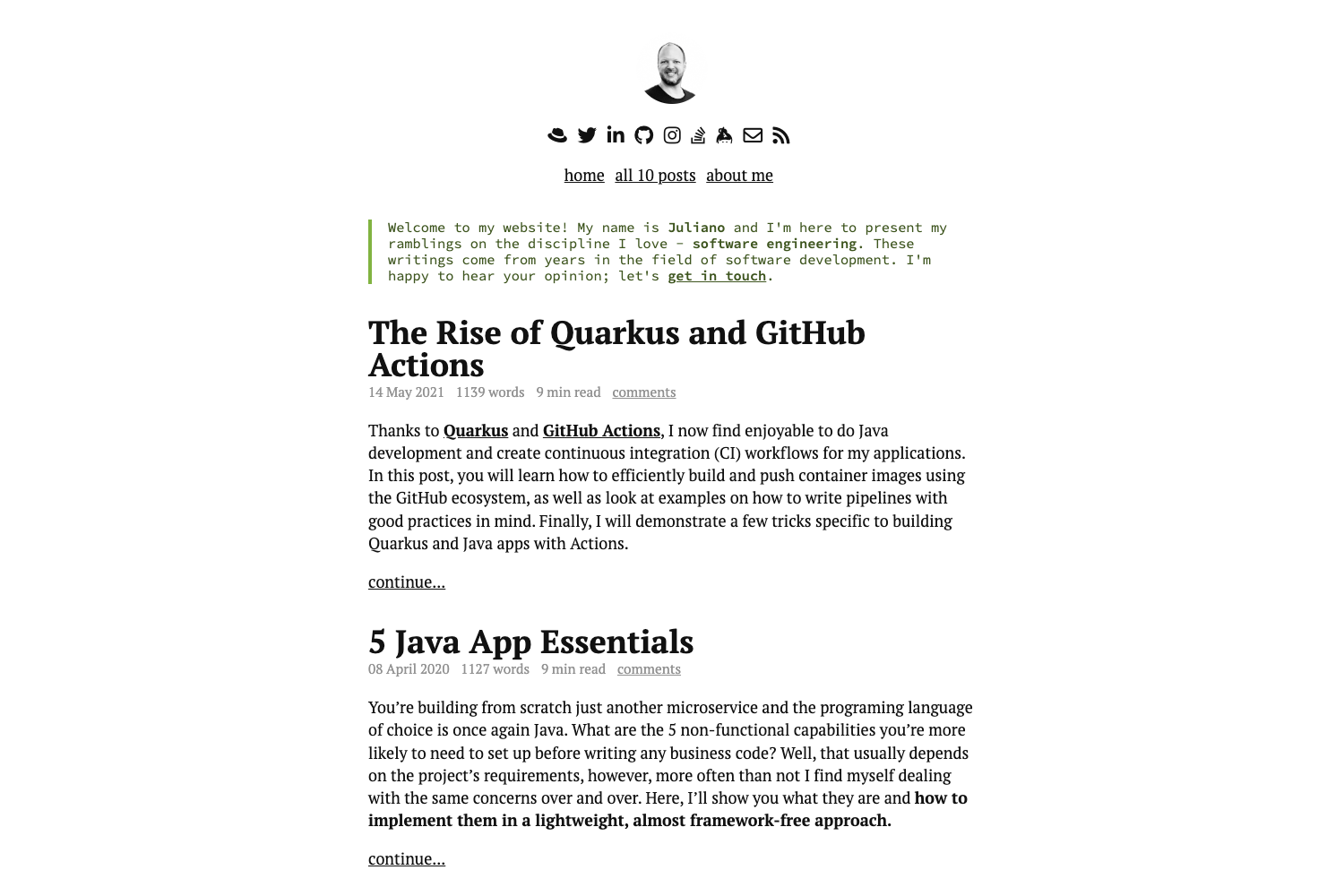
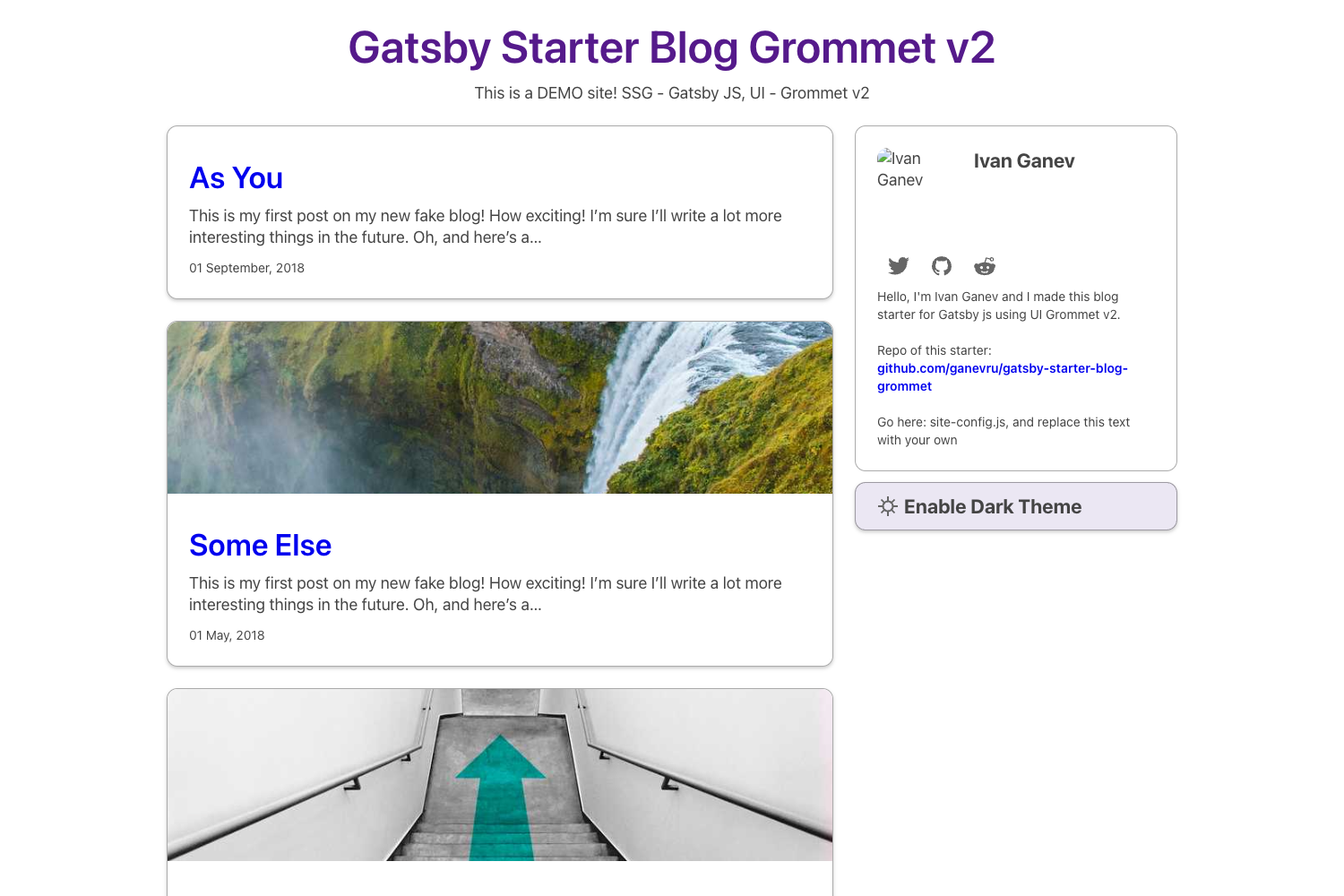
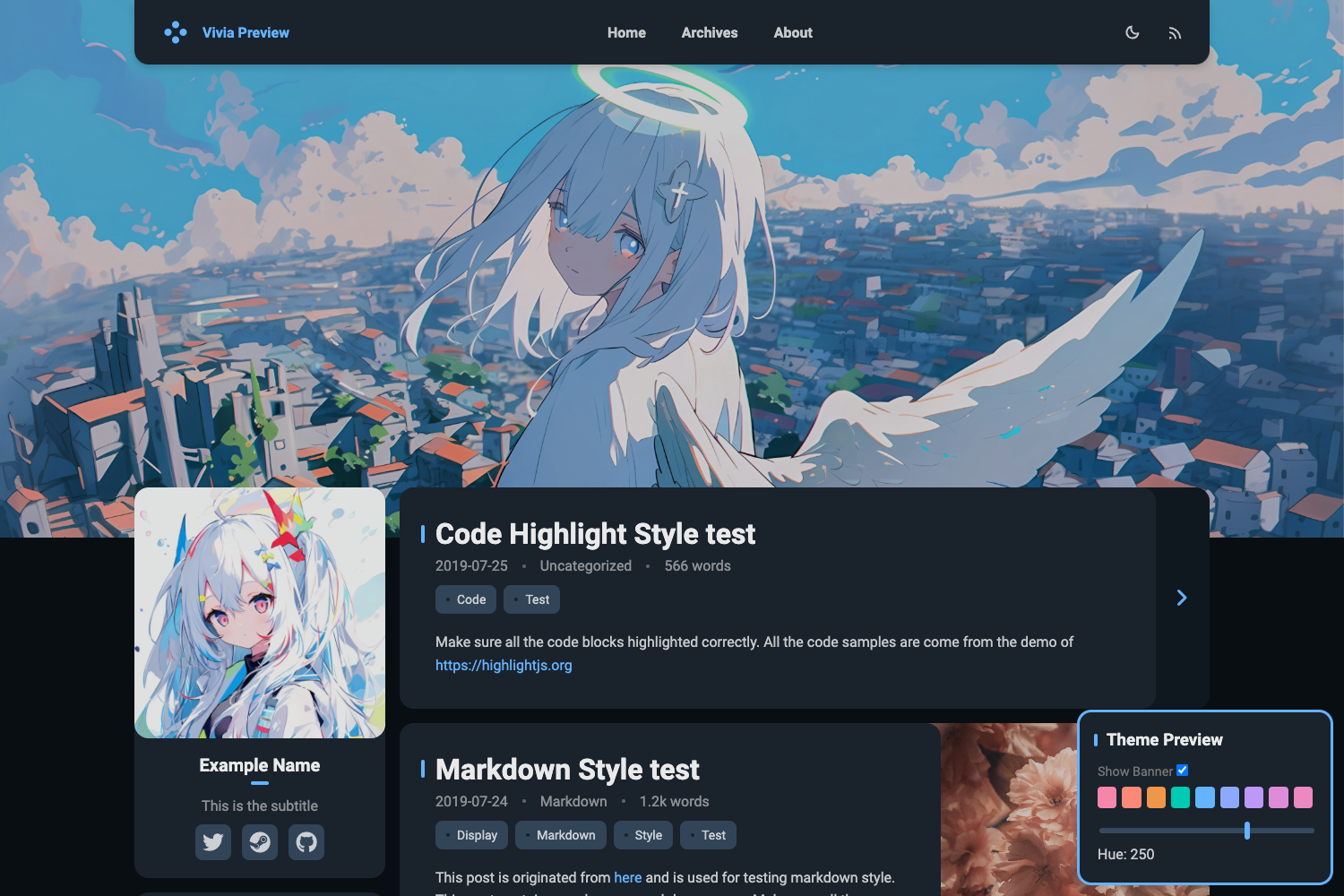
A Hugo port of the Ghost Casper 3 theme for image-heavy, minimal blogs.
About this template
Hugo Casper3 is a Hugo port of the Ghost Casper 3 theme by Jonathan Janssens, bringing the minimal, image-focused blog design to static sites built with the Hugo static site generator.
What is Hugo Casper3?
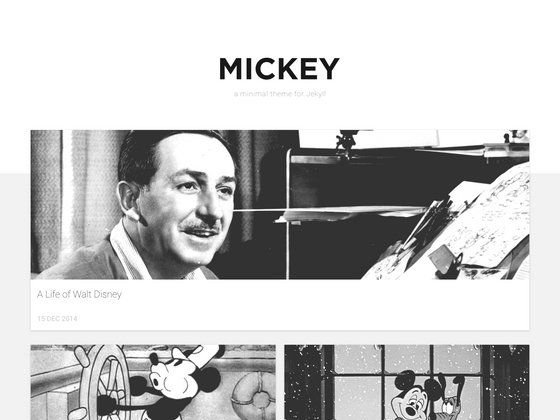
Hugo Casper3 is a Hugo theme that recreates the look and feel of the Casper 3 theme originally made for the Ghost publishing platform. It takes Hugo site content — specifically posts that define a feature_image parameter in their front matter — and renders a clean, image-first blog homepage and article pages. The theme is developed by Jonathan Janssens and is MIT licensed, with a demo site available in the repository jonathanjanssens/hugo-casper3-demo.
Key Features
- Hugo native — Built specifically for Hugo, using its template system and front matter; set the theme in config as casper3 or build with the
-t casper3flag. - Image-driven layout — The theme is described as very image heavy, so each piece of content should include a feature_image parameter in front matter for correct display.
- Homepage configuration — Which content types appear on the homepage is controlled through Hugo's mainSections directive, letting you choose between sections like posts or photo albums.
- Demo site — A live demo with feature images is maintained at jonathanjanssens/hugo-casper3-demo, giving a preview of the theme before installation.
- MIT license — Free to use and modify; the author asks for a footer credit and accepts PayPal donations, but this is not enforceable.
- Roadmap for improvements — The project's development roadmap lists switching from compiled CSS to SCSS via Hugo Pipes and adding multi-author support with an author taxonomy.
Who is it for?
- Bloggers who want a minimal, image-forward reading experience similar to modern Ghost default themes without running a Ghost server.
- Developers using Hugo who need a quick way to launch a photography or visual blog; the feature_image convention makes adding images straightforward.
- Design-minded writers who appreciate the clean typography and focus that Casper 3 provides, and want to keep their site static and fast.
What can you do with Hugo Casper3?
- Photographers: post photo essays by naming a feature_image in the front matter of each Markdown file; the homepage will showcase those images prominently.
- Travel bloggers: produce image-heavy destination guides and rely on the theme's visual style to lead with photos rather than text.
- Indie webmasters: set up a personal blog on Hugo, host it on any static host, and get a Casper lookalike without paying for a publishing platform.
How does Hugo Casper3 work?
Installation is done through Git: create a themes folder, then run git clone git@github.com:jonathanjanssens/hugo-casper3.git inside it. After that, either set theme = "casper3" in your site config or build with the command-line flag -t casper3. Finally, add a feature_image parameter to content front matter and configure mainSections in your config to decide which content shows up on the homepage.
Pricing
Hugo Casper3 is free and open source, released under the MIT license. You are not required to pay for it; the author welcomes donations via PayPal and cryptocurrency addresses listed in the repository.
FAQ
Is Hugo Casper3 free?
Yes. The theme is released under the MIT license, so you can use, copy, modify, and distribute it freely. Optional donations are accepted through PayPal, and the author also lists BTC, LTC, and ETH addresses.
What is the difference between Hugo Casper3 and the Ghost Casper theme?
Hugo Casper3 is a port of Ghost's Casper 3 theme for the Hugo static site generator. Instead of running a Ghost server, you compile your Markdown content into static files. The visual design is close to the original, but the underlying technology is Hugo.
How do I add a featured image to my post?
Add a front matter parameter named feature_image to each content file and set its value to the image URL or path. Hugo Casper3 is image heavy, so posts without a feature image may not display as intended.
Does Hugo Casper3 support multiple authors?
Not yet. Multi-author support and an author taxonomy are listed on the development roadmap, but they are not implemented in the current version of the theme.
How do I install Hugo Casper3?
Clone the repository into your Hugo site's themes directory: first create a themes folder if it doesn't exist, then run git clone git@github.com:jonathanjanssens/hugo-casper3.git. Set the theme to casper3 in your config or pass the -t casper3 flag when building.