Template details
Flexy React Material Admin Free
Free React admin dashboard template built with Material UI, Vite, and ApexCharts for building admin panels and dashboards.
About this template
Flexy React Material Admin Free is a free React dashboard template from WrapPixel that combines Material UI (MUI), Vite, and ApexCharts to provide a starting point for building admin panels, dashboards, and internal tools.
What is Flexy React Material Admin Free?
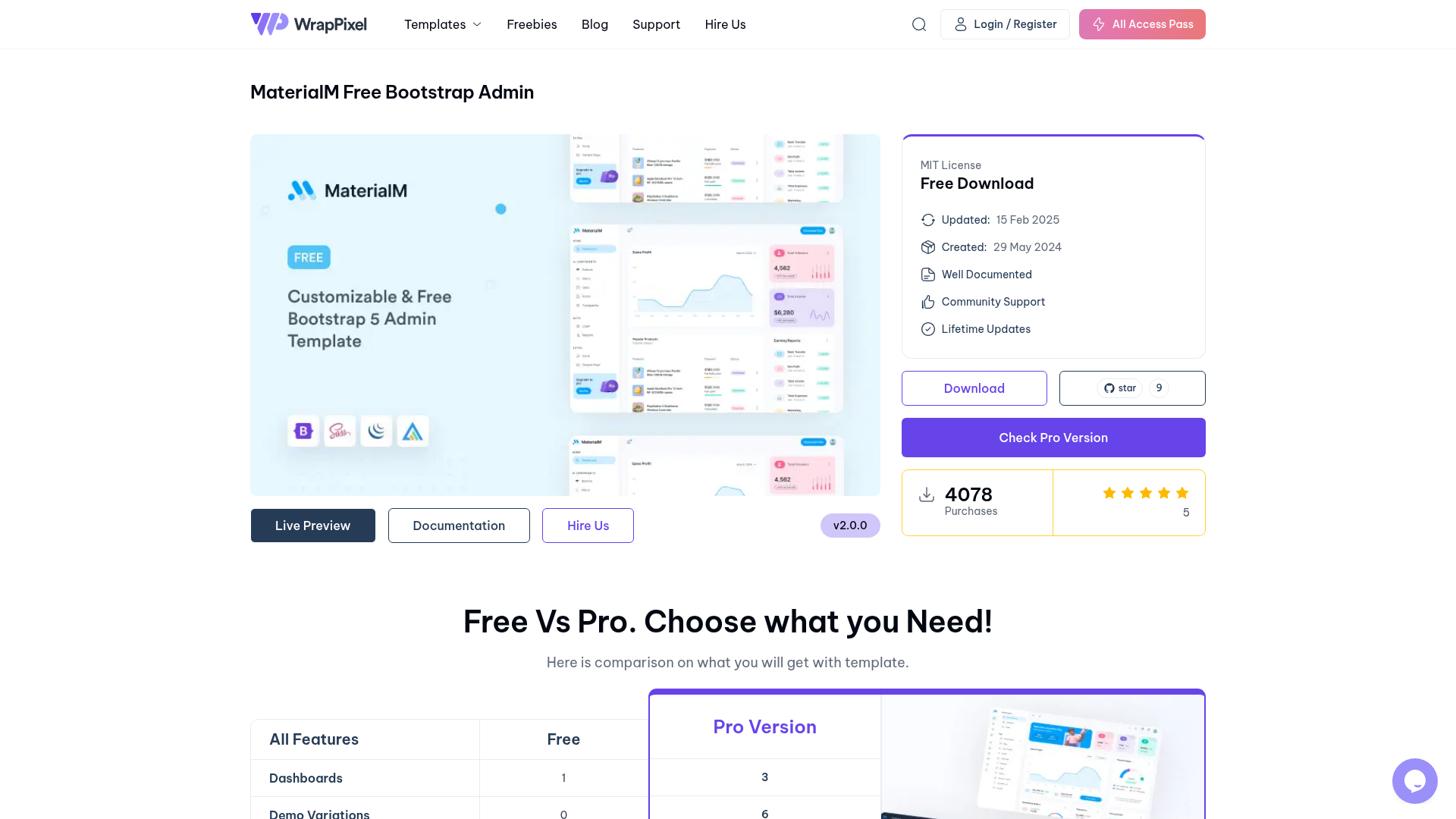
This template is a code starter kit for React-based admin interfaces. It takes a clean project scaffold with pre-built pages, widgets, and chart components as its input, and produces a fully responsive dashboard UI that developers can customize and extend. It runs on the web via React and Vite, and is published by WrapPixel, a provider of admin templates. The free version includes a default theme, basic pages, basic widgets, and community support; a paid Pro version adds multiple themes, dark mode, priority support, multi-language support, and more.
Key Features
- Responsive Design — Built mobile-first so the dashboard layout adapts to phones, tablets, and desktops.
- Material UI Components — Uses MUI, Google's Material Design React library, for buttons, cards, tables, forms, and other UI elements.
- Vite-Powered Development — Vite provides fast startup, hot module replacement, and optimized production builds for the project.
- ApexCharts Integration — Includes interactive, ready-to-use chart components for visualizing analytics and business data.
- React-Based Architecture — The codebase is organized into reusable React components, which supports state management and scalable app structure.
- Developer Friendly — The modular code and minimal configuration make it straightforward to customize and extend the template.
- Free for Commercial Use — The free version can be used in personal and commercial projects (per the repository description).
Who is it for?
Developers building admin panels — start from the cloneable repository, then add their own React components and business logic on top.
Freelancers delivering dashboards — use the pre-built pages and charts to create client-facing analytics interfaces quickly.
Startups needing internal tools — customize the template into an operations dashboard, user management panel, or reporting UI without designing from scratch.
React learners — study a working MUI + Vite + ApexCharts project structure and adapt it for their own practice projects.
What can you do with Flexy React Material Admin Free?
- Analytics dashboards: display metrics and trends with interactive ApexCharts inside the provided basic widgets.
- Admin panels: manage users, roles, and settings using MUI components such as forms, tables, and navigation.
- Internal tools: build a simple operations console for your team, then extend it with custom React components.
- Learning and prototyping: use the clean scaffold to experiment with MUI theming, Vite build configuration, or chart integrations.
How do you install it?
- Clone the repository with
git clone https://github.com/wrappixel/flexy-react-lite.git. - Run
npm installto install the template's dependencies. - Run
npm run devto start the local development server and preview the dashboard.
Pricing
The template is offered in two tiers: a free version with basic pages, basic widgets, one default theme, and community support, and a paid Pro version that adds multiple themes, dark mode skins, priority support, multi-language support, user roles and permissions, real-time notifications, and advanced analytics. Prices are not listed in the source material.
FAQ
Is Flexy React Material Admin Free really free?
Yes, the template is free to download and use. The repository description states it can be used in personal and commercial projects. WrapPixel also sells a Pro version with additional features.
What tech stack does it use?
The template is built with React, Material UI (MUI), Vite, and ApexCharts. This combination provides a component-based UI framework, a fast development build tool, and interactive charting.
Can I use this template for a client project?
Yes, the source says the free version can be used in personal and commercial projects. There is no listed restriction on client work.
How different is the Pro version?
The Pro version adds features not in the free tier: multiple themes and dark mode, priority support, multi-language support, user permissions and roles, real-time notifications, advanced widgets, and advanced analytics with custom reports.
Does the free template include pre-designed pages?
The free version includes basic pre-designed pages and basic widgets, while the Pro version offers more layouts and advanced widgets. The exact page list is not detailed in the source.