Template details
Flexy Vue Js Free Admin Template
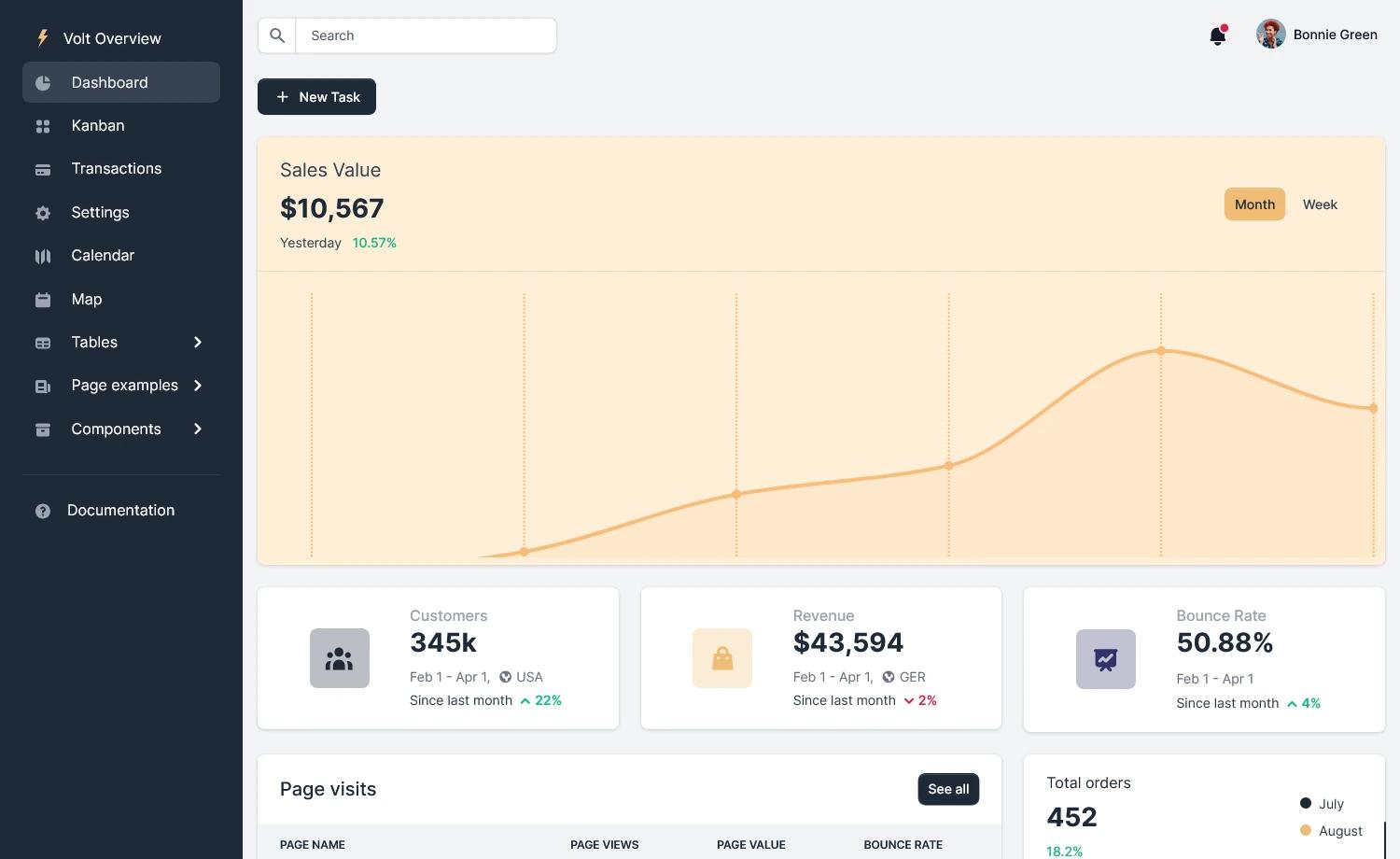
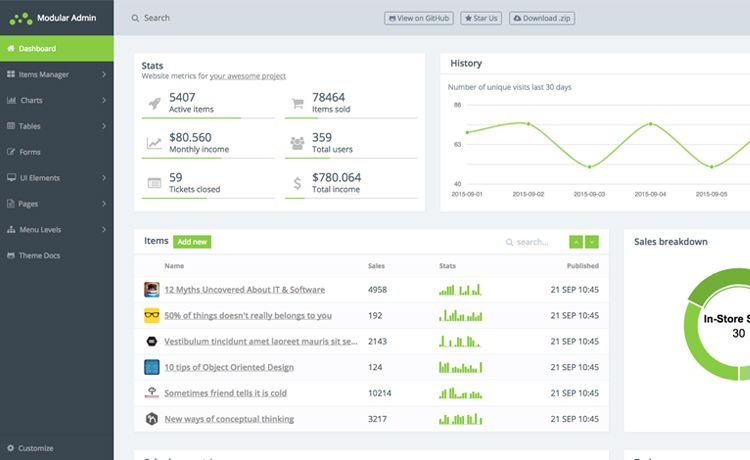
Free Vue admin dashboard template built with Vuetify, Vite, TypeScript, and SASS, featuring ApexCharts and Tabler Icons.
About this template
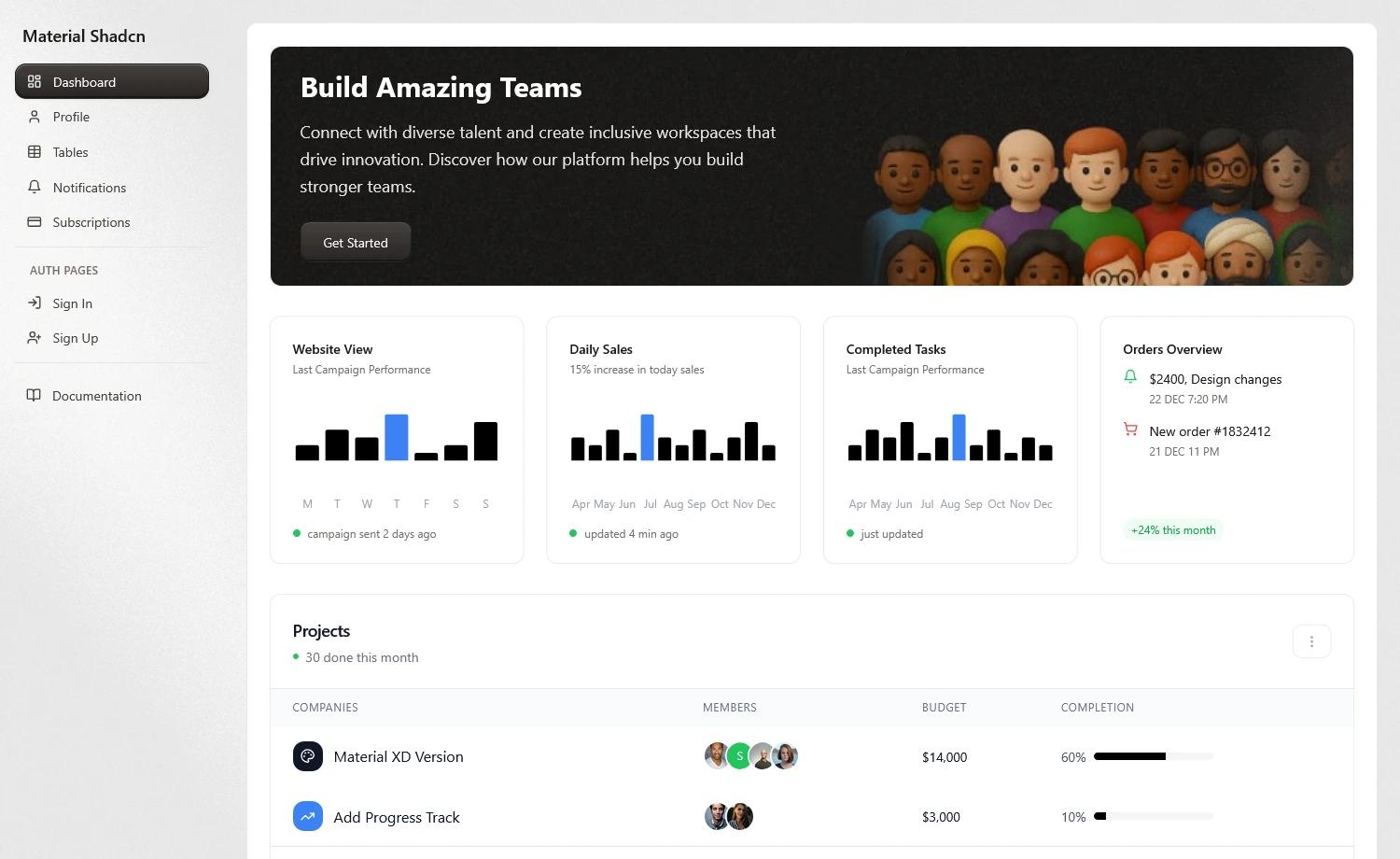
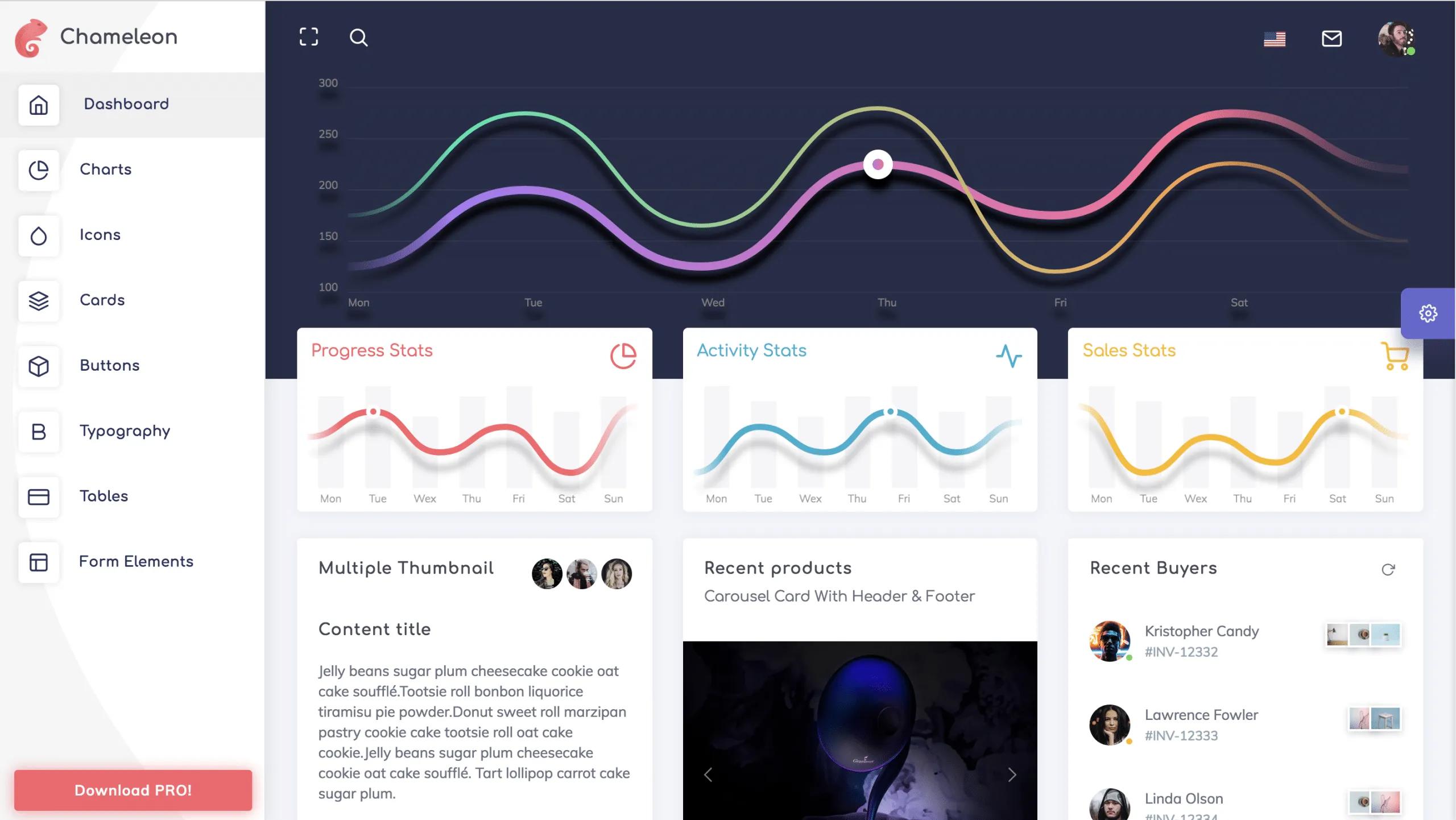
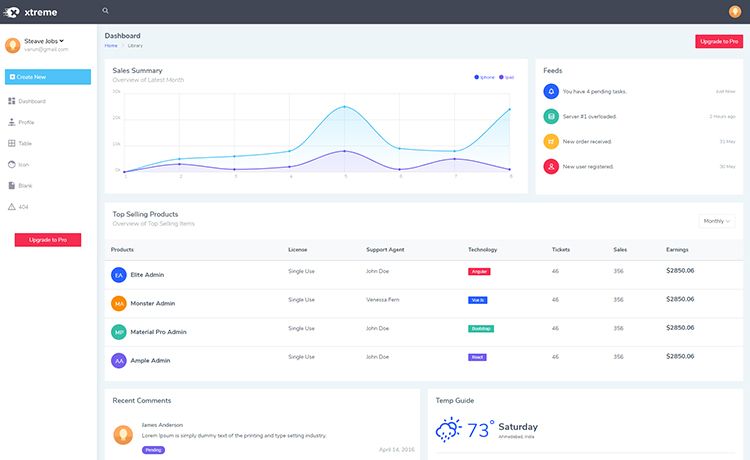
Flexy Vue Js Free Admin Template is a free, Material Design-based Vue dashboard template from WrapPixel, built with Vuetify, Vite, TypeScript, and SASS, designed for developers who need a ready-made admin panel for Vue 3 projects.
What is Flexy Vue Js Free Admin Template?
Flexy Vue Js Free Admin Template is a free dashboard admin template created by WrapPixel, built on Vue 3 with the Vuetify UI component library, Vite as the build tool, TypeScript for static typing, and SASS for styling. It takes the developer's project requirements and produces a responsive, mobile-first admin interface with pre-designed pages, basic widgets, and interactive charts. The template includes Vue ApexCharts for data visualization and Vue Tabler Icons for consistent iconography. WrapPixel distributes it as a free starter, with a Pro version available that adds advanced pages, multiple themes, dark mode, and priority support.
Key Features
This template is packed with features that address both the visual and technical needs of a modern admin dashboard.
- Responsive Design — Built with a mobile-first approach to ensure a consistent layout across phones, tablets, and desktops.
- Vuetify UI Components — Leverages Vuetify's Material Design components for buttons, forms, navigation, and cards, giving the dashboard a clean, consistent look.
- Vite-Powered Development — Uses Vite for instant server start, hot module replacement during development, and optimized production builds.
- Vue ApexCharts Integration — Includes interactive, ready-to-use chart components for dynamic data visualizations such as line, bar, and area charts.
- Vue Tabler Icons — Ships with the Vue Tabler Icons set, a library of clean, scalable icons that keeps the UI visually unified.
- TypeScript Support — Written in TypeScript, adding static type checking that improves code quality and maintainability.
- Basic Pre-designed Pages — The free version includes basic admin pages and widgets out of the box, with the Pro version adding more layouts, advanced widgets, and custom color skins.
Who is it for?
This template suits developers and small teams who want to skip the boilerplate of building an admin interface from scratch.
- Frontend developers — need a solid Vue 3 + Vuetify starting point for admin dashboards and can extend the modular components.
- Startups and small teams — prototyping internal tools, analytics dashboards, or SaaS admin panels who want a professional UI without paying for a commercial template.
- Agencies — involved in client projects that require a customizable, code-based dashboard with predictable build tooling and theming options.
What can you do with Flexy Vue Js Free Admin Template?
The template is flexible enough for a variety of admin dashboard scenarios.
- Build internal administration panels — assemble a working admin UI with navigation, tables, forms, and charts directly from the template's components.
- Prototype a SaaS dashboard — use the included basic pages and ApexCharts widgets to mock up analytics views and data visualizations.
- Customize the design system — adjust SASS variables and Vuetify settings to match a brand's colors and typography without touching the core logic.
How does it work?
The template uses a standard Git-based flow: clone the repository from GitHub, install dependencies with npm install, and start the development server with npm run dev. Full documentation is available at WrapPixel's Free Documentation, and the repository welcomes community contributions through forking and pull requests.
Free version vs Pro version
The free version of Flexy is a functional starter with basic pages, widgets, and community support. The Pro version, sold by WrapPixel, adds multiple theme options, custom color skins, dark modes, advanced widgets like weather and maps, multi-language support, user permissions and roles, real-time notifications, and advanced analytics with custom reports. A full comparison table is available on the download page.
FAQ
Is Flexy Vue Js free?
Yes, a free version is available for download from WrapPixel's site and GitHub, with community support. A paid Pro version exists with additional features and priority support.
What tech stack does Flexy use?
Flexy is built with Vue 3, Vuetify, Vite, TypeScript, SASS, Vue ApexCharts for charts, and Vue Tabler Icons for icons. It follows Material Design guidelines.
How do I install Flexy?
Clone the repository with git clone https://github.com/wrappixel/Flexy-vuejs-free.git, run npm install, then npm run dev to start a local development server.
What are the limitations of the free version?
The free version lacks multi-language support, user roles and permissions, real-time notifications, advanced analytics, and advanced widgets. It includes only basic pages and widgets, and offers community support instead of priority support.