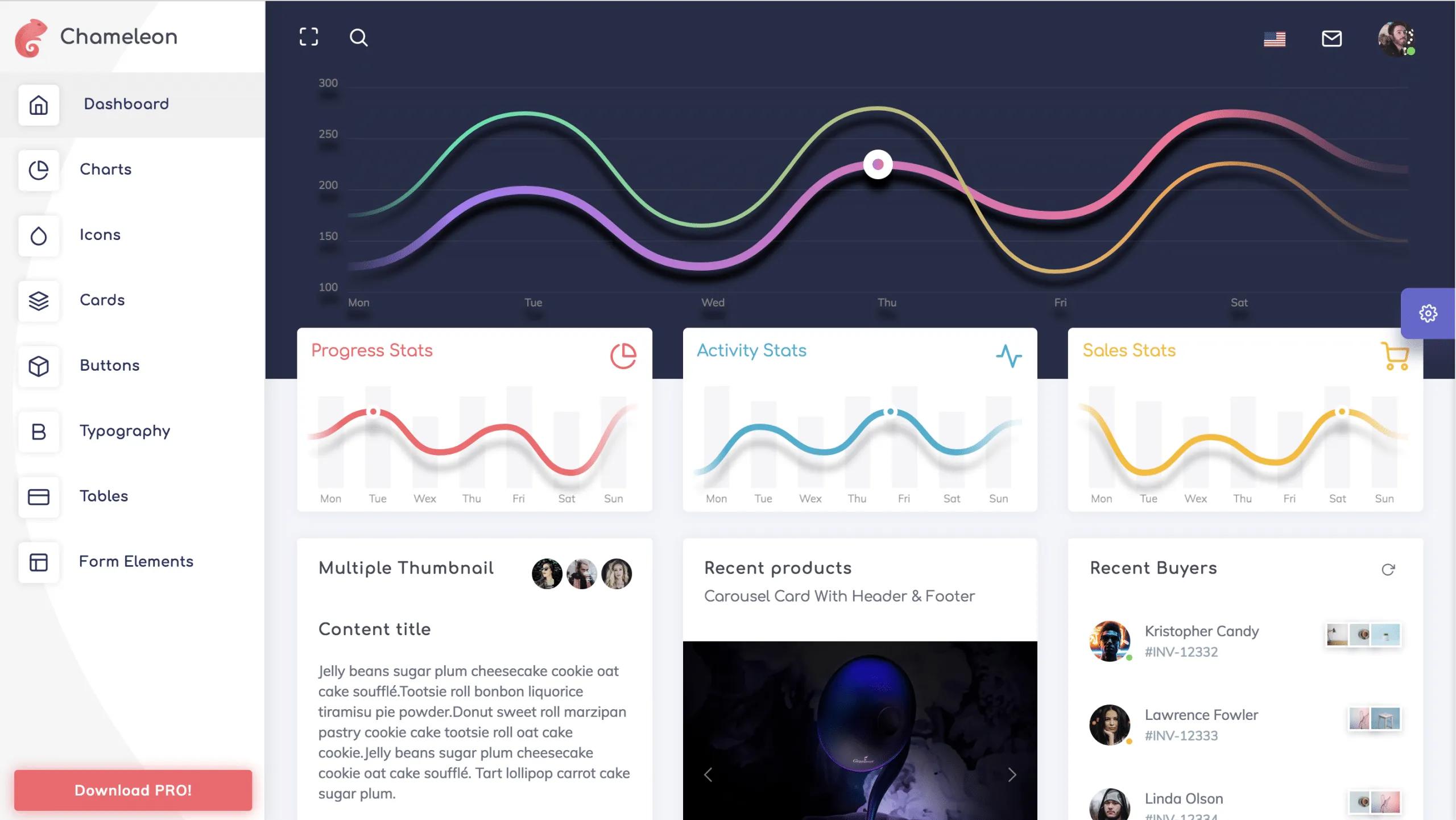
Template details
Santa's Dashboard
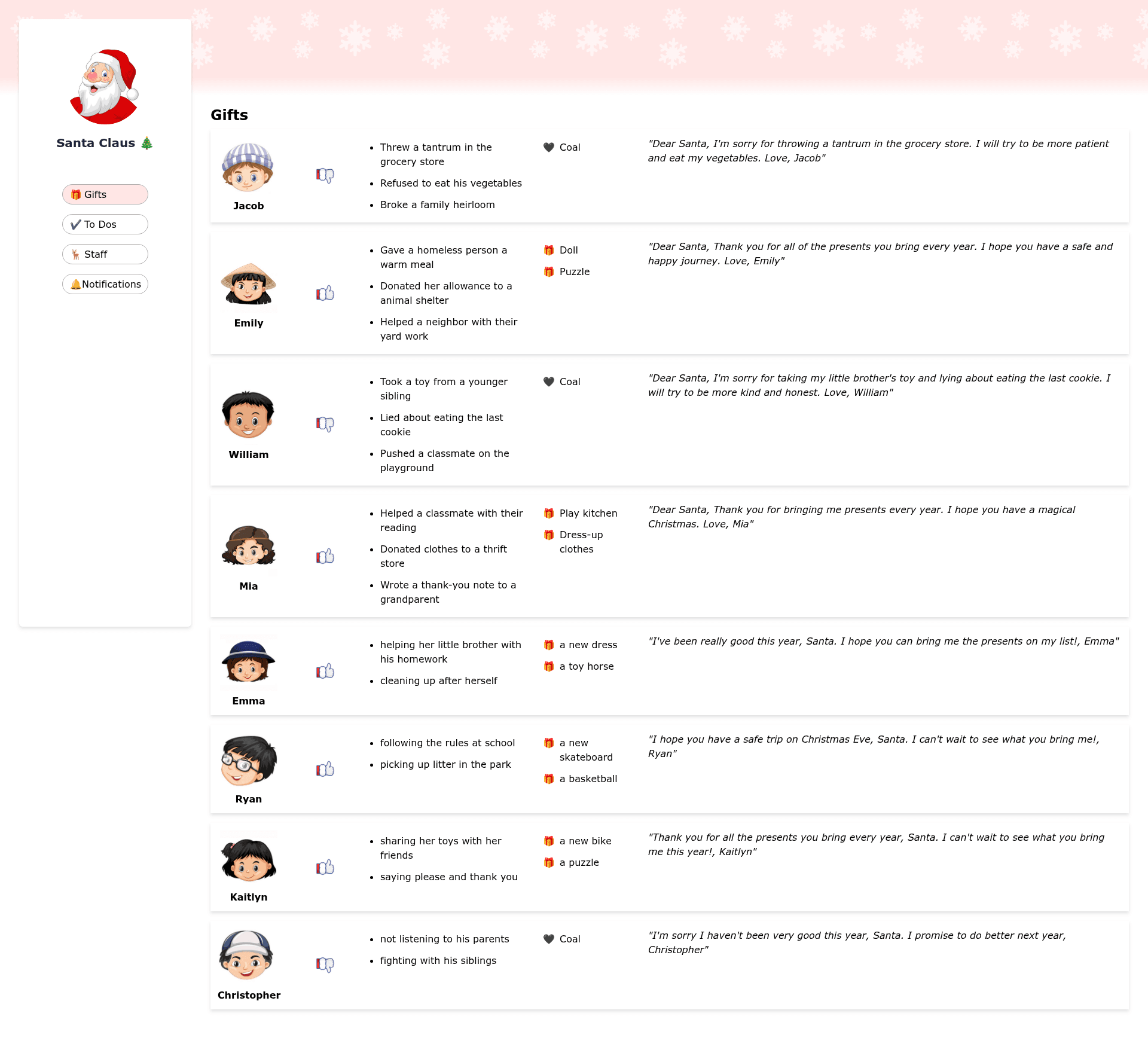
Dashboard for Santa built with Next.js and React, using ChatGPT-generated lists and a Christmas theme.
About this template
Santa's Dashboard is a Christmas-themed dashboard template built with Next.js and React that uses ChatGPT responses to generate its lists, created by developer dilums.
What is Santa's Dashboard?
Santa's Dashboard is a web application that presents a dashboard for Santa Claus, with all of its lists generated from ChatGPT responses. It runs on the Next.js framework with React and is available as an open-source repository on GitHub at github.com/dilums/dashboard-for-santa. The creator, dilums, also included the list of ChatGPT questions and extra material about generating SVGs in the repo. The project takes text responses from ChatGPT as input and renders them as a styled dashboard interface designed for the Christmas season.
Key Features
- ChatGPT-generated content — All lists shown on the dashboard were created from ChatGPT responses, so no hand-written data is required.
- Next.js and React stack — Built on Next.js with React components, making it suitable for deployment as a modern web application.
- Christmas theme — The dashboard is designed around Santa Claus and the holiday season, with custom styling added on top of the generated text.
- GitHub repository — The full source code is available at github.com/dilums/dashboard-for-santa, including a file with the questions asked to ChatGPT and supplementary SVG-generation experiments.
- SVG generation exploration — The repo includes extra content related to using ChatGPT to generate SVGs, which can help developers create custom graphics.
Who is it for?
- Web developers interested in AI-generated UIs — They can examine how ChatGPT responses were transformed into dashboard lists and styled with CSS in a Next.js project.
- Christmas-themed project builders — Anyone creating a holiday app or dashboard can use this template as a starting point and modify the seasonal design.
- ChatGPT prompt enthusiasts — The linked GitHub repository documents the exact prompts used, showing how to get structured list content from ChatGPT.
What can you do with Santa's Dashboard?
- Study AI-driven development: Review the source and the prompt list to see how ChatGPT can populate a functional dashboard interface.
- Customize a seasonal dashboard: Fork the Next.js/React code and change the Christmas styling or plug in your own ChatGPT-generated data.
- Experiment with SVG generation: Explore the extra files in the repo that cover generating SVGs with ChatGPT to produce icons and illustrations.