Template details
Corona Vue
Free dark-mode Vue.js admin dashboard template from BootstrapDash with Chart.js, BootstrapVue, and SCSS, plus a paid full version.
About this template
Corona Vue is a free admin dashboard template from BootstrapDash, built on Vue.js, that provides a dark-mode UI with pre-built components, charts, and page layouts for launching admin projects quickly.
What is Corona Vue?
Corona Vue is a free administrator dashboard template developed by BootstrapDash, designed with a dark-mode-only aesthetic. It runs on Vue.js and uses BootstrapVue for UI components, Chart.js for data visualization, Material Design Icons (MDI) for icons, and an SCSS framework for styling. The template ships as a webpack-based Vue project with a demo directory that you clone, install, and run locally. Its main output is a ready-to-customize admin interface with sidebar, topbar, and various starter pages.
Key Features
- Dark mode design — The template is built around a dark color palette, giving the admin dashboard a nighttime aesthetic.
- BootstrapVue integration — UI components such as cards, tables, buttons, and forms are built on BootstrapVue, combining Bootstrap's grid system with Vue reactivity.
- Chart.js charts — Includes Chart.js bindings for displaying dashboard graphs, a common need for admin analytics screens.
- Material Design Icons (mdi) — The icon set uses MDI icons, giving access to hundreds of vector icons.
- SCSS framework — Styling is written in SCSS, allowing you to override variables and compile custom themes.
- Webpack build setup — Based on the vuejs-templates/webpack scaffold, offering hot reload during development (npm run dev) and minified production builds (npm run build).
- Unit and e2e test configuration — The project includes npm scripts for unit tests (npm run unit) and end-to-end tests (npm run e2e), plus npm test to run both.
- Free with a full version — This is the free release; BootstrapDash sells a full version of the Corona Vue template with additional components and pages.
Who is Corona Vue for?
- Vue.js developers — Developers who need a starting point for an admin dashboard can clone the repo, install dependencies, and customize the existing pages, avoiding a from-scratch build.
- Freelancers and small agencies — They can use the free template to deliver admin interfaces for clients quickly, with the option to upgrade to the full version for extra features.
- Startups building internal tools — Small teams that need a tracking dashboard or management panel can use Corona Vue's charts and layouts to save time.
What can you do with Corona Vue?
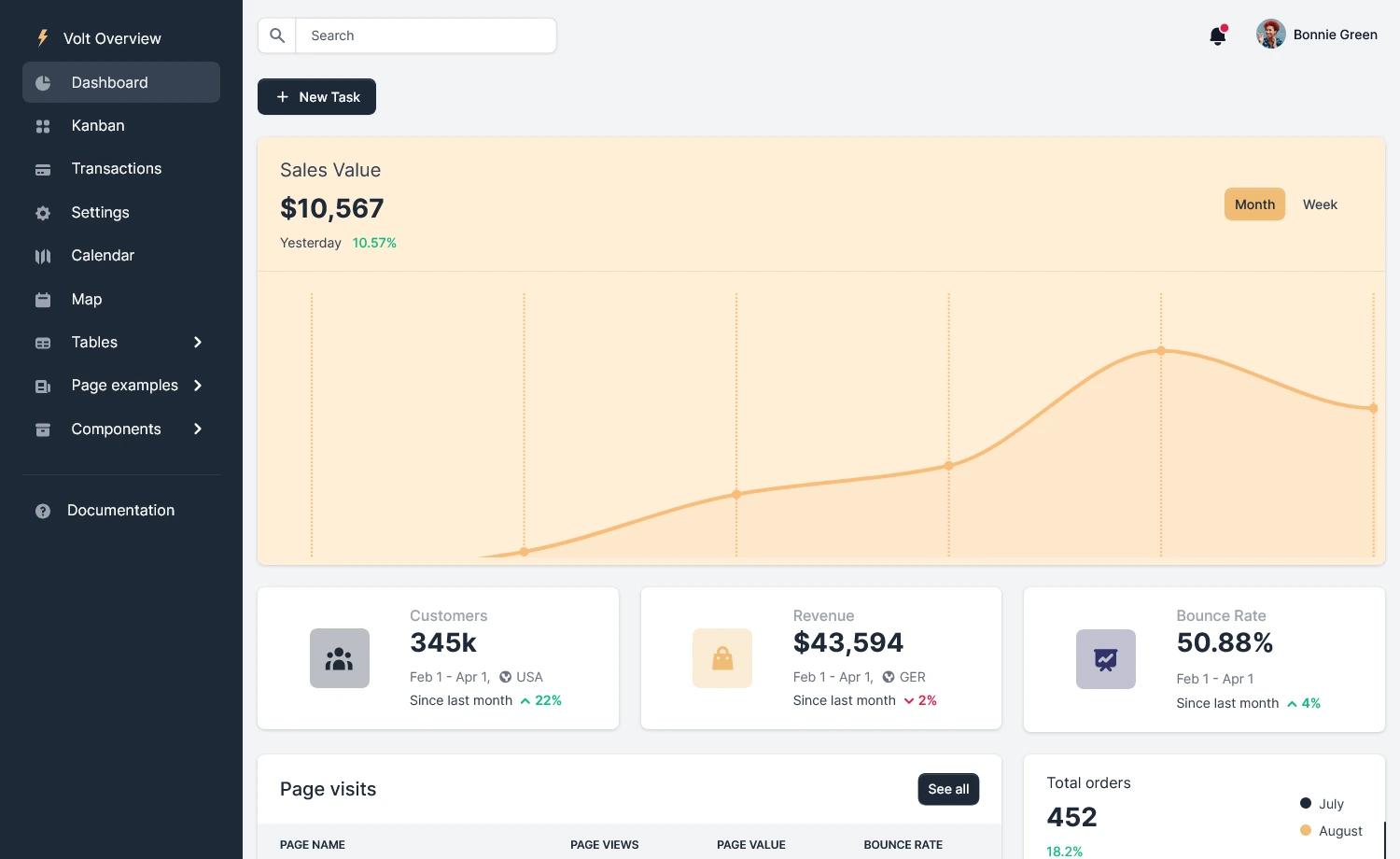
- Build an analytics dashboard — Combine the Chart.js integration and card-based layouts to display live metrics for users, sales, or website traffic.
- Create a user management panel — Use the BootstrapVue tables and forms included in the template to list, filter, and edit user records.
- Prototype a SaaS admin — Set up the dark-mode interface quickly for a SaaS back-office, and then extend it with your own Vue components.
- Learn Vue + Bootstrap integration — The template's structure and component usage serve as a practical example for developers learning how to combine Vue.js and BootstrapVue.
How does Corona Vue work?
The template is installed from GitHub: clone the repository, run npm install, then npm run dev to serve it at localhost:8080 with hot reload. For production, npm run build generates minified files; the project also includes npm run build --report for a bundle analyzer report. The download contains a template/demo_1 folder with the source in src/app and src/assets (images and styles), along with documentation, changelog, and license files.
Pricing
Corona Vue is free to download and use under the template's license. BootstrapDash also offers a paid full version of the Corona Vue admin template on their website, which contains more components, pages, and features than the free release.
FAQ
Is Corona Vue free?
Yes, the version described here is the free admin template from BootstrapDash. It includes a working Vue.js project, documentation, and demo pages, with the option to upgrade to the paid full version for additional features.
What technologies does Corona Vue use?
Corona Vue runs on Vue.js, with BootstrapVue for UI components, Chart.js for charts, Material Design Icons, and SCSS. The project is scaffolded with webpack using the vuejs-templates/webpack tooling, and it supports unit tests and e2e tests.
How do I run Corona Vue locally?
You can clone the repository from GitHub, run npm install, then npm run dev. This serves the template at localhost:8080 with hot reload. For a production build, use npm run build, which outputs minified files.
What is included in the download?
The download contains the source code under template/demo_1/src with an app folder and assets folder for images and styles, a public folder, package.json, changelogs, documentation, and a license file. Both the free and full versions are based on the same project structure.
Can I use Corona Vue for commercial projects?
The template is free from BootstrapDash; license terms are included in the LICENSE file in the repository. Check that file for the specific permissions, as free admin template licenses often allow commercial use, but you should verify before launching a paid product.