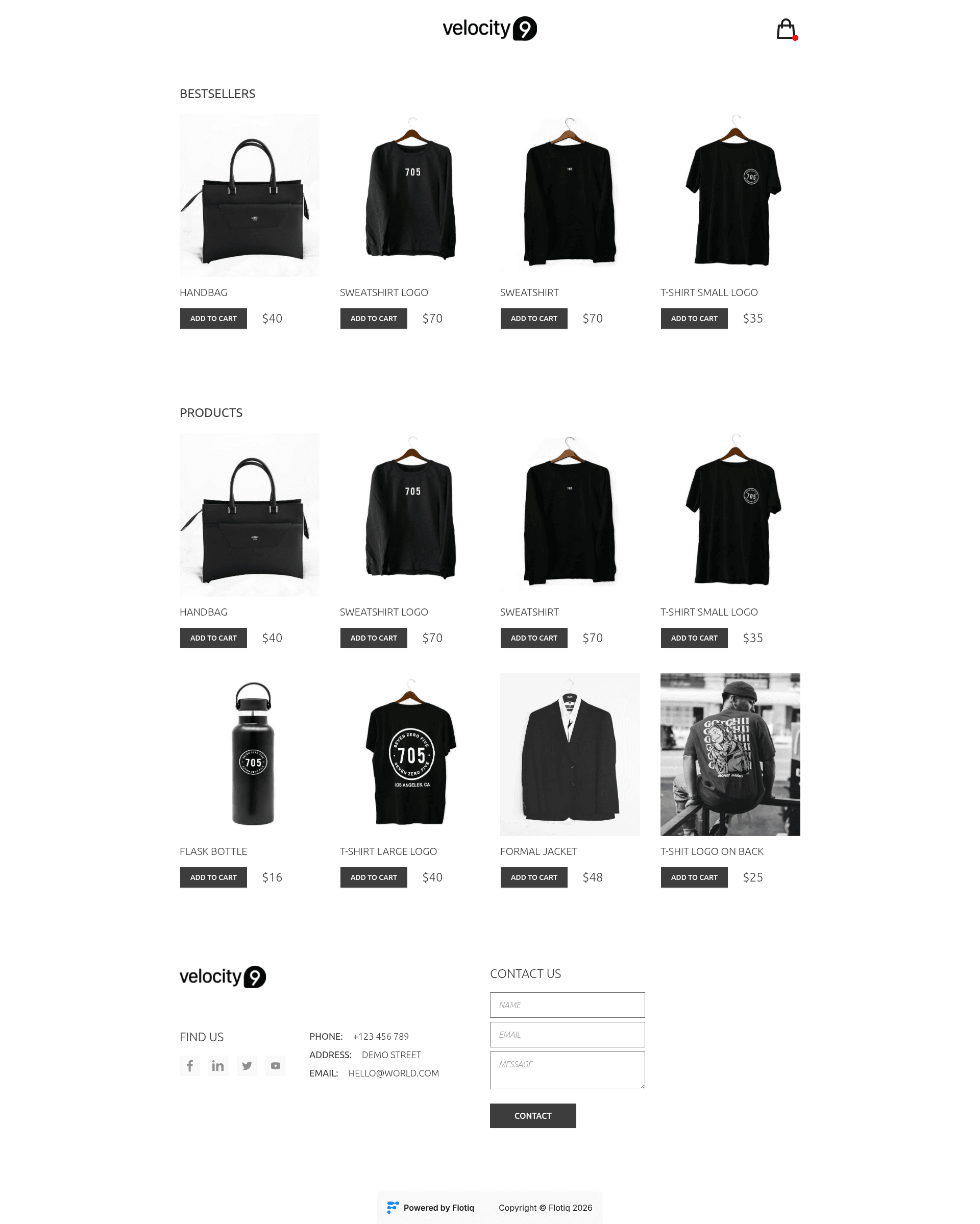
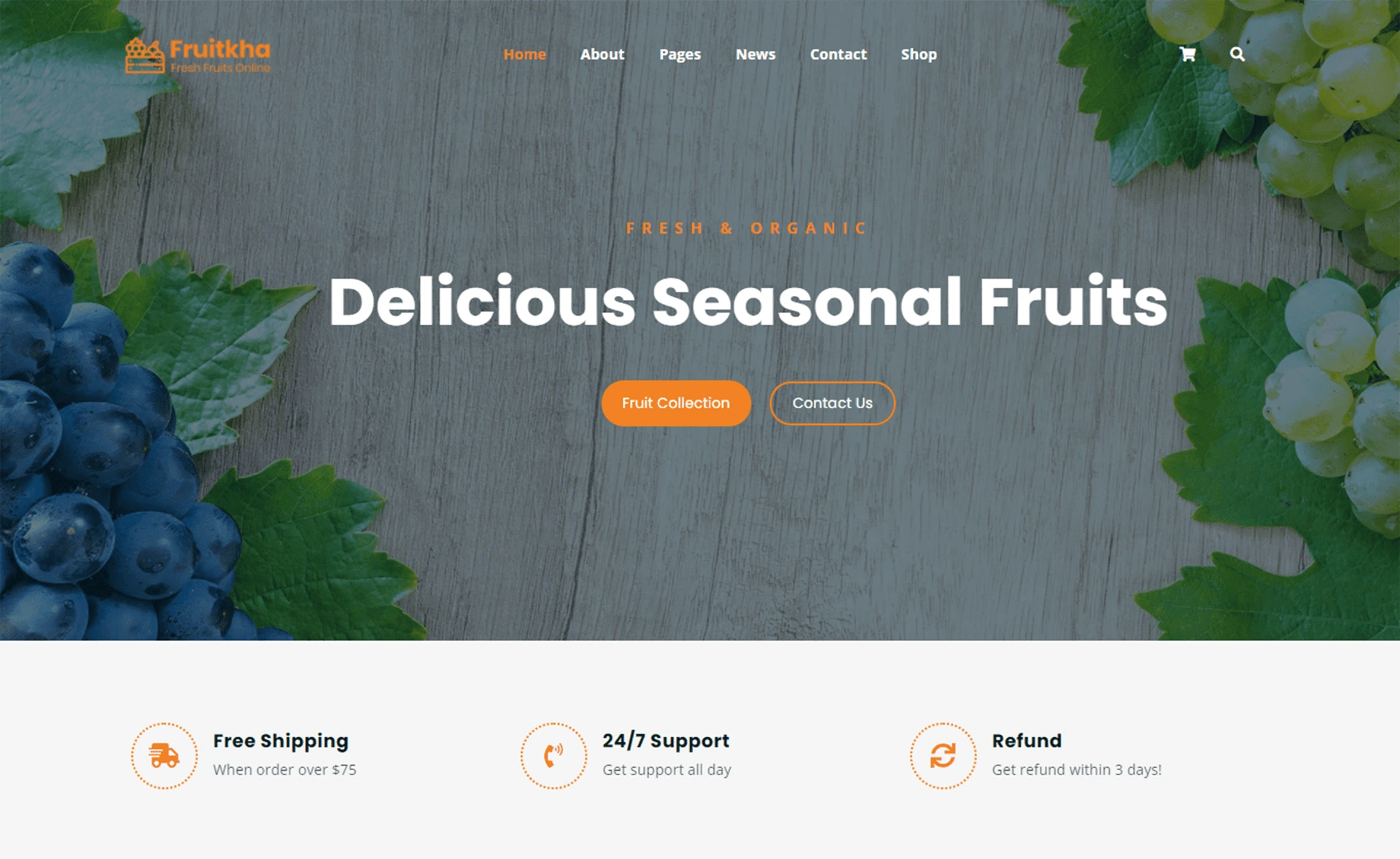
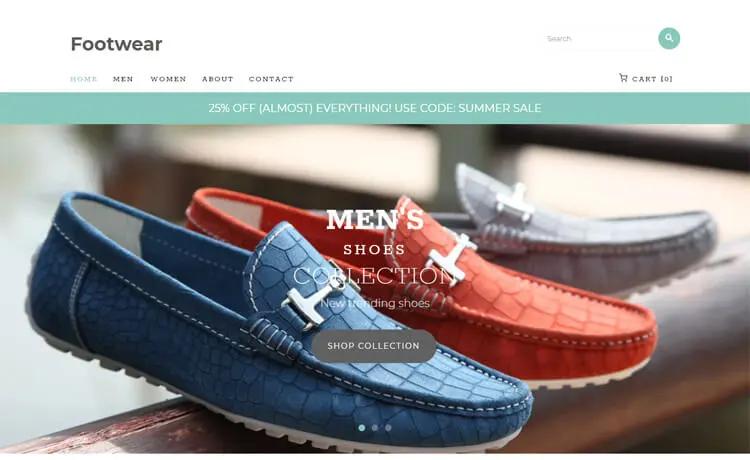
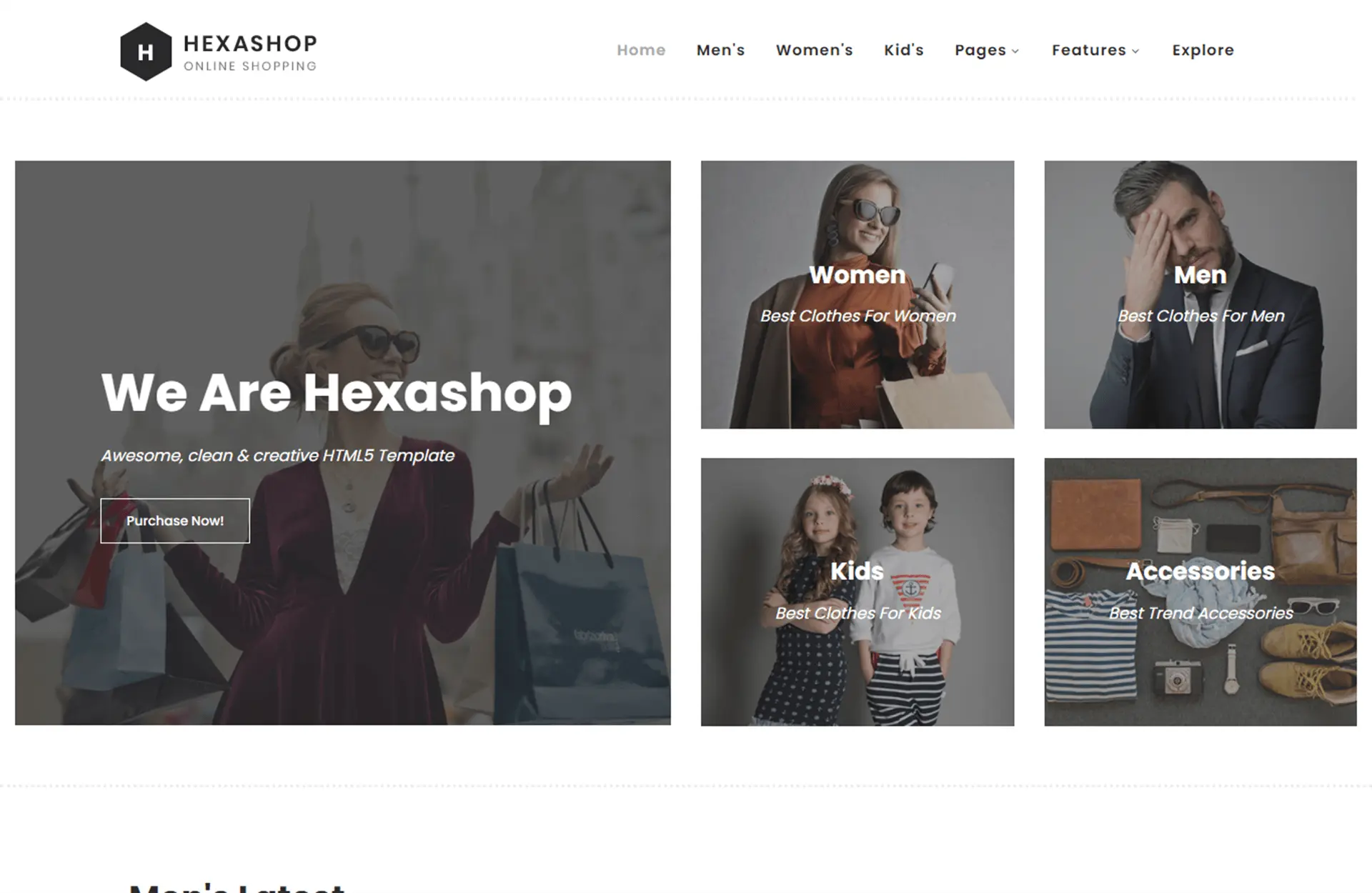
Template details
Flotiq Gatsby Shop 1 – Merch Store
Gatsby e-commerce starter using Flotiq headless CMS and Snipcart for a complete merch shop.
About this template
Flotiq Gatsby Shop 1 is a Gatsby 5 starter that builds a static e-commerce merch storefront, with Flotiq as the headless CMS backend and Snipcart handling the shopping cart and checkout. It is maintained by Flotiq and ships with example content, a Flotiq source plugin, and ready-made deployment options.
What is Flotiq Gatsby Shop 1?
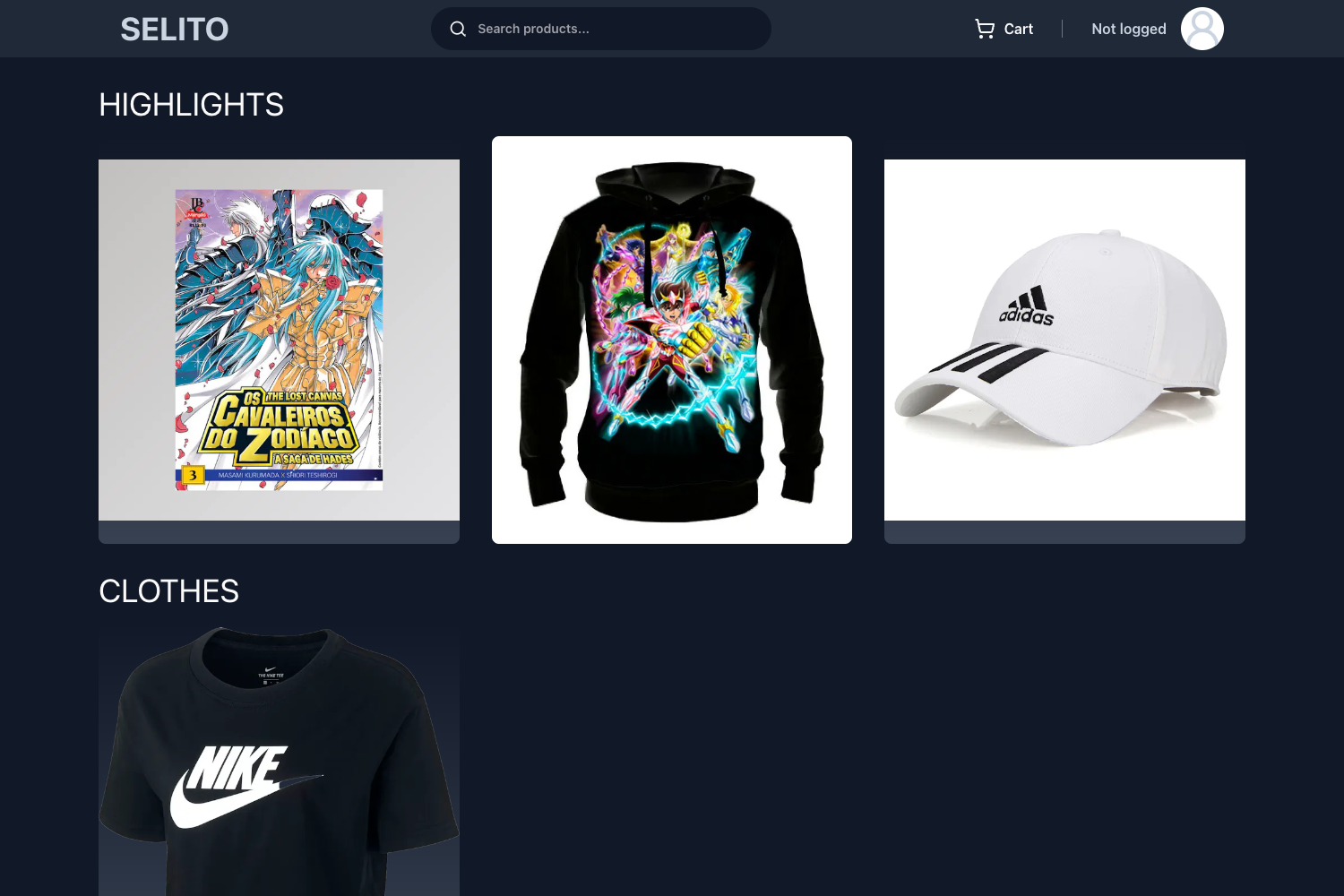
This is a project starter for creating an online shop using Gatsby, a React-based static site generator. The shop's product data lives in Flotiq, a headless CMS, and is fetched at build time through the gatsby-source-flotiq plugin. The starter outputs a static site, meaning product pages are pre-built. It includes a live demo at flotiq-gatsby-shop-1.netlify.app. The starter requires Node version 18 or higher and uses Gatsby 5.
Key Features
- Flotiq headless CMS — Manage products and content in Flotiq; the starter imports four example objects into your account.
- Tailwind CSS — Utility-first styling with a tailwind.config.js for customization.
- Snipcart integration — Add a shopping cart by putting your Snipcart public test API key in the .env file; a paid plan is needed for commercial use.
- Flotiq source plugin — Pulls content types and data from Flotiq into Gatsby's GraphQL data layer.
- Flotiq components for React — A component library designed to render Flotiq Content Objects.
- One-click deployment — Deploy buttons for Heroku, Netlify, and Cloudflare Workers are included in the README.
- Environment variable configuration — Uses GATSBY_FLOTIQ_API_KEY, SNIPCART_API_KEY, and GA_MEASUREMENT_ID for analytics.
- Content management workflow — Rebuild the site after data changes; configure webhooks or plugins for automated rebuilds.
Who is it for?
- Gatsby developers who want a pre-configured e-commerce starter with a headless CMS backend and a working checkout flow.
- Merch store owners who need a static storefront that can be deployed cheaply and managed via Flotiq's editor.
- Agencies building small shops for clients, because the starter includes example data and clear setup steps.
What can you do with Flotiq Gatsby Shop 1?
- Sell physical merchandise: Set up product listings in Flotiq and let customers check out via Snipcart.
- Customize the design: Edit src/templates/index.js and Tailwind config to change the look and layout.
- Deploy to static hosting: Push the project to Heroku, Netlify, or Cloudflare Workers with the provided buttons.
- Use it as a learning resource: Study how Gatsby integrates with Flotiq and the structure of a Gatsby shop.
How does Flotiq Gatsby Shop 1 work?
Start by installing the Flotiq CLI and running flotiq start my-shop https://github.com/flotiq/flotiq-gatsby-shop-1.git YOUR_API_KEY. This creates the Gatsby project, installs dependencies, populates the .env file, and imports example data. Then run gatsby develop to serve the site locally at localhost:8000. When you edit content in Flotiq, you must rerun gatsby develop to see changes; changes to content type definitions require gatsby clean.
FAQ
Is Flotiq Gatsby Shop 1 free?
The starter itself is open source under the MIT license. Flotiq and Snipcart offer free tiers; the README notes that Snipcart's public test API key works only for testing, and a paid license is needed for commercial use.
What are the environment variables?
The .env.development file needs GATSBY_FLOTIQ_API_KEY (your Flotiq read/write API key), SNIPCART_API_KEY (your Snipcart API key), and GA_MEASUREMENT_ID (Google Analytics measurement ID).
How do I import example data?
If you don't use the Flotiq CLI, run flotiq import .flotiq YOUR_API_KEY in the project root. This adds four example objects to your Flotiq account.
Can I deploy to Cloudflare Workers?
Yes, there is a "Deploy to Cloudflare Workers" button. The README notes that the default uses a Flotiq starter API key; to use your own key, add a GATSBY_FLOTIQ_API secret in GitHub and rerun the workflow.
What Node version is required?
The starter requires Node 18 or higher because it uses Gatsby 5.