Template details
flowbite-vue
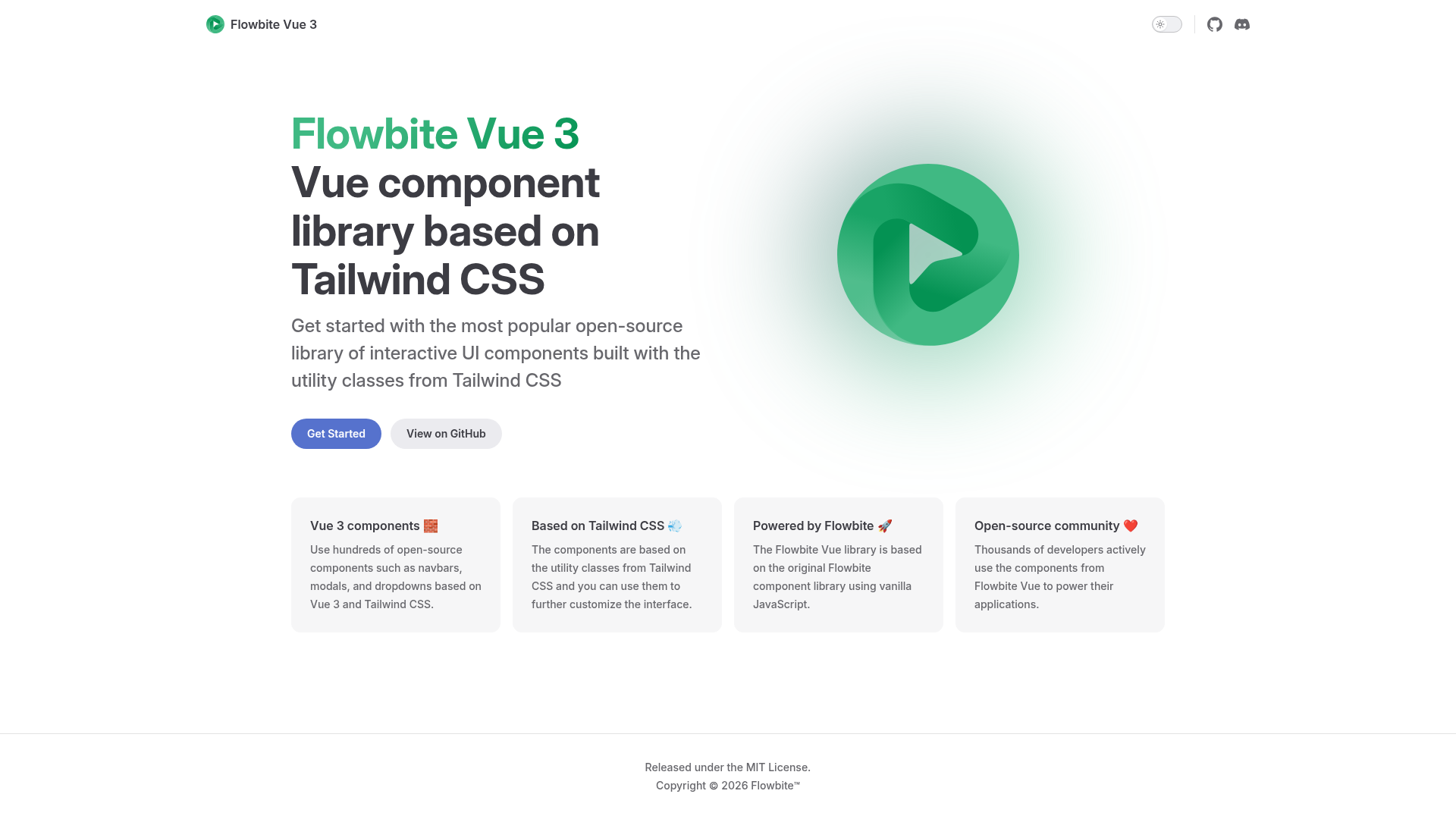
Official Vue 3 components built for Flowbite and Tailwind CSS
About this template
flowbite-vue is an open-source Vue 3 component library built on Tailwind CSS that provides a ready-to-use set of UI components for building websites and web applications.
What is flowbite-vue?
flowbite-vue is an open-source collection of UI components for Vue 3, styled with Tailwind CSS utility classes and distributed as an npm package by Themesberg under the Flowbite project. It re-implements the Flowbite design system as native Vue single-file components — alerts, modals, navbars, tables, form fields, and more — so developers can assemble interfaces without writing the same markup and CSS from scratch. The library is installed alongside the flowbite plugin, which must be added to tailwind.config.js, and is designed for projects that already run Tailwind CSS.
Key features
- Wide component set — Over 30 Vue 3 components, including Alerts, Badge, Breadcrumbs, Buttons, Button group, Cards, Dropdown, Forms, List group, Typography, Modal, Tabs, Navbar, Pagination, Timeline, Progress bar, Tables, Toast, Tooltips, Spinner, Footer, Accordion, Sidebar, Carousel, Avatar, Rating, and all standard form inputs.
- Tailwind-native styling — Every component is styled with Tailwind utility classes; setup requires adding
'node_modules/flowbite-vue/**/*.{js,jsx,ts,tsx}'to thecontentarray and requiringflowbite/pluginin your Tailwind config. - Vue 3 + Composition API — Built specifically for Vue 3, with a separate Nuxt guide covering auto-import so components can be used without explicit imports.
- MIT licensed — Free to use and modify, both for personal and commercial projects.
- Flowbite ecosystem alignment — The components mirror Flowbite's design language and pair with flowbite.com documentation and Figma design files; several components (Datepicker, Search Input, Floating Label) are still marked under construction.
Who should use flowbite-vue?
- Vue developers — quickly add ready-made UI components to their Vue 3 apps instead of hand-building the same patterns repeatedly.
- Tailwind CSS users — extend a Tailwind-based project with a component library that stays inside the utility-first workflow and requires no separate styling framework.
- Flowbite users — the Vue implementation gives consistent components if you already use Flowbite with other frameworks or need the Figma to code workflow.
- Nuxt developers — leverage the documented auto-import guide to reduce boilerplate in Nuxt projects.
Use cases
- Web application interfaces: assemble dashboards and admin areas by combining Sidebar, Navbar, Table, Modal, and form components.
- Marketing pages: build landing pages with Typography, Buttons, Alerts, Footer, and Cards in a consistent Tailwind style.
- Interactive prototypes: use Dropdown, Tabs, Carousel, Toast, and Rating to mock UX flows before backend work begins.
How does flowbite-vue work?
Installation is done with npm i flowbite flowbite-vue, then flowbite is registered as a plugin in tailwind.config.js. After that, components can be imported directly from the npm package; Nuxt users can follow the included guide to enable auto-imports. The project's full documentation is not finished yet, so component examples are browsable through flowbite.com.
FAQ
Is flowbite-vue free?
Yes, flowbite-vue is open source and released under the MIT license, meaning you can use it in personal and commercial projects with no licensing fee.
How do I install flowbite-vue?
Run npm i flowbite flowbite-vue in a project that already has Node.js, Tailwind CSS, and the flowbite plugin configured, and add 'node_modules/flowbite-vue/**/*.{js,jsx,ts,tsx}' to the content array in your Tailwind config.
Does flowbite-vue work with Nuxt?
Yes, the repository includes a dedicated Nuxt guide covering auto-import setup so components can be used without manually importing them in every file.
Which components are included?
The library includes over 30 components, ranging from Alerts, Badges, Buttons, and Cards to Modals, Navbars, Tables, Pagination, Carousels, Avatars, Ratings, and a full set of form fields. Some entries like Datepicker, Search Input, and Floating Label are still under construction.
Is flowbite-vue documentation complete?
Not yet. The README explicitly states that documentation for flowbite-vue is not finished, and recommends browsing flowbite.com to preview the components.