Template details
Jekyll Mentions
Adds @mention support to Jekyll sites by converting @usernames into profile links.
About this template
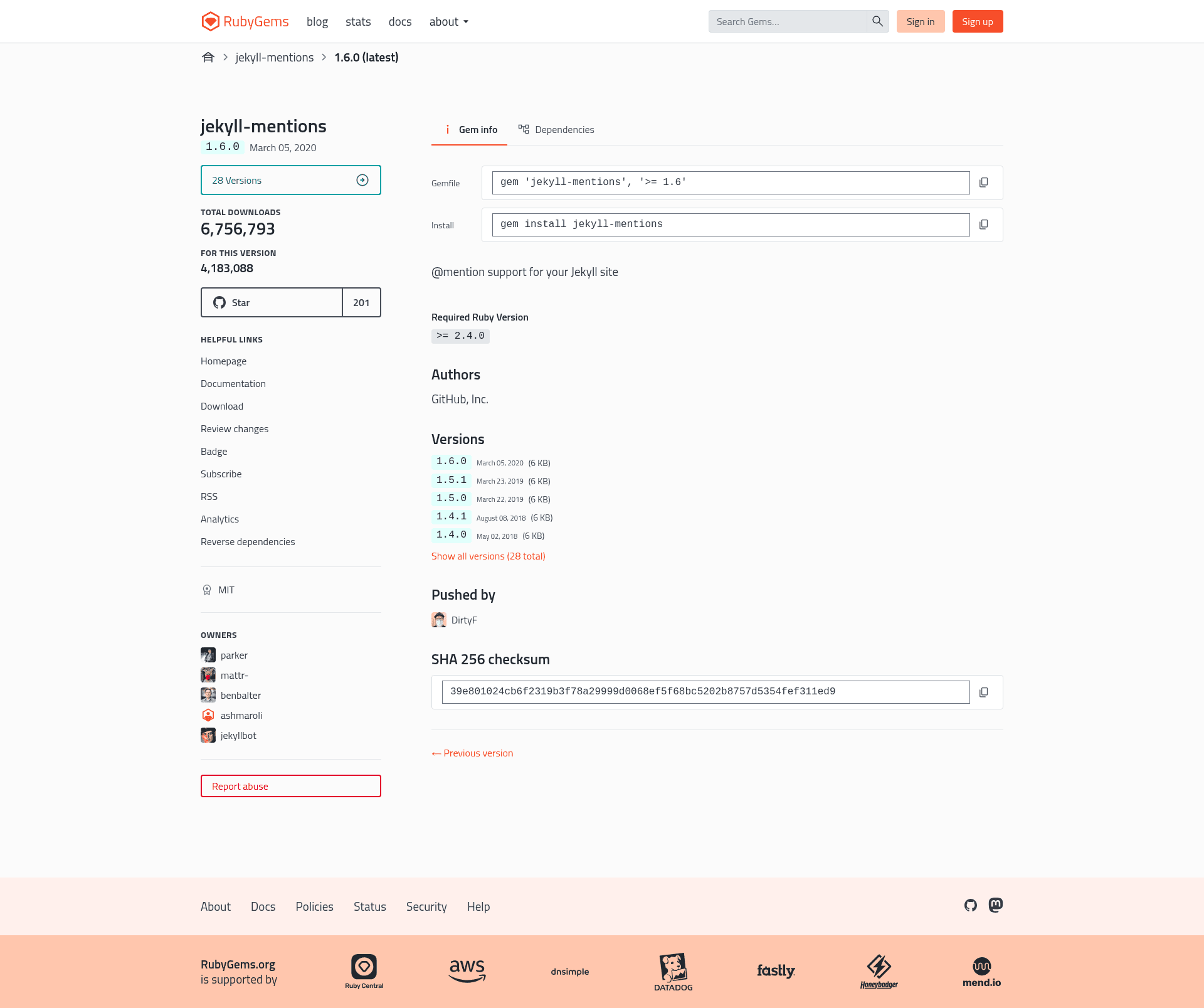
Jekyll Mentions is a Jekyll plugin that automatically converts @username mentions in your site's pages and posts into profile links, defaulting to GitHub.
What is Jekyll Mentions?
Jekyll Mentions is a Ruby gem maintained under the Jekyll GitHub organization that adds @mention support to static Jekyll sites. It takes any text that matches an @username pattern in your Markdown or HTML content and rewrites it as a hyperlink during the Jekyll build, so a mention like @benbalter becomes a link to https://github.com/benbalter. It produces plain HTML output and runs entirely at build time.
Key Features
- Automatic @mention linking — Converts
@usernameoccurrences in any page or post into hyperlinks, with the default targethttps://github.comfollowed by the username. - Configurable base URL — Set
jekyll-mentions.base_urlin_config.ymlto point all mentions to Twitter, Facebook, or a custom social network. - Shorthand configuration — Use a bare string, e.g.
jekyll-mentions: https://twitter.com, instead of the nested mapping. - Per-page override — Specify
jekyll-mentions.base_urlin a page's front matter to use a different URL for that page only. - Per-page disable — Set
jekyll-mentions: falsein front matter to keep mentions as plain text on that page. - Simple plugin integration — Add the gem to your
Gemfileand register it underplugins(orgemsfor Jekyll versions older than 3.5) in_config.yml.
Who is it for?
Jekyll Mentions is for anyone running a Jekyll-based blog, documentation site, or company site who wants to reference user handles without hand-writing anchor tags. Blog authors can mention contributors so their names link to their GitHub profiles. Documentation maintainers can automatically link usernames mentioned in guides or API references. Theme developers can include @mention support site-wide with one configuration block.
Use cases
- Blog authors: write
@usernamein a post and the plugin turns it into a link to that user's GitHub profile automatically. - Team documentation: keep references to developers or project members clickable across many pages without editing each link manually.
- Social media integration: set the base URL to Twitter so every @handle becomes a Twitter link instead of the default GitHub link.
- Custom communities: point the base URL to a self-hosted social profile system by setting a custom URL in
_config.ymlor in a page's front matter.
How does Jekyll Mentions work?
You add the gem to your Gemfile, register jekyll-mentions in _config.yml under plugins (or gems if your Jekyll version is older than 3.5), then write @mentions as normal text. During each build, Jekyll Mentions scans the rendered content and replaces matching @username patterns with anchor tags pointing to the configured base URL plus the username. It runs entirely at build time and does not notify the mentioned person.
FAQ
Does Jekyll Mentions notify the mentioned user?
No. The plugin only rewrites @mentions into hyperlinks. It does not send any notification, email, or ping to the mentioned user, so recipients won't know they were mentioned unless they happen to visit the page.
How do I change the default URL from GitHub to another service?
In _config.yml, add jekyll-mentions: https://twitter.com or use the long form jekyll-mentions: { base_url: https://twitter.com }. The default when no configuration is given is https://github.com.
Can I disable mentions on a single page?
Yes. In that page's front matter, set jekyll-mentions: false. This prevents the plugin from linking any @mentions on that page, leaving them as plain text while the rest of the site keeps @mention linking.
Does Jekyll Mentions work with older Jekyll versions?
Yes. For Jekyll versions before 3.5, you list jekyll-mentions under gems: in _config.yml instead of under plugins:. Both syntaxes register the plugin; only the key name differs.
Is there a way to link only one mention manually?
Yes. You can write the markdown link by hand, for example [@benbalter](https://instagram.com/benbalter), and the plugin will not overwrite it because it already resolves to a URL.