Template details
Sidebar Bottom
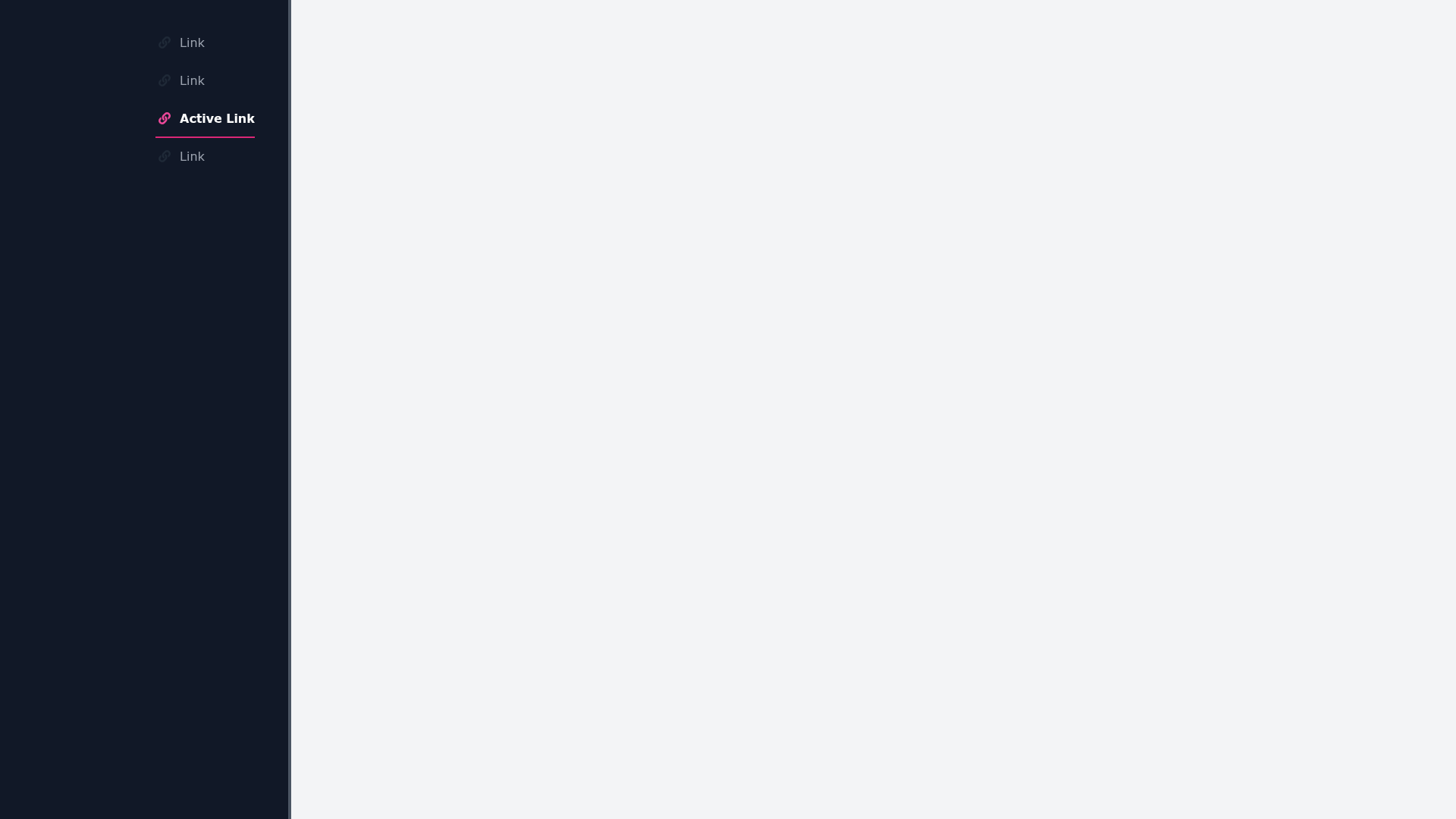
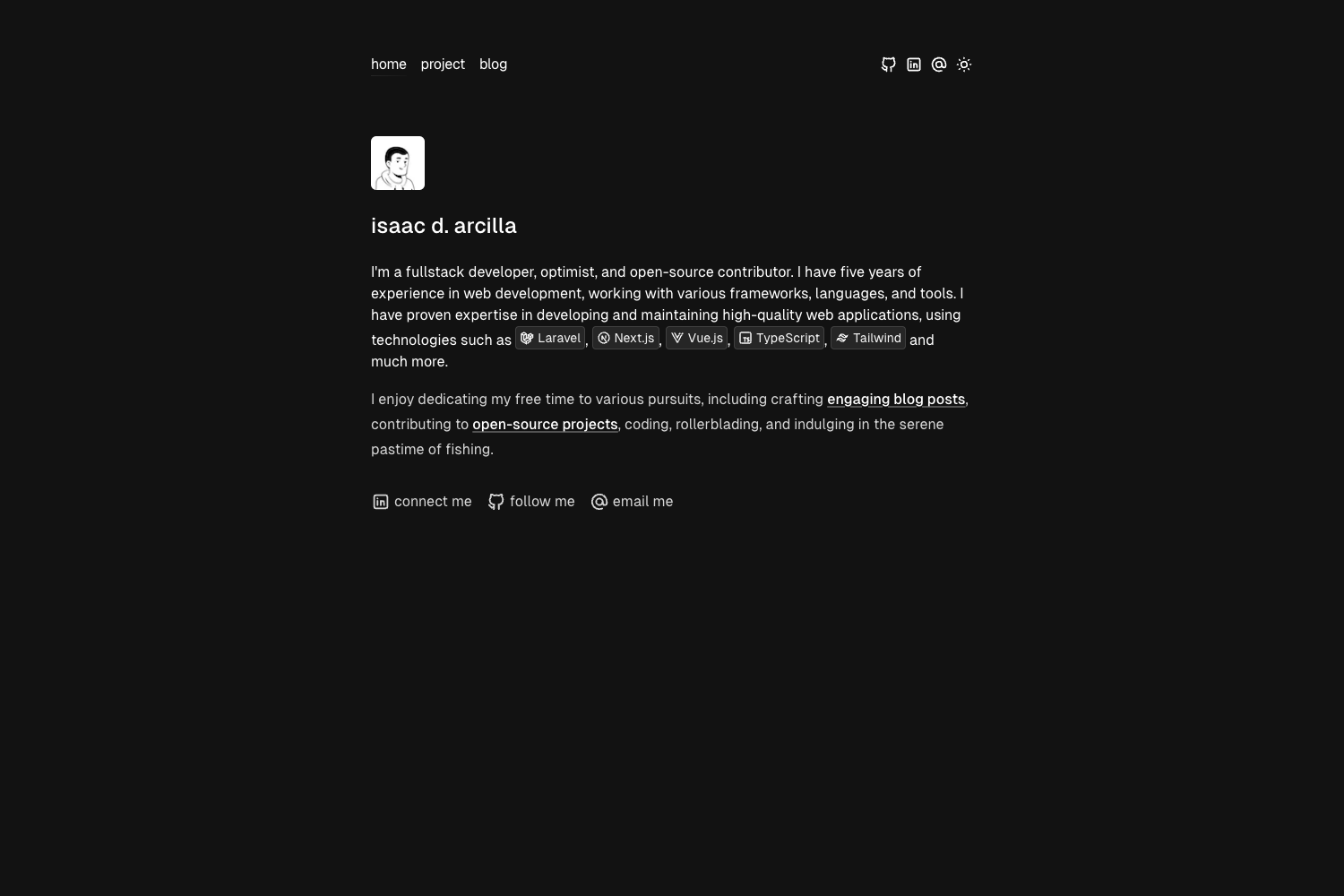
Free open source Tailwind CSS starter template with a fixed sidebar that becomes bottom-fixed on mobile.
About this template
Sidebar Bottom is an open source HTML starter template for Tailwind CSS that turns a fixed left sidebar into a bottom-fixed bar on mobile devices, created by Tailwind Toolbox.
What is the Sidebar Bottom Template?
Sidebar Bottom is a free, open source HTML template built on Tailwind CSS. It provides a fixed sidebar on desktop screens that repositions to the bottom of the viewport on mobile. The entire template is a single HTML file that loads Tailwind CSS from a CDN, so there is no build step or package manager required to render it. It was created by Tailwind Toolbox, maintained by Amrit Nagi, and released under the MIT license.
Key Features
- Responsive sidebar behavior — On desktop, the sidebar is fixed on the left; on mobile screens it becomes fixed at the bottom of the viewport.
- Single-file structure — Everything lives in one HTML file, making it simple to copy, share, or drop into an existing project.
- CDN-hosted Tailwind CSS — The template references a full CDN-hosted Tailwind CSS file, so it works immediately by opening the HTML in a browser.
- Open source license — Released under the MIT license, allowing free commercial and personal use.
- GitHub-based distribution — Download the latest release, clone the repository, or fork it directly from GitHub.
- Creator-backed — Maintained by Tailwind Toolbox (Amrit Nagi), with a setup guide available for customizing Tailwind.
Who is it for?
- Frontend developers who need a quick starting point for a layout with a persistent navigation sidebar and mobile-friendly bottom navigation.
- Tailwind CSS learners who want a minimal, readable example of how to combine Tailwind utility classes for a responsive layout.
- Prototypers who need a single-file, CDN-powered template they can open, edit, and re-share without installing Node.js or a bundler.
What can you do with the Sidebar Bottom Template?
- Build an admin or dashboard shell: Use the fixed sidebar for primary navigation and the bottom bar on mobile to keep key links accessible.
- Create a documentation layout: The column navigation pattern suits docs or knowledge bases where a persistent index is useful.
- Experiment with Tailwind customization: Follow the Tailwind Toolbox setup guide to configure colors, fonts, and spacing, then apply it to this template.
How does it work?
To get started, download the latest release, clone the GitHub repository, or fork it. Because the template loads Tailwind CSS from a CDN, you can open the HTML file directly in a browser. To customize it beyond the built-in utility classes, use the Tailwind Toolbox setup guide to set up a local build.
Pricing
The Sidebar Bottom Template is free and open source under the MIT license. There are no paid tiers or hidden fees.
FAQ
Is the Sidebar Bottom Template free?
Yes. The template is released under the MIT license, which permits free commercial and personal use, modification, and distribution. Copyright is held by Astrava.Solutions Ltd. (2018-2019).
Does the template require a build step?
No. The template is a single HTML file that uses a CDN-hosted Tailwind CSS file. You can open it directly in a browser without installing any dependencies or running a build process.
How do I get the template?
You can download the latest release as a ZIP from GitHub, clone the repository with git, or fork it to your own account. All three options are linked from the Tailwind Toolbox template page.
Can I customize the design?
Yes. Tailwind CSS is designed for customization. Tailwind Toolbox provides a setup guide that walks through configuring Tailwind, and the template's single HTML file makes it easy to edit utility classes directly.