Template details
Gatsby Blog Cosmicjs
Blog starter built with Gatsby and the Cosmic headless CMS, featuring content refresh and Netlify deployment.
About this template
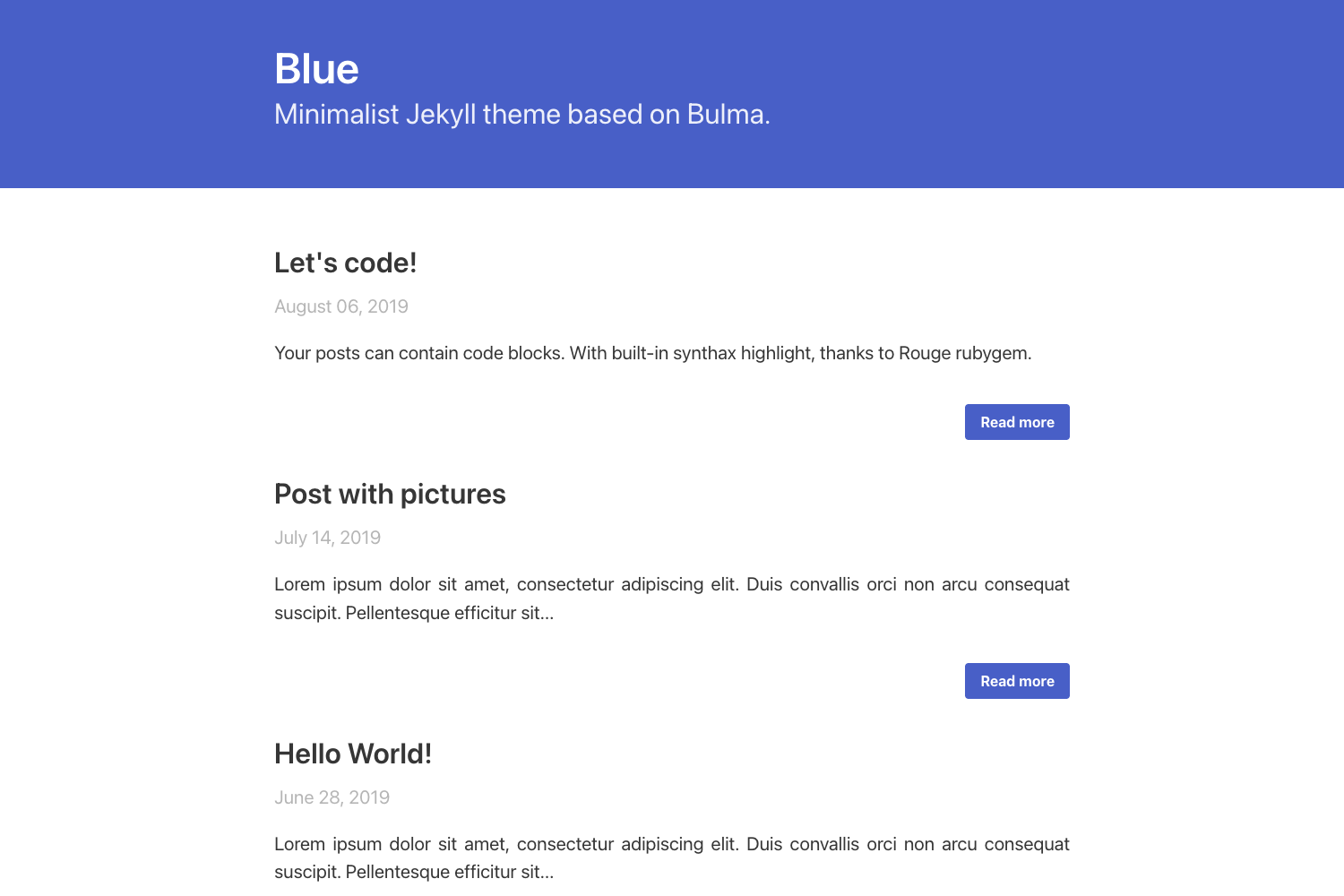
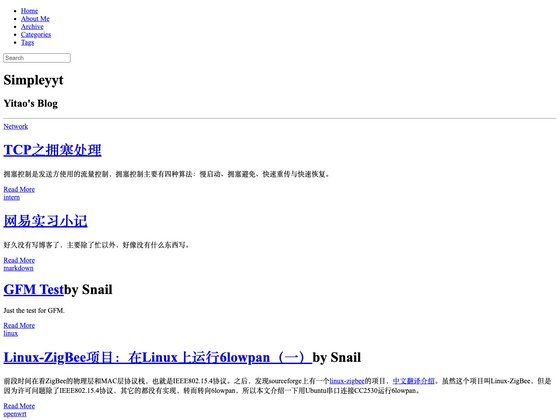
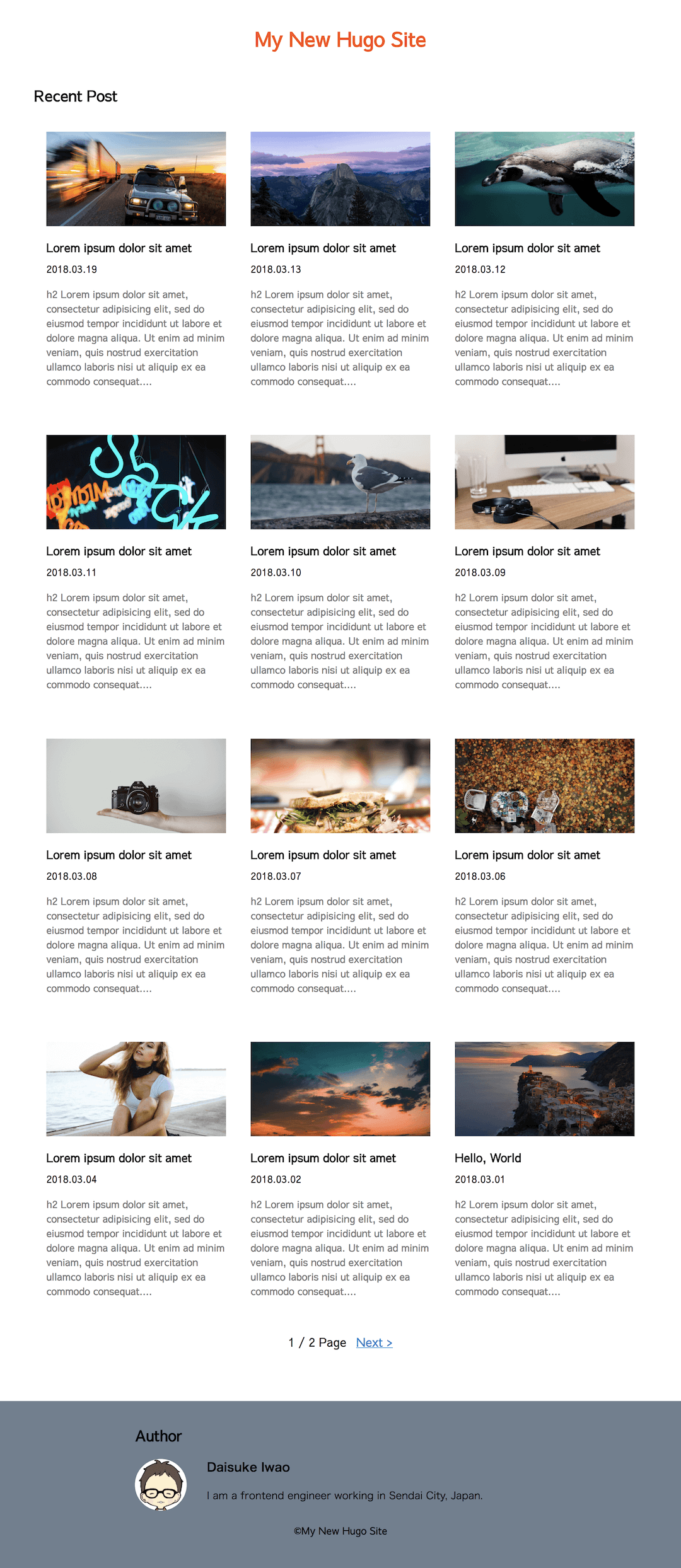
Gatsby Blog Cosmicjs is a starter repository that builds a blog website with Gatsby, a React-based static site generator, and Cosmic, a headless CMS. It pulls content from a Cosmic Bucket using the gatsby-source-cosmicjs plugin and renders a static blog site. The template is maintained by Cosmic and includes a live demo hosted on Netlify.
What is Gatsby Blog Cosmicjs?
Gatsby Blog Cosmicjs is an example blog starter built with Gatsby and Cosmic. It pulls content from a Cosmic Bucket using the gatsby-source-cosmicjs plugin and renders a static blog site. The template is maintained by Cosmic and includes a live demo hosted on Netlify. It requires Node 8.2.0 or higher and the Gatsby CLI.
Key Features
- Gatsby framework — Built on Gatsby, a React-based static site generator that outputs static HTML for fast loading.
- Cosmic CMS integration — Uses the
gatsby-source-cosmicjsplugin to fetchpostsandsettingsobject types from a Cosmic Bucket, configured viabucketSlug,objectTypes, andapiAccess.read_key. - Local media option — Set
localMedia: truein the plugin options to enable local image handling for Gatsby Image. - Content auto-refresh — The
npm run poll-contentscript polls the Cosmic Bucket and refreshes content automatically during development. - Netlify deployment — Deploy with
netlify deployafter setting theCOSMIC_BUCKETandCOSMIC_READ_KEYenvironment variables in Netlify's dashboard. - Quick start via Gatsby CLI — Scaffold a new blog by running
gatsby new gatsby-example-blog https://github.com/cosmicjs/gatsby-blog-cosmicjs. - Example blog structure — The starter includes
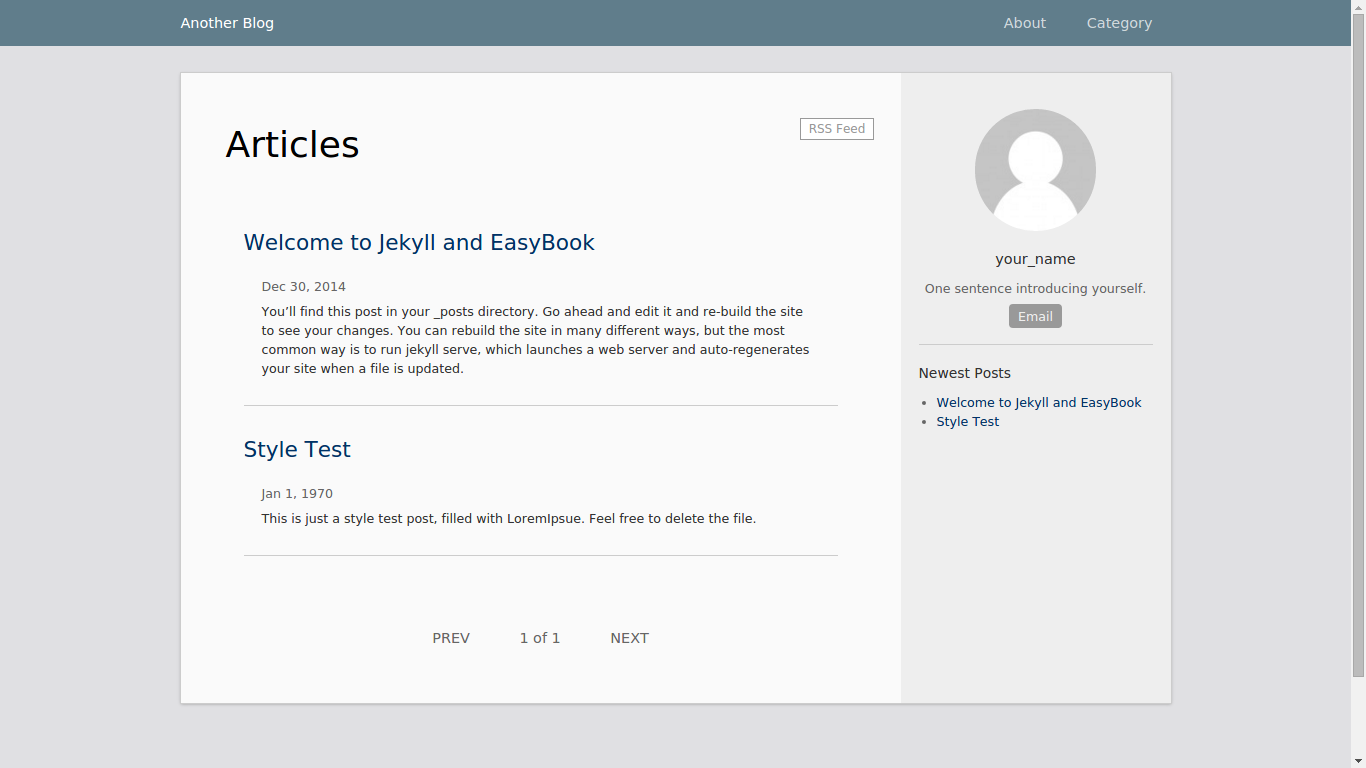
postsandsettingsas the content object types, with a blog index page.
Who is it for?
- Developers who want to start a blog with Gatsby and a headless CMS without building the content model from scratch.
- Content managers who prefer editing posts and settings in the Cosmic dashboard instead of dealing with code.
- Static site deployers who use Netlify and need a straightforward deployment workflow for a CMS-backed blog.
What can you do with it?
- Content editor: Create and edit blog posts and site settings in the Cosmic CMS; these changes are fetched and rendered by the Gatsby site.
- Developer: Scaffold the project with the Gatsby CLI, plug in your Cosmic Bucket keys, and run
npm run developto start a local dev server. - Site owner: Deploy the finished blog to Netlify with environment variables and enable content auto-refresh for a live editing experience.
How does it work?
Install the Gatsby CLI globally, then run gatsby new gatsby-example-blog https://github.com/cosmicjs/gatsby-blog-cosmicjs. In gatsby-config.js, configure the Cosmic plugin with your bucket slug, object types (posts and settings), and a read key. Run npm run develop to start the site. To poll content changes, run npm run poll-content in another terminal. For deployment, install Netlify CLI, run netlify deploy, and set the COSMIC_BUCKET and COSMIC_READ_KEY environment variables in the Netlify dashboard.
Pricing
The starter is free and open source, available for cloning from the GitHub repository. Cosmic CMS itself requires an account and has its own plans, but this README does not disclose pricing details.
Alternatives
- Gatsby's official gatsby-starter-blog — uses Markdown files for content instead of a headless CMS, offering a simpler local-first workflow.
FAQ
How do I install the Gatsby Blog Cosmicjs starter?
Install the Gatsby CLI globally with npm install --global gatsby-cli, then run gatsby new gatsby-example-blog https://github.com/cosmicjs/gatsby-blog-cosmicjs. Configure your Cosmic Bucket details in gatsby-config.js and run npm run develop.
What are the prerequisites?
You need Node.js version 8.2.0 or higher and the Gatsby CLI installed. The README recommends Node 8.2.0 or higher.
How do I enable content auto refresh?
Run npm run poll-content in a separate terminal window while npm run develop is running. The script polls your Cosmic Bucket for updates and refreshes the site content during development.
How do I deploy to Netlify?
Install the Netlify CLI with npm i -g netlify-cli, run netlify deploy from the root folder, and set the environment variables COSMIC_BUCKET and COSMIC_READ_KEY in Netlify's dashboard under Site Settings > Build and Deploy > Environment.
Does the starter support local images?
Yes, the Cosmic plugin accepts an optional localMedia: true option in gatsby-config.js, which enables local image handling for Gatsby Image instead of loading images directly from Cosmic.