Template details
EasyBook
A simple Jekyll blog theme with pagination, Disqus/多说 comments, TOC, and sidebar profile.
About this template
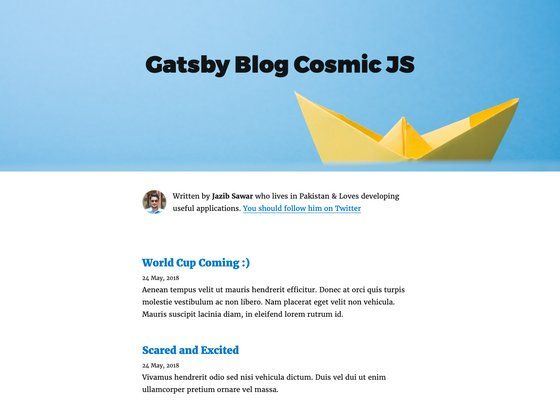
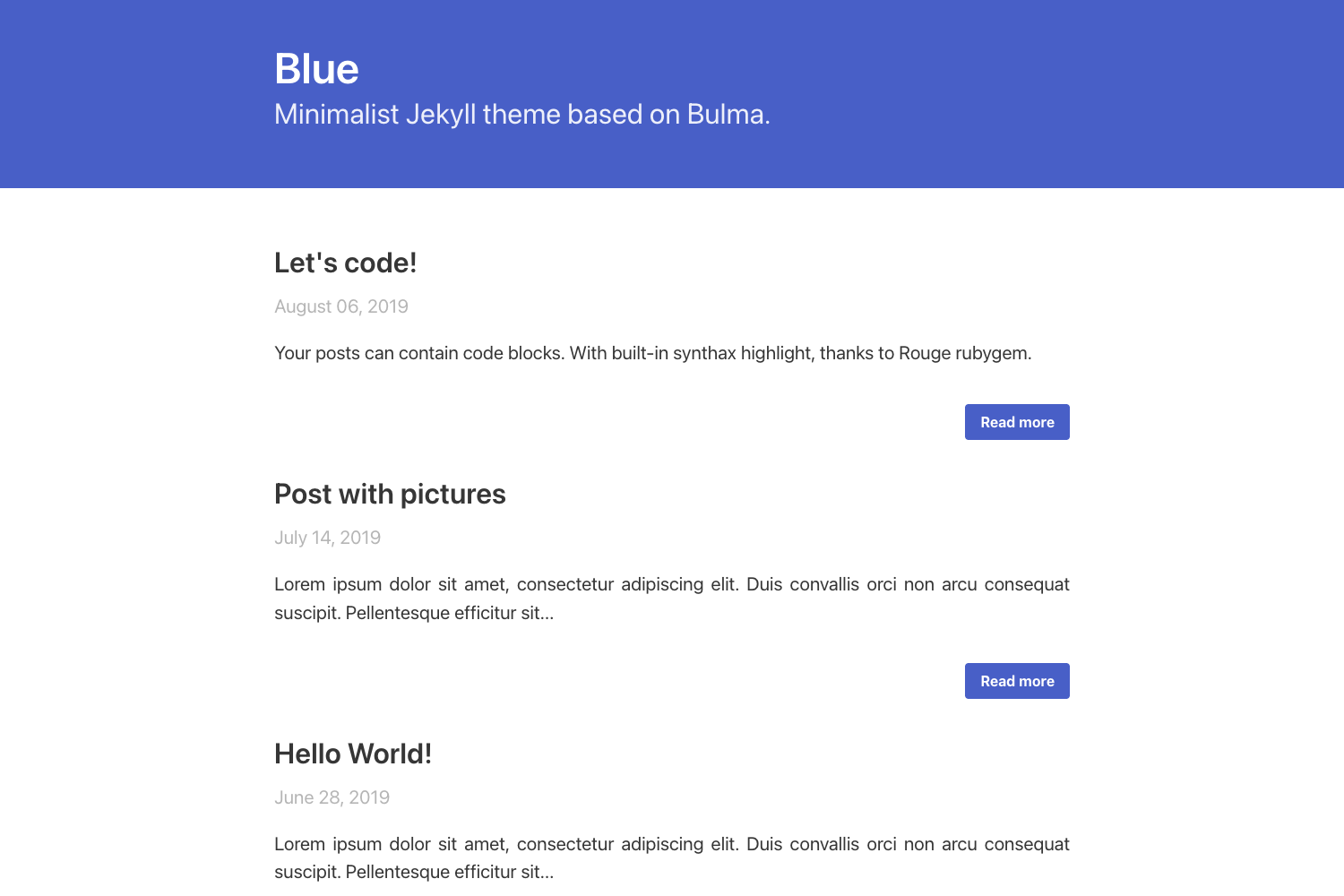
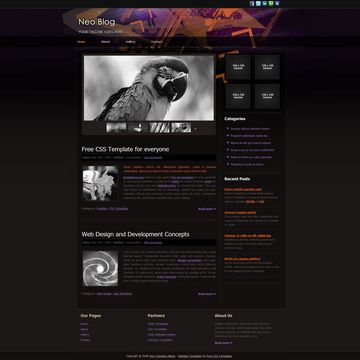
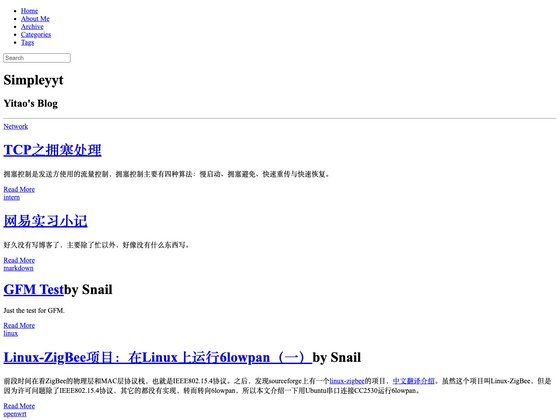
EasyBook is a free, open-source Jekyll blog theme that turns a standard Jekyll installation into a simple, readable blog with pagination, comment threads, a table of contents, and a sidebar profile. Released under the MIT License, it is maintained by laobubu and available on GitHub with a live demo at laobubu.github.io/jekyll-theme-EasyBook.
What is EasyBook?
EasyBook is a Jekyll theme created by laobubu in 2016 that focuses on a clean, minimal reading experience for blog posts. It takes standard Jekyll content written in Markdown and outputs a buildable static site with a homepage, paginated archives, and a sidebar that shows the author's avatar and links. Because it is built on Jekyll, it inherits Jekyll's templating system and works with typical Jekyll projects.
Key Features
EasyBook adds several conveniences on top of basic Jekyll. The following features are described on the project page.
- Pagination — Enabled by default, so blog index pages are split into multiple pages instead of one long list.
- Comments — Supports both Disqus and 多说 (Duoshuo), allowing readers to comment on posts through either service.
- Table of contents — Generates a TOC for longer posts, making it easier to navigate sections.
- Sidebar profile — Displays the author's avatar and links to social profiles in the sidebar.
- Standard Jekyll coverage — Includes everything offered by a basic Jekyll setup, so you can use Jekyll's usual features.
- MIT License — Free to use, modify, and redistribute, including for commercial projects.
Who is it for?
EasyBook is for anyone who wants a quick, no-frills blog without designing a site from the ground up.
- Individual bloggers — Publish a personal blog on GitHub Pages or your own server using Markdown posts.
- Developers — Customize the theme's layout and styling with Jekyll's Liquid templates.
- Writers of long articles — Use the automatic table of contents to help readers navigate long-form content.
What can you do with EasyBook?
- Personal bloggers: Create a paginated blog with reader comments through Disqus or 多说.
- Tutorial authors: Organize multi-section guides with the built-in table of contents.
- Jekyll learners: Study a compact, MIT-licensed theme to see how pagination, profiles, and comment integrations are implemented.
How does EasyBook work?
EasyBook follows the standard Jekyll workflow: you install the theme, place your Markdown posts in the conventional Jekyll folder structure, and build the site with Jekyll. The repository's README links to a Wiki Quick Guide and a welcome post that explain installation and publishing in more detail.
Pricing
EasyBook is free and open source under the MIT License. The author provides an optional donation page at laobubu.net/donate.html for users who want to buy a coffee.
Alternatives
Other Jekyll blog themes include Minimal Mistakes and Chirpy.
FAQ
Is EasyBook free?
Yes, EasyBook is released under the MIT License, so it can be used, modified, and redistributed freely, including for commercial purposes. No payment is required.
How do I install EasyBook?
The project's GitHub README links to a Quick Guide in its Wiki, plus a welcome post on the demo site, that walk through installation and publishing. You use standard Jekyll theme installation methods and then build your site with Jekyll.
Does EasyBook support comments?
Yes, EasyBook supports both Disqus and 多说 (Duoshuo). You enable whichever service you prefer in the theme's configuration.
Can I use EasyBook with GitHub Pages?
Yes, the theme's demo site runs at laobubu.github.io/jekyll-theme-EasyBook, which is hosted on GitHub Pages. Jekyll is natively supported by GitHub Pages, so you can deploy an EasyBook site by pushing the Jekyll project to a GitHub repository.