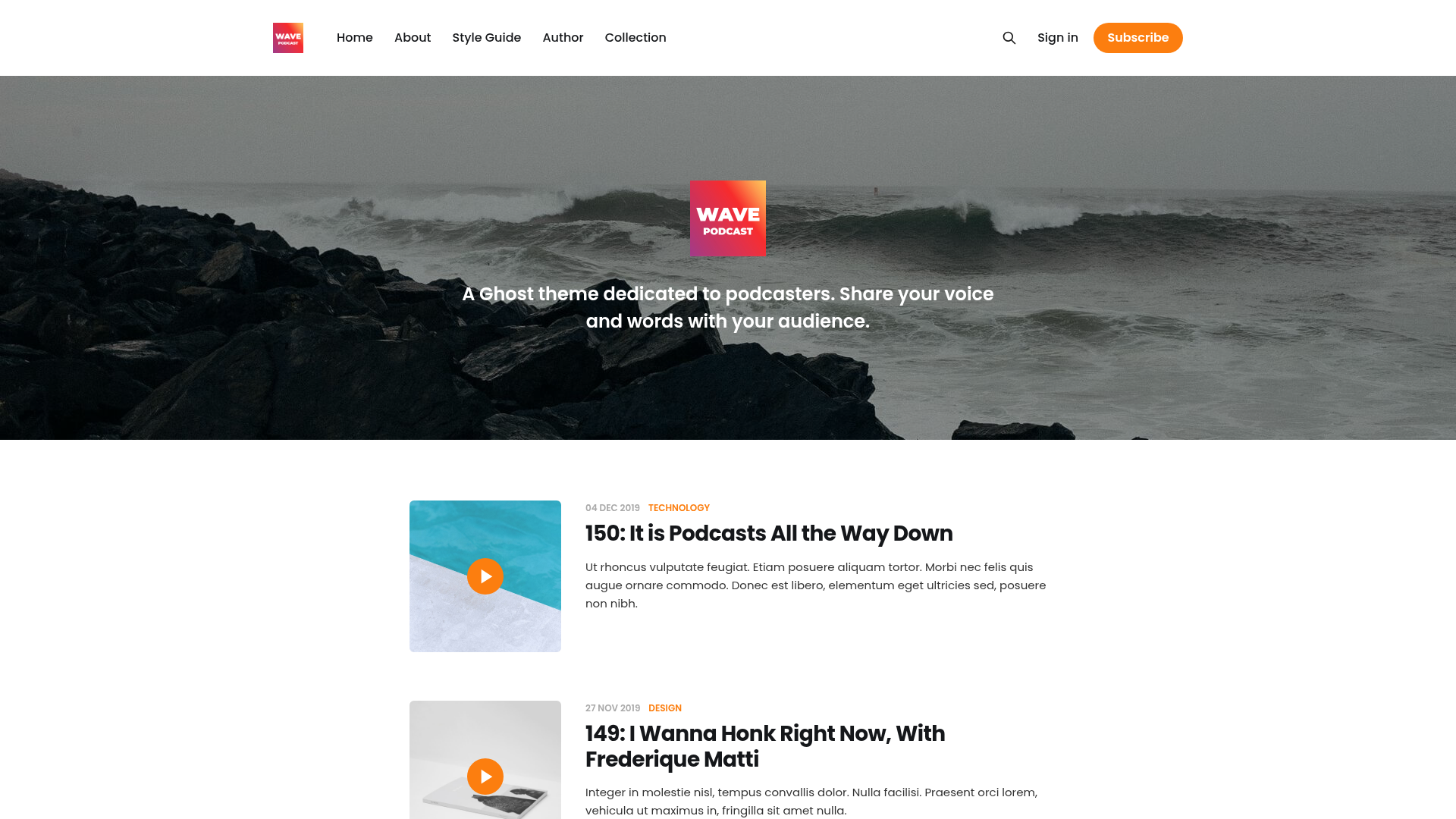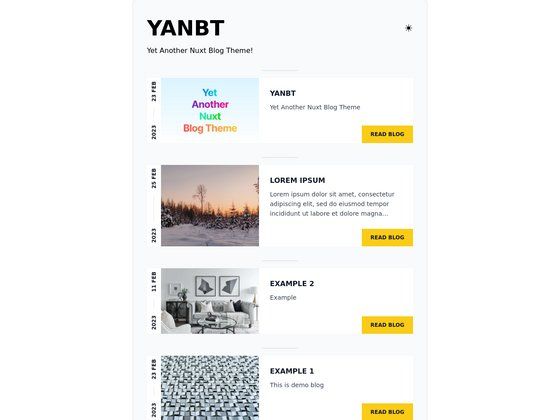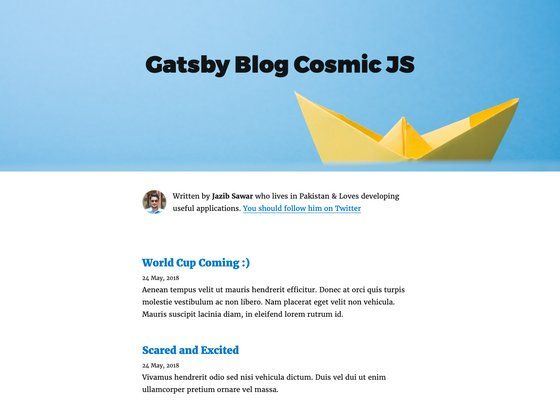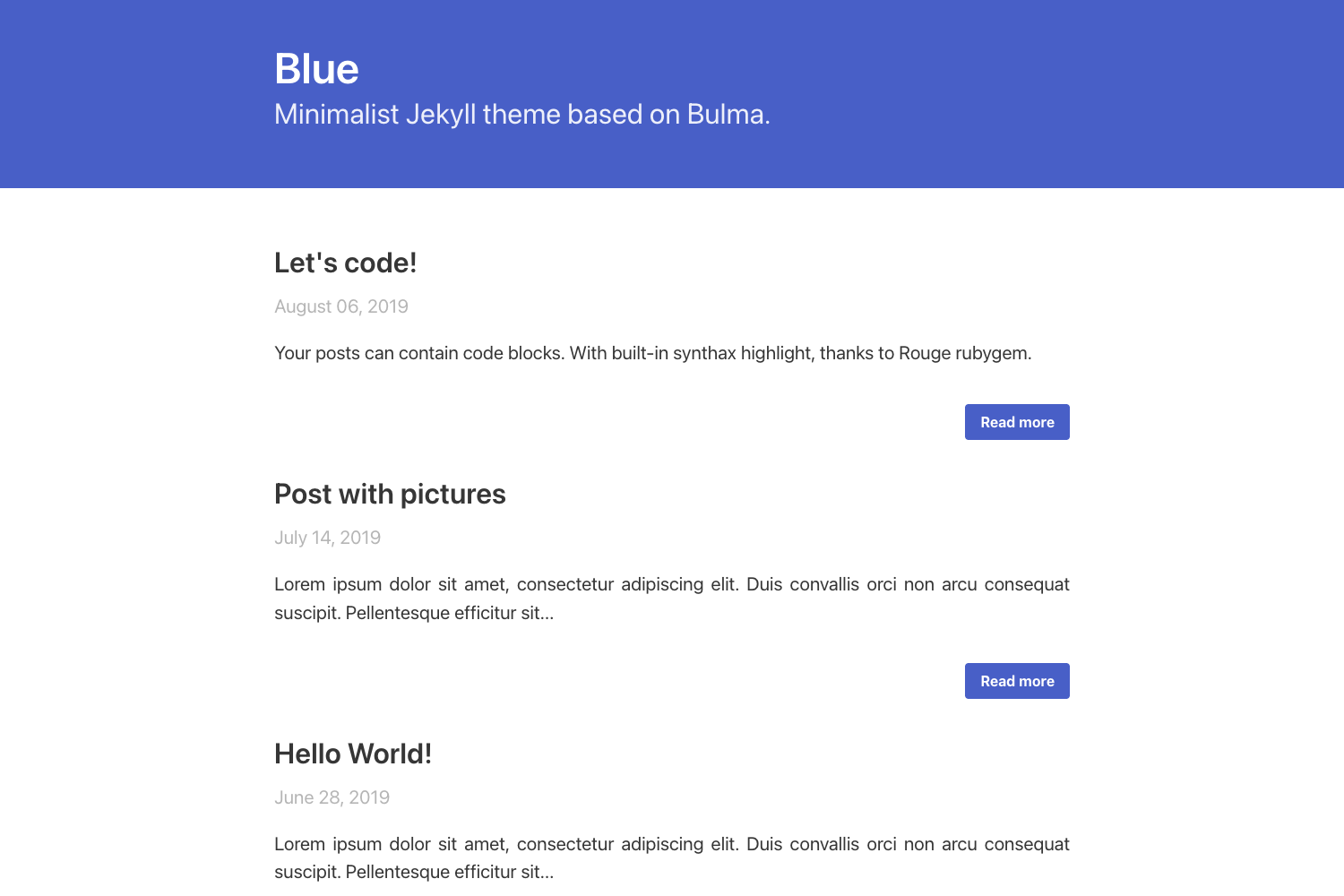
Template details
Hestia Pure
Simple Hugo blog theme styled with Pure.css, offering author profiles, social links, and analytics config.
About this template
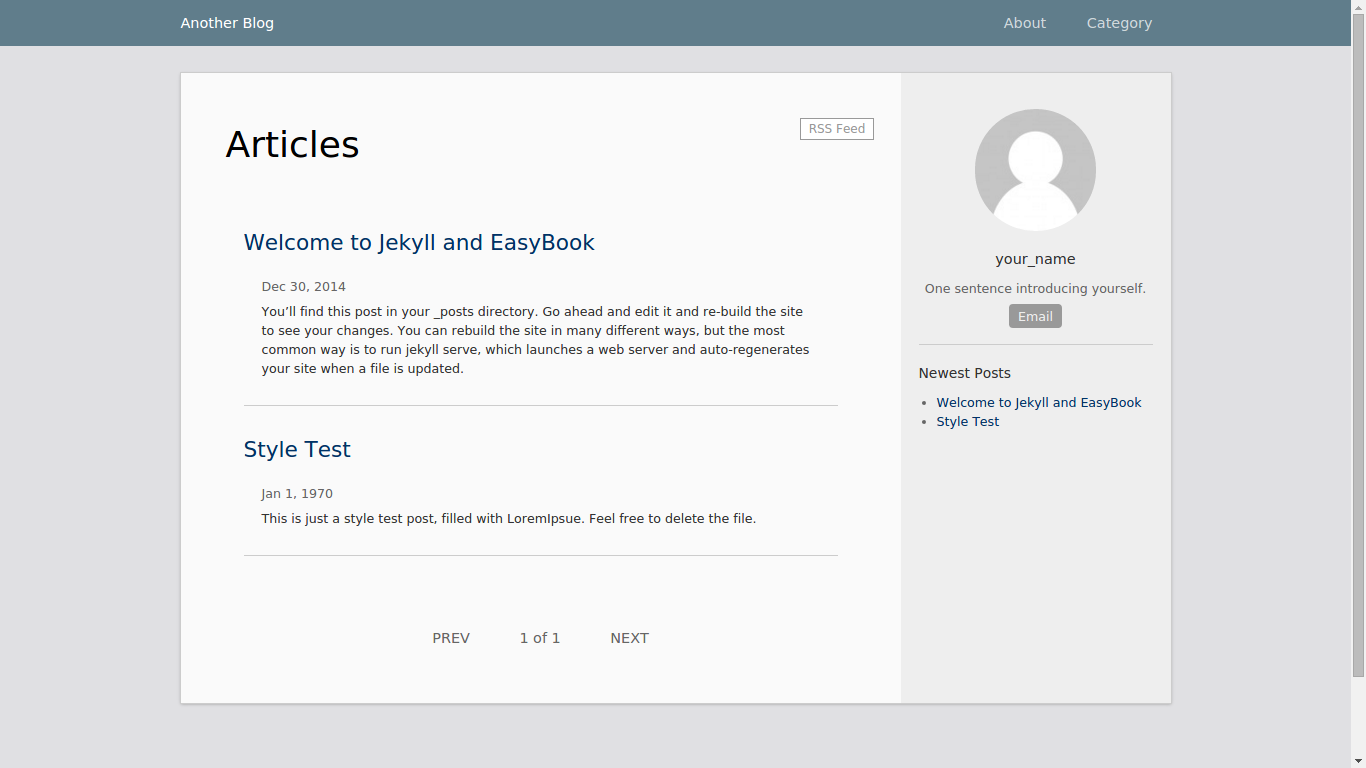
Hestia Pure is a minimal Hugo blog theme styled with Pure.css that transforms a plain Hugo site configuration into a clean personal blog with an author profile, social links, and optional Google Analytics and Google Custom Search integration.
What is Hestia Pure?
Hestia Pure is a simple, MIT-licensed Hugo theme created by Daisuke Iwao. It takes a standard Hugo site configuration (TOML) and produces a static blog layout, with the visual layer handled by the Pure.css CSS framework. The theme requires Hugo 0.161.1 or newer and works without any external asset build step such as Node.js or Gulp. The repository includes an example site under exampleSite that shows the recommended configuration shape.
Key Features
- Pure.css styling — Uses the lightweight Pure.css framework, so the theme loads minimal CSS with no framework JavaScript.
- No build step — CSS is maintained directly in
static/css/style.css; you clone the theme and runhugo serverright away. - Social and analytics configuration — Site parameters support
twitter,github,facebook,googleAnalytics, andgoogleCustomSearchkeys. - Author profile block —
[params.author]lets you set a name, a short profile text (shown in the footer), and an author image. - Legacy config compatibility — The theme still reads the lowercase
googleanalyticsandgooglecustomsearchparameter names for older sites. - Bundled example site — Includes a complete example under
exampleSiteso you can preview the theme withhugo serverbefore customizing. - MIT license — Free to use, modify, and distribute, including for commercial projects.
Who is it for?
Hestia Pure is aimed at Hugo users who want a no-frills blog theme without dragging in a heavy frontend toolchain. Bloggers who publish Markdown content through Hugo and want a clean reading layout with a footer author bio fit this theme well. Developers who maintain simple personal or portfolio sites and prefer editing one style.css file over a build pipeline will also find the setup direct. It also suits Hugo beginners because the example site and straightforward TOML config show the entire setup in a handful of files.
What can you do with Hestia Pure?
- Personal bloggers: publish Markdown posts with Hugo and get a Pure.css-based reading page, plus social links to Twitter, GitHub, or Facebook.
- Site owners who need site search: plug a Google Custom Search ID into
googleCustomSearchand have a search box appear without extra JavaScript. - Developers wanting analytics: drop a Google Analytics measurement ID into the config and the theme emits the tracking code automatically.
- Theme tinkerers: edit
static/css/style.cssto adjust colors, spacing, and layout without learning a CSS preprocessor.
How does Hestia Pure work?
Installation follows the standard Hugo theme workflow: clone the repository into the themes/hestia-pure directory, set theme = "hestia-pure" in the site configuration, then adjust the [params] block. The theme picks up these parameters—description, keywords, social handles, analytics ID, custom search ID, and author details—and renders them into the site header, footer, and page metadata. You can run the included example site with the command hugo server --source exampleSite --themesDir ../.. --theme hestia-pure --logLevel info to see the result before changing anything.
FAQ
Is Hestia Pure free?
Yes. The theme is released under the MIT License, so you can use it for free in personal or commercial Hugo projects, modify it, and redistribute it. The GitHub repository for the project is public.
Does Hestia Pure require Node.js or a CSS build tool?
No. The theme does not require any external asset build step. Its CSS lives directly in static/css/style.css, and the theme works with just Hugo itself. This keep the setup simple for static site publishing.
How do I configure the author profile?
Use a [params.author] table in your site configuration with name, profile, and image keys. The old top-level [author] configuration is no longer supported on current Hugo versions, so place author data under [params.author].
Which Hugo version do I need?
The theme requires Hugo 0.161.1 or newer. Older Hugo versions may not parse the theme's templates or configuration correctly. The example site uses a recent Hugo version and runs with hugo server.
Can I add Google Analytics or site search?
Yes. Set googleAnalytics to your Google Analytics measurement ID and googleCustomSearch to your Google Custom Search engine ID in the [params] section. For compatibility, the legacy lowercase googleanalytics and googlecustomsearch keys are also read.