Template details
Simpleyyt
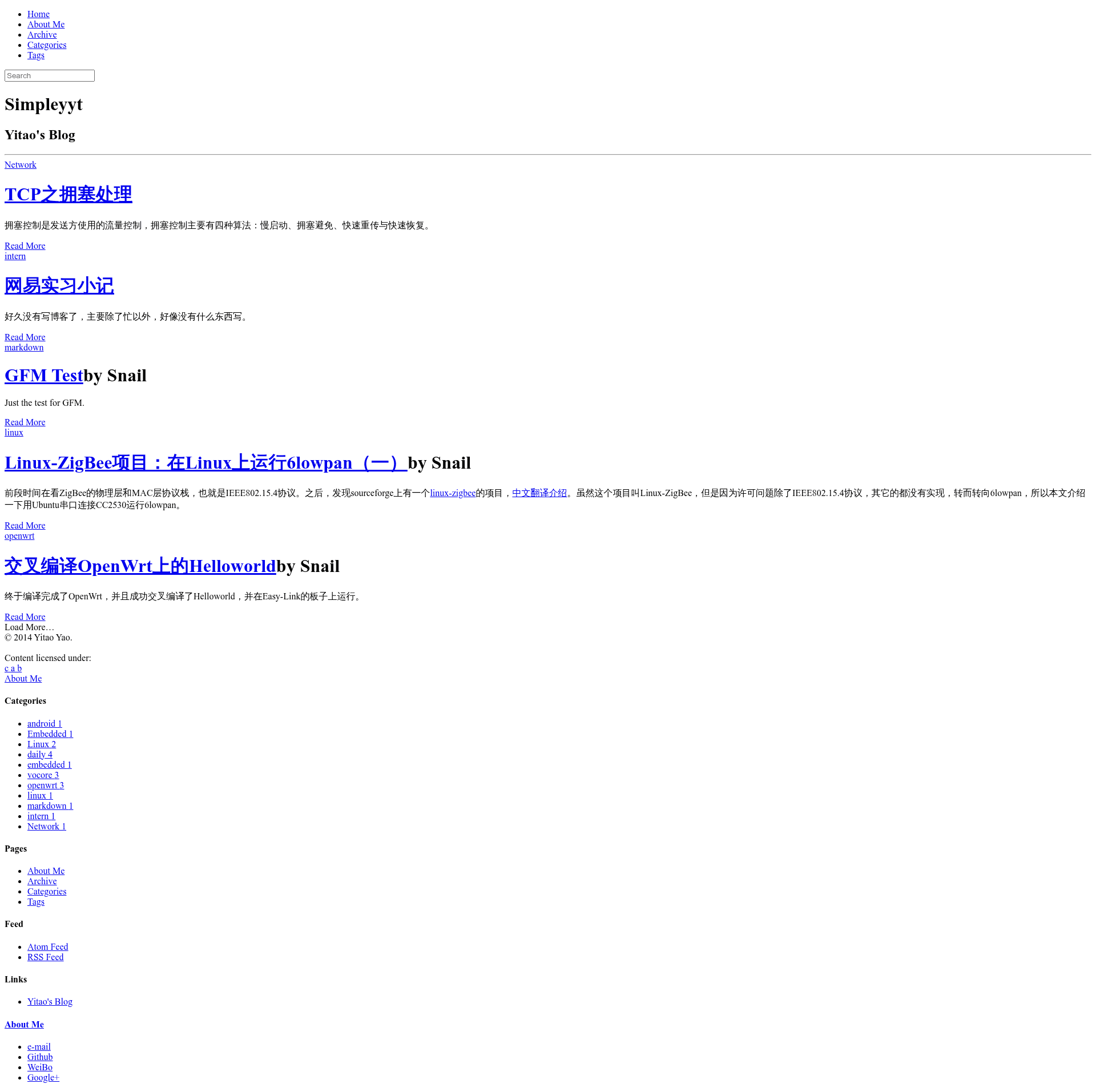
A Jekyll blog theme built on Jekyll-Bootstrap with an elementaryOS-inspired design.
About this template
Simpleyyt is a Jekyll theme for building static blogs, built on Jekyll-Bootstrap and styled after the elementaryOS portal page.
What is Simpleyyt?
Simpleyyt is a Jekyll theme for building personal blogs, built on top of Jekyll-Bootstrap. Jekyll-Bootstrap is a framework that provides the directory structure and tooling for Jekyll static sites. This theme specifically adapts the visual style of the elementaryOS portal page, giving blogs a flat, modern, and clean aesthetic. The theme is maintained by Simpleyyt on GitHub and is released under the MIT license. It takes Jekyll Markdown posts, YAML configuration, and image assets as input, and outputs a fully static blog with pagination, configurable excerpts, locally hosted fonts, and an integrated Google Custom Search Engine.
Key Features
- Built-in pagination — the theme automatically splits blog post listings across multiple pages, a feature highlighted in its change log.
- Two excerpt modes — the setting in
_config.ymlcan be set to "teaser" or "truncate_words". In "teaser" mode, a post's homepage excerpt is everything before a More tag (an HTML comment manually placed in the post). If no More tag is found, the full post is shown. In "truncate_words" mode, the excerpt is automatically the first 20 words of the post; this mode does not work well for non-English posts. - Local Google Fonts — Google fonts are downloaded and stored locally, so the site does not rely on an external font CDN at runtime.
- Google Custom Search Engine — the theme supports embedding a Google Custom Search Engine, letting visitors search the site's content.
- Configurable site settings — all major options, including the excerpt mode and site metadata, are edited in
_config.yml. - Easy avatar and favicon swap — replacing the files in
assets/themes/Snail/imgupdates the profile picture and browser tab icon.
Who is it for?
- Jekyll bloggers — anyone writing content in Markdown who wants a polished, static blog with minimal setup.
- Developers — those who are comfortable editing YAML and swapping image assets can quickly customize this theme for a personal or project site.
- Design-minded users — the elementaryOS-inspired design gives a distinctive look that stands out from default Jekyll themes.
What can you do with Simpleyyt?
- Shape your homepage excerpts — choose between a manually placed More tag or automatic word-count truncation via the
_config.ymlsetting. - Add site search — plug in a Google Custom Search Engine ID to enable on-site searching.
- Customize branding — replace the avatar and favicon image files to personalize the site.
- Deploy anywhere Jekyll runs — since the output is static HTML, it works on GitHub Pages, Netlify, or any static host.
How does Simpleyyt work?
The theme follows standard Jekyll conventions. You write posts in Markdown, place them in the _posts folder, and the theme builds pages with the chosen excerpt mode. Configuration happens in _config.yml, where you set the excerpt method and other site-wide properties. To change the avatar or favicon, you simply replace the corresponding files in the assets/themes/Snail/img directory.