Template details
Gatsby Hello World Chakra UI
A Gatsby starter boilerplate that pairs the default hello-world site with the Chakra UI component library for a clean, quick project setup.
About this template
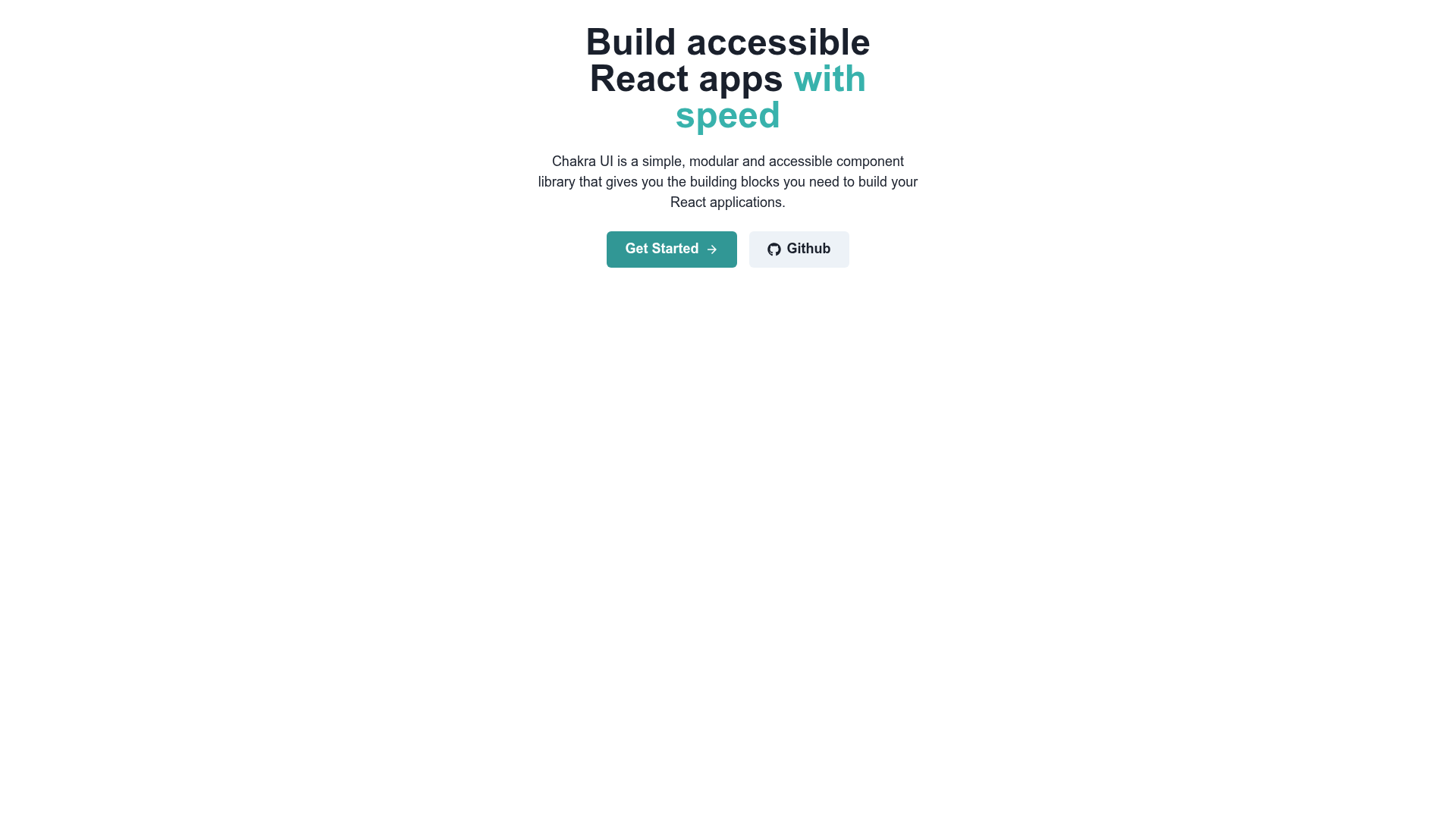
Gatsby Hello World Chakra UI is a boilerplate starter for the Gatsby static site generator that combines Gatsby's default hello-world project with the Chakra UI component library, giving you a running, styled site scaffold in one CLI command.
What is Gatsby Hello World Chakra UI?
This starter is a GitHub repository created by syauqy that serves as a custom Gatsby starter. When you run the Gatsby CLI command gatsby new your-project-name https://github.com/syauqy/gatsby-hello-world-chakra, it generates a new folder with a complete Gatsby project, pre-set to include Chakra UI. The generated site runs locally with gatsby develop and opens at http://localhost:8000, with a second GraphiQL endpoint at http://localhost:8000/___graphql. It uses the standard Gatsby file layout: src/pages, src/components, src/images, src/styles, plus configuration files such as gatsby-config.js, gatsby-browser.js, gatsby-node.js, and gatsby-ssr.js.
Key Features
- Chakra UI preinstalled — The starter ships with Chakra UI, a React component library with accessible, themeable components, so you can use buttons, inputs, layouts, and more without manual setup.
- Gatsby hello-world base — Built on Gatsby's official default starter, providing a minimal example homepage in
src/pages/index.jsthat you edit to change your site. - Live reload development server — Running
gatsby developstarts a local server on port 8000; editingsrc/pages/index.jsupdates the browser in real time. - GraphiQL integrated — The development server exposes a built-in tool at
http://localhost:8000/___graphqlfor testing GraphQL queries on your site's data, as described in Gatsby's part-five tutorial. - Organized project structure — The scaffold separates components, images, pages, and styles into dedicated directories, and includes
.prettierrcfor consistent formatting. - One-command setup — Create a new project with a single
gatsby newcommand, which clones the repository and installs dependencies. - Live demo on Vercel — A deployed preview of the output is available at
https://gatsby-chakra-boilerplate.vercel.app/.
Who is it for?
- Developers starting a Gatsby site — You can scaffold a new project with Chakra UI already in place, skipping the separate installation and configuration steps.
- Designers and frontend developers using React components — The template lets you build interfaces directly with Chakra UI components, avoiding hand-written CSS for common UI patterns.
- Teams standardizing a Gatsby stack — The boilerplate gives a consistent minimal structure to extend, with a separate styles directory and preconfigured Gatsby build files.
What can you do with the template?
- Create a styled marketing or landing page quickly — Use the starter to get a site running, then add Chakra UI components to build a responsive page without writing CSS from scratch.
- Prototype component layouts — Edit
src/pages/index.jsand watch the output in the browser; the hot-reload loop is suited for fast UI iteration. - Learn Gatsby data layer — The included GraphiQL tool at the
___graphqlendpoint lets you experiment with GraphQL queries against your Gatsby site's data.
How does it work?
The README lists three quick-start steps: run gatsby new your-project-name https://github.com/syauqy/gatsby-hello-world-chakra to create the site, run gatsby develop to start the development server, then open http://localhost:8000 and edit src/pages/index.js. Saving changes triggers a real-time browser refresh. Documentation links point to the official Gatsby and Chakra UI docs for further exploration.
FAQ
Is this starter free to use?
Yes, the repository includes a LICENSE file, and the starter is publicly available on GitHub. It relies on open-source Gatsby and Chakra UI packages.
What is the difference between this and the default Gatsby starter?
This starter adds Chakra UI to the default Gatsby hello-world project. The file structure and config are mostly identical to a standard Gatsby site, with the addition of Chakra UI's dependencies and setup.
How do I change the homepage content?
Open src/pages/index.js in your editor and modify the JSX. The development server at http://localhost:8000 will update the page in real time after you save.
Where can I find more documentation?
The README points to the Gatsby documentation at https://www.gatsbyjs.com/docs/ and the Chakra UI documentation at https://chakra-ui.com/docs/getting-started for getting started with each framework.