Template details
SvelteKit Starter
A minimal SvelteKit example that fetches data from the SpaceX GraphQL API and deploys to Vercel.
About this template
SvelteKit Starter is a minimal, Vercel-hosted example project that shows how to build a SvelteKit application that fetches data from the public SpaceX GraphQL API and deploys to Vercel. It is an official example maintained inside the Vercel GitHub repository, so it serves as a reference for both SvelteKit development and Vercel deployment workflows.
What is the SvelteKit Starter?
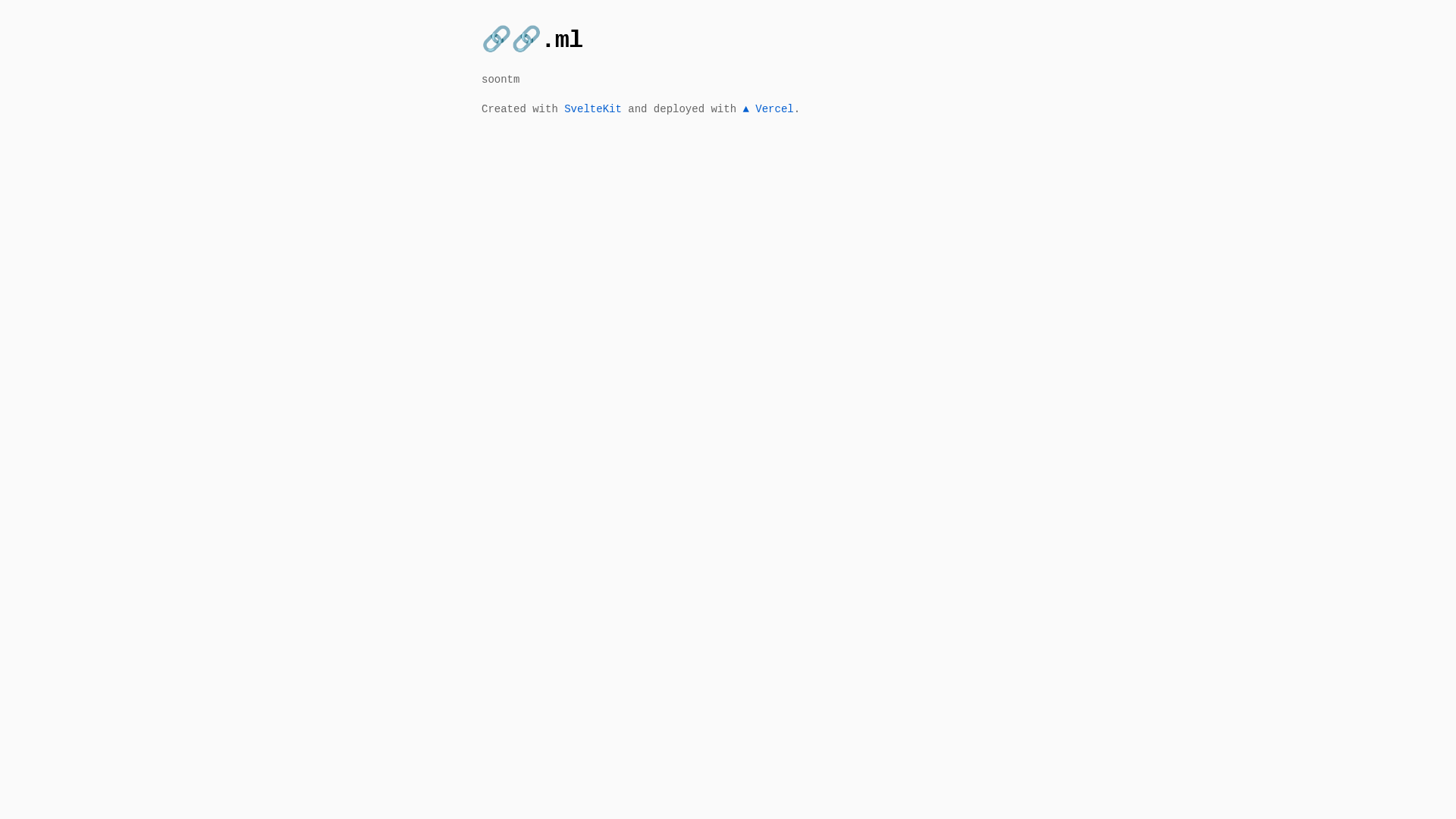
The SvelteKit Starter is an example application that consumes the SpaceX GraphQL API (https://api.spacex.land/graphql/) and renders the retrieved data inside a SvelteKit app. It takes no user input; it simply queries SpaceX data and presents it on a page. The project is built on SvelteKit and uses the official Vercel Adapter so that running npm run build produces a deployment ready for Vercel. A live preview is hosted at https://sveltekit.examples.vercel.com, and the source is available in the Vercel examples directory on GitHub.
Key Features
- SvelteKit framework — The project is built on SvelteKit, the application framework for Svelte, and includes no extra UI library or styling framework.
- SpaceX GraphQL integration — It queries the live SpaceX GraphQL API at api.spacex.land/graphql to fetch launch and rocket data, demonstrating a real-world GraphQL client setup in SvelteKit.
- Vercel Adapter — The build step uses the @sveltejs/adapter-vercel package, which configures the output for deployment to Vercel.
- One-click deployment — The README includes a Deploy with Vercel button that clones the repository into your Vercel account, pre-fills project settings, and builds the app automatically.
- Simple npm scripts — Local development starts with
npm run dev(optionally using-- --opento launch a browser tab), and a production build is generated withnpm run build. - Live demo — The deployed app is accessible at https://sveltekit.examples.vercel.com, so you can see the final result before writing any code.
- Minimal project structure — There are no environment variables or extra configuration files mentioned; the example keeps setup to a single repository clone and an npm install.
Who is the SvelteKit Starter for?
- SvelteKit beginners who want a small, readable example of a SvelteKit page fetching data from an external API.
- Developers evaluating Vercel deployment who need a ready-made project to test the Vercel adapter and the Deploy button workflow.
- GraphQL learners who want to see a working query against the SpaceX GraphQL endpoint inside a SvelteKit component.
What can you do with the SvelteKit Starter?
- Bootstrapping a new SvelteKit app: Clone the repository, replace the SpaceX GraphQL query with your own endpoint, and use the existing page structure as a starting point for your data-driven UI.
- Testing Vercel deployment: Click the Deploy with Vercel button to instantly get a live URL and inspect how the adapter produces the serverless build.
- Learning API integration: Read through the code to see how SvelteKit loads data during server-side rendering and displays it in the browser.
How does the SvelteKit Starter work?
The project works like a standard SvelteKit app. After installing dependencies with npm install, you start the development server with npm run dev. For production, npm run build uses the Vercel Adapter to generate the deployment output. The live example is already deployed at sveltekit.examples.vercel.com.
FAQ
Is the SvelteKit Starter free?
The example project is open source and hosted in the Vercel GitHub repository, so the template itself is free to clone and use. Deploying it to Vercel is also free for personal projects, though Vercel has paid plans for higher usage.
What does this template do?
It demonstrates a SvelteKit app that fetches data from the public SpaceX GraphQL API and displays that data. It is intended as a reference for structuring a SvelteKit project and deploying it to Vercel.
How do I run the project locally?
Clone the repository, then run npm install to install dependencies. Start the development server with npm run dev, or npm run dev -- --open to open it in your browser automatically.
How do I deploy to Vercel with this template?
The simplest way is to click the Deploy with Vercel button in the README. It opens a Vercel page where the repository URL is pre-filled, and Vercel clones, builds, and deploys the project. Alternatively, push the code to GitHub and import that repository in Vercel.
Does this template include a CSS framework or styling?
No CSS framework is listed on the page. The example focuses on SvelteKit and GraphQL data fetching, so the default styling is minimal and inherited from the SvelteKit boilerplate.