Template details
Gatsby minimal starter
A barebones Gatsby.js starter with Tailwind CSS pre-configured for static sites.
About this template
Gatsby minimal starter is a barebones project template for building static sites with Gatsby.js and Tailwind CSS pre-configured, maintained by the Gatsby team.
What is the Gatsby minimal starter?
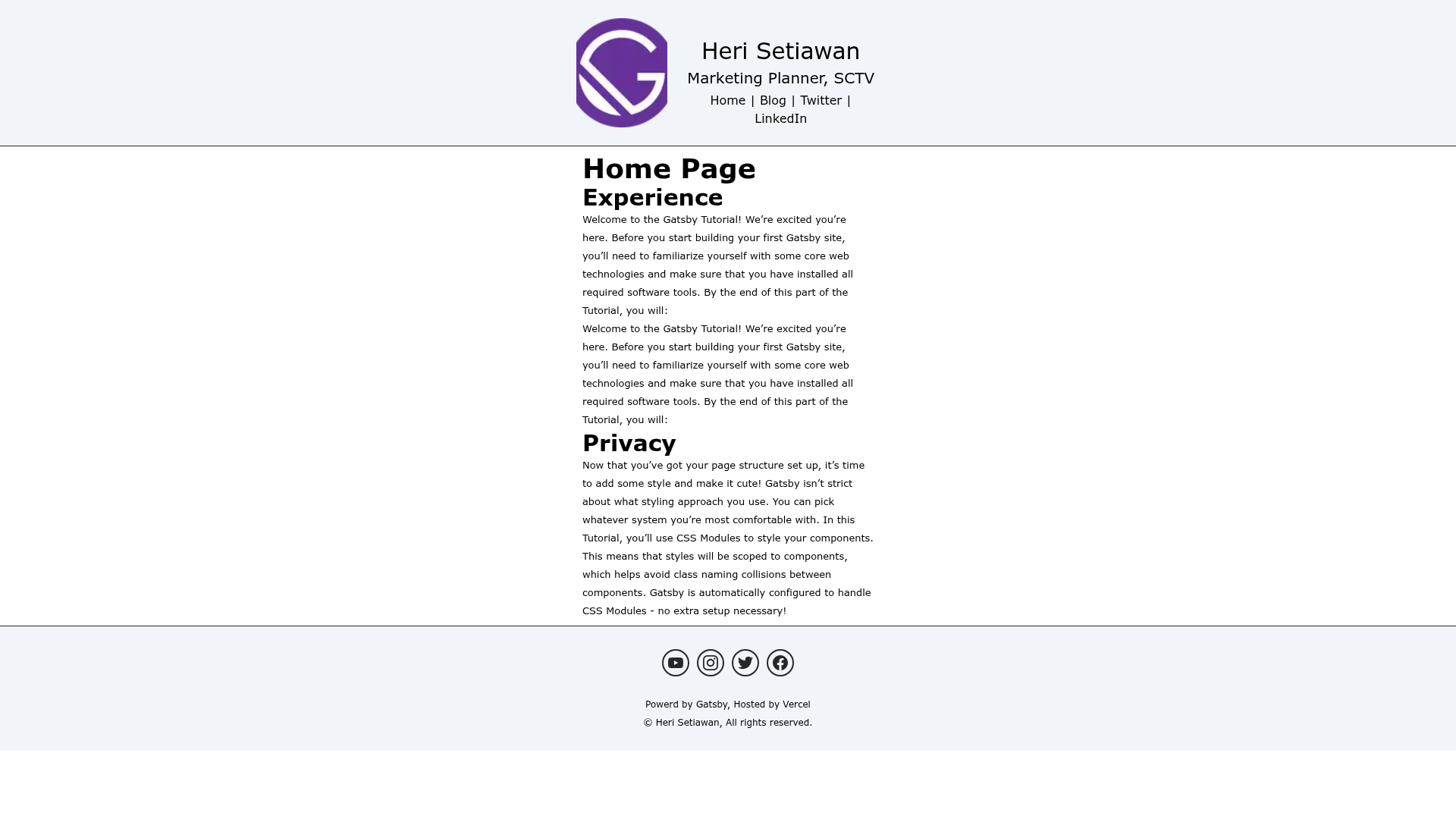
The Gatsby minimal starter is a starter template for Gatsby, a React-based static site framework that generates fast, static HTML. It scaffolds a new project with a minimal file structure — just a single index page under src/pages/index.js — and includes Tailwind CSS and PostCSS already wired up. You create a new site with the Gatsby CLI, run npm run develop, and the site runs at http://localhost:8000 with hot-reload behavior. It's published in the gatsbyjs/gatsby-starter-minimal GitHub repository.
Key Features
- Gatsby framework — Built on Gatsby's React-based static site generator, producing optimized static HTML with no server required.
- Tailwind CSS integration — Tailwind CSS is pre-installed and configured with PostCSS, so you can write utility-first styles immediately without manual setup.
- Minimal file structure — The starter keeps only the essentials: a single src/pages/index.js page, gatsby-config.js, and package.json, making it easy to understand every file.
- Gatsby CLI quick start — Create a new site with npm init gatsby, selecting this starter, then run npm run develop to start a local dev server at port 8000.
- Live editing — Editing src/pages/index.js triggers real-time updates in the browser, exactly as the README demonstrates.
- One-click Gatsby Cloud deployment — The README includes a deploy button that sends the starter directly to Gatsby Cloud, with the repository URL pre-filled.
Who is it for?
- New Gatsby developers — Use this starter to learn Gatsby's basics with the smallest possible amount of boilerplate.
- Tailwind users — Anyone who wants Tailwind CSS out of the box without manually configuring PostCSS and purge options.
- Prototypers — Build a quick landing page or mockup with two commands and a single page to edit.
- Blog authors — Though the starter ships with just a homepage, its topics list includes blog, and it's a suitable base for adding Gatsby's blog plugins.
What can you do with the Gatsby minimal starter?
- Launch a static site — Use the starter to create a static site with React and Tailwind, deployable to any host that serves flat files.
- Experiment with Gatsby — Test Gatsby's data layer, plugins, and build performance in an uncluttered environment.
- Deploy to Gatsby Cloud — Use the one-click deploy button in the README to publish a live site on Gatsby Cloud without configuring a CI pipeline.
How does the Gatsby minimal starter work?
The README outlines a three-step workflow: create a site with npm init gatsby, navigate into the directory and run npm run develop, then edit src/pages/index.js to see changes reflected at http://localhost:8000. The site is a plain Gatsby project, so the development server compiles React components into static pages on build.
Pricing
The starter is free and open source, published under an open-source license in the Gatsby monorepo.
Alternatives
- Gatsby default starter — Includes additional boilerplate such as layout components and SEO metadata, useful for multi-page sites.
- gatsby-starter-blog — A Gatsby starter tailored specifically for blogs, with post templates and RSS support.
FAQ
Is the Gatsby minimal starter free?
Yes, it's free and open source. You can use it for any project, and it's maintained publicly on GitHub under the gatsbyjs organization.
Does the Gatsby minimal starter include Tailwind CSS?
Yes, Tailwind CSS is included and configured with PostCSS. The repository description explicitly lists Tailwind, and the source hints confirm the PostCSS integration.
How do I create a site with this starter?
Run npm init gatsby in your terminal, select the minimal starter when prompted, then run npm run develop inside the new directory. The README documents these exact commands.
Can I deploy this starter to Gatsby Cloud?
Yes, the README provides a "Deploy to Gatsby Cloud" button that prepopulates the repository URL, so you can deploy with one click.
What pages come with the starter?
The starter includes a single page at src/pages/index.js. There are no pre-built blog or about pages; it's intentionally minimal so you add your own structure.