Template details
NuxtPressus
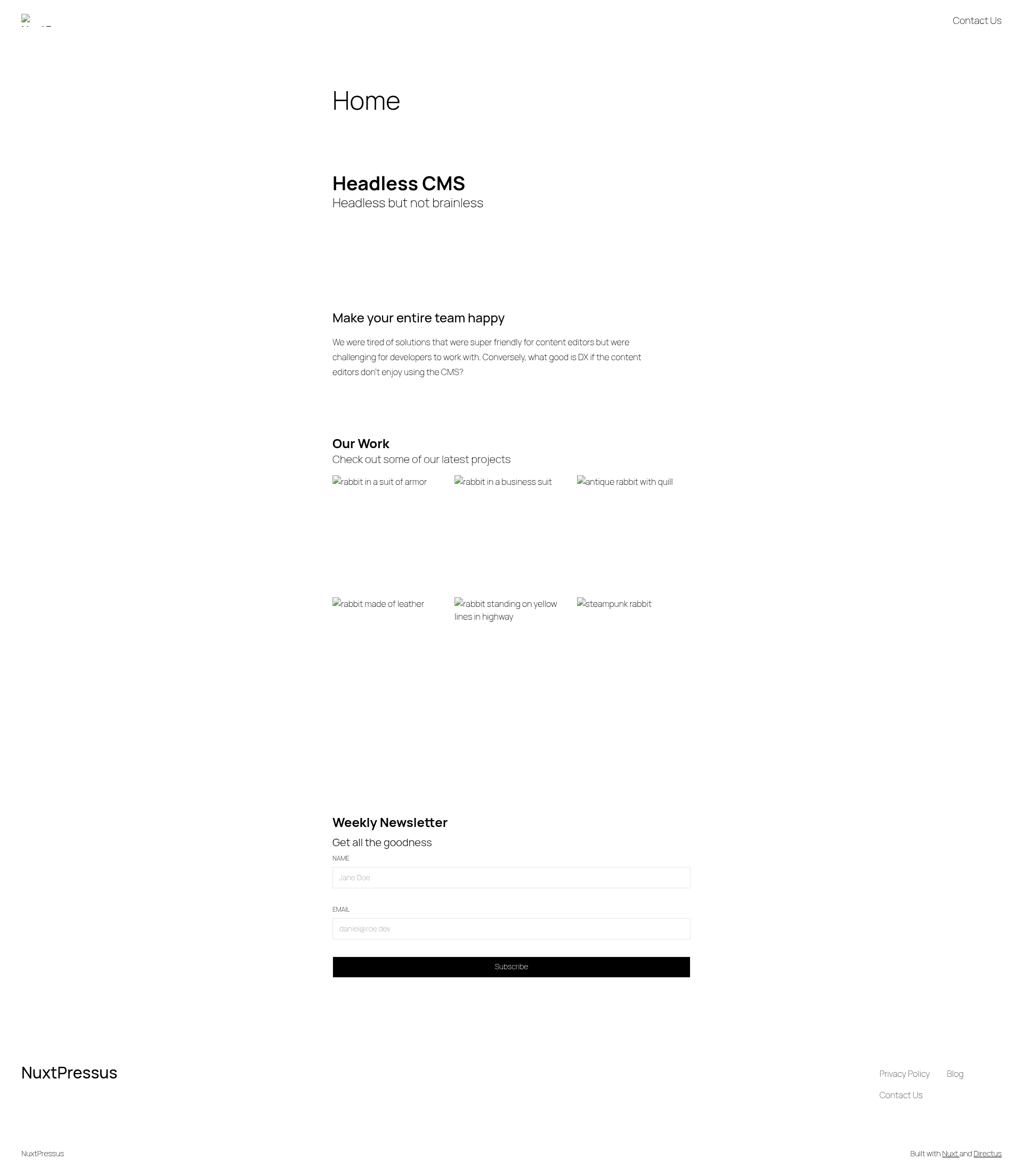
A site template built with Nuxt and Directus for content-driven websites.
About this template
NuxtPressus is a site template that pairs Nuxt for the frontend with Directus as the backend, giving developers a ready-to-run content site that can be deployed to Netlify.
What is NuxtPressus?
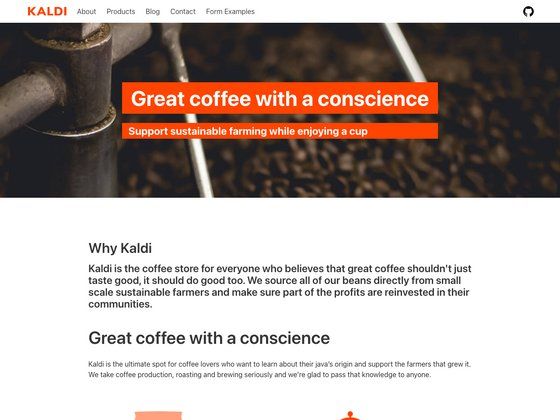
NuxtPressus is a site template built with Nuxt for the frontend and Directus for the backend, designed to produce content-driven websites such as blogs or simple CMS-backed pages. It takes a Directus instance configured with the 'Simple CMS' template as its data source and serves the content through Nuxt. The project is published under the MIT License and its design is inspired by the Twenty Twenty-Five theme for WordPress. The live demo is hosted at nuxtpressus.netlify.app.
Key Features
- Nuxt frontend — Built on Nuxt, the Vue-based meta-framework, for the site's user-facing pages and routing.
- Directus backend — Uses Directus as the headless CMS, with content coming from a Directus instance, including the 'Simple CMS' template schema.
- UnoCSS styling — Atomic CSS is generated by UnoCSS, allowing utility classes to be used directly in templates.
- Netlify deployment — The template is configured for deployment on Netlify, and the live demo runs on nuxtpressus.netlify.app.
- ESLint and html-validate — Includes ESLint for JavaScript code linting and html-validate for checking HTML markup quality.
- Local development flow — Setup uses pnpm with Corepack enabled, a .env file holding a Directus admin token, followed by pnpm i and pnpm dev.
- MIT License — Licensed under MIT, so the template can be freely reused and modified.
Who is it for?
NuxtPressus is for developers who want a headless CMS starter without building the frontend integration from scratch. A Nuxt developer can clone the template to quickly get a content site wired to Directus. A Directus user looking for a ready-made frontend can use it as a reference implementation. A small team publishing a blog or simple site can use it to get a Netlify-deployed site with a CMS backend.
What can you do with NuxtPressus?
- Developers prototyping a CMS-backed site: Clone the template, create a Directus instance, and get a working Nuxt site with linting and deployment configuration in minutes.
- Teams launching a blog: Use the Directus 'Simple CMS' schema as the content model and publish through the Directus admin UI while Nuxt renders the public pages.
- Agencies delivering client sites: Reuse the MIT-licensed template as a starting point, customizing styles via UnoCSS and swapping in client-specific Directus content.
How does NuxtPressus work?
The README describes a straightforward local setup: create a Directus instance (the project was bootstrapped on Directus Cloud using the 'Simple CMS' template), copy your administrator token into a .env file as DIRECTUS_TOKEN, then run corepack enable, pnpm i, and pnpm dev. The template reads content from Directus and renders it through Nuxt.
FAQ
Is NuxtPressus free?
Yes, the project is published under the MIT License, so you can use, modify, and distribute it freely without license fees.
What do I need to run NuxtPressus locally?
You need a Directus instance, your Directus administrator token for authentication, and pnpm with Corepack enabled. The README instructs you to create the Directus instance using the 'Simple CMS' template, then run the setup commands.
Does NuxtPressus include the Directus admin dashboard?
No. Directus is a separate headless CMS; NuxtPressus only contains the Nuxt frontend. You manage content in the Directus admin app, and the template fetches that content for display.
Can I deploy NuxtPressus to platforms other than Netlify?
The template is documented for Netlify deployment, and the demo site runs on Netlify. Since it's a Nuxt project, it can likely be adapted for other hosts, but the README only covers Netlify.