Template details
ViteRC
A minimal Vite + React + TypeScript template with pre-configured ESLint (Airbnb rules), Prettier, Vitest, Absolute Imports and Husky Git hooks.
About this template
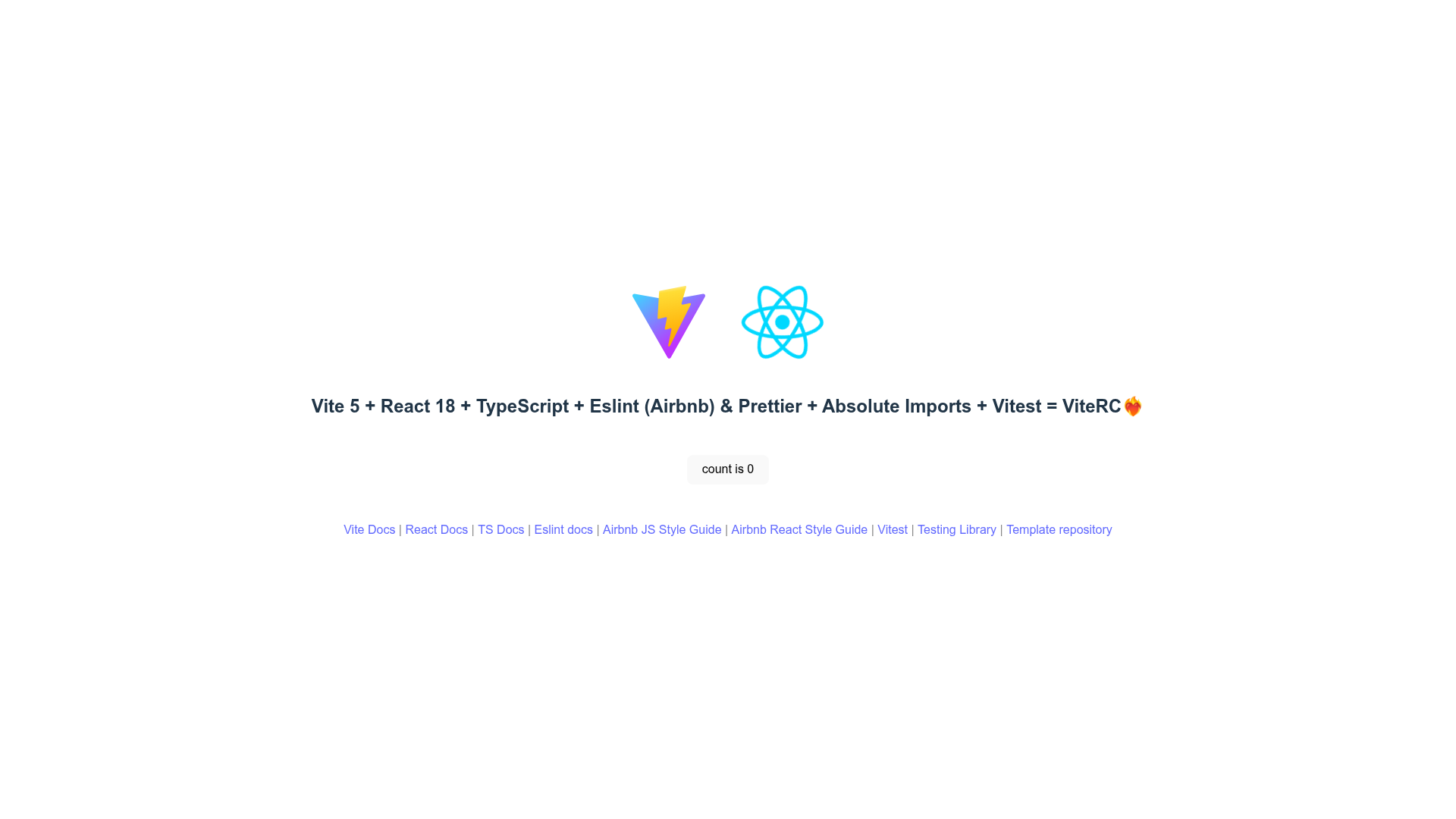
ViteRC is a community-maintained Vite boilerplate that scaffolds a React 18 + TypeScript web application with ESLint (Airbnb JS/React rules), Prettier, Vitest, Husky Git hooks, Commitlint, and absolute imports pre-configured.
What is ViteRC?
ViteRC is a minimal open-source template for starting React projects with Vite 5, bundling tooling that many developers otherwise configure by hand. It takes a command-line argument for the project directory and produces a working React 18 + TypeScript project with a development server, production build script, test runner, linter, and formatter already wired together. The template is maintained by the potreco GitHub organization, with active contributors keeping the stack updated, and the repository had 63 stars at the time of writing.
Key Features
ViteRC bundles a complete developer toolchain into a single template, covering build, language, linting, formatting, testing, and Git hooks.
- Vite 5 — Uses Vite 5 as the frontend build tool, providing fast development server startup, hot module replacement, and production builds into the dist folder.
- React 18 — Sets up React 18 as the UI library, with TypeScript for static typing across the project.
- TypeScript — Includes TypeScript configuration out of the box, with absolute import aliases pre-defined in both vite.config.ts and tsconfig.json, and editable for custom paths.
- ESLint with Airbnb rules — Pre-configured ESLint using Airbnb's JavaScript and React style rules, runnable with the lint script.
- Prettier — Pre-configured Prettier for consistent code formatting, runnable with the format script.
- Vitest — Unit test environment pre-configured with Vitest, runnable with the test and test:watch scripts, with Testing Library listed as a dependency.
- Husky Git hooks — Native Git hooks set up via Husky, so linting or other checks run automatically on Git actions.
- Commitlint — Commitlint enforces commit message conventions, keeping repository history formatted.
Who is it for?
ViteRC targets React developers and teams who want a pre-wired frontend setup instead of assembling tooling themselves.
- React developers starting new projects — Get a ready-to-code React + TypeScript environment without spending time configuring Vite, ESLint, Prettier, or Vitest.
- Development teams with coding standards — Use the built-in Airbnb ESLint rules and Prettier to enforce a consistent style across a codebase.
- Developers using Git hooks — Benefit from Husky hooks and Commitlint to validate commits before they are pushed.
- Test-driven developers — Write unit tests immediately with Vitest and Testing Library, using watch mode during development.
Use cases
With ViteRC you can go from an empty folder to a running, tested, and linted React application in a few commands.
- Scaffold a new React application — Run one command (npx degit potreco/viterc my-app or bun create potreco/viterc/bun my-app), then install dependencies and the project is ready with scripts for dev, build, lint, format, preview, and test.
- Enforce commit conventions — Let Commitlint check commit messages against the repository configuration so history stays uniform across contributors.
- Run tests in watch mode — Use the test:watch script while developing to automatically rerun failing tests on changes.
How does it work?
Creating a project is a command-line process that copies the template, then installs dependencies and starts the dev server.
- Run npx degit potreco/viterc my-app (or bun create potreco/viterc/bun my-app if using Bun).
- Enter the new folder with cd my-app, then run git init if you want Husky Git hooks to work.
- Install dependencies with yarn install (or bun install), then start the server with yarn dev.
Pricing
ViteRC is free and open source under the MIT license. There are no paid tiers, and the code can be used in personal and commercial projects without cost.
Alternatives
The main alternative to ViteRC is create-vite, the official Vite scaffolding tool, which generates a simpler project without the pre-configured ESLint, Prettier, Husky, or Vitest setup that ViteRC includes.
FAQ
Common questions about ViteRC cover its license, setup commands, testing capabilities, and package manager support.
Is ViteRC free to use?
Yes. ViteRC is released under the MIT license, meaning you can use, modify, and distribute it freely, including in commercial projects.
How do I create a new project with ViteRC?
Run npx degit potreco/viterc my-app to copy the template into a folder named my-app, or use bun create potreco/viterc/bun my-app if you are on Bun. Then install dependencies and run the dev server.
Does ViteRC include a test runner?
Yes. Vitest is pre-configured as the test runner, and Testing Library is listed among the template's dependencies. The test and test:watch scripts are available to run or watch tests.
Which package managers are supported?
Both Yarn and NPM work with the standard setup, and there is a separate path for Bun users. The repository's install commands show yarn install and bun install as the supported options.