Template details
Gatsby Portfolio Theme
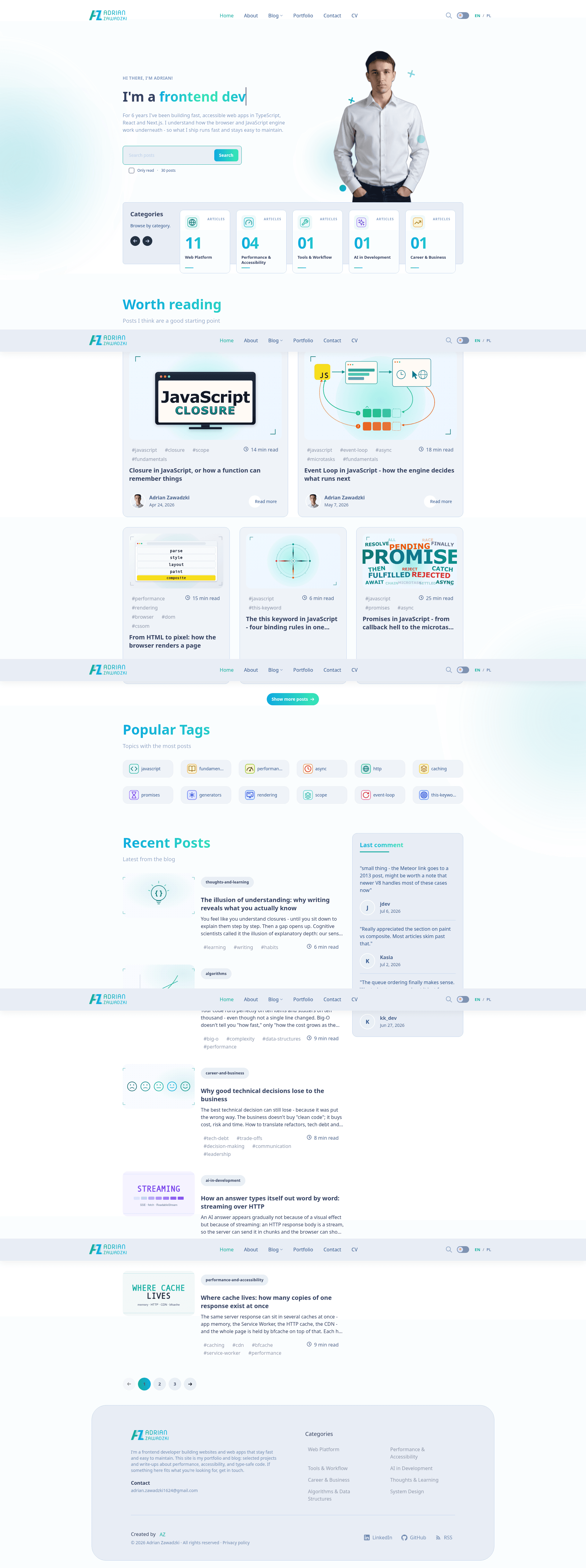
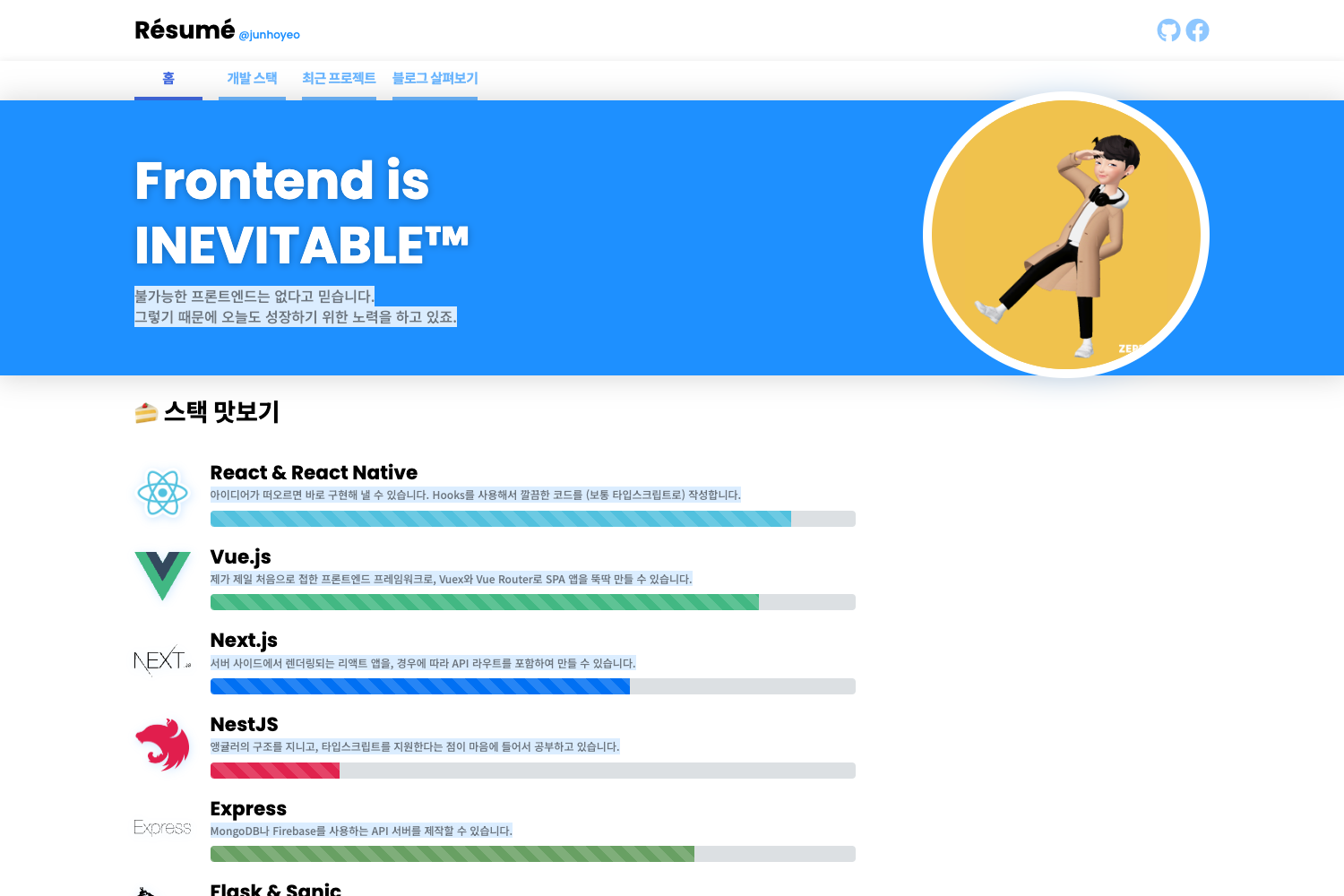
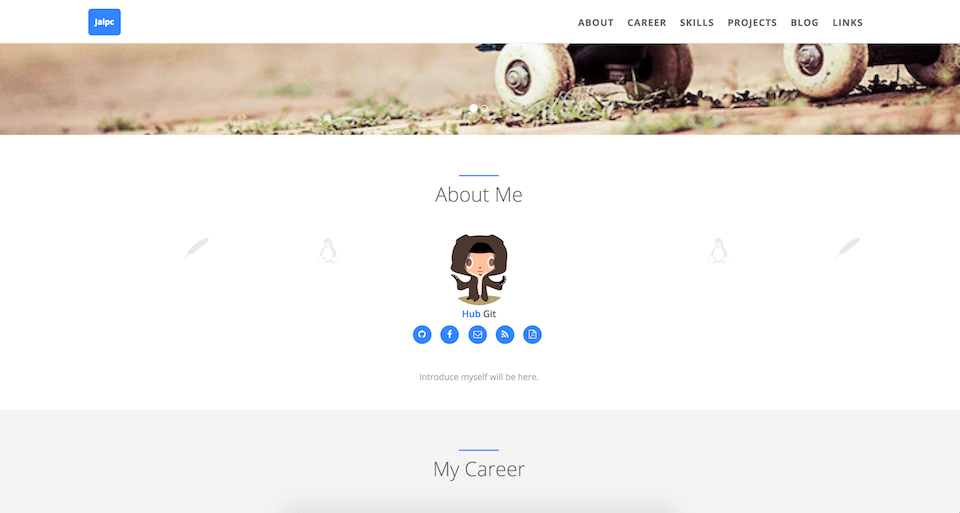
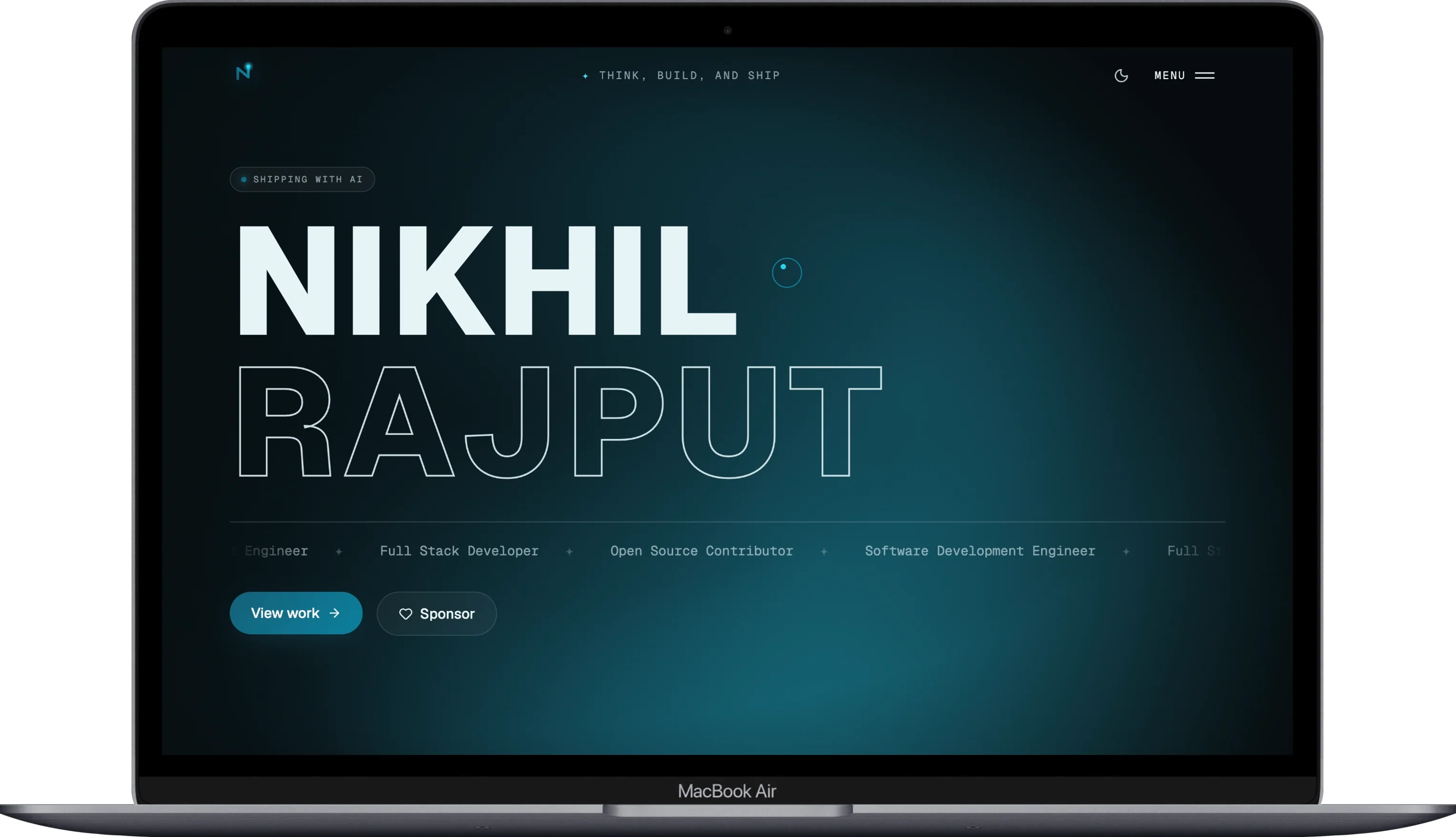
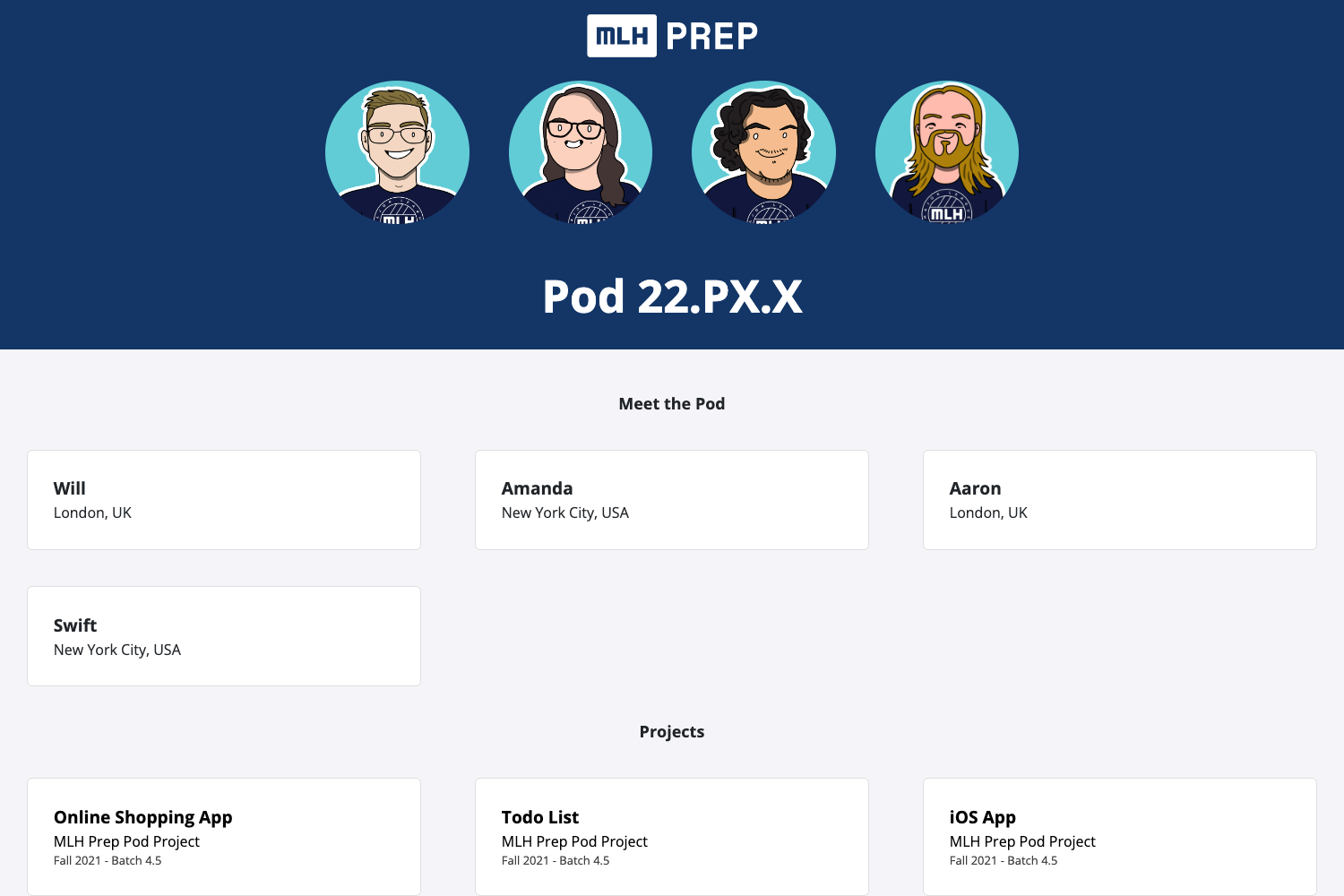
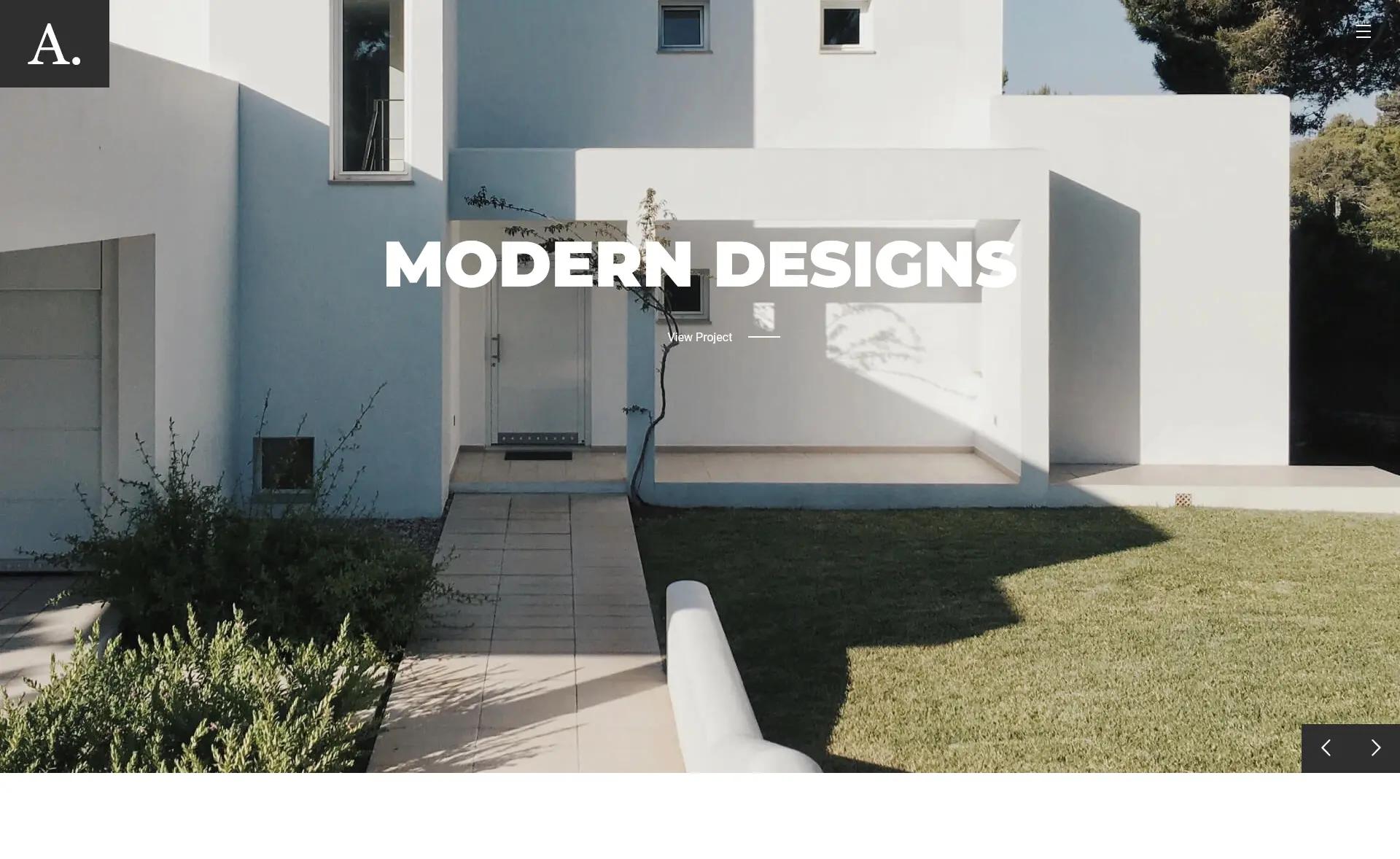
One page portfolio site.
About this template
Gatsby Portfolio Theme is a preconfigured Gatsby theme for building a one-page portfolio site, using MDX for content and Theme UI for styling, with component shadowing as the customization path.
What is the Gatsby Portfolio Theme?
The Gatsby Portfolio Theme is a single-page portfolio starter built on the Gatsby framework. It takes MDX as the content format and produces a static one-page website for showcasing a personal portfolio. The theme is preconfigured, meaning it is ready to be cloned and run without significant setup. The repository is maintained by Adrian Zawadzki, who includes his email address in the README for questions.
Key Features
- Preconfigured Gatsby theme — The theme comes ready for a one-page portfolio, and the README states that the repository can be cloned and modified in any way you like.
- Theme UI styling — Styling is implemented with the Theme UI plugin, which provides the
sxprop for accessing theme tokens directly in components. To use it fully, you must change the pragma tojsx. - Component Shadowing — Customization of structure and content is done through Gatsby's component shadowing, which lets you replace theme components from your own project without editing the theme's source.
- MDX support — The theme works with MDX, allowing page content to combine standard Markdown with JSX components. The repository topics include
mdx. - One-page layout — The site is explicitly described as a one-page portfolio, keeping the information architecture minimal.
- Open to modification — The README invites users to clone the repository and adapt it, and the author offers to answer questions via email.
Who is it for?
- Developers building a personal portfolio — You can clone the theme, replace the MDX content, and build a static portfolio page without designing a site from scratch.
- Gatsby users exploring themes — The code demonstrates how a Gatsby theme integrates Theme UI and MDX, making it a practical reference for theme architecture and component shadowing.
- Freelancers and creatives — A minimal one-page portfolio to present your work, with styling and structure that are straightforward to override.
What can you do with the Gatsby Portfolio Theme?
- Launch a personal landing page — Use the theme to publish a single-page site that links to your projects, resume, or contact information.
- Use as a base for client work — Fork the repository to create a simple portfolio for a client, then use component shadowing to tailor the content and branding.
- Learn Gatsby theme development — Study the preconfigured setup and the shadowing pattern to understand how themes and plugins wire together.
FAQ
Is the Gatsby Portfolio Theme free to use?
Yes. The README explicitly says, "Feel free to clone and modify this repository in any way you like." There is no license file shown, but the author invites free use and modification.
What does the Gatsby Portfolio Theme do?
It is a Gatsby theme that generates a one-page portfolio website. It handles the site's basic structure and styling, and you customize it by editing MDX content and shadowing components.
How do I customize the theme's styling?
For styling, the Theme UI plugin provides the sx prop to use theme tokens in your components. You need to remember to change the pragma to jsx when using it.
How do I change the structure of the portfolio?
You use Gatsby's component shadowing to override the theme's components. This lets you change layout and content without modifying the theme's source files directly.
Who created the Gatsby Portfolio Theme?
The repository is shared by Adrian Zawadzki, and his contact email is provided in the README for questions.