Template details
portfolio-nextjs
Open-source personal portfolio website template built with Next.js 16, PostgreSQL, and a GitHub OAuth admin panel for database-driven content.
About this template
portfolio-nextjs is an open-source personal portfolio website template by Nikhil Rajput, built on Next.js 16, that stores all site content in PostgreSQL and manages it through a GitHub OAuth-protected admin panel instead of code edits.
What is portfolio-nextjs?
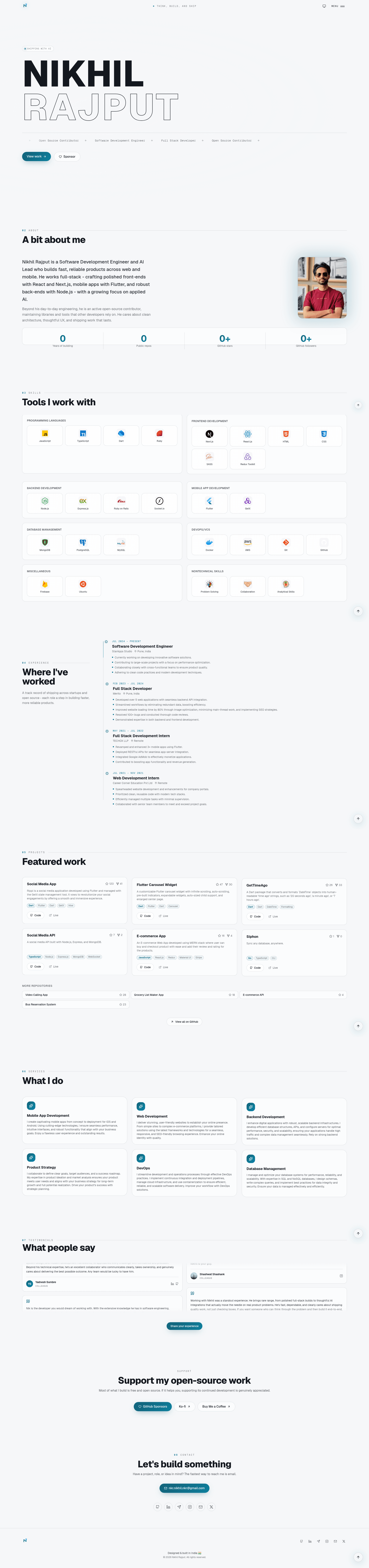
portfolio-nextjs is a developer portfolio template that takes database rows — profile, projects, experiences, skills, services, social links, taglines, and FAQs — and renders them into a complete public site with a cursor-reactive hero, About section, project cards, testimonial wall, and contact form. It runs on Next.js 16 with the App Router and Turbopack, uses React 19 and TypeScript, and is built to deploy on Vercel. The template is maintained by Nikhil Rajput and published publicly on GitHub under the MIT license.
Key Features
- Database-driven content — PostgreSQL stores profile, projects, experiences, skills, services, social links, taglines, and FAQs; Drizzle ORM manages the schema, and
bun run db:seedinserts initial data. - GitHub OAuth admin panel — the
/adminroute signs in with Auth.js v5 and restricts access to the GitHub login set inADMIN_GITHUB_LOGIN, exposing CRUD tabs for every content type plus the testimonial moderation queue. - Image uploads to Vercel Blob — avatar, skill icons, and testimonial avatars upload from the admin panel; SVG files stay raw for crisp vectors while raster images are optimized to WebP and served from the CDN.
- GitHub project cache — project stars, forks, and descriptions are fetched from the GitHub API at build time and revalidated server-side via
GITHUB_TOKEN, but only for repos listed in the database. - Testimonial moderation queue — visitors submit testimonials through a validated form with inline per-field errors and an optional cropped avatar; submissions wait in a queue until approved, and Resend emails the admin on every new submission.
- SEO and GEO metadata — Open Graph tags, Twitter cards, Google verification, and
robots.txtare generated from the database profile row and site config. - First-class theming — both a dark and a light theme ship by default, with the hero reacting to the cursor over a page-wide gradient background.
- Full test and CI setup — Vitest with Testing Library covers unit tests, Playwright runs end-to-end tests, and a pre-push git hook runs lint and format checks.
Who is it for?
- Software developers — launch a personal portfolio with project cards that auto-populate GitHub stars and forks for repos listed in the database.
- Freelancers and consultants — showcase services and work experience, and collect client testimonials through the moderated submission form.
- Technical job seekers — update the hero role marquee, "Currently" tagline, resume link, and avatar from the admin panel without touching code.
- Next.js developers — use the repository as a working reference for Drizzle ORM, Auth.js v5, Vercel Blob uploads, and Playwright testing.
What can you do with portfolio-nextjs?
- Edit content without redeploys: change your bio, projects, skills, social links, and FAQ answers from the
/adminpanel; edits are written to PostgreSQL and appear on the live site. - Customize your hero and profile: set your name, editable role marquee, "Currently" tagline, resume URL, and avatar upload or plain URL entirely from the database profile row.
- Moderate community testimonials: approve or reject visitor submissions in the admin queue, with avatar uploads going to Vercel Blob and notification emails sent through Resend.
- Optimize for search engines: let the template generate Open Graph, Twitter card, Google Search Console verification, and robots.txt output straight from profile data.
How does portfolio-nextjs work?
Clone the repository, install with bun install, copy .env.example to .env.local, and fill in variables such as DATABASE_URL, AUTH_SECRET, and the GitHub OAuth credentials. Apply migrations with bunx drizzle-kit migrate, seed initial data with bun run db:seed, then start the dev server on port 4000 with bun run dev. The seed script is guarded to run only when the database is empty, so it never overwrites later admin edits. On Vercel, the build script applies pending migrations but deliberately does not seed — production seeding is a one-time manual step.
Pros and cons
Pros:
- Fully self-managed content with a real admin panel, so updates never require a redeploy.
- MIT licensed and free to use, with the public repository at 140 stars.
- Database-driven architecture keeps the site content separate from the code.
Cons:
- Requires Bun 1.1+ and PostgreSQL 14+, which is a heavier setup than a static portfolio.
- Production image uploads and notification emails depend on Vercel Blob and Resend API tokens.
- Admin access is limited to a single GitHub account because of the
ADMIN_GITHUB_LOGINcheck.
FAQ
Is portfolio-nextjs free?
Yes. The repository is public on GitHub under the MIT license and had 140 stars at the time the README was collected. You can clone, modify, and deploy it without a license fee.
What do I need to run it locally?
Bun 1.1 or newer, PostgreSQL 14 or newer, and a GitHub OAuth App for admin login. You also set environment variables including DATABASE_URL, AUTH_SECRET, AUTH_GITHUB_ID, AUTH_GITHUB_SECRET, and ADMIN_GITHUB_LOGIN. Production uploads and email need Vercel Blob and Resend keys.
How do I get access to the admin panel?
The /admin route requires signing in with GitHub OAuth. Access is restricted to the GitHub username set in the ADMIN_GITHUB_LOGIN environment variable — the default is nixrajput — and there is no multi-user role system.
Does portfolio-nextjs support dark mode?
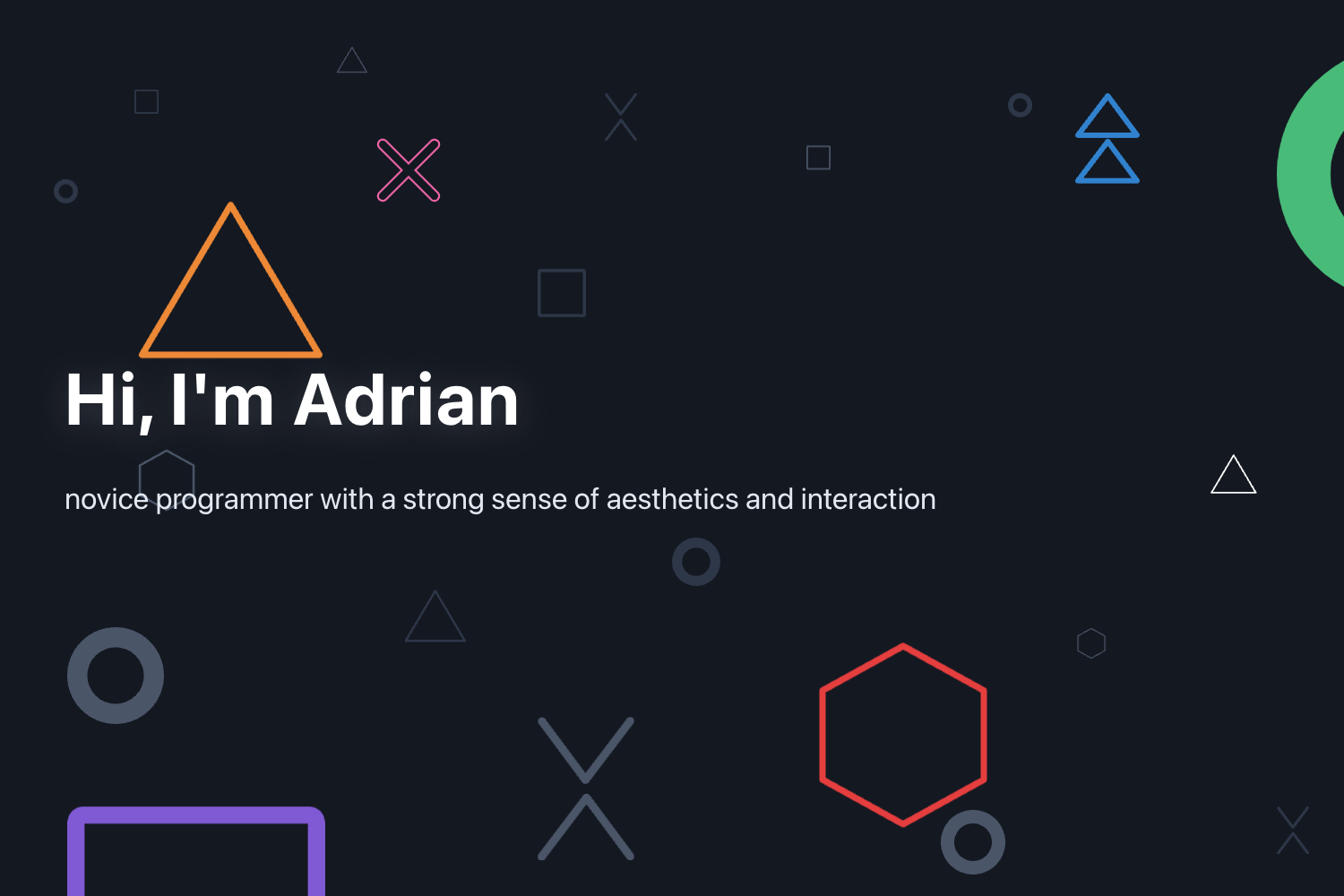
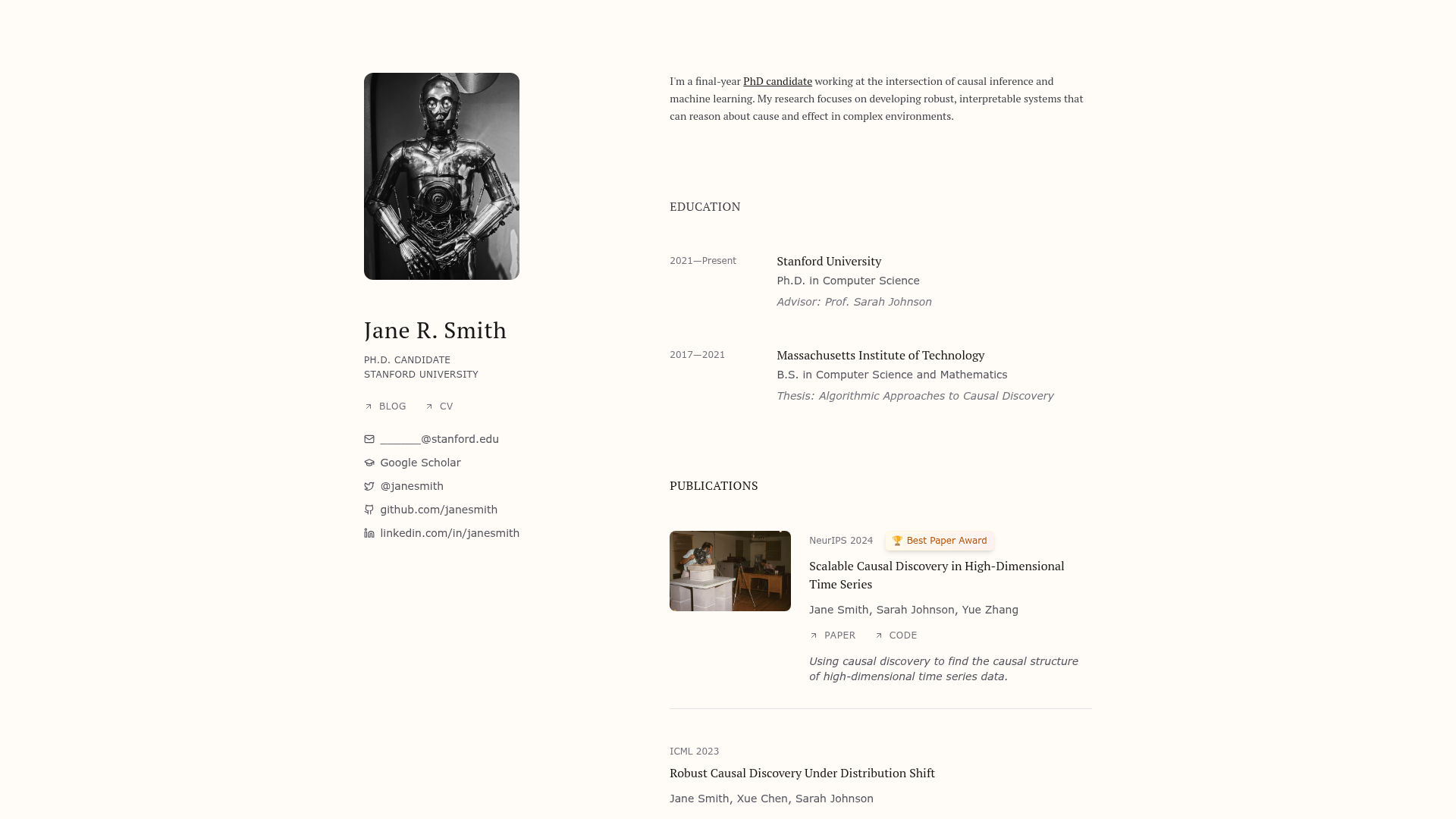
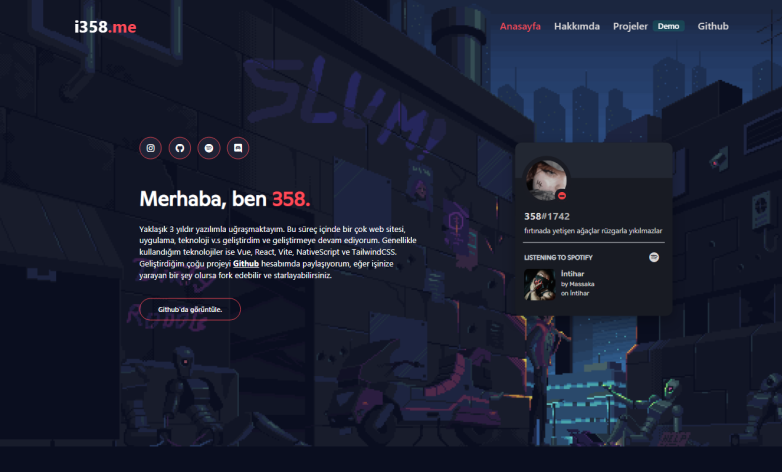
Yes, it ships with both dark and light themes out of the box. The README screenshots show the same home page in dark and light variants, with a cursor-reactive hero over a page-wide gradient background in each theme.
How do I deploy portfolio-nextjs to production?
Import the repository into Vercel, add all required environment variables, and set DATABASE_URL to a pooled PostgreSQL connection string. Run a one-time guarded seed against the production database, then push to master — Vercel runs the build script, which applies pending migrations automatically.