Template details
Portfolio Template
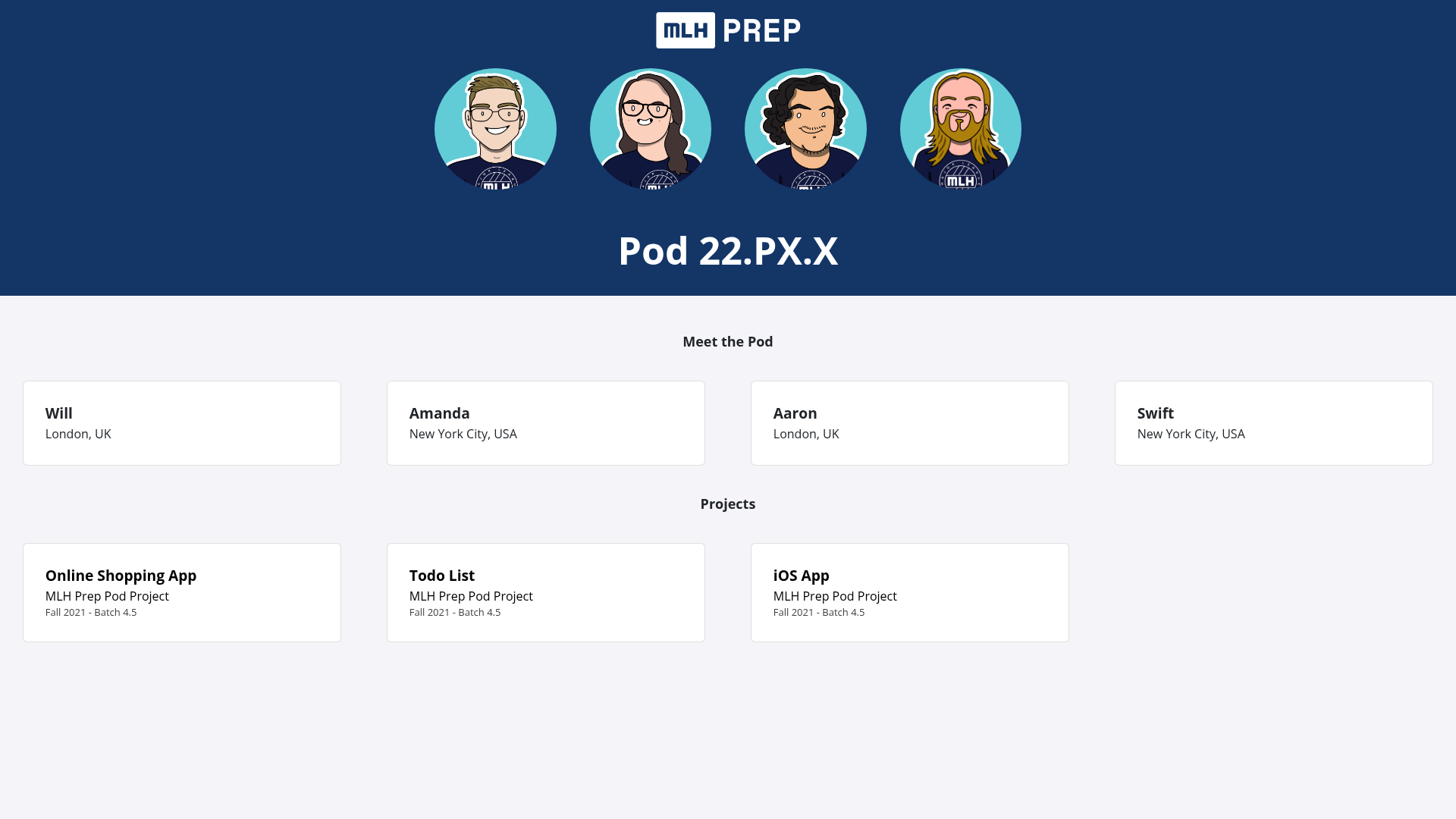
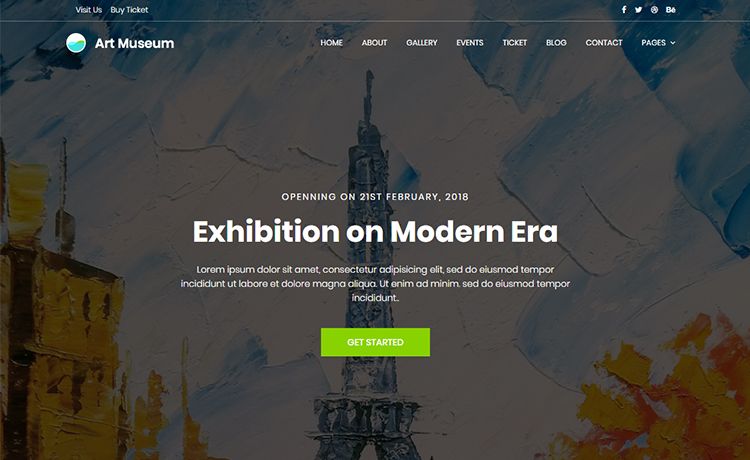
A Jekyll portfolio website template to showcase your work using GitHub Pages, designed for Prep Fellows.
About this template
Portfolio Template is a Jekyll-based website template built for MLH Prep Fellows to create a personal portfolio site that showcases projects, experience, and education on GitHub Pages.
What is Portfolio Template?
Portfolio Template is a free Jekyll website template that turns YAML data files into a static portfolio site hosted on GitHub Pages or Netlify. It takes structured entries for projects, work experience, and education from files in the _data directory and renders them into a clean page layout. The template is designed for participants in the MLH Fellowship Prep program and is publicly available on GitHub with a one-click "Use this template" button.
Key Features
- Jekyll framework — Built on the static site generator Jekyll, so the site produces plain HTML with no database or server-side processing.
- YAML data-driven content — Projects, experience, and education are defined in
_data/projects.yml,_data/experience.yml, and_data/education.yml. Each entry supports fields like title, event, date, role, company, and logo. - Project posts — Enables adding markdown files in the
projectsfolder with front matter (title and layout), linked to a project list entry via apage-namefield. - GitHub Pages deployment — Publishes directly to GitHub Pages, but only works on
username.github.io— notusername.github.io/repo-name. - Netlify deployment — Can also be deployed on Netlify, which avoids the GitHub Pages sub-path limitation.
- Simple configuration — All site-wide settings live in
_config.yml, where you set the URL and any other metadata. - Local development — Run
bundle install --path vendor/bundleandbundle exec jekyll serveto preview locally, provided Ruby and Bundler are installed.
Who is it for?
This template is built for MLH Prep Fellows and early-career developers who want a straightforward, data-driven portfolio site without building one from scratch. It suits anyone comfortable editing YAML and markdown files rather than using a visual website builder.
- MLH Prep Fellows — Use the template to present fellowship projects, with each project listed in YAML and optionally expanded into a detailed markdown post.
- CS students and bootcamp graduates — Quickly assemble a portfolio that lists coursework, internships, and personal projects.
- Open-source contributors — Track and display technical contributions and work experience in a clean static format.
What can you do with Portfolio Template?
- Showcase capstone projects — List each project with title, event, and date, and link to a dedicated write-up page via a markdown post.
- Document your work history — Add roles, companies, dates, and even company logos in
experience.ymlto create a resume-style experience section. - Build an education listing — Record courses, institutions, and dates in
education.ymlto highlight your academic background. - Deploy a personal site in minutes — Click "Use this template" on GitHub, update your URL in
_config.yml, fill in the data files, and push to GitHub Pages or Netlify.
How does Portfolio Template work?
- Click the "Use this template" button on the GitHub repository to create your own copy.
- Update
_config.ymlwith the URL where your site will be hosted, making sure it ends with a slash. - Fill in
_data/projects.yml,_data/experience.yml, and_data/education.ymlwith your own project, experience, and education entries. - Optionally, create markdown files in the
projectsfolder and reference them by adding apage-namefield to the matchingprojects.ymlentry. - Deploy using GitHub Pages (only on
username.github.io) or Netlify.
Pros and cons
- Pros — No backend or database required; all content is managed through simple YAML files; built directly for GitHub Pages hosting.
- Cons — GitHub Pages deployment only works on user/organization sites, not project sub-paths; local development requires Ruby and Bundler installed on your machine.
Pricing
Free — the template is publicly available on GitHub and can be used and modified without charge.
FAQ
Is Portfolio Template free?
Yes, the template is public on GitHub and free to use. You only pay for optional custom domains or third-party hosting services if you choose them.
Does it work on GitHub Pages project sites?
No, GitHub Pages deployment only works on username.github.io, not on username.github.io/repo-name. For project sub-paths, the README recommends using Netlify instead.
What data files do I need to edit?
The site reads from _data/projects.yml, _data/experience.yml, and _data/education.yml. Edit these YAML files to add your own projects, experience, and education entries.
How do I add a project post?
Create a new markdown file in the projects directory with front matter including a title and layout: page. Then add a page-name field to the corresponding entry in projects.yml to link them.
How do I preview the site locally?
Install Ruby and Bundler, then run bundle install --path vendor/bundle and bundle exec jekyll serve in the project directory. This will start a local Jekyll server.