Template details
Jalpc
Mobile-first, responsive Jekyll theme for personal websites, portfolios, and blogs with YAML-driven sections and multilingual support.
About this template
Jalpc is a mobile-first, fluidly responsive Jekyll theme for personal websites, portfolios, and blogs, created by Jarrekk and released under the MIT license.
What is Jalpc?
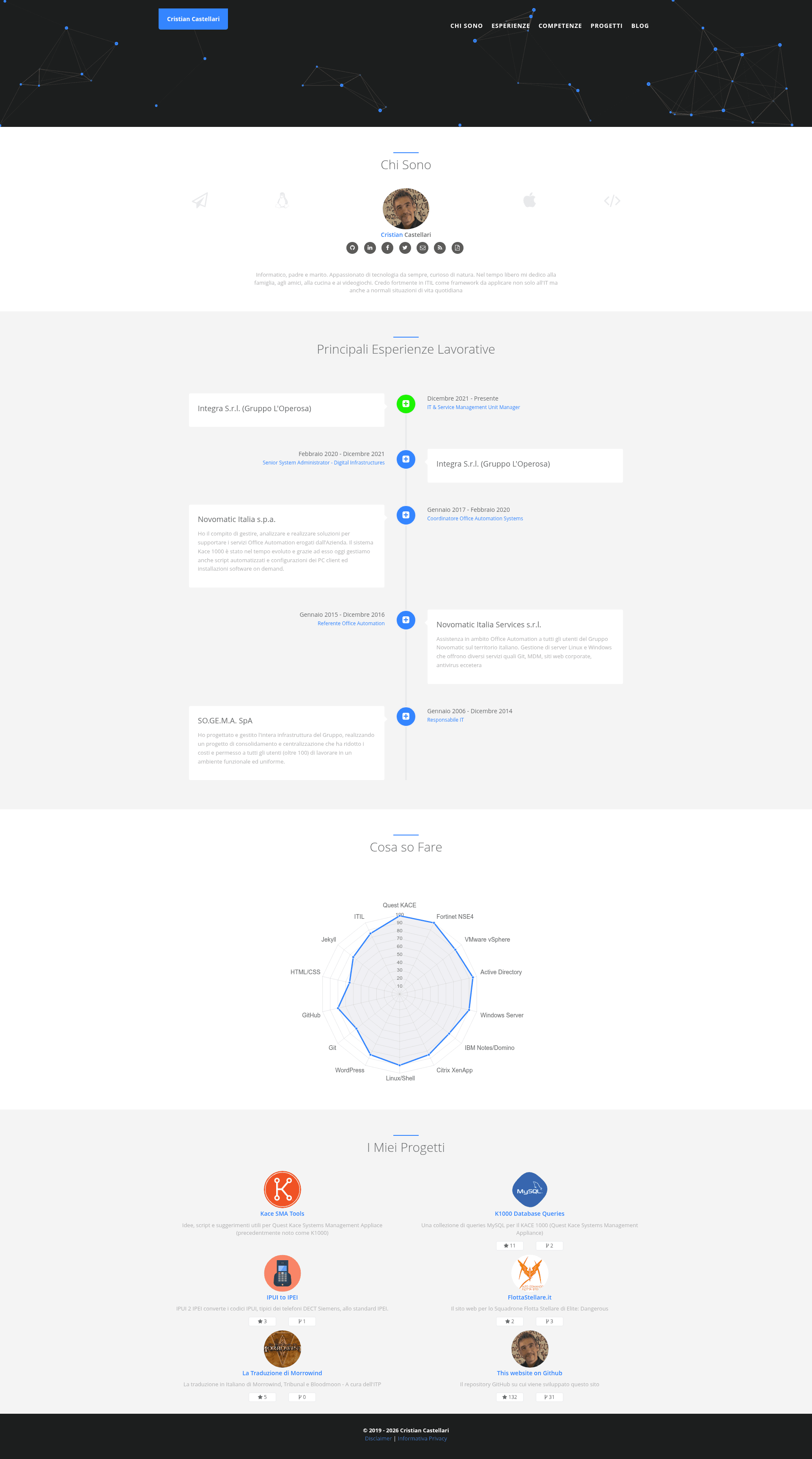
Jalpc is a Jekyll theme that turns a GitHub Pages site into a personal landing page plus blog. You configure content by editing YAML files in _data/ — sections like career, skills, projects, and links each map to a specific YAML file, so you rarely edit HTML. The theme renders a responsive index page, a blog with categorized posts, and a donation page, and it includes multilingual support via i18next. The creator, Jarrekk, uses it for his own site at jarrekk.com, and the live demo is at jarrekk.github.io/Jalpc.
Key Features
- YAML-driven sections — The index page is split into sections (career, skills, projects, links) configured through
_data/landing.ymland separate_data/index/*.ymlfiles, so content changes don't require touching HTML. - Chart.js skills radar — Skills are displayed as a radar chart using Chart.js, customized by editing
_includes/sections/skills.htmland_data/index/skills.yml. - Blog categories — Posts are grouped into categories by URL (e.g.
/python/shows Python posts), with all categories sharing one template_includes/category.html. - jPages pagination — Blog pagination is handled client-side with jPages instead of Jekyll's built-in pagination, loaded through a front-end method described in the author's blog.
- Self-hosted page views counter — Counts page views through a Flask backend API hosted on Vultr VPS, with JavaScript counters in
static/js/count.min.js; the backend code is at Z-Tool/ztool-backhend-mongo. - Multilingual pages — The landing page supports multiple languages via i18next, with languages configured in
_data/index/language.ymland translation files instatic/locales/. - Analytics, comments, and sharing — Includes Google Analytics and GrowingIO support, Disqus comments, and AddToAny share buttons; configuration happens through
_config.ymland_includes/share.html. - CSS/JS compression — Custom CSS and JS are minified with UglifyJS2 and clean-css into
static/assets; the build script isbuild/build.jsand can be run withnpm run build.
Who is it for?
Jalpc suits developers who want a personal landing page and blog without hand-coding HTML, especially those already using GitHub Pages and Jekyll. It fits job seekers who need a portfolio with a resume-like skills chart, and technical writers who want a multilingual blog with Disqus comments and Google Analytics. Since it requires Jekyll and a GitHub Pages workflow, it's most approachable for users comfortable with Git and YAML files.
What can you do with Jalpc?
- Job seekers: Display a career timeline, skills radar chart, and project links on a single-page resume-style site, then add a blog for longer writing.
- Open-source developers: Host the theme for free on GitHub Pages and link to non-GitHub projects in the projects section, not just GitHub repos.
- Multilingual bloggers: Offer the landing page in multiple languages using i18next, and manage translations through
static/locales/and_data/index/language.yml. - Self-hosters: Track page views with your own Flask backend and MongoDB, keeping analytics data under your control instead of relying on slow third-party counters.
How does setup work?
The README outlines a "3 steps to setup" guide plus a wiki for adding posts. After cloning or forking the repository, you edit _data/*.yml files to fill in your information, then push to the gh-pages branch (or run jekyll serve --watch locally to preview changes). The theme includes instructions for adding an upstream remote to pull in future updates with git pull upstream gh-pages.
FAQ
Is Jalpc free?
Yes, Jalpc is open source under the MIT license. You can use it for personal or commercial projects without paying, though the author accepts donations via PayPal if you want to support the project.
How do I add a new blog post?
The project wiki has a "How to add posts" guide. Posts are standard Jekyll markdown files placed in the _posts folder, and they automatically appear in the appropriate category based on the URL structure.
Does Jalpc support languages other than English?
Yes, the landing page has multilingual support through the i18next plugin. You define languages in _data/index/language.yml and add translation files in static/locales/, and the feature can be easily removed by clearing those files if you don't need it.
Can I use Jalpc without a custom backend?
Most features work without a backend, but the page views counter requires the Flask API and MongoDB backend described in the README. If you don't set that up, you'll need to remove or ignore the counting scripts.