Template details
Gatsby Redux-Toolkit Typescript Starter
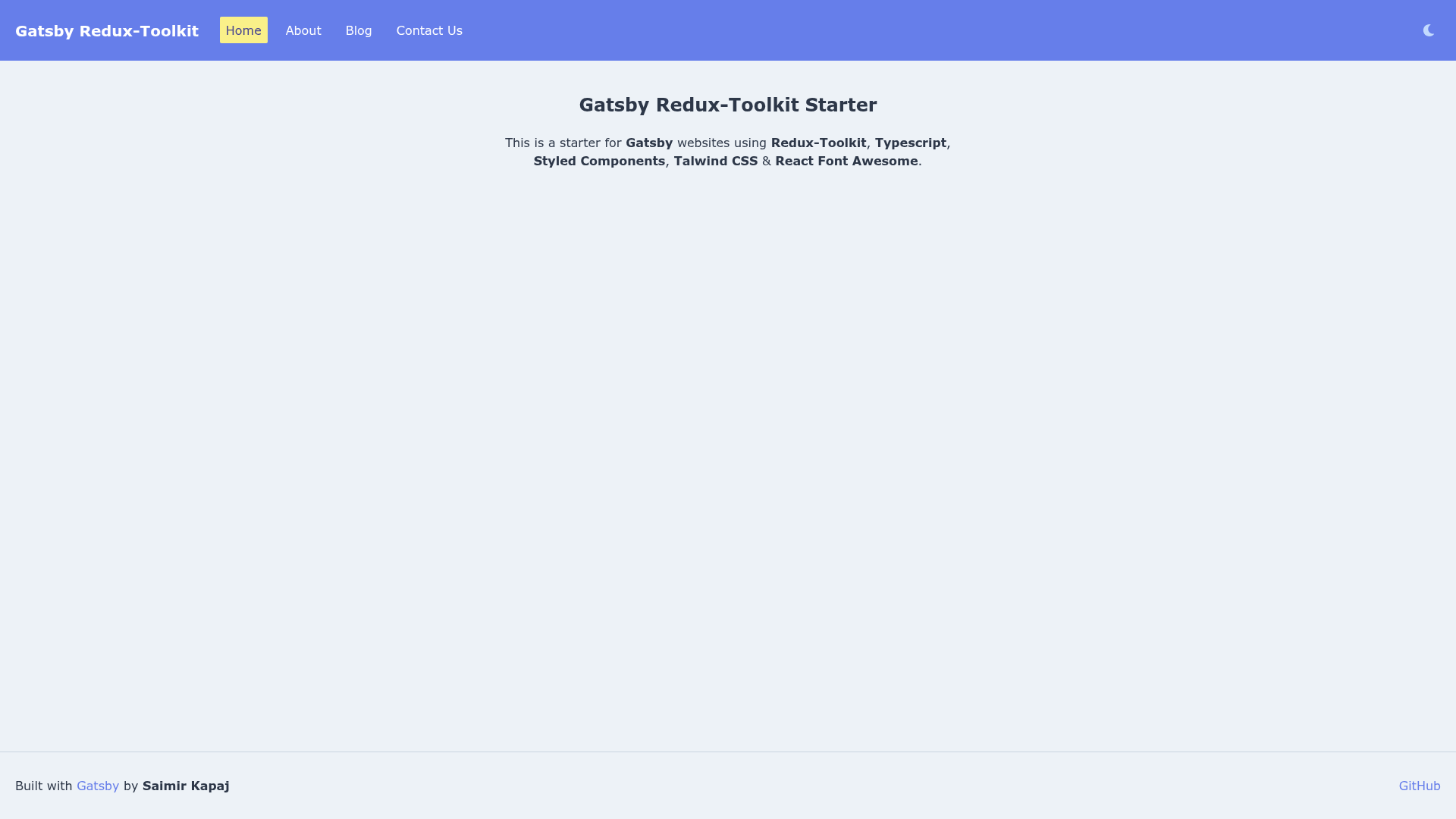
Gatsby starter combining Redux Toolkit, TypeScript, Styled Components, Tailwind CSS, and React Font Awesome.
About this template
The Gatsby Redux-Toolkit Typescript Starter is a boilerplate for scaffolding a Gatsby website with Redux Toolkit state management, TypeScript typing, and a dual styling setup using Styled Components and Tailwind CSS. Published under the GitHub account saimirkapaj, the starter gives developers a preconfigured project that combines React-based static site generation with a typed Redux store and utility-first CSS.
What is the Gatsby Redux-Toolkit Typescript Starter?
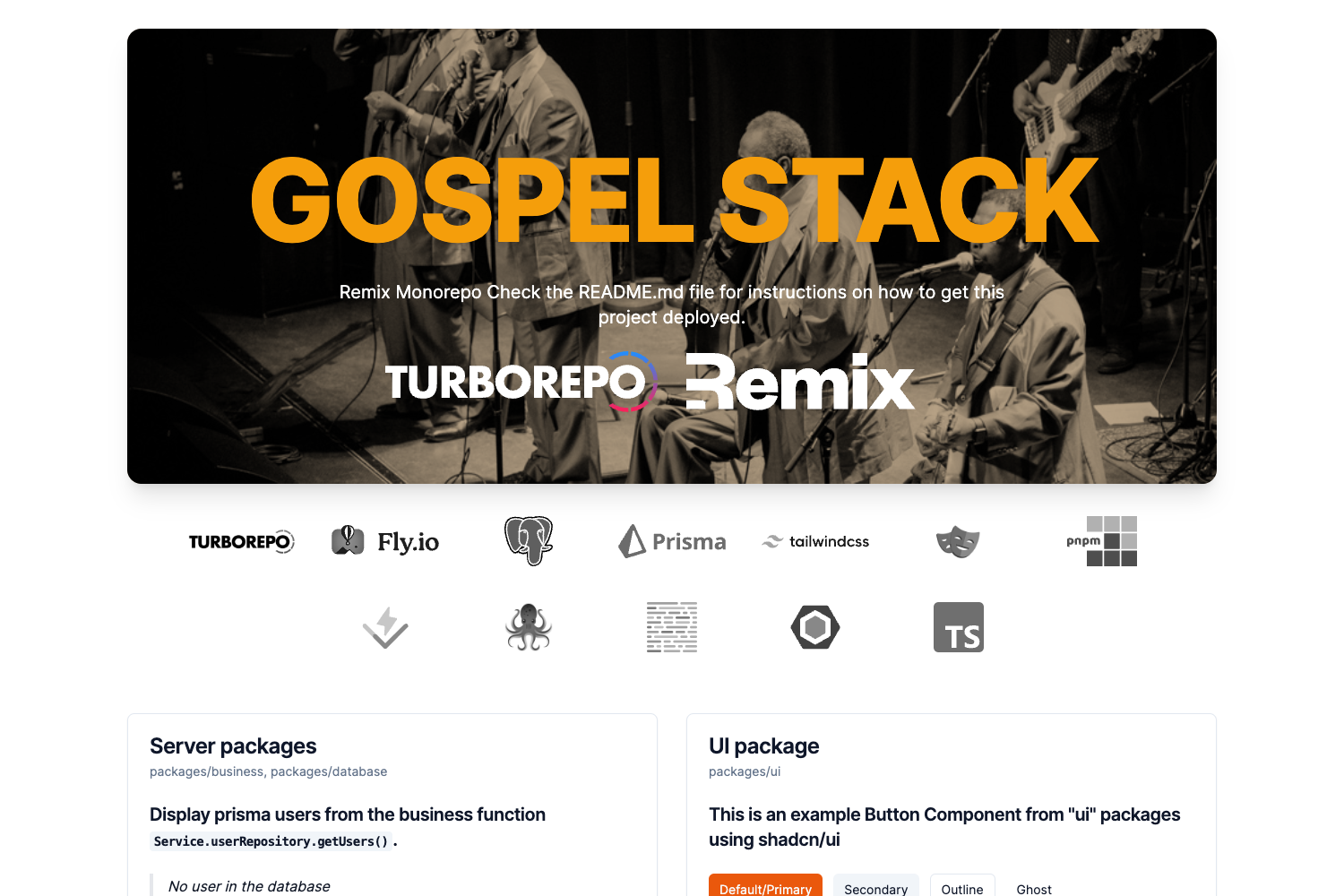
The Gatsby Redux-Toolkit Typescript Starter is a repository that you feed into the Gatsby CLI to generate a new site with Redux Toolkit, TypeScript, Styled Components, Tailwind CSS, and React Font Awesome already installed and configured. It runs on Gatsby, the React static site generator, and produces a project with the standard Gatsby folder structure, TypeScript configuration, and Redux store wiring. A live demo of the starter is hosted at https://gatsby-redux-toolkit-typescript.netlify.com/. The starter's repository metadata lists 17 stars on GitHub.
Key Features
The starter bundles eight ready-to-use features covering state management, styling, and deployment.
- Redux Toolkit integration — State management is prewired using Redux Toolkit, the official recommended package for writing Redux logic.
- TypeScript support — The starter is written in TypeScript, giving you static type checking out of the box.
- Styled Components — CSS-in-JS styling is set up with the styled-components library.
- Tailwind CSS — The utility-first Tailwind CSS framework is included alongside Styled Components for rapid UI development.
- React Font Awesome — The React Font Awesome package is included for icon components.
- One-command creation — A new project is created with
gatsby new my-site-name https://github.com/saimirkapaj/gatsby-redux-toolkit-typescript-starter. - Standard Gatsby commands — The generated project supports
gatsby developfor local development,gatsby buildfor optimized production builds, andgatsby serveto test the production output locally. - Deployment shortcuts — The repository offers one-click deployment to Netlify and ZEIT Now through dedicated deploy links.
Who is it for?
The starter suits Gatsby developers who want a typed React codebase from the first commit. It is also useful for teams that standardize on Redux Toolkit for state management and use both Styled Components and Tailwind CSS in their styling workflow. Hobbyists and learners who are comfortable with the Gatsby CLI can use it to spin up a project without manually configuring TypeScript and Redux.
What can you do with it?
With the generated project, you can move through the entire Gatsby workflow from creation to deployment.
- Launch a new Gatsby project: Run
gatsby newwith this starter's repository URL to produce a local project already configured with the included dependencies. - Develop and iterate: Use
gatsby developto start a hot-reloading dev server athttp://localhost:8000and edit the TypeScript and React files. - Produce a production build: Run
gatsby buildto generate optimized static HTML, JavaScript, and CSS bundles, then preview them withgatsby serveathttp://localhost:9000. - Deploy to a host: Push the generated repository to Netlify or ZEIT Now using the provided one-click deploy links from the README.
How does the starter work?
The starter acts as a Gatsby source repository. You invoke the Gatsby CLI with the starter's GitHub URL, which copies the template into a new folder named after your site. The project then runs with the standard Gatsby lifecycle commands: gatsby develop compiles the site in development mode, gatsby build creates a production bundle, and gatsby serve serves that bundle locally. Deployment is handled by connecting the repository to Netlify or ZEIT Now.
FAQ
How do I create a site from this starter?
Run gatsby new my-site-name https://github.com/saimirkapaj/gatsby-redux-toolkit-typescript-starter in your terminal. Gatsby CLI will clone the starter into a folder named my-site-name, install dependencies, and leave you with a project ready for development.
What technologies are included?
The starter includes Gatsby, Redux Toolkit, TypeScript, Styled Components, Tailwind CSS, and React Font Awesome. These are configured together, so you can start building components, writing Redux slices, and styling with Tailwind utility classes immediately.
What commands can I use after creating the site?
You can run gatsby develop for a development server at http://localhost:8000, gatsby build to create an optimized production build, and gatsby serve to test the production build at http://localhost:9000.
Does the starter include deployment support?
Yes. The README provides one-click deploy buttons for Netlify and ZEIT Now. Clicking them takes you to the respective service's import page with the starter repository already filled in.