Template details
Horizon UI Landing Page Kit
Free Tailwind CSS, HTML, and Figma landing page kit from Horizon UI with pre-built sections and a local development workflow.
About this template
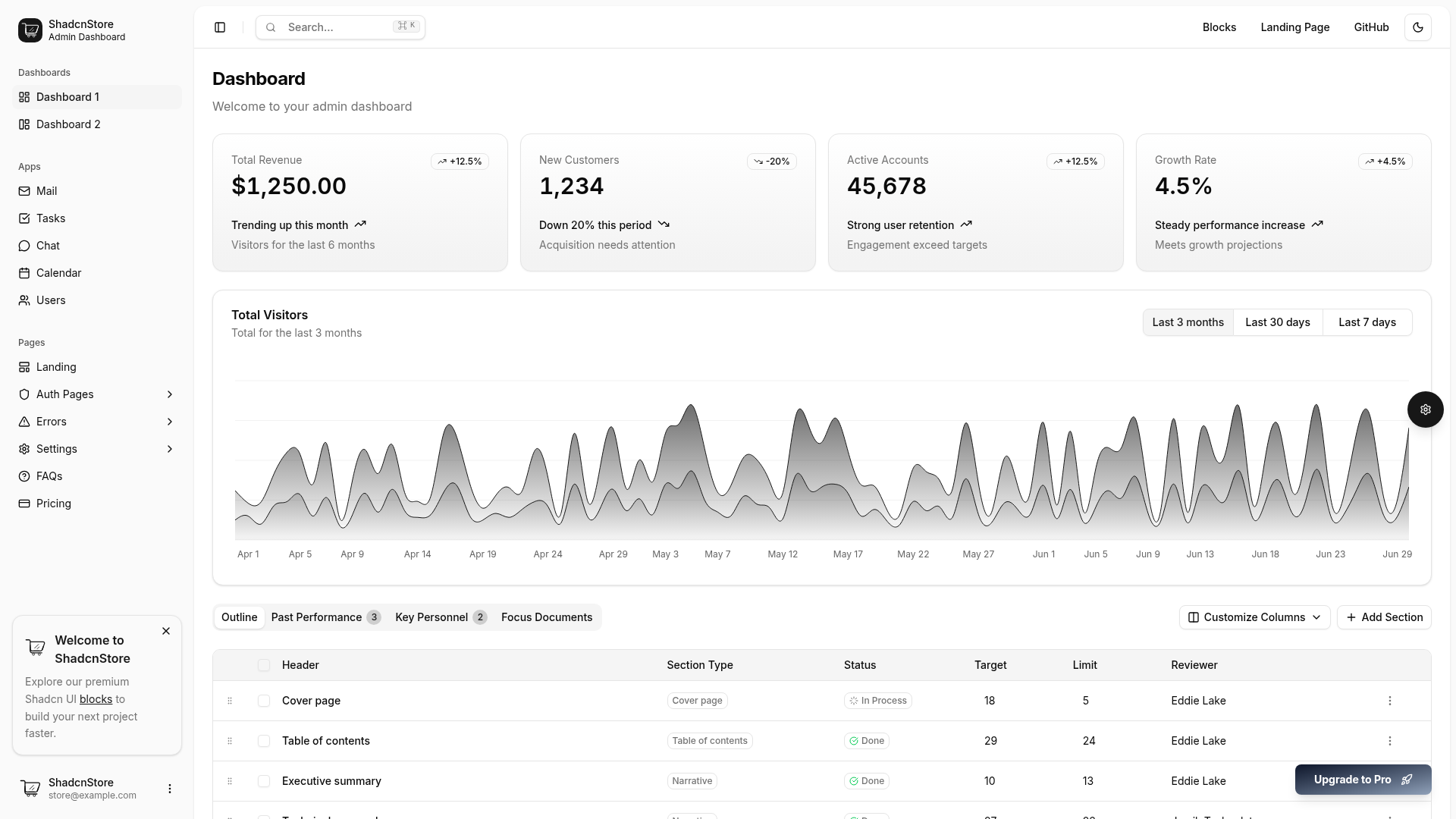
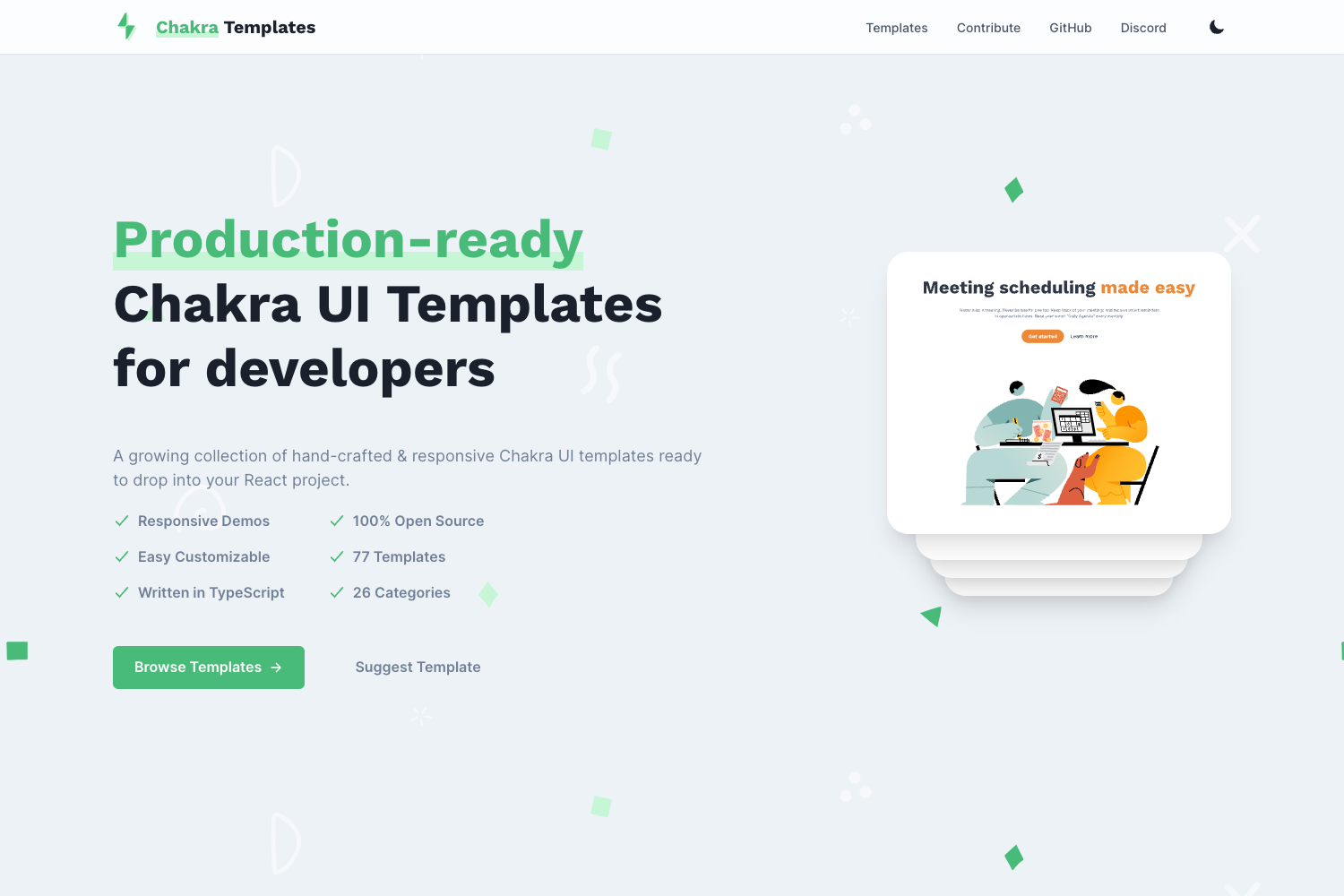
Horizon UI Landing Page Kit is a free landing page sections UI kit from Horizon UI that ships as Tailwind CSS, HTML, and Figma files, giving developers and designers pre-built website sections to drop into their own projects.
What is Horizon UI Landing Page Kit?
Horizon UI Landing Page Kit is a collection of pre-designed landing page sections built with Tailwind CSS and plain HTML, with an accompanying Figma design file. The kit takes the form of a downloadable project you run locally with Node.js, and it outputs a working website you can extend. It is made by Horizon UI, the same team behind the Horizon UI PRO admin template and AI template. The free version focuses on landing page building blocks; the PRO version adds over 360 components and elements.
Key Features
- Tailwind CSS and HTML — The kit is styled entirely with Tailwind CSS utility classes and hand-written HTML, so there is no JavaScript framework to learn; the local server runs on Node.js LTS.
- Figma file — A free Horizon UI Landing Section Library is published on Figma Community, so designers can work in Figma before handing off to code.
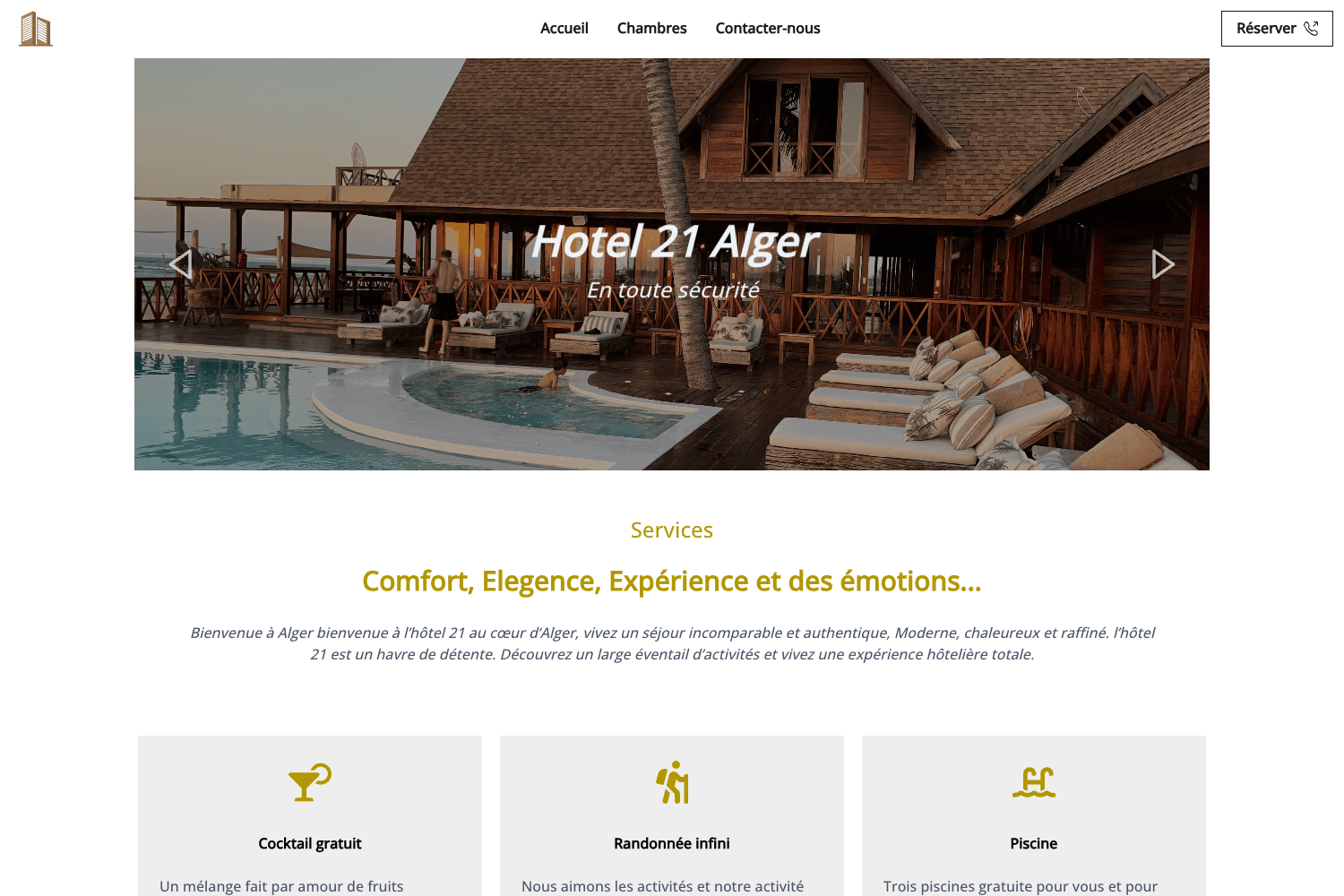
- Pre-built sections — The kit includes example sections such as hero, features, footers, auth, pricing, and teams, with a dedicated example sections page at horizon-ui.com/landing-kit/heros.
- Quickstart install — After unzipping the downloaded file, you run
npm installand thennpm run watchto start the local development server; the README specifies that only NodeJS LTS versions are supported. - PRO version with 360+ components — The paid Horizon UI Landing Sections Kit PRO includes more than 360 components and elements — buttons, inputs, badges, cards, and fully coded landing sections — for developers who need a larger library.
- Open bug tracking — Issues are tracked through GitHub Issues, with a changelog file available for checking release notes before reporting bugs.
- Community support — The Horizon UI Discord server is the official place to ask questions and meet other users.
Who is it for?
Horizon UI Landing Page Kit is aimed at people who want to assemble a landing page quickly without starting from scratch. Front-end developers can use the Tailwind and HTML sections as a starting point for client or personal projects. UI/UX designers can open the Figma version to customize layouts before development. Startup founders can copy the pre-built hero, pricing, and feature sections to mock up a marketing site in an afternoon. Agencies can use the kit to produce multiple landing pages with consistent styling.
What can you do with Horizon UI Landing Page Kit?
- Front-end developers: set up a Tailwind CSS project in minutes by downloading the kit, running
npm install, and thennpm run watchto start a local server and begin editing sections. - Designers: use the free Figma Community file to design landing page layouts, then hand off the Tailwind/HTML code to developers.
- Founders: assemble a basic landing page with example hero, features, and pricing sections without paying for a full website build.
- Agency teams: reuse the section library across multiple client projects to keep branding and layout consistent.
How does Horizon UI Landing Page Kit work?
The setup is a three-step process. First, download the Horizon-UI-Landing-Section-Kit.zip file from the repository. Second, install NodeJS LTS from the official Node.js page — the product only works with LTS versions. Third, run npm install followed by npm run watch in the terminal to start the local development server. The included sections are then ready to be customized and extended.
Pricing
Horizon UI Landing Page Kit is free to download and use. The PRO version, called Horizon UI Landing Sections Kit PRO, is a paid upgrade that adds over 360 components and elements, including fully coded sections for hero, features, footers, auth, pricing, and teams.
FAQ
Is Horizon UI Landing Page Kit free?
Yes, the Tailwind CSS + HTML + Figma landing page kit is free. The repository is published under the Horizon UI License, and the Figma Community file is also free to access.
Do I need Node.js to use the kit?
The development workflow requires NodeJS LTS. The README explicitly states that the product only works with the LTS version of Node.js, which you install from the official Node.js website before running npm install and npm run watch.
What sections are included?
The free kit includes example landing page sections, and the README directs users to an example sections page at horizon-ui.com/landing-kit/heros. The PRO version expands the library with hero, features, footers, auth, pricing, teams, and many more fully coded sections.
Is there a Figma version?
Yes, Horizon UI publishes a free Figma Community file called "Horizon UI Free Tailwind CSS HTML Landing Page Kit". You can access it through the Figma community link in the README.
What is the difference between the free kit and PRO?
The free kit provides the core landing page sections in Tailwind CSS, HTML, and Figma. The PRO version is a paid upgrade that contains more than 360 components and elements, including buttons, inputs, badges, cards, and a wider variety of fully coded landing sections.