Template details
Gatsby Starter Darkmode
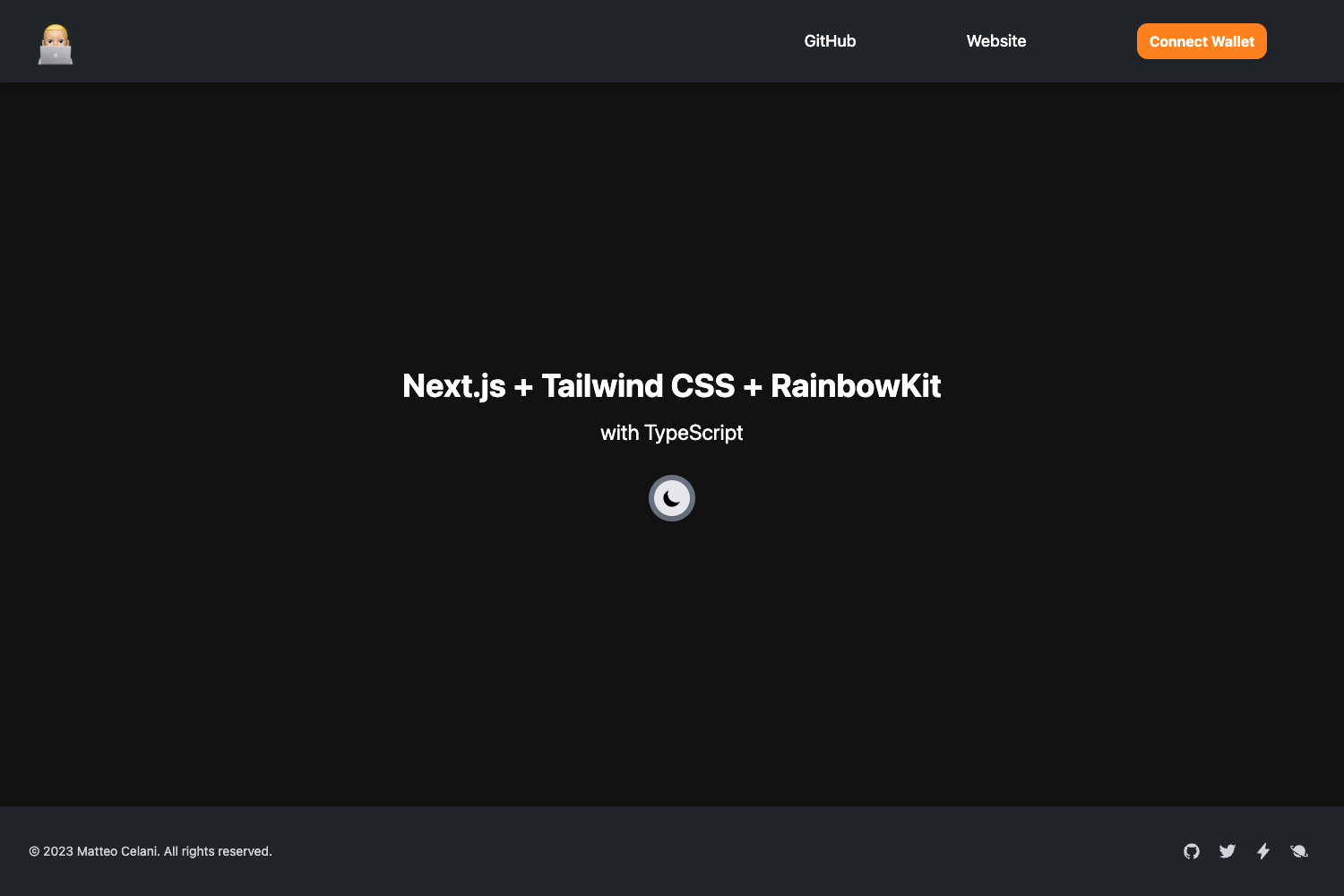
Make Gatsby sites with a dark mode with styled-components.
About this template
Gatsby Starter Darkmode is a Gatsby boilerplate starter that generates a new React site with dark mode already implemented through styled-components, giving you a ready-made base for themeable Gatsby projects.
What is Gatsby Starter Darkmode?
Gatsby Starter Darkmode is a Gatsby starter project hosted on GitHub at github.com/someshkar/gatsby-starter-darkmode. It takes a Gatsby CLI command as input and outputs a fully structured Gatsby website with dark mode enabled, using styled-components' ThemeProvider for theming. The starter runs on the Gatsby framework for React and includes the standard configuration files that Gatsby projects need, such as gatsby-config.js, gatsby-browser.js, gatsby-node.js, and gatsby-ssr.js. After installation, your site is available at http://localhost:8000 and includes a GraphiQL interface at http://localhost:8000/___graphql for exploring your site's data.
Key Features
- Built-in dark mode — The starter includes a dark theme setup using styled-components
ThemeProvider, so you get dark mode without writing additional theme code. - Theme customization — You can customize multiple color themes and colors by editing the theme configuration, so the starter is not locked to a single dark look.
- Complete Gatsby configuration — Ships with the core Gatsby config files:
gatsby-config.jsfor site metadata and plugins,gatsby-browser.jsfor browser APIs,gatsby-node.jsfor Node APIs, andgatsby-ssr.jsfor server-side rendering. - Prettier formatting — A
.prettierrcfile is included to enforce consistent code formatting across the project. - One-command scaffolding — Use
gatsby newwith the starter's repository URL to create a new project folder with all npm dependencies installed. - Netlify deployment button — The README includes a Deploy to Netlify button that starts deployment from the repository, making it easy to publish your site.
- Standard project structure — The starter follows the conventional Gatsby layout with a
srcdirectory,node_modules,.gitignore, andpackage.jsonfor dependency management.
Who is it for?
- Gatsby developers — Developers who want to build a site with dark mode from the start without spending time configuring a theme provider can use this starter as the foundation.
- Teams using styled-components — Projects that already use styled-components for styling can adopt this starter to get theming wired up and ready to extend.
- Developers launching simple content sites — The starter provides a minimal home page in
src/pages/index.jsthat can be edited to create a custom Gatsby site, with the full Gatsby toolchain already in place.
What can you do with it?
- Scaffold a new Gatsby site — Run the quick start command
gatsby new my-darkmode-website https://github.com/someshkar/gatsby-starter-darkmodeto generate a new project directory. - Develop with hot reload — Start the development server with
gatsby developand editsrc/pages/index.jsto see real-time updates in the browser athttp://localhost:8000. - Query data with GraphiQL — Use the built-in tool at
http://localhost:8000/___graphqlto experiment with GraphQL queries against your site's content. - Deploy to Netlify — Click the Deploy to Netlify button to set up a live site from the repository, or connect the repo to Netlify manually.
How does it work?
The quick start guide walks through three steps: first, create a new site with gatsby new using the starter's GitHub URL; second, navigate into the created folder and run gatsby develop; third, open the code editor and edit the files under src/pages/ to modify your site. The development server runs locally and reloads on file changes, and a GraphiQL endpoint is available for testing queries.
Alternatives
- Gatsby Default Starter — The official base starter used as a reference in the README's deploy button; it does not include a built-in dark mode, unlike this dark mode starter.
FAQ
How do I create a new project with this starter?
Run the command gatsby new my-darkmode-website https://github.com/someshkar/gatsby-starter-darkmode in your terminal. Replace my-darkmode-website with whatever folder name you want for your project.
Does the starter support custom themes?
Yes. The starter uses styled-components ThemeProvider, and you can customize various color themes and colors by editing the theme definitions in the source code.
What is the GraphiQL endpoint used for?
GraphiQL is available at http://localhost:8000/___graphql during development. It lets you interactively experiment with GraphQL queries to fetch data from your Gatsby site.
Can I deploy this starter to Netlify?
Yes. The README includes a Deploy to Netlify button that begins a deployment from the repository. You can also connect the GitHub repository to Netlify manually for continuous deployment.