Template details
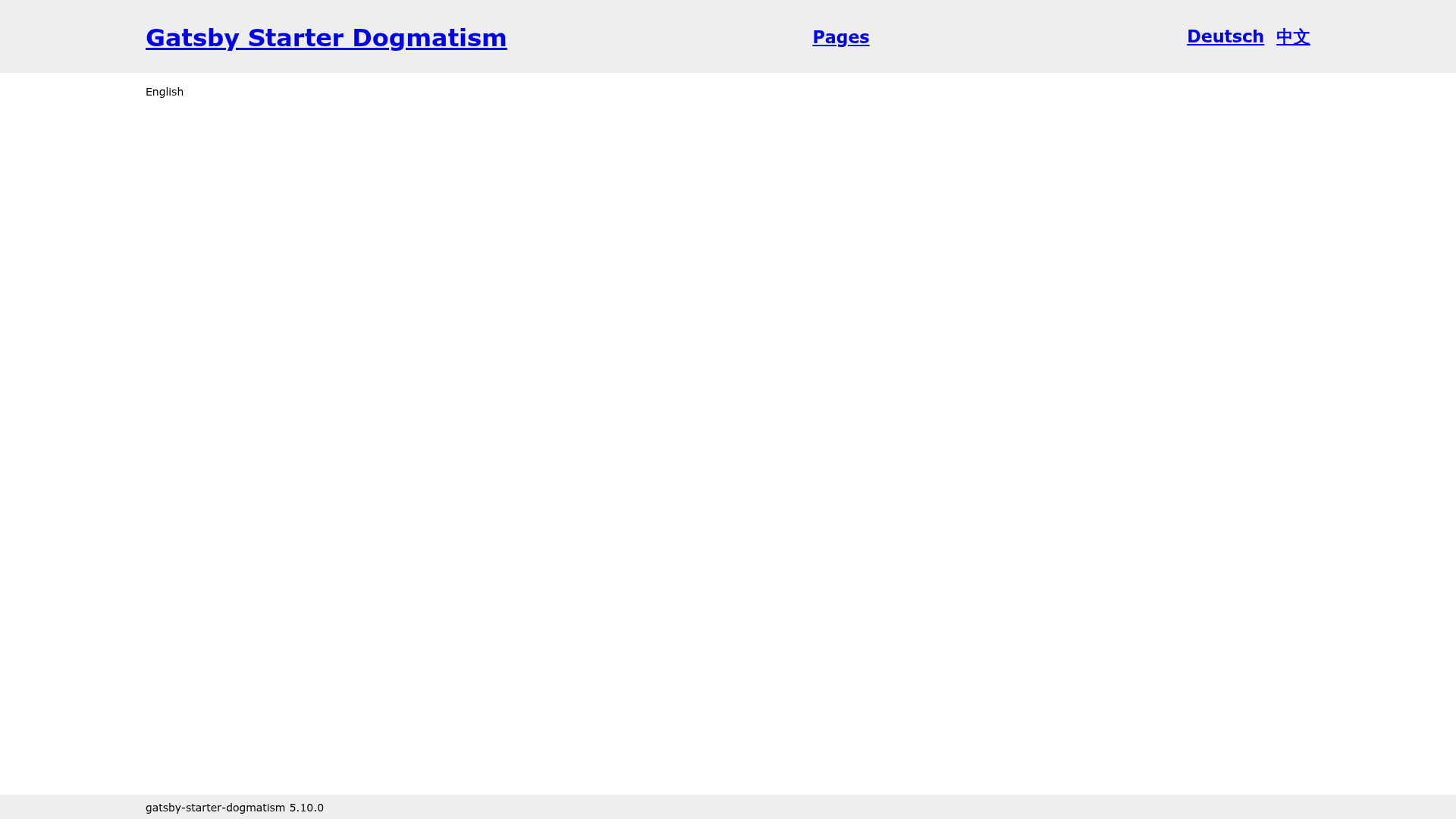
Gatsby Starter Dogmatism
An opinionated Gatsby starter with TypeScript, Emotion styling, i18n, and GitHub Pages deployment.
About this template
Gatsby Starter Dogmatism is an opinionated Gatsby boilerplate that scaffolds a TypeScript-configured Gatsby site with Emotion theming, internationalization, a Visual Studio Code development container, and automated GitHub Pages deployment.
What is Gatsby Starter Dogmatism?
Gatsby Starter Dogmatism is an opinionated Gatsby starter created by openscript-ch and based on Gatsby's default starter, built to show a clean way to structure and organize a Gatsby website. It takes a fresh project copied via the Gatsby CLI command gatsby new my-new-fancy-website https://github.com/openscript-ch/gatsby-starter-dogmatism or the 'Use this template' button on the repository page, and it produces a running Gatsby site configured with TypeScript, GraphQL type generation, Emotion theming, and i18n wiring. The starter targets Gatsby 4.9 and later, which introduced native TypeScript support in gatsby-config and gatsby-node files.
What makes Gatsby Starter Dogmatism stand out?
The starter bundles tooling that normally requires separate setup — TypeScript config files, GraphQL type generation, Emotion themes, i18n routing, and GitHub Pages CI — into one reproducible project scaffold.
- TypeScript Gatsby configuration — gatsby-config.ts and gatsby-node live under .gatsby/ and use Gatsby's native TypeScript support rather than a separate plugin.
- GraphQL type generation — Gatsby's built-in type generation is configured through gatsby-config, giving typed queries during development.
- Emotion styling with themes — styling is handled by gatsby-plugin-emotion, and the starter demonstrates organizing component styles around Emotion themes.
- Internationalization — gatsby-plugin-i18n-l10n handles localized routing and content, while i18n-ally supports the translation workflow inside the editor.
- VSCode Development Container — a Remote Containers configuration provides a provisioned development environment on first open.
- GitHub Actions deployment — a workflow deploys the site to GitHub Pages once repository Settings > Actions > General > Workflow permissions has read/write access enabled.
- ESLint and Prettier — preconfigured linters keep code homogeneous across contributors.
- PATH_PREFIX support — an environment variable adds a path prefix so the site can be hosted on a subpath such as https://example.github.io/gatsby-starter-dogmatism.
Who should use Gatsby Starter Dogmatism?
This starter fits developers who want a reference-level Gatsby project layout rather than a bare scaffold, and teams that want those conventions enforced across a repo.
- Gatsby developers learning project structure — the author created the starter because Gatsby's docs left him puzzled about how to organize a project's components and supporting files neatly.
- TypeScript-first frontend teams — teams that want gatsby-config and gatsby-node written in TypeScript with generated GraphQL types get that setup out of the box.
- Teams deploying to GitHub Pages — developers who want push-to-deploy hosting can use the included GitHub Actions workflow instead of wiring CI themselves.
- Multilingual website builders — sites needing localized routes and translations can start from the preconfigured gatsby-plugin-i18n-l10n and i18n-ally tooling.
Use cases
With this starter you can go from an empty repository copy to a deployed, multilingual Gatsby site in a few commands.
- Quickly spin up a new Gatsby site: scaffold a project with
gatsby newusing the repository URL, install dependencies withyarn install, and start developing withyarn develop. - Build a containerized dev workflow: open the cloned repository in Visual Studio Code with Remote Containers to get a reproducible development environment without manual setup.
- Publish to GitHub Pages automatically: enable read/write workflow permissions once in the GitHub repository settings, then let GitHub Actions build and deploy the site on every push.
- Serve the site from a subpath: set the PATH_PREFIX environment variable so links resolve correctly when the site lives under a path like https://example.github.io/gatsby-starter-dogmatism.
How does Gatsby Starter Dogmatism work?
The starter follows a short onboarding flow: copy the repository with the Gatsby CLI or the 'Use this template' button, open it in Visual Studio Code with Remote Containers, run yarn install and yarn develop to start development, then edit siteMetadata.title in .gatsby/gatsby-config.ts to set the site name. For deployment, the repository needs read/write workflow permissions so the GitHub Actions workflow can publish to GitHub Pages.
Pricing
Free — the project is a public GitHub repository template; copying it with the Gatsby CLI or the 'Use this template' button requires no purchase.
Alternatives
- Gatsby's default starter, which this project extends with TypeScript, Emotion, and i18n tooling but keeps as its base.
- gatsby-starter-blog, the official Gatsby starter for blog-focused sites.
FAQ
Is Gatsby Starter Dogmatism free?
Yes, it is an open-source Gatsby starter published as a public GitHub repository template, and the project can be copied freely with the Gatsby CLI or GitHub's 'Use this template' button. No payment or license purchase is involved.
How do I set the website title?
Edit the siteMetadata.title value in the .gatsby/gatsby-config.ts file. That single field controls the site's title metadata, and the configuration section of the starter calls it out as the main setting you need to change when customizing the project for a new website.
What is the PATH_PREFIX environment variable for?
PATH_PREFIX adds a prefix to all site paths. It is useful when hosting the project on a subpath such as https://example.github.io/gatsby-starter-dogmatism instead of the domain root, because the prefix keeps links and assets resolving correctly under that subpath.
How do I make GitHub Pages deployment work?
In the GitHub repository, go to Settings > Actions > General > Workflow permissions and activate 'Read and write permissions.' The included GitHub Actions workflow then deploys the site automatically on push. Without this permission, the workflow cannot publish the built site.
Which Gatsby version does this starter require?
The starter relies on native TypeScript support introduced in Gatsby 4.9, and both its TypeScript configuration approach and GraphQL type generation follow the Gatsby 4.9+ documentation. Earlier Gatsby versions lack the built-in TypeScript support in gatsby-config and gatsby-node that this starter's setup depends on.