Template details
gatsby-starter-default
The official default Gatsby starter for quickly scaffolding static sites with Gatsby CLI.
About this template
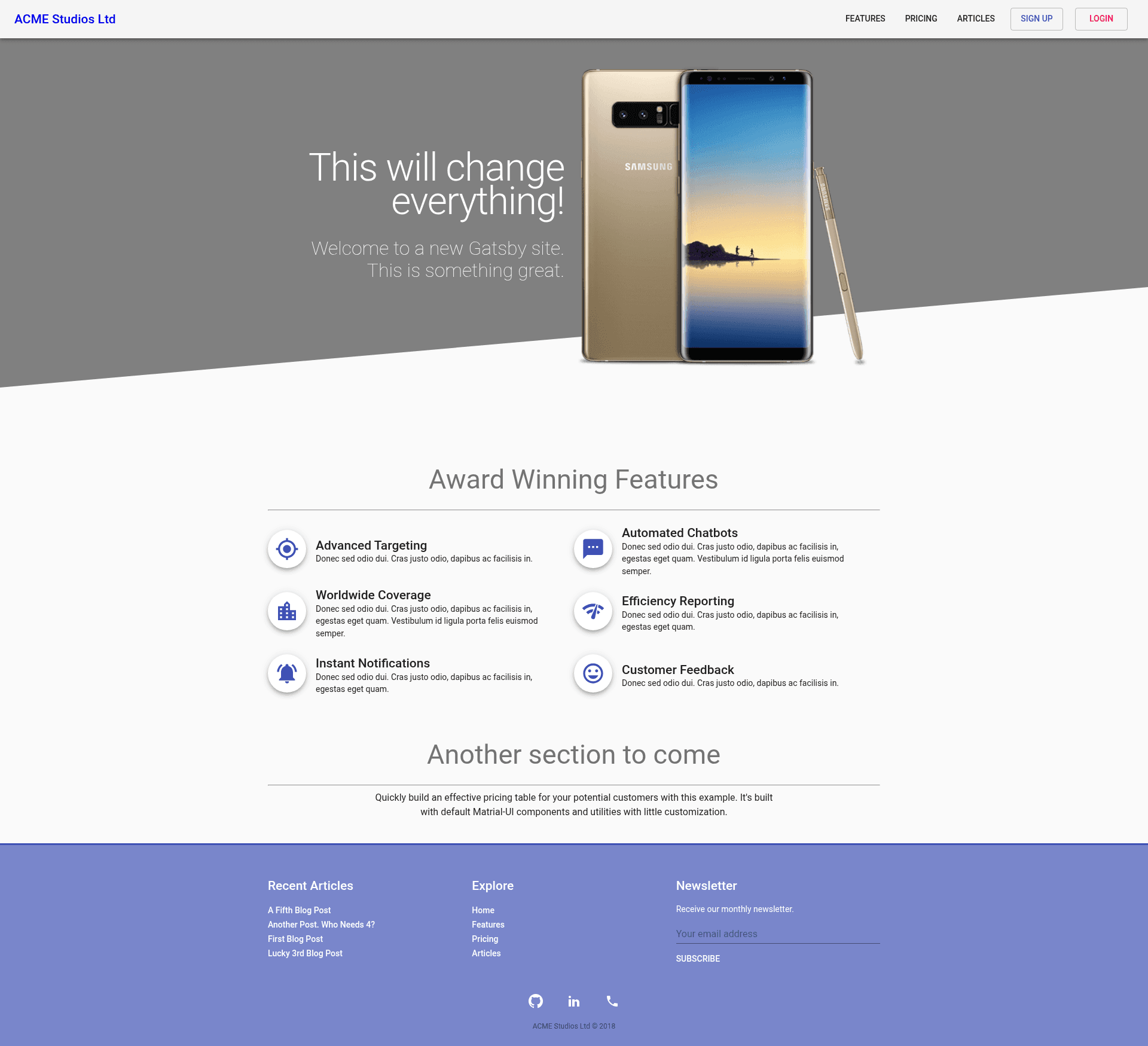
gatsby-starter-default is the official default Gatsby starter, a boilerplate for creating static websites with the Gatsby framework.
What is gatsby-starter-default?
The default Gatsby starter is a minimal boilerplate maintained by the Gatsby team for scaffolding new Gatsby projects. It takes a project name through the Gatsby CLI command gatsby new and outputs a ready-to-run site skeleton with the standard Gatsby configuration. The starter runs on Node.js and uses the Gatsby build system to generate static HTML, and it is available as a public GitHub repository under the gatsbyjs organization.
Key Features
- Gatsby CLI integration — Create a new site with
gatsby new gatsby-example-site, which pulls this starter and installs dependencies. - Development server — Run
gatsby developto start a live-reloading local server for development. - One-click Netlify deployment — The starter README includes a Deploy to Netlify button that automatically connects the GitHub repository to Netlify.
- Official component-based structure — The starter follows the Gatsby documentation's component model, with pages and components organized under src/ as described in the "Building with Components" guide.
- Minimal default setup — Contains only the essential files needed to build a Gatsby site, leaving room for customization.
Who is it for?
Developers who are starting a new Gatsby project and want a working baseline, beginners learning Gatsby who want a minimal example to explore, and teams that need a standard starting point for site projects that can be customized as needed.
What can you do with it?
- New Gatsby developers: Use the starter to quickly create a local Gatsby site and experiment with the development workflow via
gatsby develop. - Site creators: Deploy a starter site to Netlify with one click to get a live URL for testing.
- Project scaffolders: Use the starter as the base for a custom Gatsby site, replacing the default components and pages with your own.
How does it work?
Install the Gatsby CLI globally with npm install --global gatsby-cli, then run gatsby new gatsby-example-site to create a new project from the starter. Navigate into the project directory and run gatsby develop to start the development server.