Template details
Gitlanding
React components for building landing pages, built as an extension of onyxia-ui.
About this template
Gitlanding is a React component library for building landing pages, built as an extension of the onyxia-ui design system.
What is Gitlanding?
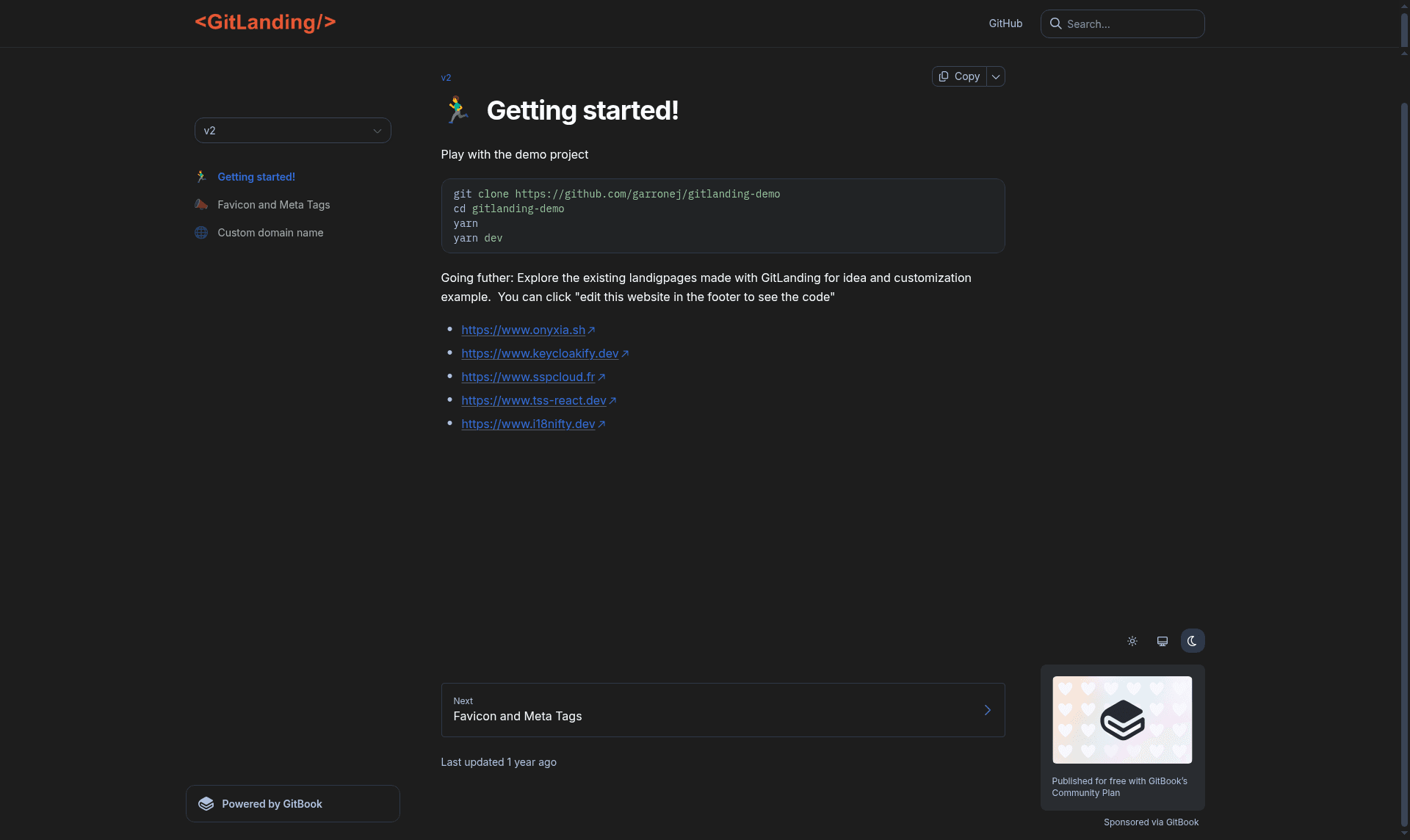
Gitlanding is a collection of React components for assembling landing pages, created as an extension of the onyxia-ui component library. It provides page-level building blocks that must be rendered inside the <OnyxiaUI> provider, and it is distributed as an npm package with an MIT license. The library is written in TypeScript and includes a demo project, gitlanding-demo, that you can clone and run locally with yarn dev. Several live landing pages use these components, including sspcloud.fr, onyxia.sh, keycloakify.dev, tss-react.dev, and i18nifty.dev.
Key Features
- Built on onyxia-ui — Every component requires the
<OnyxiaUI>provider and inherits onyxia-ui's design tokens, so your landing page stays consistent with an existing onyxia-based app. - TypeScript — The entire library is written in TypeScript, giving you typed props, compile-time checks, and editor autocompletion.
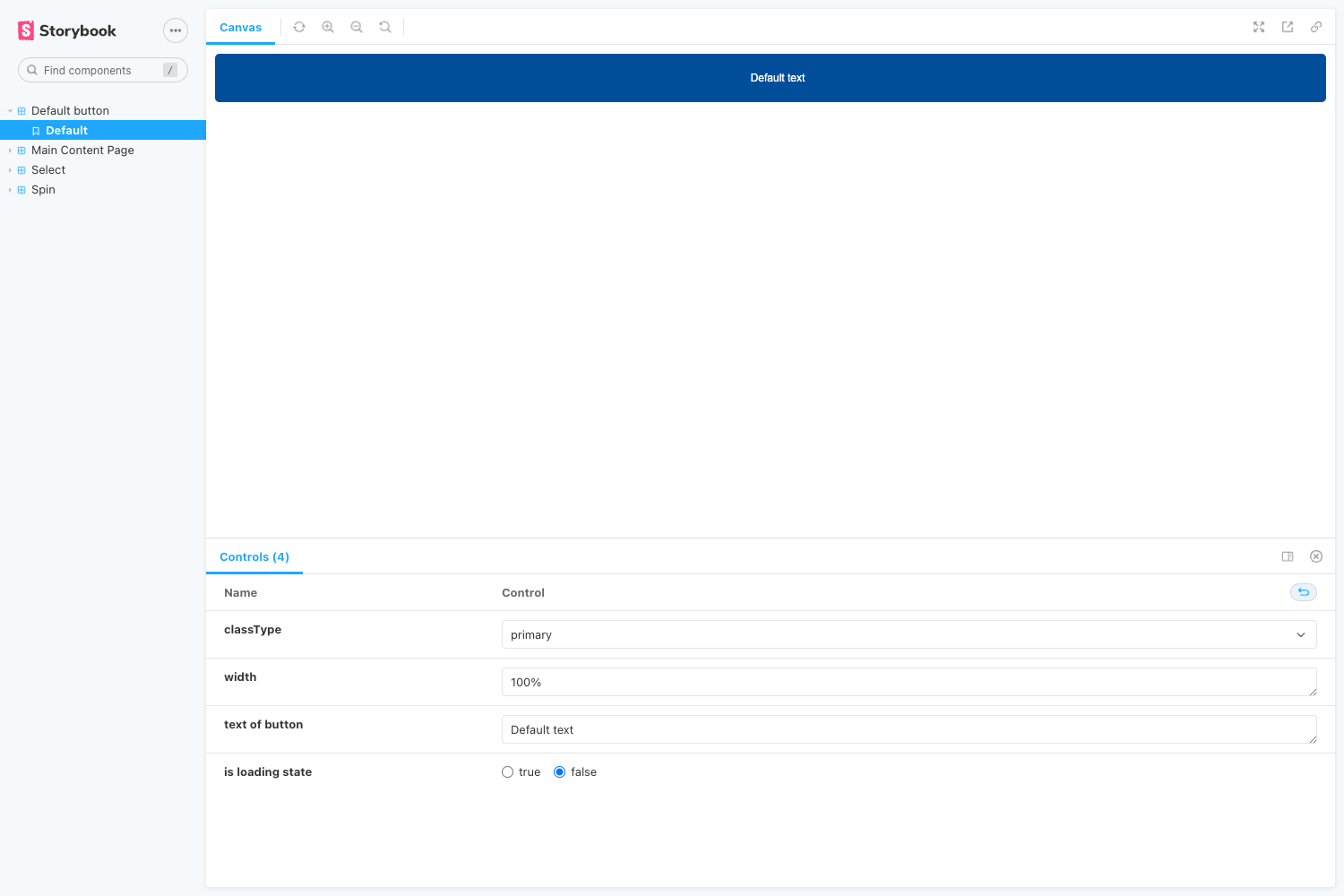
- Storybook — Components are documented and testable in Storybook, making it easy to preview each block in isolation.
- GitHub Pages ready — The project lists github-pages as a topic, meaning you can deploy the resulting static pages directly to GitHub Pages.
- Live examples — Used in production for keycloakify.dev, tss-react.dev, i18nifty.dev, and the official Onyxia landing page.
- Demo project —
gitlanding-demoprovides a working example with a quick start:git clone,yarn, thenyarn dev.
Who is it for?
- React developers who want to ship a landing page quickly using pre-built, themed components instead of writing layout code from scratch.
- Open-source maintainers — Projects like Keycloakify and TSS React use Gitlanding for their promotional sites, showing it suits library authors.
- Teams using onyxia-ui — If you already build on onyxia-ui, Gitlanding extends the same design system to your marketing pages, keeping branding consistent.
What can you do with Gitlanding?
- Launch a project site: Use the components to compose hero, feature, and footer sections for an open-source tool, then deploy to GitHub Pages.
- Prototype a landing page: Clone gitlanding-demo, run
yarn dev, and iterate on the components with hot reload. - Maintain design consistency: Because everything sits on onyxia-ui, your landing page shares the same buttons, typography, and spacing as an onyxia-based application.
How does Gitlanding work?
Start by cloning the demo project (git clone https://github.com/garrone/gitlanding-demo), install dependencies with yarn, and launch the dev server with yarn dev. The components need to be inside the <OnyxiaUI> provider, so you wrap your page in that provider before composing Gitlanding components. For contributors, you can link a local copy of gitlanding into the demo project using the link-in-demo script.
Pros and cons
- Open source — Released under the MIT license, so it's free to use and modify.
- Type safety — TypeScript provides a better development experience than untyped HTML templates.
- Caveat — The README warns that there are bugs when using
<React.StrictMode />, so you may need to disable strict mode in your app.
Pricing
Gitlanding is free and open source under the MIT license. There are no paid tiers or subscriptions; you can use it in commercial projects without a license fee.
FAQ
Is Gitlanding free?
Yes, Gitlanding is open source and released under the MIT license. You can use it in personal and commercial projects at no cost.
What is the difference between Gitlanding and onyxia-ui?
onyxia-ui is the base React component library, while Gitlanding is an extension that adds higher-level landing page components. Gitlanding components require the <OnyxiaUI> provider, so you must install both packages to use them.
Where can I find a demo?
The repository links to gitlanding-demo, a separate project you can clone and run locally. The quick start commands are yarn followed by yarn dev.
Are there any known issues?
The README notes that there are bugs when using <React.StrictMode />. It's recommended to test without strict mode or wait for a fix if you encounter problems.