Template details
Rico Portfolio
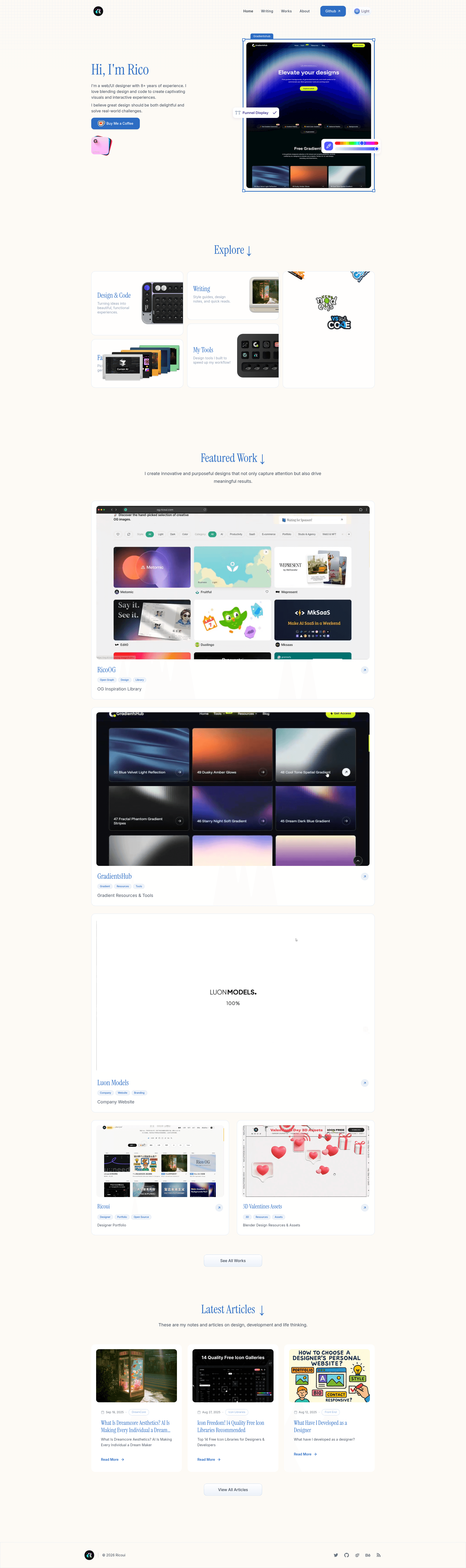
Astro-based designer portfolio & blog template with retro blue theme, dark mode, MDX blog, and SEO optimization.
About this template
Rico Portfolio is an open-source designer portfolio and blog template built on Astro 5.15.4, generating a static, responsive website with a retro blue theme, dark mode, and AOS scroll animations. Created by UI/UX designer Rico (ricoui.com), it combines a portfolio showcase, MDX blog system, and built-in SEO into one Astro project.
What is Rico Portfolio?
Rico Portfolio is a portfolio website template that uses Astro's static site generation to turn content collections and configuration into a deployable site. You provide work entries in src/collections/works.json, MDX posts in src/content/post/, and site settings in src/config/site.js; the template outputs a production-ready site with optional analytics integration. It is distributed under the Apache 2.0 license and is maintained by Rico, a web/UI designer.
Key Features
- Astro 5.15.4 framework — Uses Astro's Content Layer API with the
globloader for content collections, replacing deprecated APIs and maintaining compatibility with Astro v6. - Tailwind CSS 4.1.14 styling — Retro blue theme defined through CSS variables in
src/styles/global.css, with a built-in dark/light mode toggle. - AOS and Matter.js animations — Adds scroll-triggered animations via AOS and a physics engine via Matter.js for interactive visual effects.
- MDX blog system — Supports MDX-format posts collected from the
src/content/post/directory, rendered using the modernrender(entry)API. - Portfolio showcase — Dedicated pages display works and experiences loaded from data collections, making it easy to add projects.
- SEO and analytics — Includes built-in SEO and social media tags, plus optional Google Analytics (GA4) and Umami tracking through environment variables.
- Responsive design — Fully responsive layout that adapts to all device sizes, with lazy loading and image optimization for performance.
Who is it for?
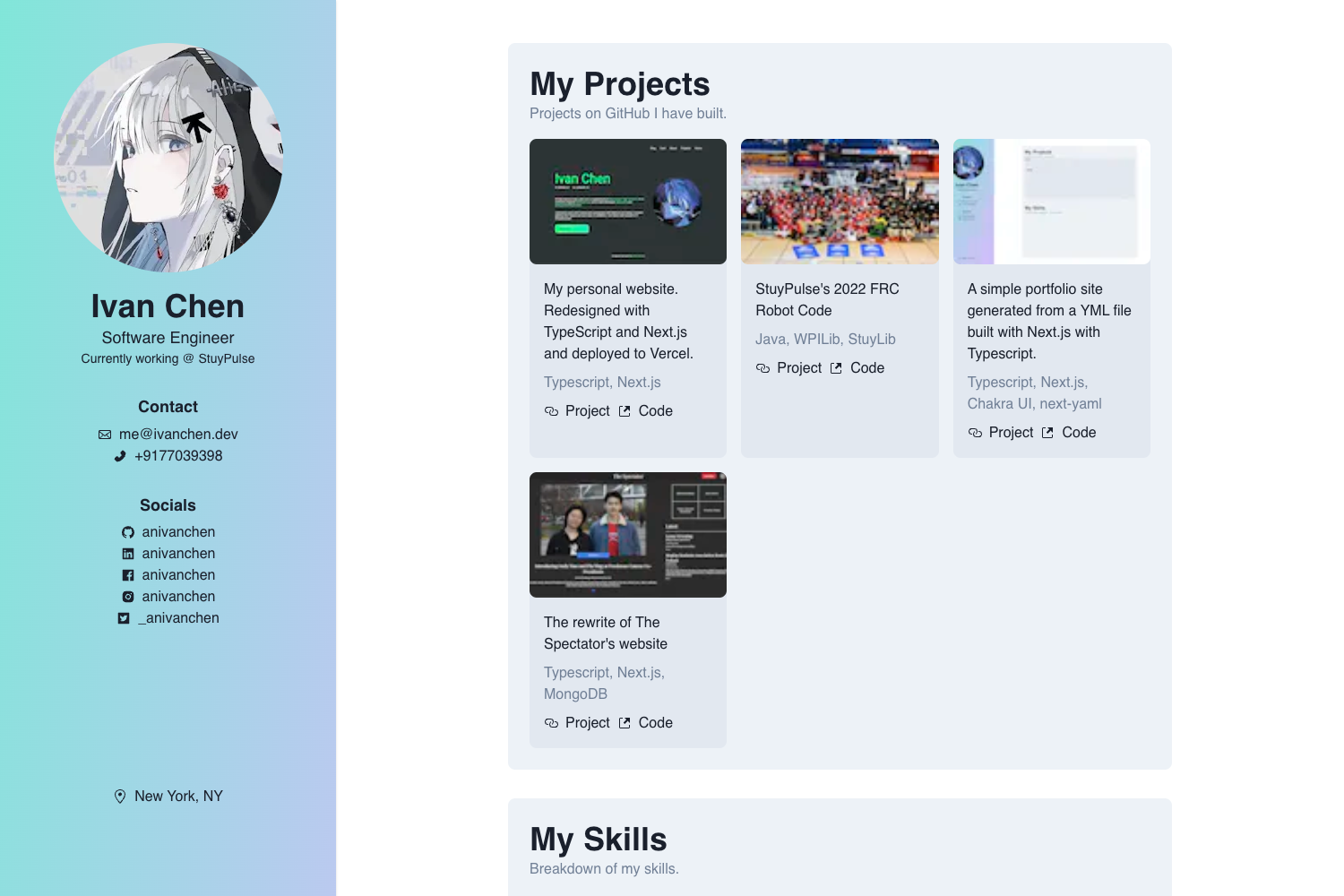
- Designers and creatives — Showcase a portfolio with a distinctive retro aesthetic and follow a blog without buying a separate platform.
- Front-end developers — A foundation built on Astro and Tailwind for creating a personal site, with transparent content organization and modern API usage.
- Freelancers and personal brands — Publish a professional online presence with minimal setup; the README's installation and configuration steps streamline the process.
What can you do with Rico Portfolio?
- Portfolio presentations: Add or edit projects in
src/collections/works.jsonto populate the showcase pages with your work. - Blogging: Write posts in MDX and place them in
src/content/post/; the template handles collections, rendering, and RSS/sitemap integration when a site URL is set. - Performance monitoring: Connect your Google Analytics or Umami account via the
.envvariables to track visitors without extra code.
How does Rico Portfolio work?
Clone or download the template, then run pnpm install or npm install to install dependencies. Copy .env.example to .env and optionally set PUBLIC_SITE_URL, PUBLIC_GA4_ID, and PUBLIC_UMAMI_ID. Start development with npm run dev, which serves the site at http://localhost:4321, and build for production with npm run build.
FAQ
Is Rico Portfolio free?
Yes, the template is open source under the Apache 2.0 license, as indicated by the license badge in the README. You can use, modify, and distribute it with proper attribution.
What content management approach does it use?
Rico Portfolio uses Astro's Content Layer API with the glob loader to manage both the works and post collections, and it uses import.meta.glob() instead of the deprecated Astro.glob() for module imports.
What versions of Astro are supported?
The template is built on Astro 5.15.4 and is described as fully compliant with that version. The changelog states it uses the new Content Layer API and removed all legacy APIs, so it should be compatible with Astro v6.
How do I customize the site information?
Edit the src/config/site.js file to change the site title, author name, and URL. Theme colors are adjusted by modifying CSS variables in src/styles/global.css.