Template details
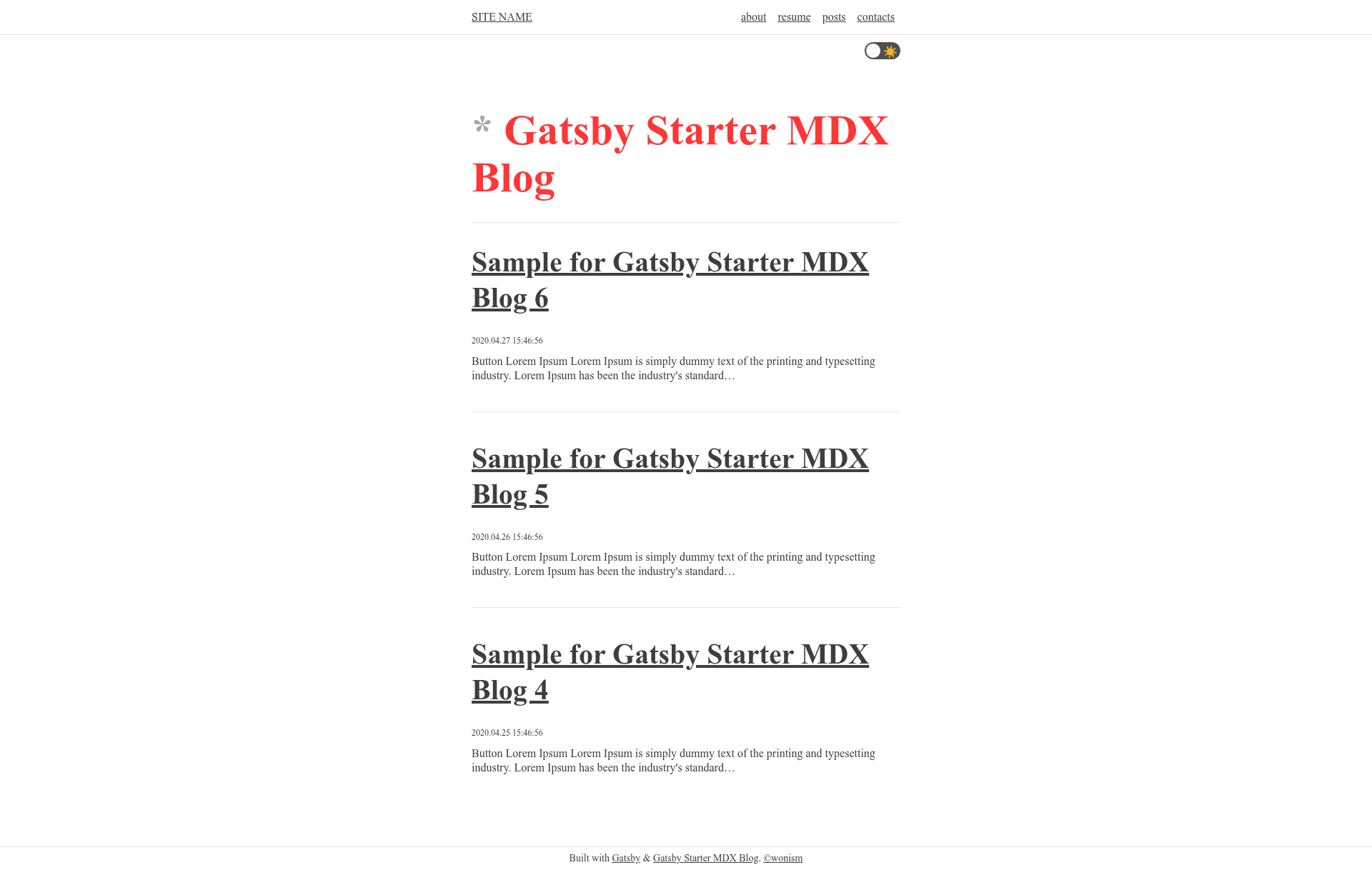
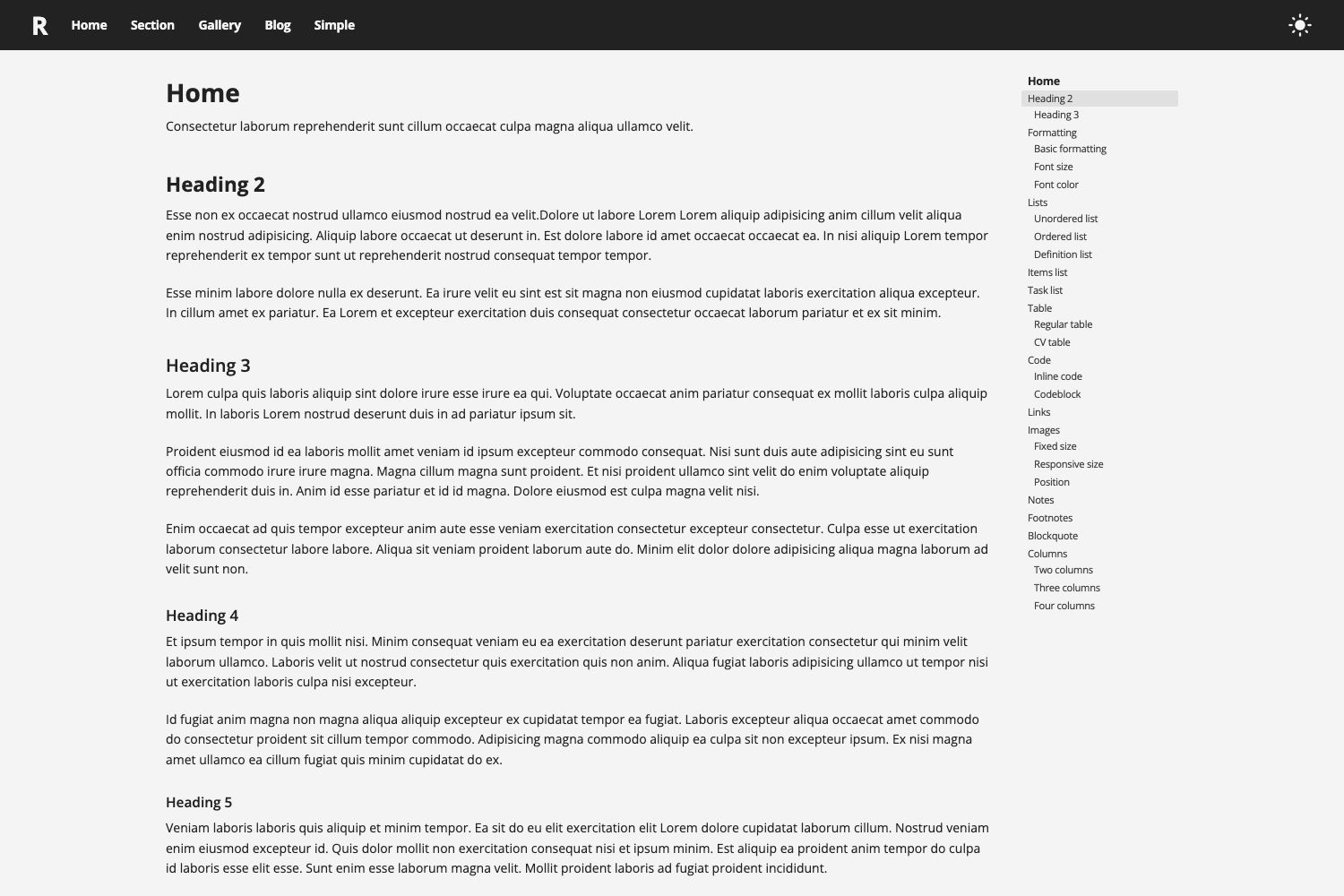
Gatsby Starter MDX Blog
A Gatsby starter that builds a blog with MDX, TypeScript, dark mode, and resume PDF generation.
About this template
Gatsby Starter MDX Blog is a Gatsby starter template for building a blog that writes content in MDX, by developer wonism. It outputs a static site with TypeScript, Emotion styling, pagination, dark mode, comments, a contact form, RSS, sitemap, and a resume PDF generator.
What is Gatsby Starter MDX Blog?
Gatsby Starter MDX Blog is a starter project for creating a blog with MDX and Gatsby, written entirely in TypeScript. Input is MDX files with frontmatter properties like categories, tags, and draft; output is a static site with blog listing, pagination, category/tag support, dark mode, and a resume page. The source code is available on GitHub and installable via gatsby new or git clone.
Key Features
This starter bundles a set of content and developer features, all implemented in TypeScript with Emotion for styling.
- MDX content — Write blog posts using MDX (Markdown with JSX) via the mdx-js ecosystem.
- Categories and tags — Add
categoriesandtagsarrays in file frontmatter belowdateto organize posts. - Pagination — Built-in pagination for the blog index.
- Dark mode — Toggle or automatic dark theme support included.
- Resume with PDF download — Maintain resume data in a JSON file (
src/constants/resume.ts) and generate/download a PDF version. - Drafts — Add
draft: truein frontmatter to keep a post unpublished. - Comments — Integrates Utterances for GitHub-issue-based comments.
- Contact form — Uses React Mail Form for sending messages.
- SEO — React Helmet manages meta tags for search engine optimization.
- Productivity tools —
npm run newscaffolds a new post with automatic URL slugification; sitemap and RSS feed generation are included.
Who is it for?
This starter is for developers who want a personal or technical blog on Gatsby with MDX authoring and full control of code. It suits front-end developers comfortable with TypeScript and Emotion, and anyone who needs a resume page generated from JSON data. Writers who want categories, tags, drafts, and a simple workflow can use it without a CMS.
What can you do with it?
Use it to publish and organize posts, generate a resume PDF, and communicate with readers.
- Developers: create a blog with content in MDX, adding React components inside posts.
- Job seekers: host a resume page that generates a downloadable PDF from a JSON data file.
- Technical writers: organize posts by categories and tags, and keep unpublished drafts with
draft: true. - Self-hosters: deploy a static Gatsby site with RSS, sitemap, comments via Utterances, and a contact form.
How does it work?
Install by cloning the repo and deleting .git, or run gatsby new with your chosen project name and the repository URL. Run npm start for development and npm run build to create a production build. To add a post, run npm run new and input the URL and title; the tool slugifies the URL automatically and creates an MDX file.
FAQ
How do I create a new blog post?
Use the scaffolding command npm run new. It asks for a URL and title, then produces a new MDX file with a slugified URL. You can also create an MDX file manually and add frontmatter such as date, categories, tags, and draft.
What does draft: true do?
Posts with draft: true in frontmatter are not published in the generated site. Use it to keep work-in-progress posts private until ready.
How do I change the resume data?
Edit the resume data file at src/constants/resume.ts. The resume page and PDF generation use this JSON structure. If you don't want a resume, remove the page setup in onCreatePage inside gatsby-node.js.
Does the starter support comments and contact forms?
Yes, comments are handled by Utterances (using GitHub issues) and the contact form uses React Mail Form. Configuration for Google Analytics is also available in gatsby-config.js.