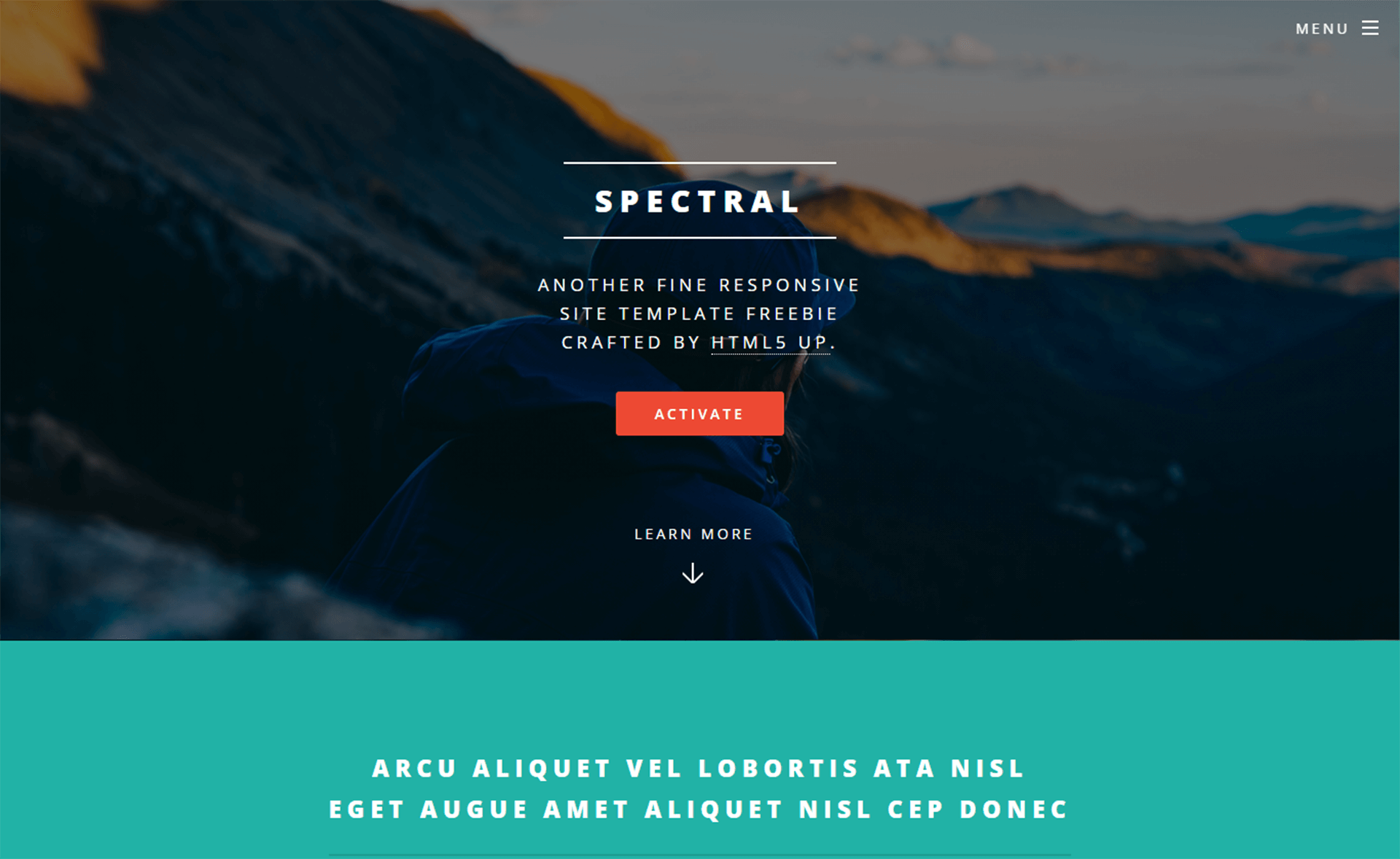
Template details
Stodeo
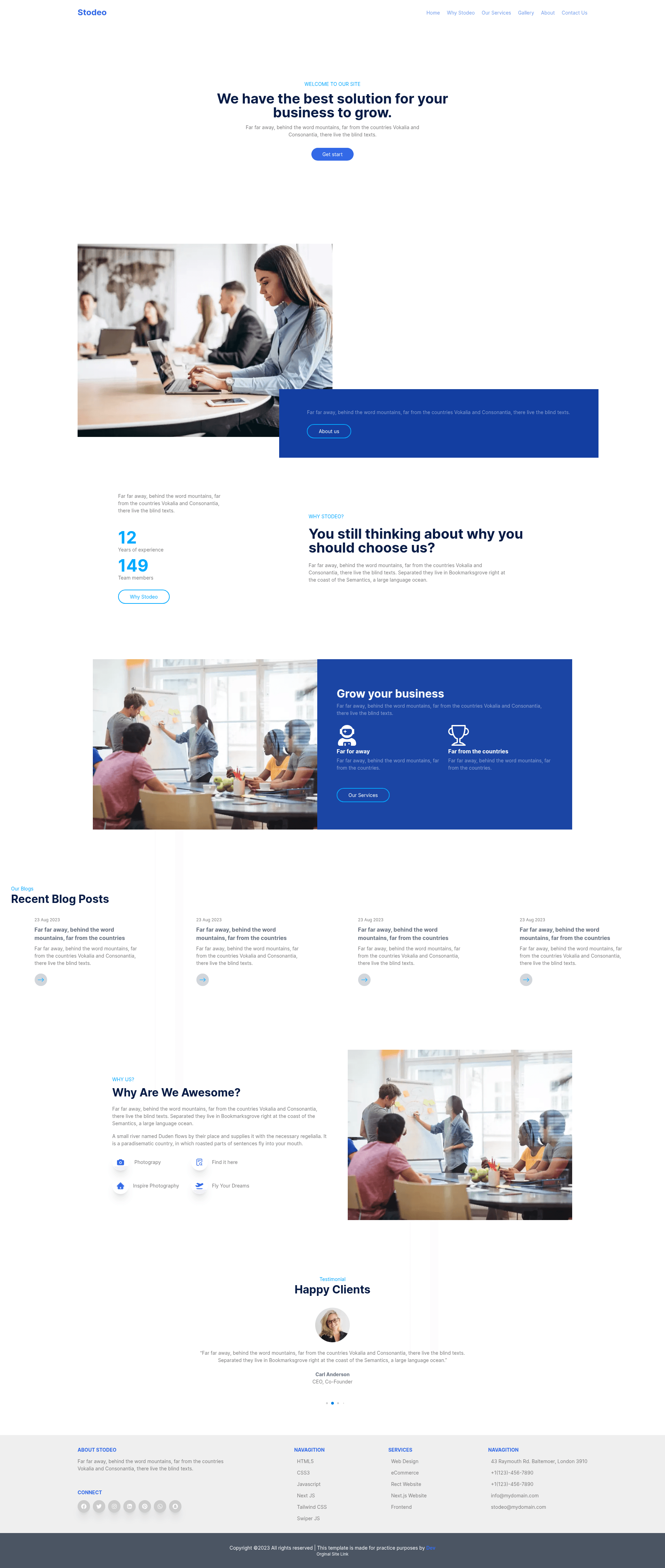
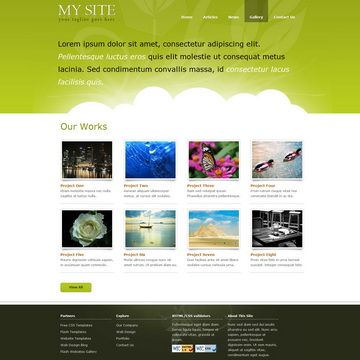
A modern, responsive portfolio website template built with Next.js, Tailwind CSS, and Swiper JS for showcasing projects and contact info.
About this template
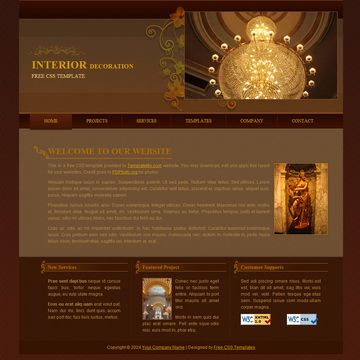
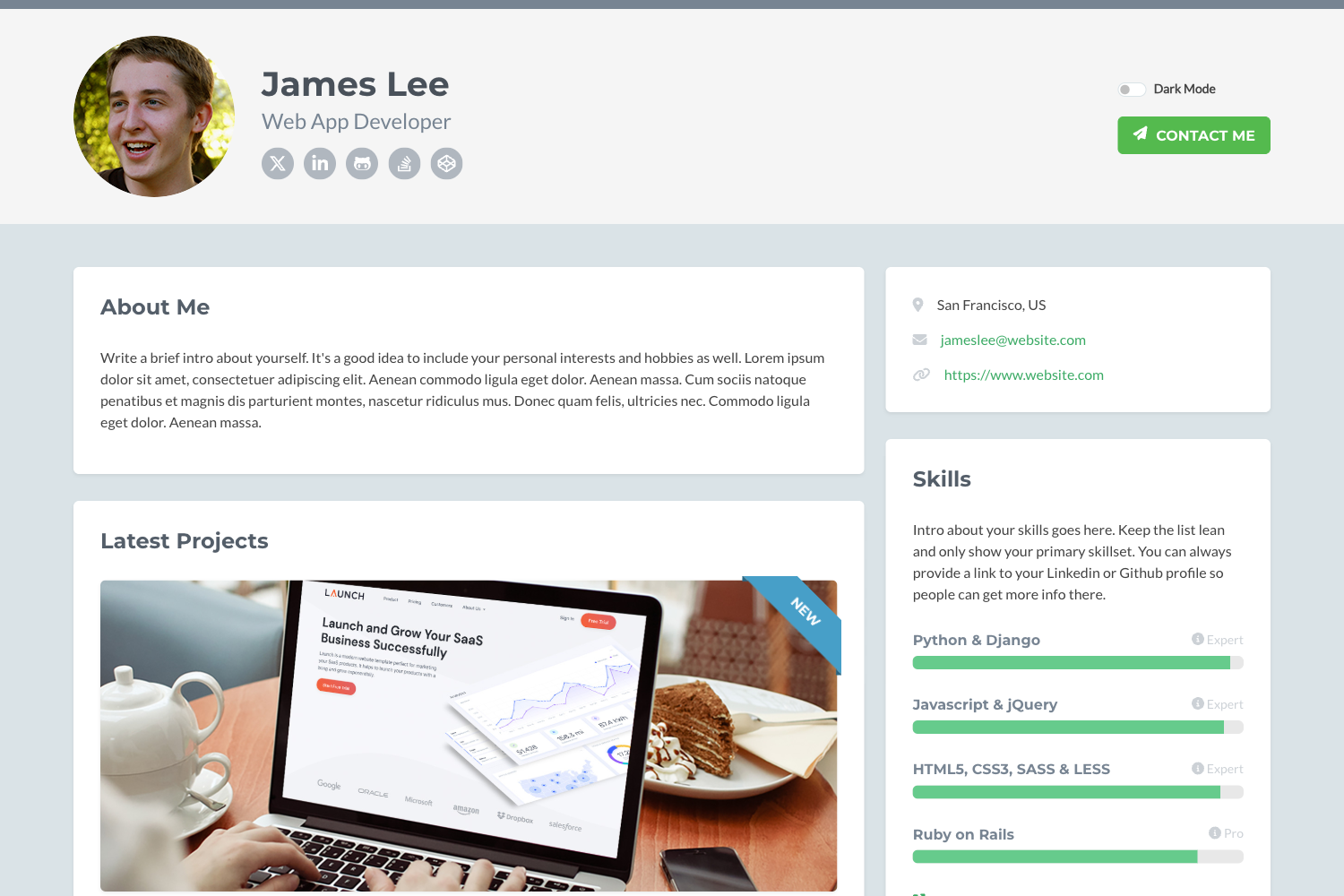
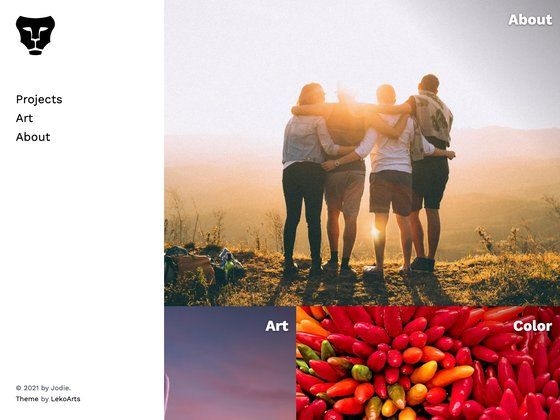
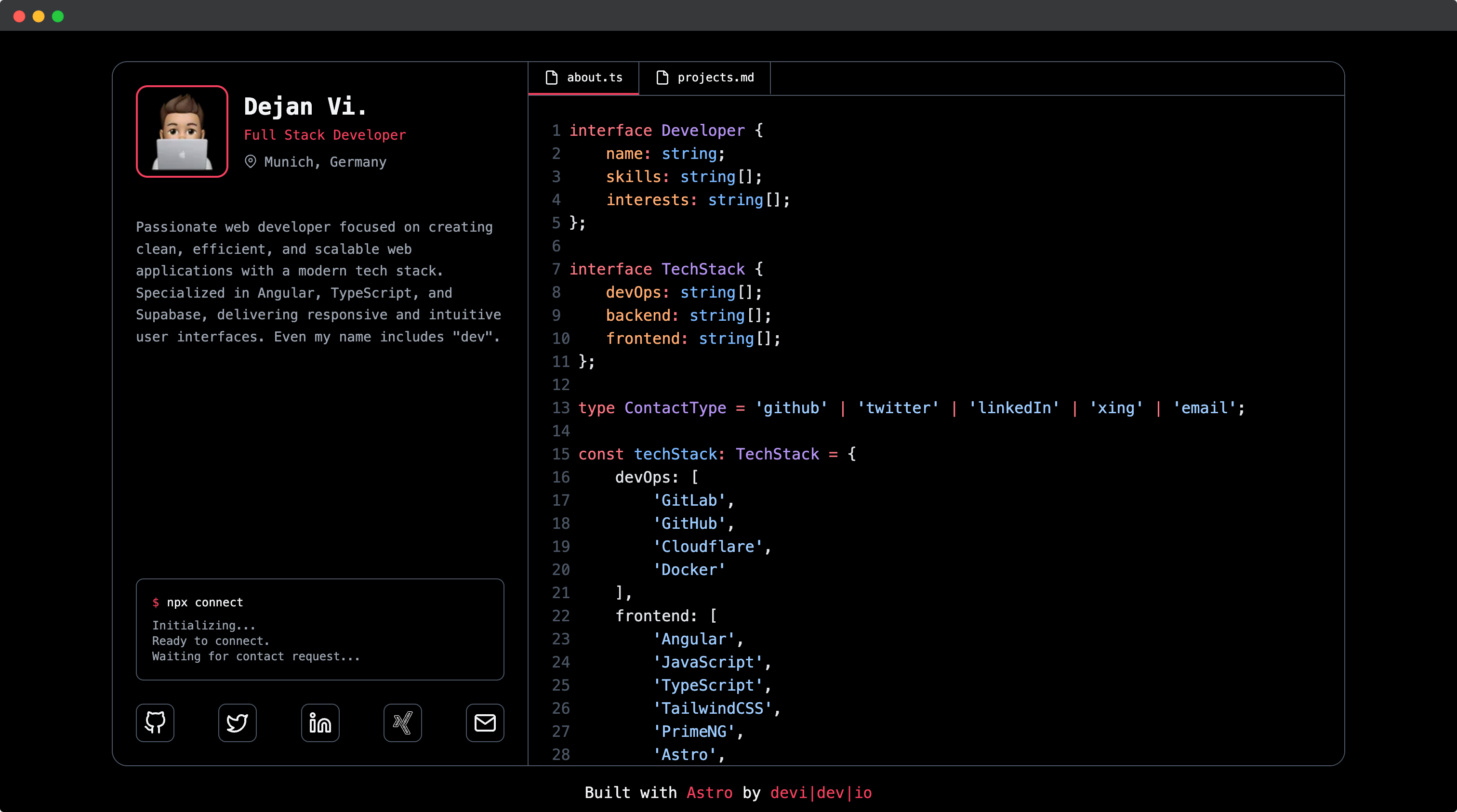
Stodeo is a modern, responsive website template built with Next.js, Tailwind CSS, and Swiper JS that provides a clean portfolio layout for showcasing projects, social media links, and contact information.
What is Stodeo?
Stodeo is a frontend website template built on the Next.js React framework, styled with Tailwind CSS, and enhanced with Swiper JS for interactive slideshows. It offers a single-page layout with dedicated sections for project galleries, social media connections, and contact details, making it suitable for personal portfolios and practice projects. The template is hosted in the public GitHub repository devdashk66/stodeo-agency, and a live demo is available at stodeo-agency.vercel.app.
Key Features
- Next.js framework — Built on Next.js for a fast and optimized frontend; run the development server with
npm run dev. - Tailwind CSS styling — Uses Tailwind CSS utility classes to create a clean and responsive design directly in the markup.
- Swiper JS slideshows — Incorporates Swiper JS to build smooth, interactive content carousels for project showcases.
- Social media integration — Includes structured sections where visitors can find links to your social media profiles.
- Project showcase section — Provides a dedicated area to display your skills, projects, and portfolio work.
- Contact information section — Offers a section for presenting contact details so visitors can easily reach you.
- Responsive layout — Handles desktop, tablet, and mobile viewports with HTML5, CSS3, and JavaScript.
- Quick local setup — Clone the repository, install dependencies, and start at localhost:3000 within a few commands.
Who is it for?
- Developers learning Next.js and Tailwind — Use Stodeo as a compact, readable codebase to see how a responsive page is assembled and how Tailwind utility classes are applied.
- Creatives building a personal portfolio — Display projects, writing, or photography with the built-in showcase sections and social links, without writing custom CSS from scratch.
- Hobbyists making a practice project — Spin up a realistic agency-style site quickly to experiment with layout, transitions, and component organization.
What can you do with Stodeo?
- Personal portfolios: Assemble a polished online presence by filling in your project screenshots, work summaries, and social URLs into the pre-built sections.
- Agency landing pages: Use the clean section flow and Swiper carousel to present agency services and selected client work, with a contact section for inquiries.
- Learning exercises: Study how Next.js pages and Tailwind styles fit together, then modify the template to try out your own design ideas.
How does Stodeo work?
- Clone the repository:
git clone https://github.com/devdashk66/stodeo-agency.git - Install dependencies with
npm i - Start the development server with
npm run dev,yarn dev, orpnpm dev - Open http://localhost:3000 in your browser to view the site
FAQ
Is Stodeo free to use?
Stodeo is publicly accessible on GitHub, and the project description says it is ideal for personal portfolios and practice purposes, so you can clone and use it for your own projects. No pricing or license terms are mentioned in the provided information.
What technologies does Stodeo use?
Stodeo uses the Next.js React framework, Tailwind CSS for utility-first styling, and Swiper JS for interactive slideshows. The codebase also relies on standard HTML5, CSS3, and JavaScript.
How do I run Stodeo locally?
Clone the repository, install dependencies with npm i, then run npm run dev (or use yarn dev / pnpm dev). Open http://localhost:3000 to see the site in development mode.
Can I customize Stodeo for my own site?
Yes, because the full source code is available in the GitHub repository, you can edit any component, section, or Tailwind class to match your own content and design.