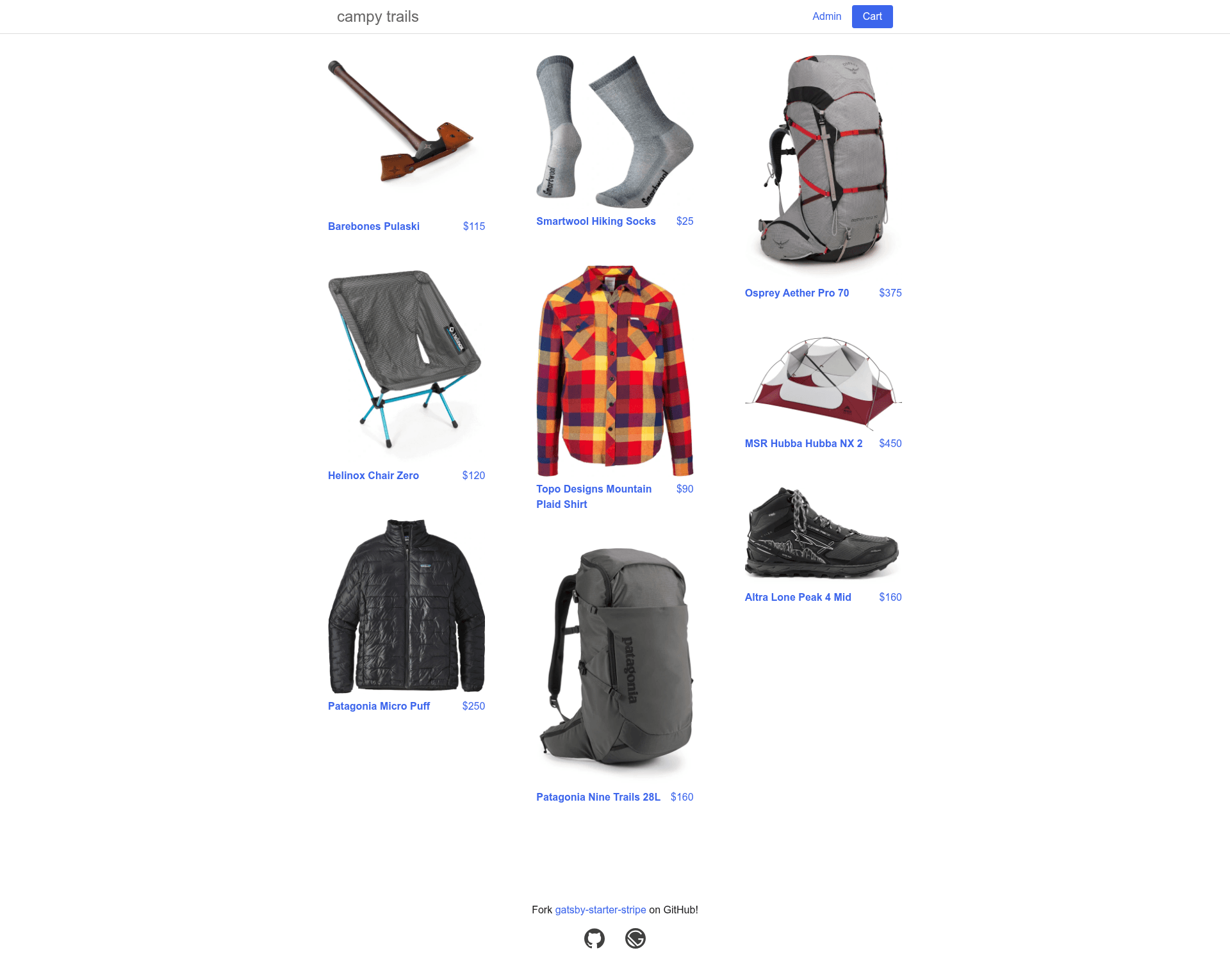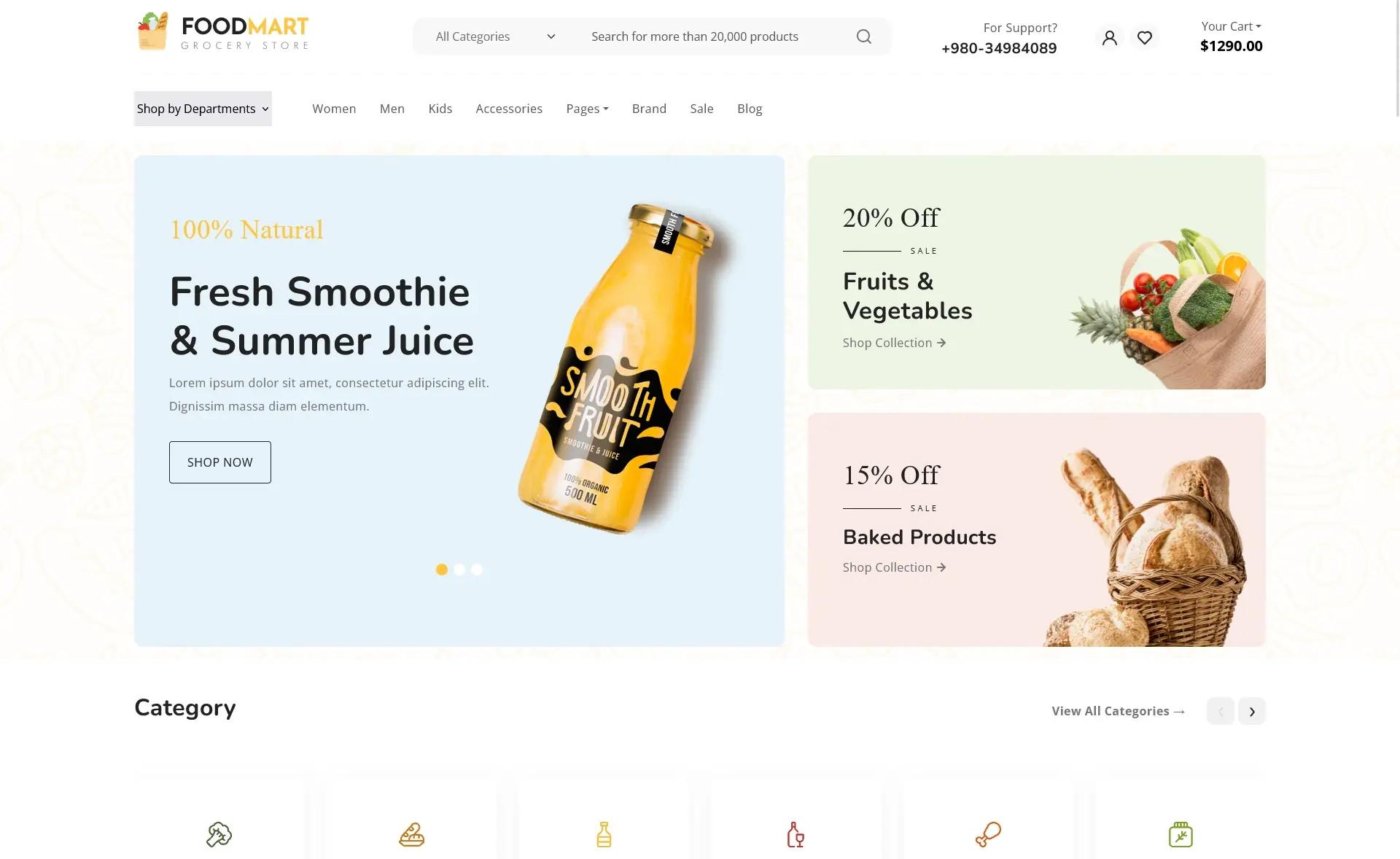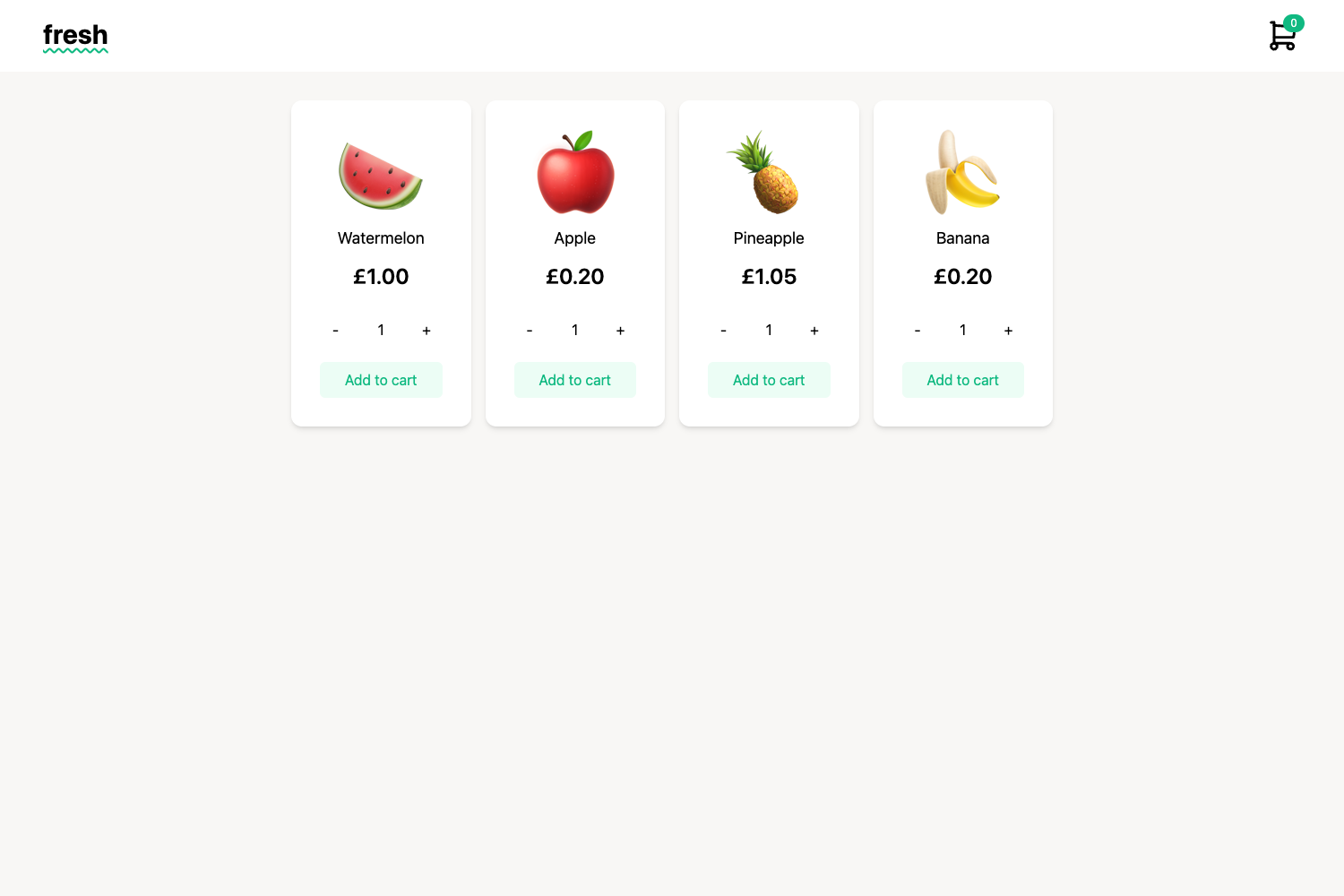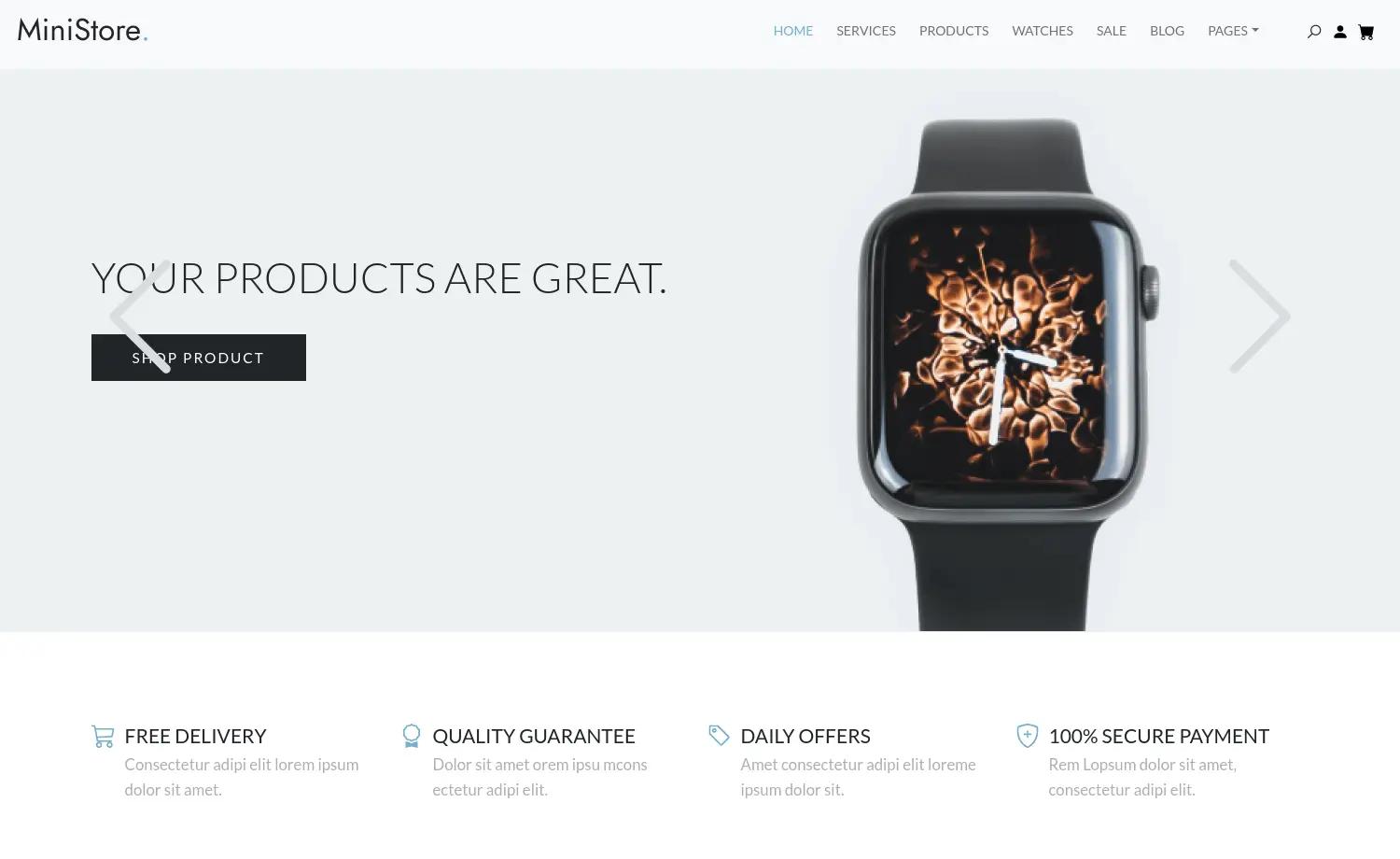
Template details
gatsby-starter-stripe
A Gatsby starter for a Stripe-powered storefront with cart, checkout, admin UI, and Netlify Functions.
About this template
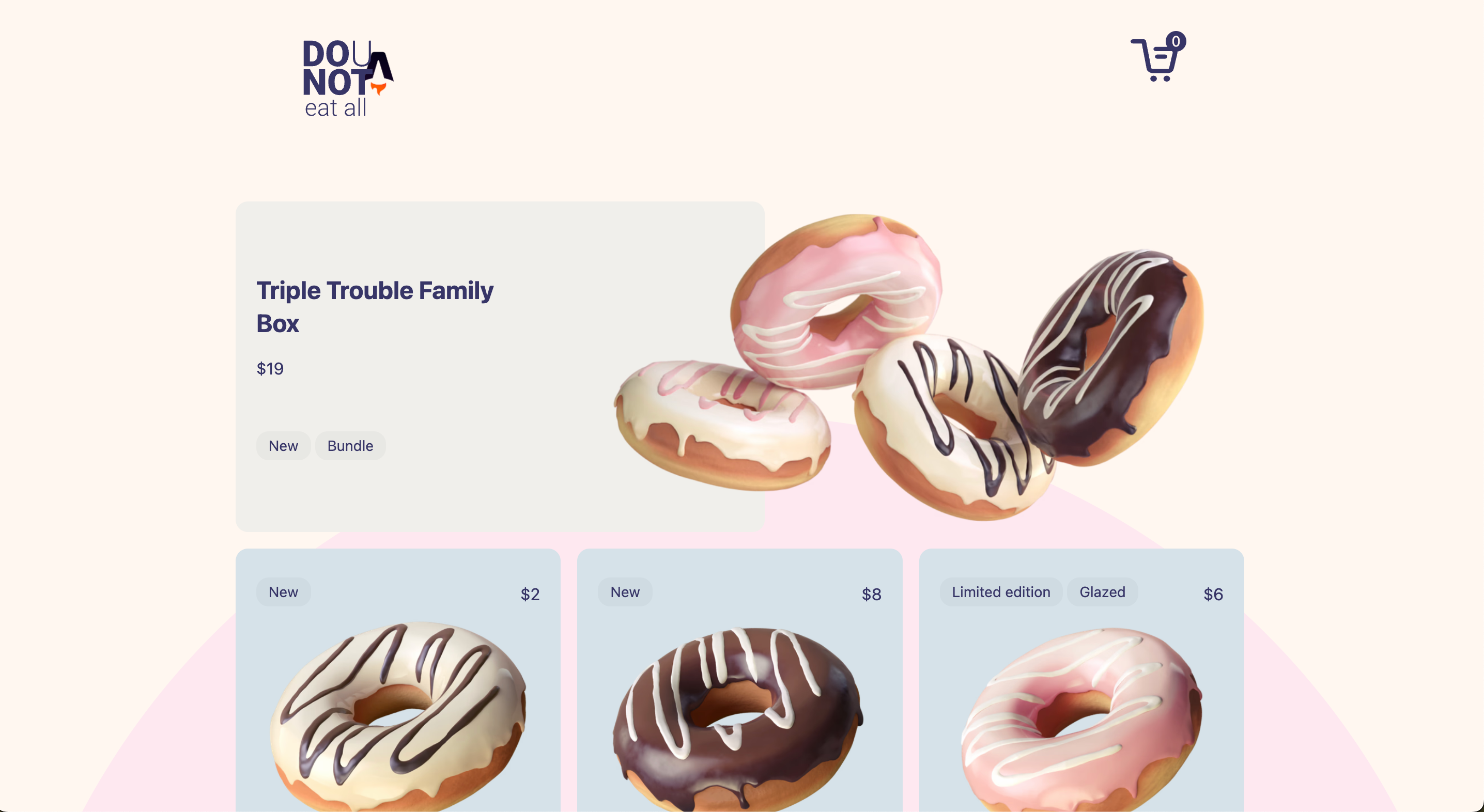
gatsby-starter-stripe is an open-source Gatsby starter that builds a complete storefront on Stripe and Netlify Functions, including a cart, Stripe checkout, an admin interface, and live product data.
What is gatsby-starter-stripe?
This starter from GitHub user brxck is a project template for Gatsby that wires together the Gatsby static site generator, the Stripe payments platform, and Netlify Functions into a functioning e-commerce site. It takes your Stripe products and prices as the source of truth, statically generates product pages, and exposes live inventory and availability data through a GraphQL schema. The starter includes source code for Netlify Functions in the /src/functions directory, which are built into the /functions directory for deployment. It relies on the gatsby-source-stripe plugin by njosefbeck to pull Stripe data into Gatsby.
Key Features
- Admin interface — Create and manage inventory through an admin area, with authentication handled by Netlify Identity.
- Static generation from Stripe — Product pages are statically generated from the Stripe inventory at build time, so the site is fast and SEO-friendly.
- Live inventory updates — The storefront dynamically reflects current inventory and availability data, so customers see real-time stock status.
- Stripe Checkout — The cart and checkout flow are powered by Stripe's hosted checkout, reducing PCI compliance burden.
- Serverless functions — Netlify Functions interact with the Stripe API for server-side operations, keeping secret keys out of the client bundle.
- Test data via Stripe CLI — The starter ships with stripe-fixtures.json, letting you populate your Stripe account with sample products and prices using the Stripe CLI.
Who is it for?
This starter is for developers who want to launch a Gatsby-based e-commerce site without building the Stripe integration from scratch. It suits freelancers and agencies spinning up storefronts for clients, as well as developers already using Netlify who want a serverless architecture. If you need a customizable storefront with an admin panel and live product data, this template gives you a working base.
What can you do with it?
- Build a storefront — Use the starter to create a product catalog with a cart and checkout, all backed by Stripe's payment processing.
- Manage inventory — Log into the admin interface to add, edit, or remove products, and the changes propagate to the Stripe data source.
- Learn a stack — Study the integration between Gatsby, Stripe, and Netlify Functions to understand a modern JAMstack e-commerce pattern.
How does the starter work?
After installing the starter with gatsby new, you set up Stripe test data by running stripe fixtures ./stripe-fixtures.json, then configure your API keys in a .env file. Run netlify dev to start local servers for Gatsby and the Netlify Functions, with the site available at localhost:8888. Finally, deploy with netlify deploy and enable Netlify Identity for admin access.
FAQ
Do I need a Stripe account to use this starter?
Yes, you need Stripe API keys and a Stripe account. The starter uses Stripe as the source of product data and payment processing. You can start with the included test fixtures and Stripe test keys.
Can I deploy this starter to platforms other than Netlify?
The starter is designed for Netlify, particularly to run the serverless functions. To deploy elsewhere, you would need to host the functions elsewhere, such as AWS Lambda, as stated in the README.
How do I get the admin area to work?
You need to enable Netlify Identity for authentication before the admin interface can be used. The README says you will need to enable Netlify Identity to log into the admin area.
What does 'Cannot query field' mean?
This error occurs when a queried field is empty in all of your products and prices. Since Gatsby cannot build a GraphQL schema for an empty field, you must either define the field in your Stripe data or remove it from the query.