Template details
Simple Ecommerce Nextjs
Starter and final code for building a Next.js shopping cart with use-shopping-cart and Stripe, from a tutorial.
About this template
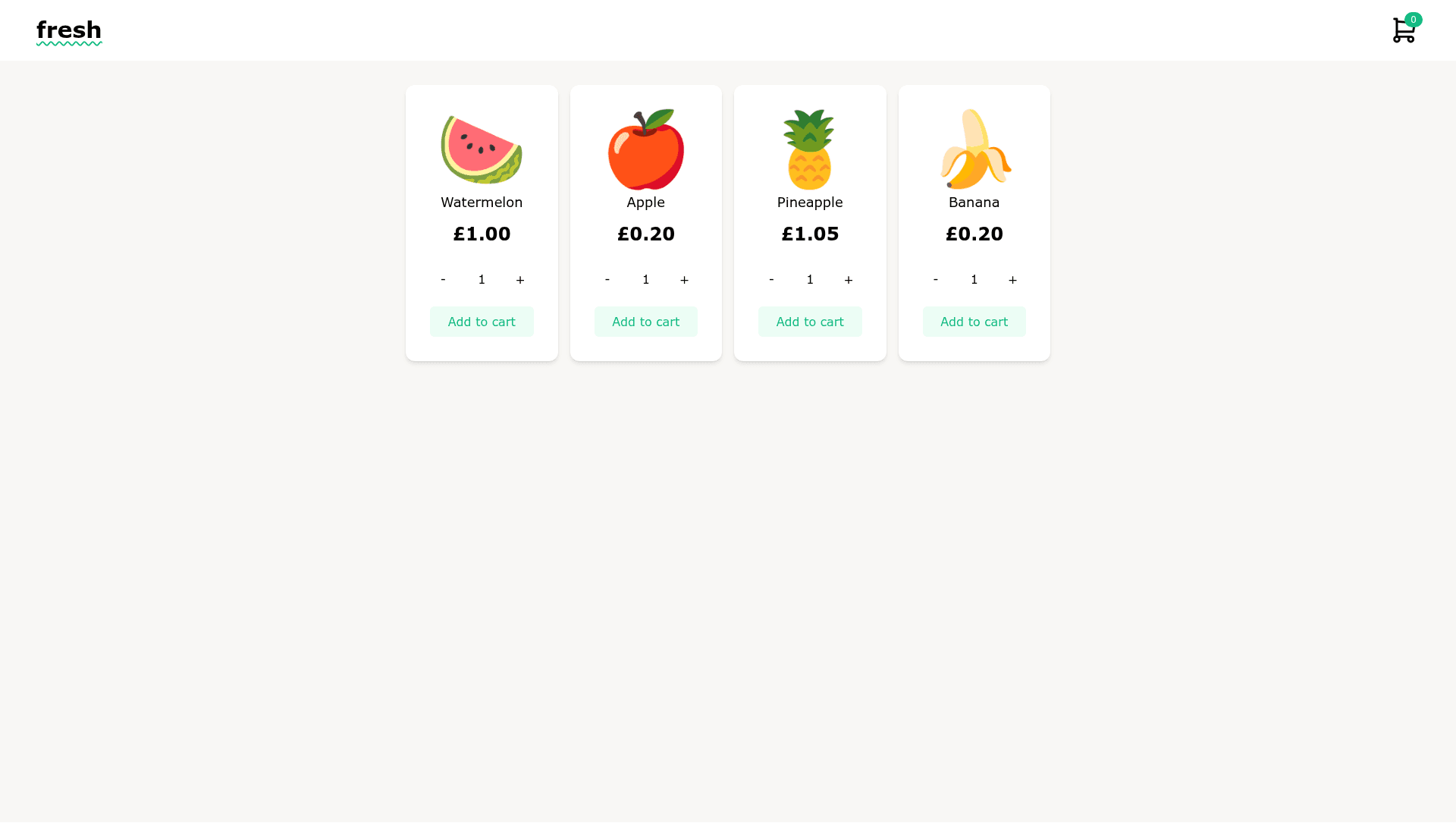
Simple Ecommerce Nextjs is a starter repository that provides both starter and final code for building a shopping cart in Next.js using use-shopping-cart and Stripe, designed as the companion project for a Hashnode tutorial by Coding with Lucy.
What is Simple Ecommerce Nextjs?
This repository is the codebase for the tutorial "Building a shopping cart in Next.js with use-shopping-cart and Stripe" published on Coding with Lucy's Hashnode blog. It contains a main branch with the starter code and a final-version branch with the completed project, which is deployed at simple-ecommerce-nextjs.vercel.app. The project uses the Next.js framework, the use-shopping-cart library for cart state management, and Stripe for payment processing. It is intended to be used by following the step-by-step instructions in the blog post, which explains how to set up the project, configure Stripe, and deploy to Vercel.
Key Features
- Dual-branch structure — The
mainbranch holds the starter code for the tutorial, while thefinal-versionbranch contains the finished implementation and is what runs on the live demo. - Next.js and React — The template is built on Next.js, giving a React-based ecommerce front end with routing, API routes, and server-side rendering support.
- use-shopping-cart integration — Cart state, add-to-cart actions, and line-item management are handled by the use-shopping-cart library.
- Stripe checkout — The final code includes Stripe integration for processing payments; the tutorial explains how to configure Stripe API keys and checkout sessions.
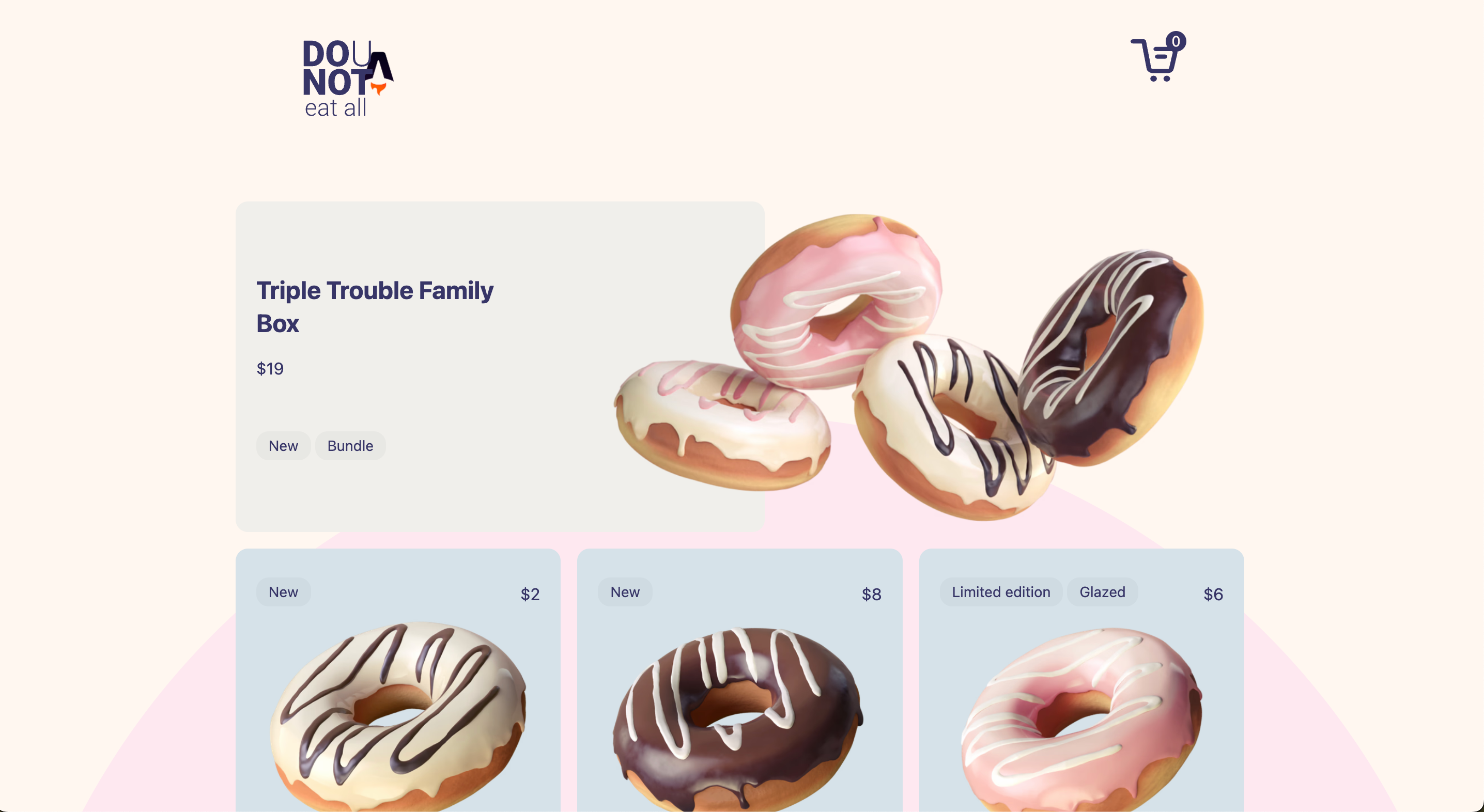
- Live demo — A working deployment of the final code is available at https://simple-ecommerce-nextjs.vercel.app/, letting you test the shopping cart and checkout flow before building your own.
- Tutorial companion — The repository is tightly coupled to the Hashnode tutorial, so every code change between branches maps to a step in the article.
Who is it for?
- Developers following the tutorial — People learning to integrate Stripe with a Next.js shopping cart can use the starter code and verify each step against the final version.
- Next.js learners — Those who want a hands-on project that covers cart state, payments, and deployment using modern React patterns.
- Hobbyist builders — Anyone creating a small ecommerce demo for a portfolio or personal project can use this as a starting point and adapt the design.
What can you do with Simple Ecommerce Nextjs?
- Work through the tutorial: Clone the repo, switch to the
mainbranch, and follow the blog post to build the cart and Stripe checkout from scratch. - Compare starter and final code: Diff the two branches to see exactly what code the tutorial adds, which helps understand the integration points.
- Deploy your own version: Push the
final-versionbranch to Vercel or another host to get a running ecommerce demo with Stripe payments.
How does it work?
The repository relies on the external blog post for setup instructions. In short, you start by cloning the repo and checking out main, then install dependencies (npm install). The tutorial walks through adding the use-shopping-cart provider, building product components, setting up Stripe product and price IDs, and creating a checkout API route. After completing the code, you can compare against final-version or deploy it to Vercel.
Pros and cons
- Pros: The two-branch setup makes it easy to follow along; the live demo gives immediate feedback; it demonstrates a real Stripe integration.
- Cons: It is not a full-featured ecommerce platform — it lacks product catalogs, administrative panels, and production checkout hardening; it is built as a learning tool rather than a storefront template.
Pricing
The code is free and open source. You can access the repository on GitHub without charge, and the tutorial itself is publicly available on Coding with Lucy's blog.
Alternatives
If you want a more production-oriented Next.js ecommerce template, consider Next.js Commerce (by Vercel), which provides a complete storefront with product listings, cart, and checkout. Another option is Medusa.js, an open-source commerce headless platform that integrates with Next.js.
FAQ
Is this repository free to use?
Yes, the code is freely available under the repository's license and can be cloned, modified, and deployed by anyone.
Which branch should I use?
Use the main branch if you want to code along with the tutorial. Use the final-version branch if you want to see the finished project or run the deployed demo code.
Do I need a Stripe account?
Yes, to process real payments or use test keys, you'll need a Stripe account. The tutorial explains how to add your keys to a .env.local file.
Can I use this as a base for my own store?
You can, but keep in mind it is minimal and intended for learning. You would need to add product management, better cart UX, and checkout safeguards for a production store.