Template details
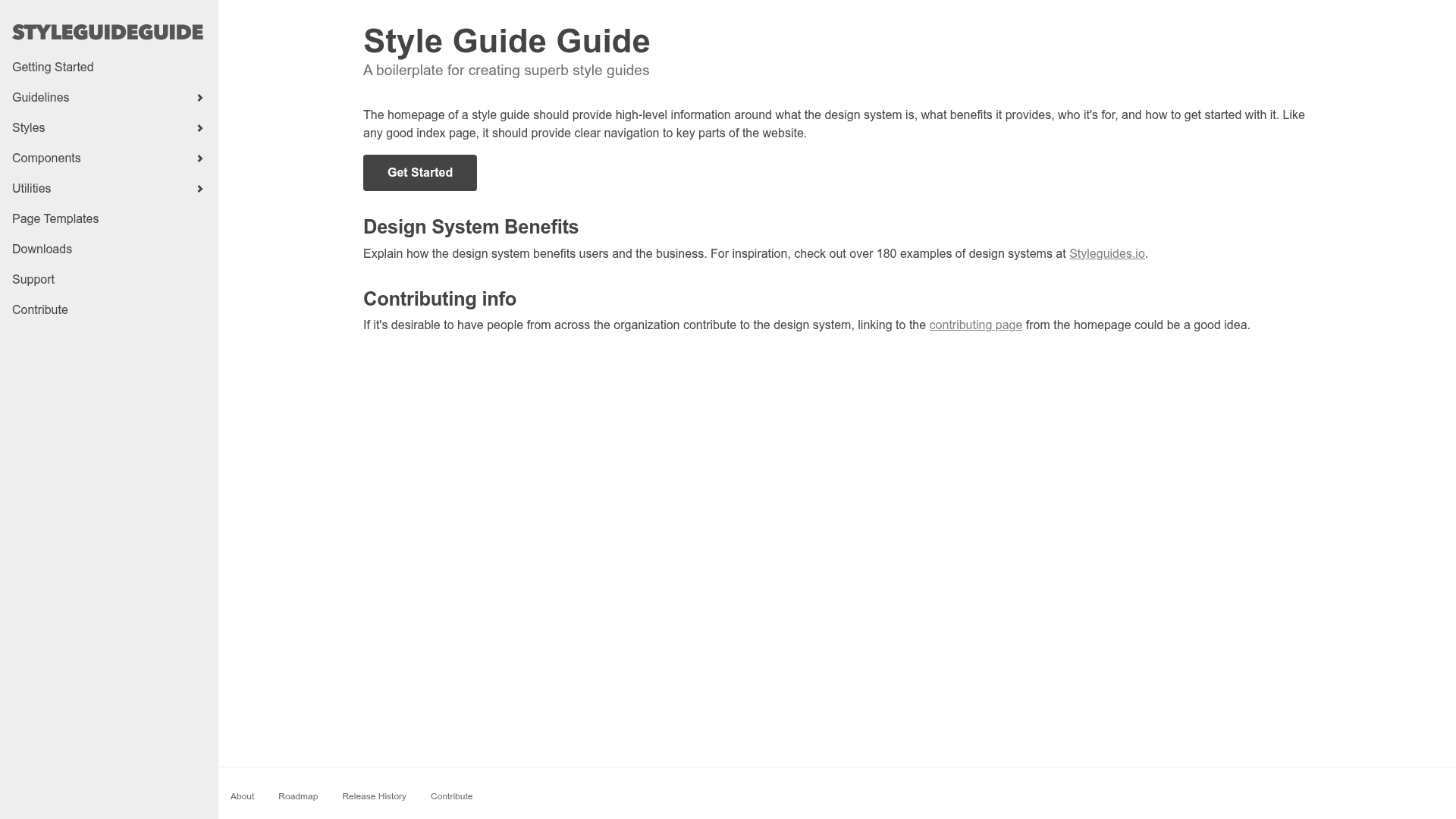
Gatsby Style Guide Guide
A boilerplate for creating your own custom style guide for your organization's design system.
About this template
Gatsby Style Guide Guide is a Gatsby-powered boilerplate for creating a custom style guide for an organization's design system, built by Brad Frost and open-sourced on GitHub.
What is Gatsby Style Guide Guide?
Gatsby Style Guide Guide is a starter project that gives you a working style guide site with just enough information architecture and hooks to begin customizing. It takes your design system's components and documentation as input and produces a static website that displays them in a structured style guide. The project runs on Gatsby, a React-based static site generator, so the output is fast and deployable to any static host. The repository currently has 466 stars.
Key Features
- Gatsby and React stack — Built with Gatsby and React, so you get a modern component-based architecture for your style guide.
- Customizable IA — Provides a starter information architecture for a style guide, which you can rearrange and rename to fit your organization.
- Pattern Lab integration — The author's workflow imports patterns from Pattern Lab for display, and the tool can consume components from any source.
- Resource links — Ships with links to helpful resources and inspiration for creating your own style guide.
- Live demo — A working example is available at bradfrost.github.io/gatsby-style-guide-guide.
- Quick start — Clone the repo, run
yarn, thengatsby developto launch a local development server. - Open source — Free to download and modify, with issues tracked on GitHub.
Who is it for?
Design system teams need a starting point for publishing their component library as a searchable style guide. Frontend developers who work in React can extend the boilerplate with their own components and styling. Organizations using Pattern Lab can use Style Guide Guide as a display layer for their patterns. Brad Frost created it as a side project under his personal GitHub account.
What can you do with it?
- Import and display patterns: Bring components from Pattern Lab or another source and render them in the style guide with code examples and descriptions.
- Customize the structure: Edit the information architecture to match your organization's design system terminology and taxonomy.
- Deploy a static style guide: Since Gatsby generates static HTML, you can host the final site on Netlify, GitHub Pages, or any static server.
How does it work?
Start by downloading or cloning the repository from GitHub. In the command line, run yarn to install dependencies, then gatsby develop to start a local dev server. From there, you customize the style guide for your needs and populate it with your content and components. The project's own README notes that detailed instructions for importing components and assets from Pattern Lab are coming soon.
FAQ
Is Gatsby Style Guide Guide free?
Yes, it is an open-source boilerplate hosted on GitHub. You can download or clone the repository and use it without paying a license fee.
What do I need to run it?
You need Node.js and Yarn installed. After cloning, run yarn to fetch dependencies and gatsby develop to start the development server.
Can I use it with Pattern Lab?
The author's workflow imports patterns from Pattern Lab for display. The tool can consume and display components from anywhere, though step-by-step import instructions are not yet published in the README.
Who built Gatsby Style Guide Guide?
Brad Frost, a web designer known for his work on Pattern Lab and atomic design, created the boilerplate. Feedback and issues are handled through the GitHub repository.
How do I customize it?
Edit the Gatsby pages and components to add your own branding, colors, and typography. Replace the placeholder content with your design system's actual components, guidelines, and code examples.