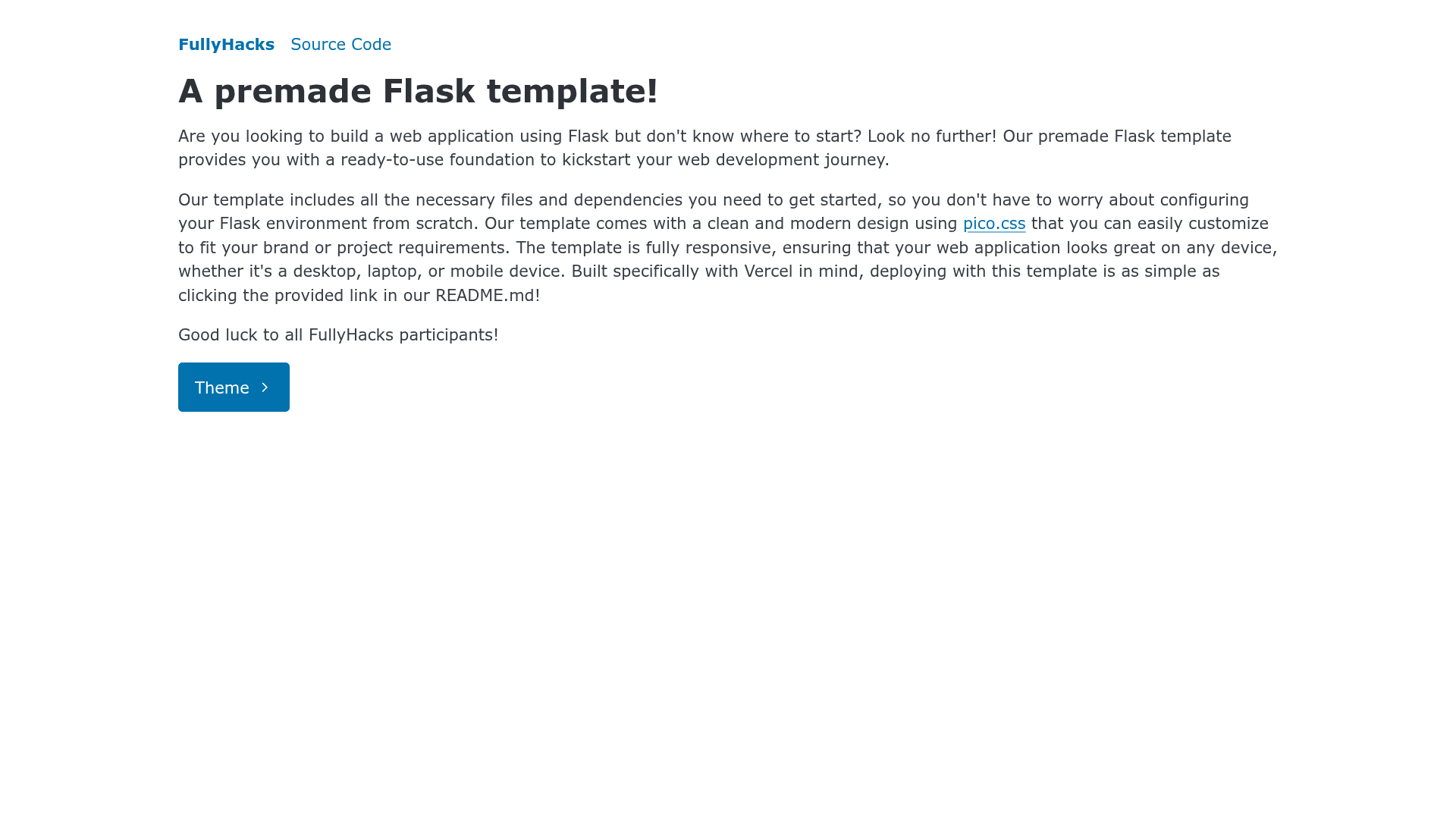
Template details
Flask-Vercel Hackpack
A premade Flask template for deploying Python web apps to Vercel with one-click and local run instructions.
About this template
Flask-Vercel Hackpack is a boilerplate template for deploying a Flask application to Vercel, created by ACM CSUF OSS.
What is Flask-Vercel Hackpack?
Flask-Vercel Hackpack is a premade Flask template that gives you a working project structure — an index.py entry point and a requirements.txt file — plus deployment instructions for Vercel. Its core function is to move a Python web app from a GitHub repository to a live Vercel URL, either through a one-click import link or a manual GitHub template workflow. The template is hosted in the ACM CSUF OSS GitHub organization and requires Python 3.7 or later for local development.
Key Features
- One-click deploy — The README links to Vercel's New Project clone page with the repository URL pre-filled, so you can deploy without entering configuration.
- GitHub template generation — A "Use this template" button creates your own copy of the repository, which you can then connect to Vercel.
- Local run instructions — The README covers creating a Python virtual environment, activating it on Linux (
source venv/bin/activate) or Windows (venv/scripts/activate), installing dependencies, and starting the app withflask --app index.py run. - Standard Flask entry point — The app lives in index.py, the conventional file name for Flask projects, and third-party packages go in requirements.txt.
- Public source code — The repository is publicly available under the ACM CSUF OSS organization, allowing you to inspect or fork it.
Who is it for?
- Flask developers who want a minimal starting point for Vercel deployment without manually configuring a serverless entry point.
- Hackathon teams that need a working web app URL quickly; the one-click deploy path skips extra setup steps.
- Educators and workshop leaders who can use the template as a base for teaching Flask basics, since it includes both cloud deployment and local development steps.
Use cases
- Deploy a Flask API: Replace the routes in index.py with your own endpoints and deploy the same way, getting a public URL for testing or demos.
- Host a simple website: Serve static HTML or JSON responses from Flask using this template, and access them via the Vercel domain.
- Practice Vercel deployment: Follow the manual steps in the README to learn how a Flask project is structured for Vercel, from repository import to final run.
How does it work?
The template offers two paths to production. For automatic deployment, click the Vercel clone link in the README, which imports the repository directly. For manual deployment, generate a new GitHub repository from the template, then create a Vercel project pointing at that repo. For local work, the README instructs you to set up a virtual environment, install requirements, and run flask --app index.py run from the project directory.
FAQ
What Python version is needed?
Python 3.7 or later is required. The README instructs you to install Python 3.7+ before creating a virtual environment on Linux or Windows.
How do I deploy this template to Vercel?
You can click the one-click deploy link in the README, which clones the repository into Vercel, or use the "Use this template" button on GitHub to create your own repo and then connect it to Vercel.
What is the main application file?
The Flask app is defined in index.py, and dependencies are listed in requirements.txt. To run it locally, use the command flask --app index.py run.