Template details
Evie Gatsby
A production-ready, minimal Gatsby theme for lightweight React-based project and marketing websites.
About this template
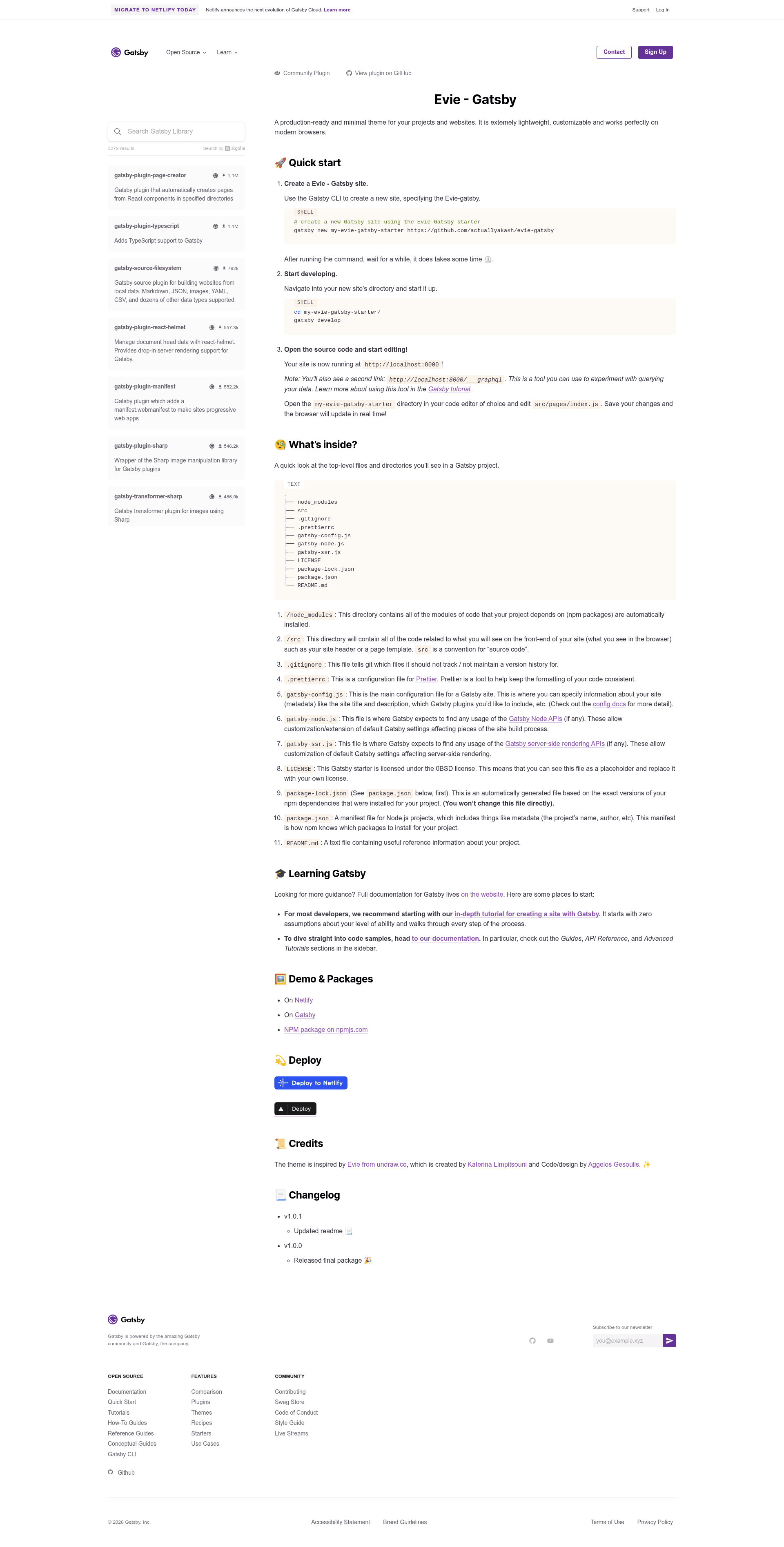
Evie - Gatsby is a production-ready, minimal Gatsby starter theme that lets you scaffold a lightweight React-based website or project landing page with a single Gatsby CLI command. It is built on GatsbyJS, uses GraphQL for data querying, and ships with the standard Gatsby configuration files, a Prettier setup, and the permissive 0BSD license.
What is Evie - Gatsby?
Evie - Gatsby is a Gatsby starter and theme created by actuallyakash, inspired by the Evie design from undraw.co. As an input, it takes a Gatsby project scaffolded with the CLI command gatsby new my-evie-gatsby-starter https://github.com/actuallyakash/evie-gatsby; as an output, it produces a static site that runs locally with gatsby develop at http://localhost:8000. The project is distributed as an npm package (evie-gatsby), listed as an official Gatsby plugin, and includes demos on Netlify and Gatsby Cloud. It is described as extremely lightweight, customizable, and compatible with modern browsers.
Key Features
- GatsbyJS base — Built on GatsbyJS, a React-based static site generator, giving you modern performance and a component-driven architecture.
- GraphQL data layer — Includes Gatsby's GraphQL tooling, accessible at
http://localhost:8000/___graphqlfor querying site data during development. - Standard Gatsby configuration — Ships with
gatsby-config.js,gatsby-node.js, andgatsby-ssr.jsso you can adjust site metadata, Node APIs, and server-side rendering. - Prettier formatting — Includes a
.prettierrcconfiguration to keep code style consistent. - 0BSD license — Released under the permissive 0BSD license, which allows unrestricted use with no attribution requirements; the LICENSE file can be replaced.
- One-click deployment — Offers deploy buttons for Netlify and Vercel, with live demo instances already hosted on both platforms.
- NPM distribution — Published as the
evie-gatsbypackage on npmjs.com and listed on the official Gatsby plugin directory. - Minimal source structure — Uses a conventional
srcdirectory (withsrc/pages/index.jsas the main editable page) and a top-level project layout described in the README.
Who is it for?
- React and Gatsby developers who want a minimal, production-ready starting point for a project website without writing boilerplate from scratch.
- Indie hackers and small teams building a landing page for an app or open-source project, who can deploy to Netlify or Vercel in one click.
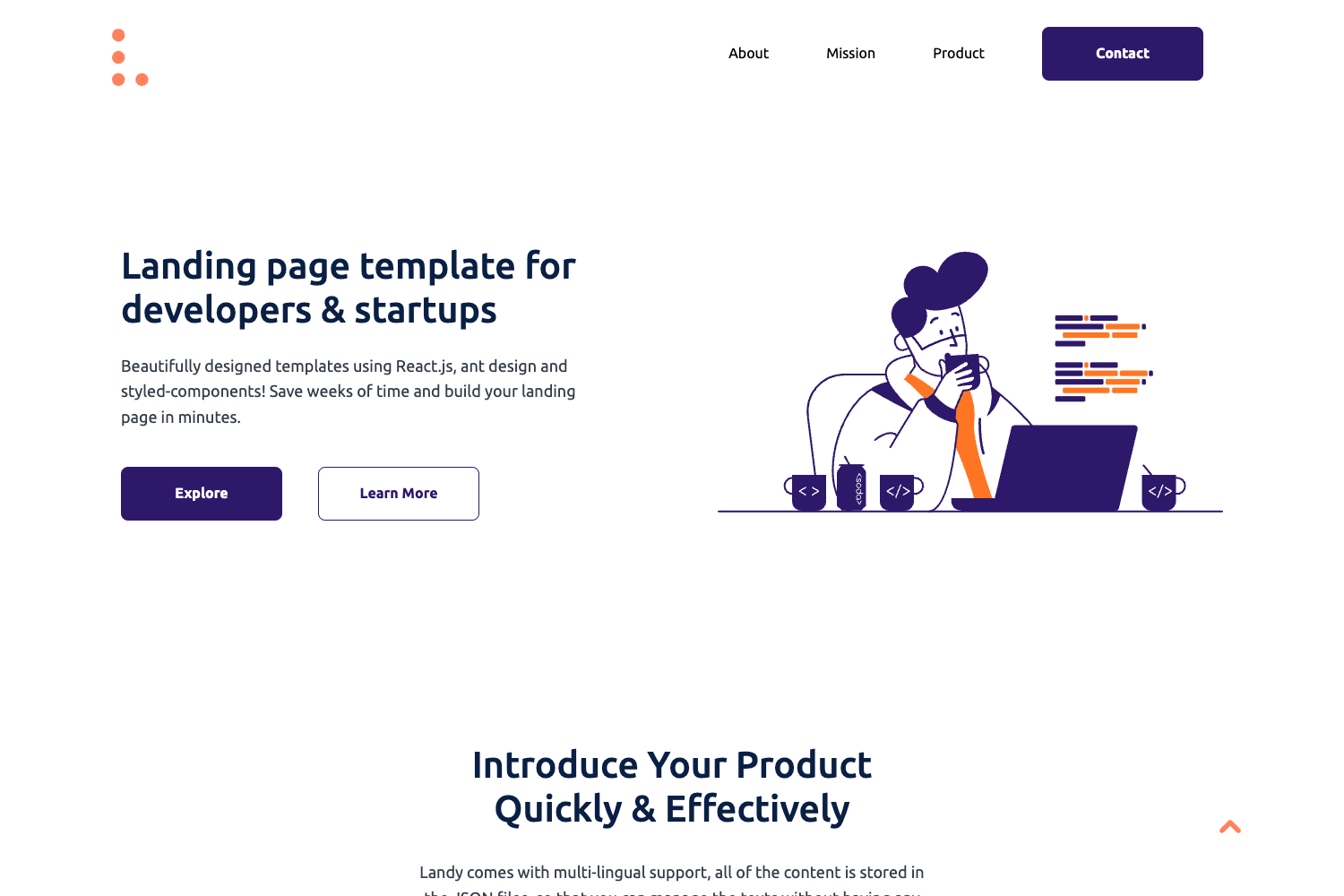
- Design-conscious developers who like the Evie aesthetic from undraw.co and want it implemented as a Gatsby theme.
What can you do with Evie - Gatsby?
- Scaffold a site instantly: Run
gatsby new my-evie-gatsby-starter https://github.com/actuallyakash/evie-gatsbyto generate a new project with the theme pre-installed. - Develop with hot reloading: Use
gatsby developto preview changes in real time; editsrc/pages/index.jsand see the browser update immediately. - Deploy to popular platforms: Use the included Netlify or Vercel deploy buttons to push the starter to production, or look at the existing demos for reference.
How does Evie - Gatsby work?
- Create a new project by running the Gatsby CLI command with the evie-gatsby repository URL.
- Navigate into the generated directory and run
gatsby developto start the development server. - Edit the source files (e.g.,
src/pages/index.js) and rely on Gatsby's GraphQL tooling athttp://localhost:8000/___graphqlto query data.
The repository's metadata also lists topics such as gatsby, gatsby-starter-blog, gatsby-theme, gatsbyjs, graphql, minimal, react, template, and theme, indicating that it can serve as a base for a blog starter as well.